
グローブエレクトリック 50278
Globe Electric Wi-Fi Smart RGB LED Strip Light (Model 50278) Instruction Manual
Model: 50278 | Brand: Globe Electric
製品終了view
The Globe Electric Wi-Fi Smart Multicolor Changing RGB LED Plug-in Strip Light provides customizable lighting for indoor spaces. This 3-meter (9.84 feet) strip light connects via USB and is controlled through the GLOBE SUITE App, voice commands, or an inline switch. It offers a spectrum of colors and shades to enhance your environment.

Image: The Globe Electric Wi-Fi Smart RGB LED Strip Light, illustrating its flexible design and integrated connectors.
セットアップ手順
1. 物理的な設置
- 表面を準備する: Ensure the desired installation surface is clean, dry, and smooth for optimal adhesive performance.
- ストリップライトを取り付けます。 Peel the self-adhesive 3M backing from the LED strip light and carefully press it onto your chosen surface. For enhanced adhesion, especially on textured or vertical surfaces, consider using additional double-sided tape or mounting clips (included).
- セクションを接続する(該当する場合): Use the provided 0.16-meter (0.52-foot) connecting cords to link multiple sections of the strip light or to navigate corners. Ensure secure connections.
- 電源接続: Connect the strip light to the smart controller, then plug the USB cable from the controller into a nearby USB port for power.
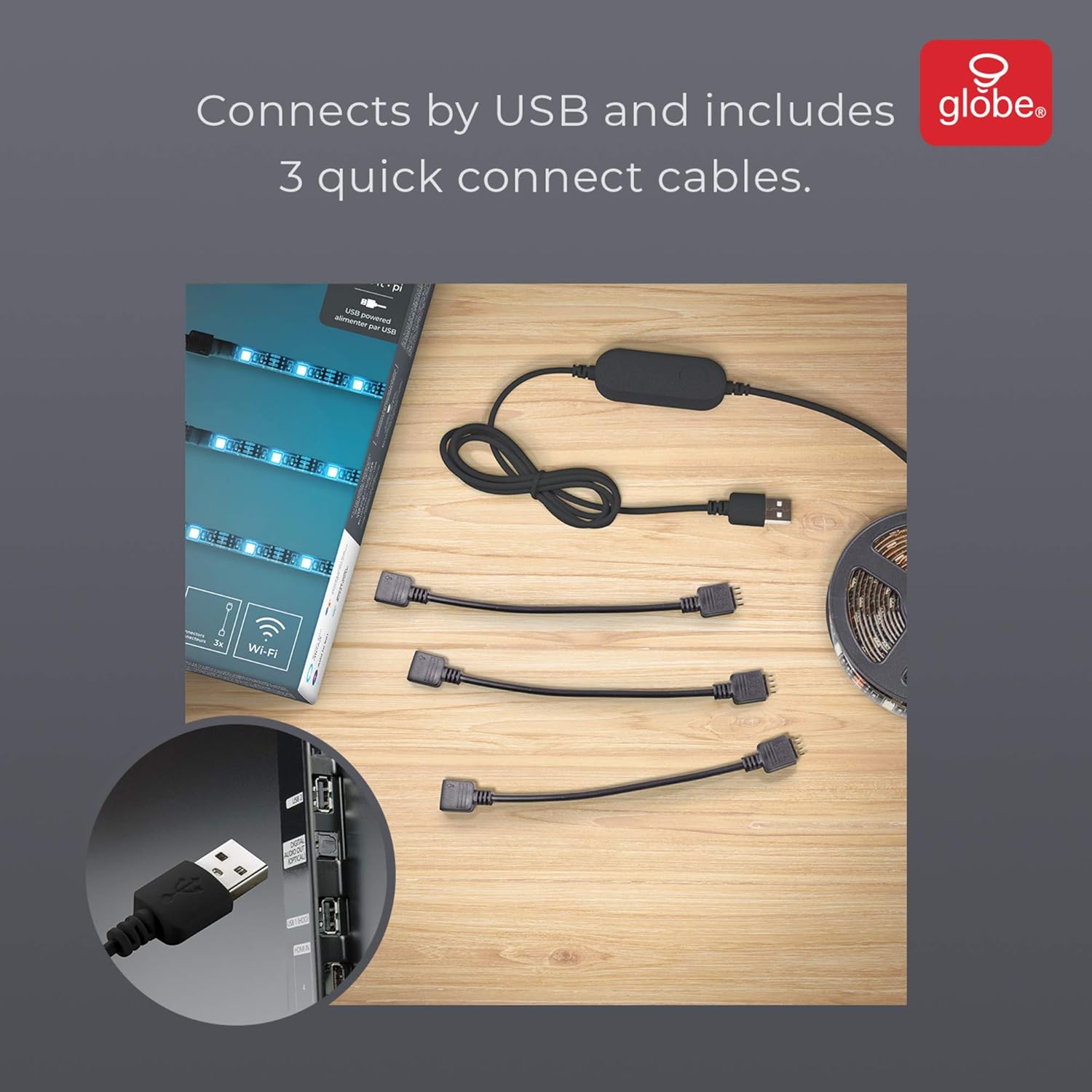
Image: The LED strip light components, showing the USB connector and three quick connect cables for flexible installation.
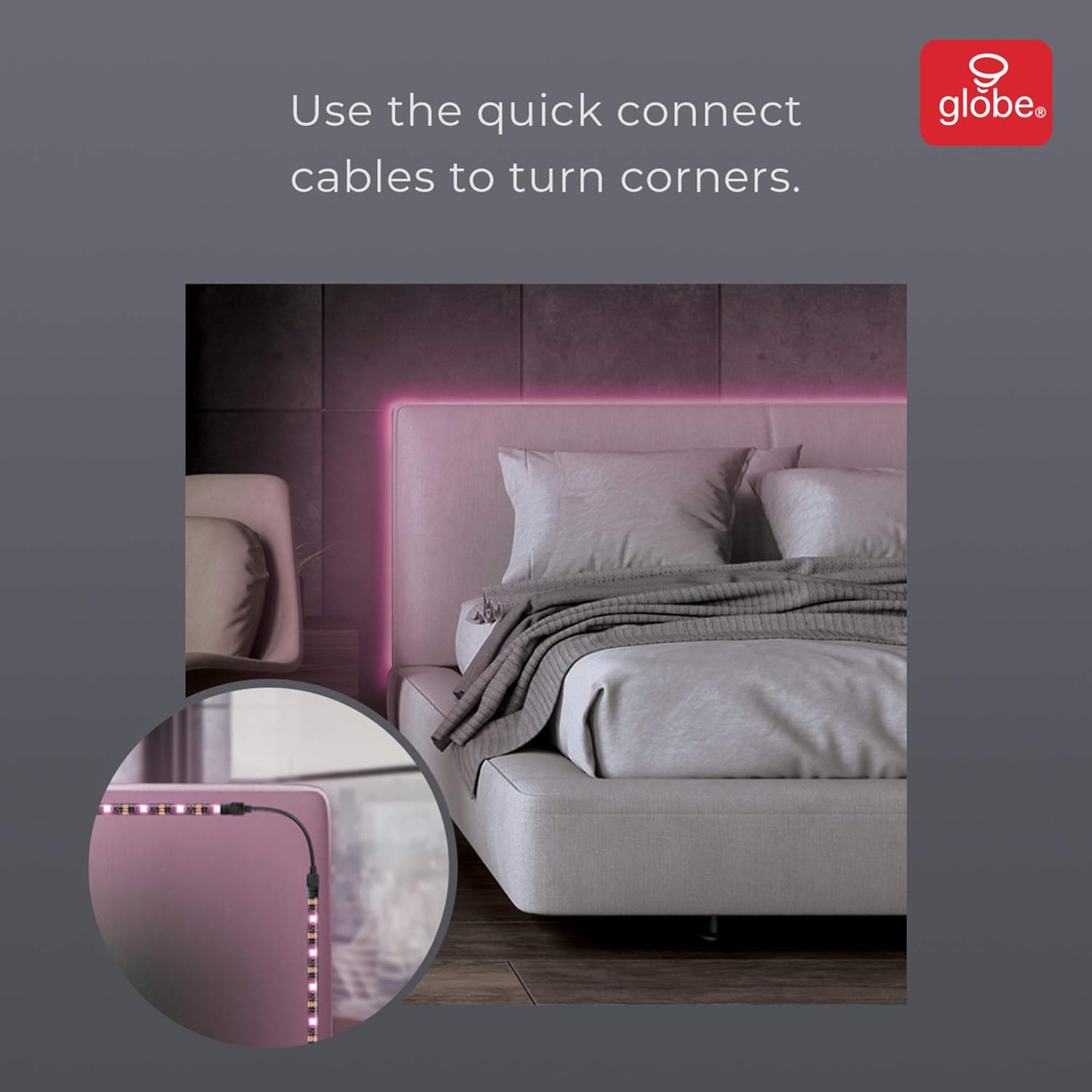
画像: 元ample of the LED strip light installed around a bed frame corner, demonstrating the use of quick connect cables.
2. App Setup (GLOBE SUITE App)
- アプリをダウンロード: Download the free GLOBE SUITE App from your smartphone's app store.
- Wi-Fiに接続します: Open the app and follow the on-screen instructions to connect your smartphone to your home Wi-Fi network. Ensure you are connected to a 2.4 GHz network during the initial setup. You may switch back to a 5 GHz connection after the device is synced if preferred.
- Sync Device: Within the GLOBE SUITE App, select the option to add a new smart device and follow the prompts to sync your LED strip light.
操作手順
1. 音声コントロール
Once synced with the GLOBE SUITE App, you can link your LED strip light to voice assistants such as Google Assistant, Amazon Alexa, or Siri. Use simple voice commands to turn the lights on/off, change colors, or adjust brightness.
2.アプリ制御
The GLOBE SUITE App provides comprehensive control over your LED strip light:
- 色と明るさの調整: Easily select from a wide range of colors and adjust the brightness to your preference from anywhere.
- カスタムシーン: Create and save custom lighting scenes to set the perfect mood for any occasion.
- スケジュール: Set schedules for your lights to turn on or off automatically.

Image: A smartphone displaying the app interface for adjusting color and brightness of the LED strip light.
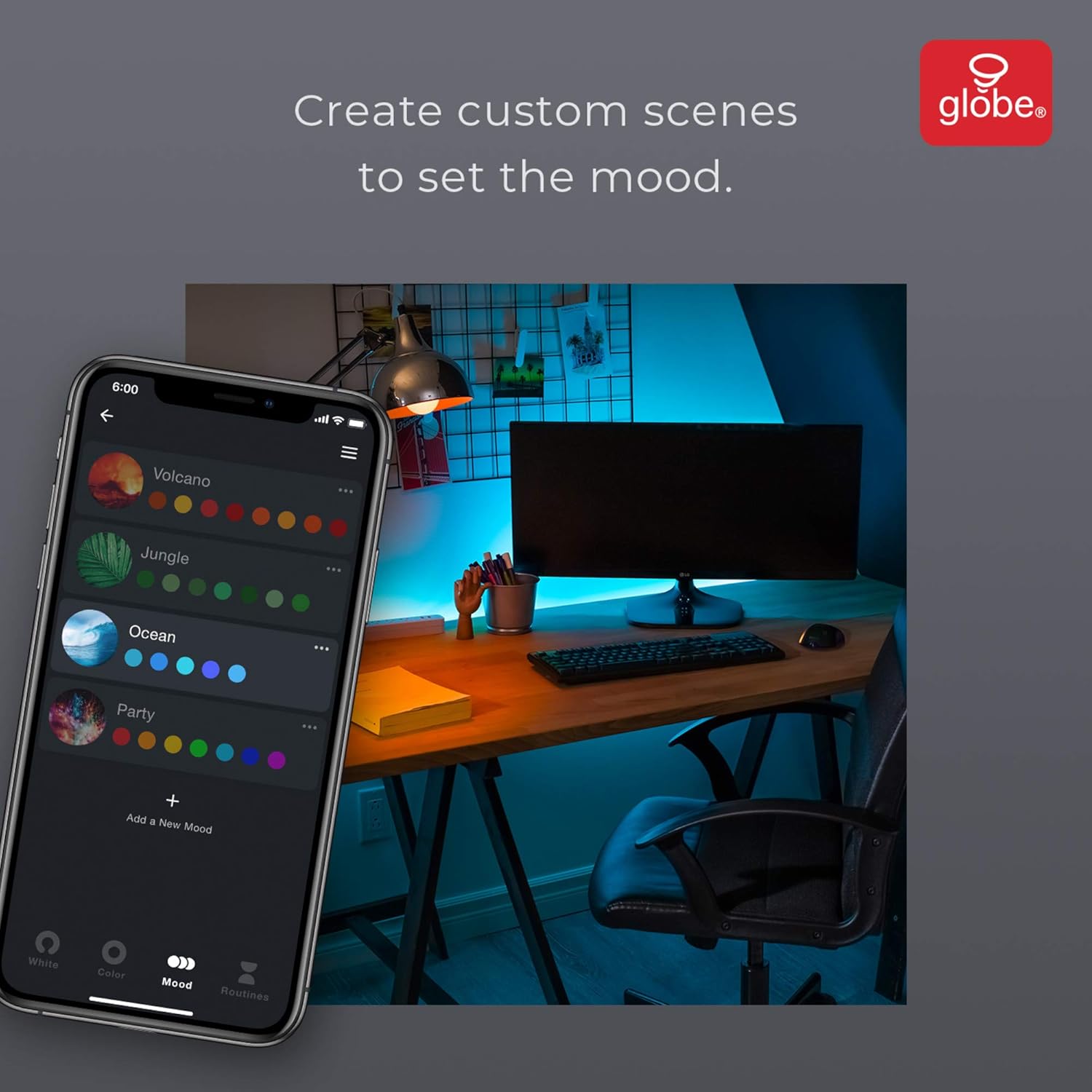
Image: A smartphone displaying the app interface for creating custom lighting scenes.
3.手動制御
The inline smart controller features buttons for basic control, allowing you to turn the lights on/off and cycle through various colors and modes without using the app or voice commands.
メンテナンス
The LED strip light is designed for durability. No specific maintenance is required beyond keeping the strip clean and ensuring connections are secure. For cleaning, gently wipe the strip with a dry, soft cloth. Avoid using harsh chemicals or abrasive materials.
トラブルシューティング
- Lights not sticking: The self-adhesive backing may lose effectiveness over time or on certain surfaces. Use additional double-sided tape or mounting clips for a more secure installation.
- ライトが点灯しない: Ensure the USB cable is securely plugged into a working USB port and the smart controller is properly connected to the LED strip. Check the power source.
- Connectivity issues with App: During initial setup, ensure your smartphone is connected to a 2.4 GHz Wi-Fi network. If issues persist, try restarting the app, your smartphone, and the LED strip light by unplugging and re-plugging it.
仕様
| 特徴 | 詳細 |
|---|---|
| モデル番号 | 50278 |
| 長さ | 3メーター(9.84フィート) |
| 色 | マルチカラー(RGB) |
| 電源 | コード付き電気 (USB) |
| 巻tage | 5ボルト |
| 電球タイプ | 導かれた |
| 特集 | Color Changing, Wi-Fi Enabled, Voice Activated, No Hub Required |
| 含まれるコンポーネント | LED Strip Light, Smart Controller, USB Cable, Connectors (3), Adhesive Tape, Mounting Brackets (4), Screws (8) |
| 屋内/屋外での使用 | 屋内のみ |
保証とサポート
This product comes with a 2-year manufacturer's limited warranty. For support, please refer to the contact information provided in the product packaging or visit the official Globe Electric webサイト。
関連動画
Video: Prisma Light Strip - A demonstration of the LED strip light's features and color changes.