
1. はじめに
This manual provides detailed instructions for the proper use and maintenance of your VisionTechShop VK-2D Digital Kitchen Scale. Designed for precision and durability, this scale features a stainless steel platform, a large backlit LCD, and multiple weighing units. Please read this manual thoroughly before operating the device to ensure accurate measurements and extend product lifespan.
2. 安全情報
- スケールを水やその他の液体に浸さないでください。
- 広告でスケールを掃除するamp 布で拭いてください。研磨剤入りの洗剤は使用しないでください。
- スケールを極端な温度や湿度にさらさないでください。
- Do not overload the scale beyond its maximum capacity.
- Keep the scale on a stable, flat surface during operation to ensure accuracy.
- This device is for household and light commercial use.
3. パッケージ内容
パッケージにすべてのアイテムが揃っていることを確認します。
- VisionTechShop VK-2D Digital Kitchen Scale
- Removable Stainless Steel Platform
- D Batteries (2 included)
- ユーザーマニュアル(このドキュメント)

Image: Two D batteries are supplied with the scale for immediate use.
4 製品の特徴
- 計量単位: Supports pounds (lb), ounces (oz), kilograms (kg), and grams (g).
- 画面: Large LCD with backlight for clear readability.
- 機能: On/Off, Zero, Tare, Unit conversion.
- デザイン: Stable, durable, low-profile, and compact.
- プラットフォーム: Removable stainless steel for easy cleaning. Dimensions: 210 x 160 mm (W x D).
- レベル調整: Built-in water level gauge and adjustable leveling feet for precise measurements.
- 力: Operates on D batteries (included).

Image: The VisionTechShop VK-2D scale featuring its removable stainless steel weighing platform.
5. セットアップ
5.1. バッテリーの取り付け
- スケールの下側にある電池ボックスを見つけます。
- 電池ボックスのカバーを開きます。
- Insert two D batteries, ensuring correct polarity (+/-).
- 電池カバーをしっかりと閉じてください。
5.2. Platform Placement
Place the removable stainless steel platform securely onto the scale's base. Ensure it sits flat and does not wobble.
5.3. スケールを平準化する
For accurate measurements, the scale must be perfectly level.
- スケールを堅くて平らな面に置いてください。
- Observe the built-in water level gauge, typically located near the display. The bubble should be centered within the circle.
- Adjust the scale's leveling feet by rotating them clockwise or counter-clockwise until the bubble in the water level gauge is perfectly centered.
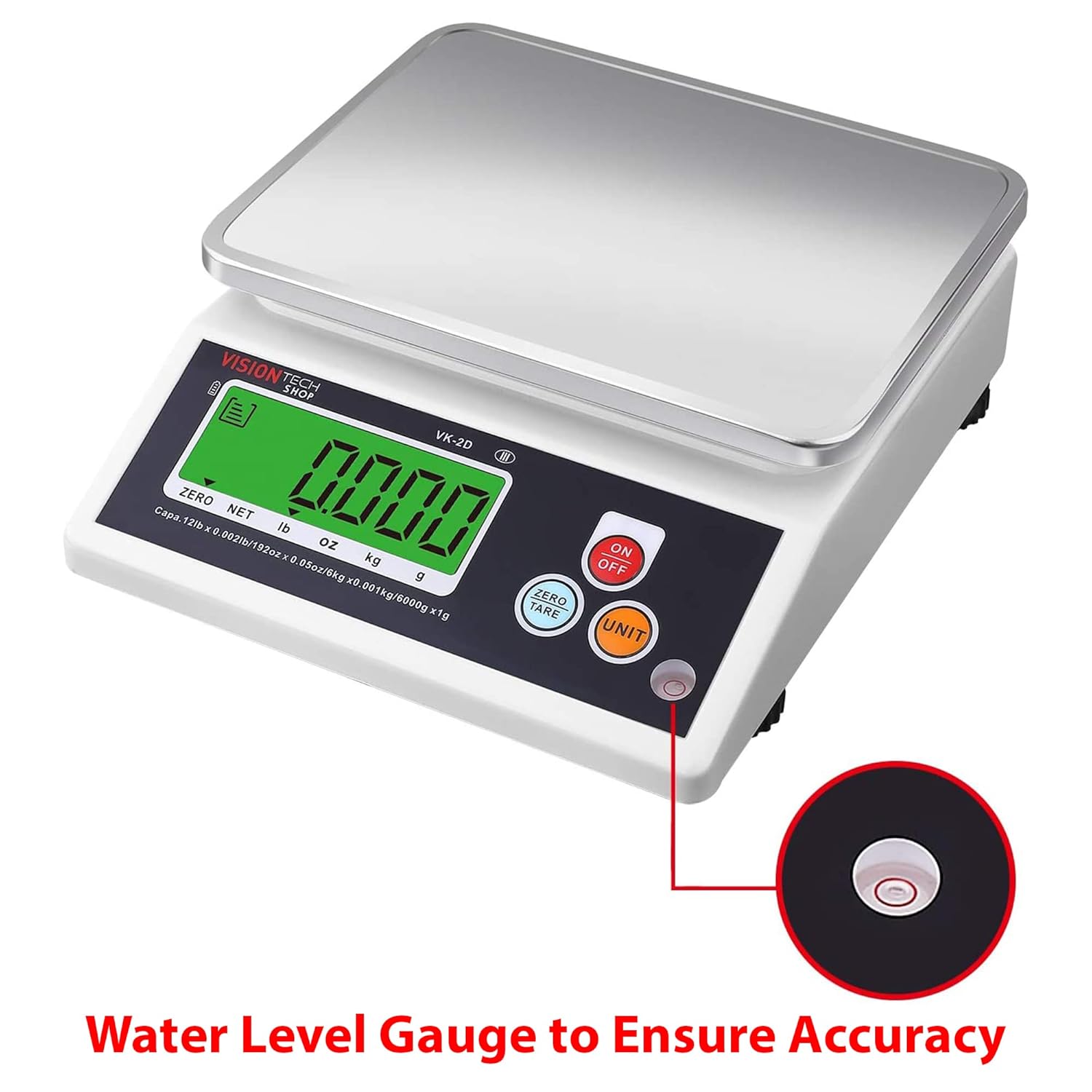
Image: Close-up of the water level gauge, indicating proper leveling for accurate weighing.

Image: Detail of the adjustable leveling feet, used to stabilize and level the scale.
6. 操作手順
6.1. 電源のオン/オフ
- を押す オン/オフ button to turn the scale on. The display will show "0.000" when ready.
- を押し続けます オン/オフ スケールをオフにするボタン。
6.2.単位変換
- 体重計がオンの状態で、 ユニット button to cycle through the available weighing units: lb, oz, kg, g.
- 選択したユニットが LCD に表示されます。
6.3. Zero and Tare Function
The Tare function allows you to subtract the weight of a container or to weigh multiple ingredients consecutively.
- 空の容器を秤の台に置きます。ディスプレイに重量が表示されます。
- を押す ゼロ/風袋 ボタンを押します。表示が「0.000」にリセットされます。
- 材料を容器に入れてください。ディスプレイには材料の重量のみが表示されます。
- 風袋をクリアするには、プラットフォームからすべてのアイテムを取り除き、 ゼロ/風袋 again if the display does not automatically return to zero.
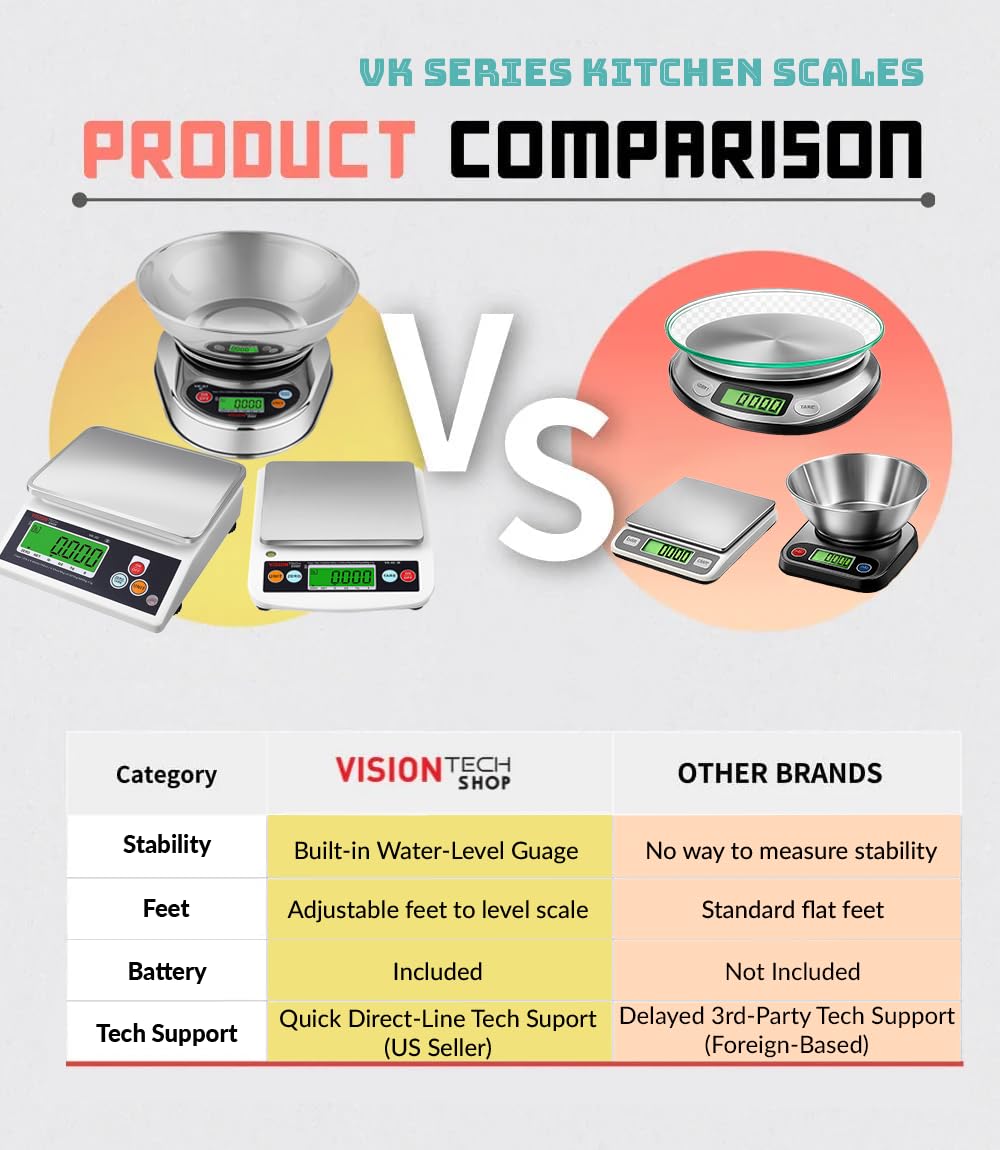
Image: The scale in operation, showing a measured weight of items on the platform.
6.4. Auto-Off Settings
The scale features an auto-off function to conserve battery life. This can typically be set to 1, 5, or 10 minutes, or disabled for continuous use. Refer to the specific instructions on the scale's display or a dedicated button combination for adjusting this setting, as it may vary.
7. メンテナンスと清掃
- プラットフォームのクリーニング: The stainless steel platform is removable and can be washed with mild soap and water. Ensure it is completely dry before placing it back on the scale.
- スケール本体の清掃: Wipe the scale body with a slightly damp 布で拭いてください。刺激の強い化学薬品や研磨剤入りのクリーニングパッドは使用しないでください。
- バッテリー交換: Replace batteries when the low battery indicator appears on the display or if the scale fails to power on. Always use new D batteries.
- ストレージ: スケールは、極端な温度や直射日光を避け、清潔で乾燥した場所に保管してください。
8。 トラブルシューティング
| 問題 | 考えられる原因 | 解決 |
|---|---|---|
| スケールがオンにならない | 電池切れまたは電池の取り付け間違い | 正しい極性に注意して、電池を新しい単一電池と交換してください。 |
| 不正確な測定値 | Scale not level; unstable surface; overloaded; foreign object under platform | Ensure scale is on a stable, level surface (check water level gauge). Do not exceed capacity. Remove any obstructions. |
| ディスプレイに「Lo」と表示される | バッテリー残量が少ない | 電池を交換してください。 |
| Display shows "EEEE" or "O-Ld" | 過負荷エラー | すぐにアイテムを取り除いてください。最大容量を超えないでください。 |
9. 仕様
- モデル: VK-2D
- ブランド: ビジョンテックショップ
- 材料: Stainless Steel (platform), Plastic (body)
- 色: 黒
- 最大容量: 5.4 kg (12 ポンド)
- 読みやすさ: 0.4 g (0.001 lb, 0.02 oz, 1 g)
- 計量単位: lb, oz, kg, g
- 製品寸法(長さ x 幅 x 高さ): 24.13 x 20.5 x 7.87 cm(9.5 x 8.07 x 3.1インチ)
- Platform Dimensions (W x D): 210 x 160 mm(8.3 x 6.3インチ)
- 正味重量: 1.26 kg (2.79 ポンド)
- 電源: 2 x D Batteries (included)
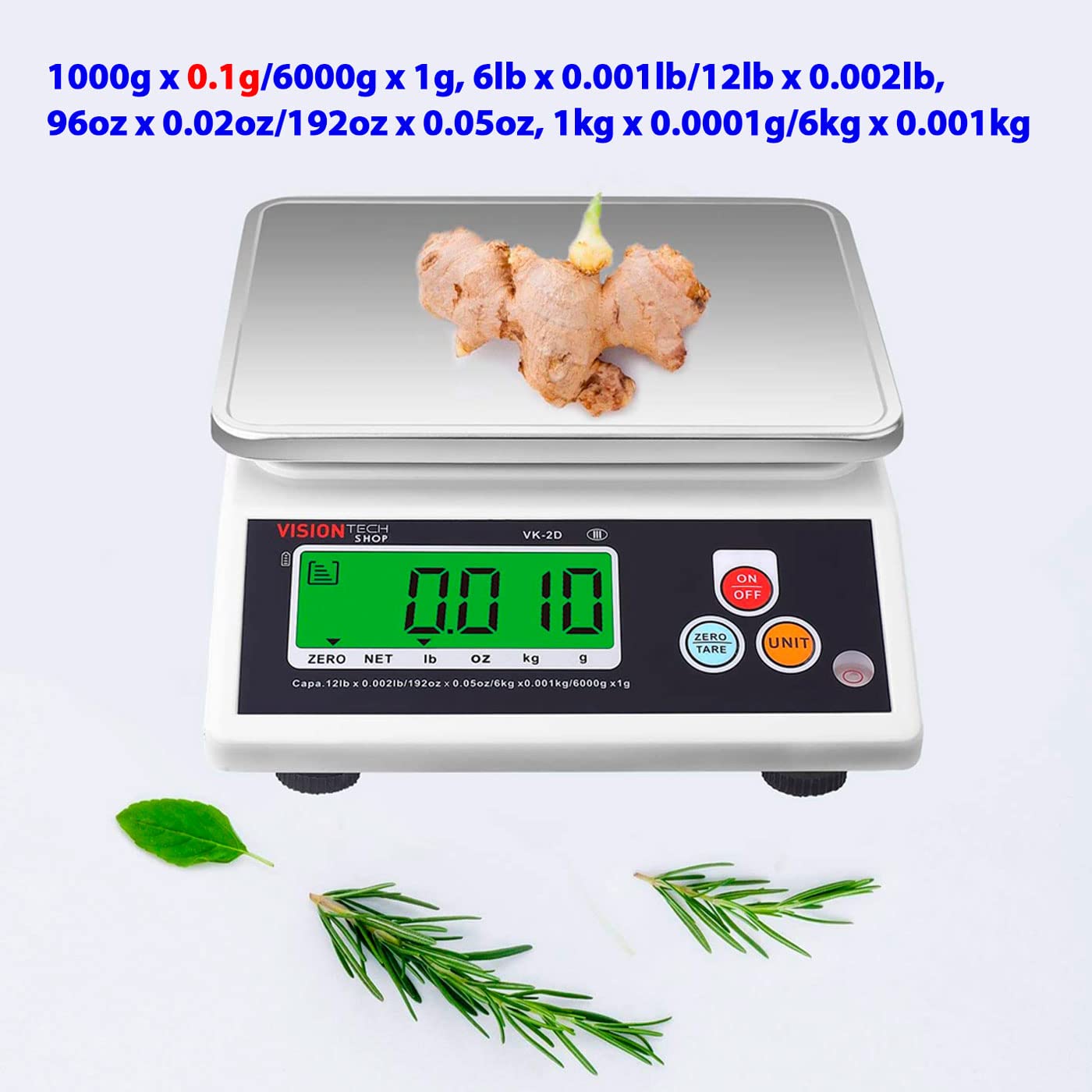
Image: Diagram illustrating the physical dimensions of the VK-2D scale in both inches and millimeters.
10. 保証とサポート
VisionTechShop products are manufactured with quality and durability in mind. For specific warranty details, please refer to the warranty card included with your purchase or contact VisionTechShop customer service.
For technical assistance or support, please contact VisionTechShop directly. Quick direct-line technical support is available from the US seller.
注: スペアパーツの入手可能性に関する情報は提供されません。