
1.製品オーバーview
The FosPower Emergency Weather Radio Model A3 is a versatile device designed for emergency preparedness and outdoor activities. It features NOAA/AM/FM radio reception, a powerful 14800mWh (4000mAh) internal power bank, and multiple charging options including USB-C, solar, and hand crank. Additional functions include an SOS alarm, a bright flashlight, and a reading light.
主な特徴:
- 14800mWh (4000mAh) Power Bank: Provides extended radio operation and can charge external USB devices.
- 複数の電源: Rechargeable via USB-C, hand crank, and solar panel.
- SOSアラーム: 緊急信号として大きなサイレンと点滅ライトを作動させます。
- デュアル光源: Includes a flashlight and a reading light with motion sensor functionality.
- NOAA Emergency Weather Broadcast Access: Receives local weather information and hazard alerts.
- AM/FMラジオ: Full access to standard AM and FM radio broadcasts.

Figure 1: FosPower Emergency Weather Radio Model A3. This image displays the radio with its solar panel open, hand crank visible, flashlight illuminated, and a smartphone connected for charging.
2. パッケージの内容と構成
パッケージ内容:
- FosPower Emergency Weather Radio (Model A3)
- USB-C充電ケーブル
- ユーザーマニュアル
主要コンポーネント:
- アンテナ: ラジオ受信を改善するために拡張可能です。
- ソーラーパネル: For supplementary charging in sunlight.
- ハンドクランク: 手動発電用。
- 懐中電灯: 一体型光源。
- 読書灯: Panel light, often with motion sensor.
- SOSボタン: 緊急警報を発します。
- ボリュームノブ: Controls audio output and powers the unit on/off.
- チューニングノブ: 無線周波数を調整します。
- バンドセレクター: Switches between AM, FM, and WB (Weather Band).
- USB-C 入力ポート: ラジオの充電用。
- USB-A 出力ポート: 外部機器の充電に。
- ヘッドフォンジャック: プライベートリスニング用。
3. 初期設定
3.1ラジオの充電
Before first use, it is recommended to fully charge the radio's internal 14800mWh (4000mAh) battery using the USB-C port.
- USB-C充電: Connect the provided USB-C cable to the radio's USB-C input port and the other end to a standard USB power adapter (not included) or a computer USB port. The charging indicator will illuminate.
- 手回し充電: Rotate the hand crank clockwise or counter-clockwise at a steady pace (approximately 130-150 RPM) for 3-5 minutes to generate sufficient power for initial operation or to extend battery life.
- ソーラーパネル充電: Place the radio with the solar panel facing direct sunlight. This method is primarily for maintaining battery charge or for emergency power generation, and is slower than USB-C charging.

Figure 2: Multiple Power Sources. This diagram highlights the USB, hand crank, and solar panel charging options for the radio.
4. 操作手順
4.1 電源のオン/オフと音量調節
ラジオの電源を入れるには、 ボリュームノブ clockwise from the 'OFF' position. Continue rotating to increase the volume. To power off, rotate the ボリュームノブ counter-clockwise until it clicks into the 'OFF' position.
4.2 ラジオのチューニング(AM/FM/NOAA)
- アンテナを延長: 最適な受信状態を得るには、伸縮アンテナを完全に伸ばしてください。
- バンドを選択: 使用 バンドセレクター switch to choose between 'AM', 'FM', or 'WB' (Weather Band).
- 放送局: 回転する チューニングノブ to scan for desired radio stations or NOAA weather channels. The tuning indicator light will illuminate when a strong signal is detected.
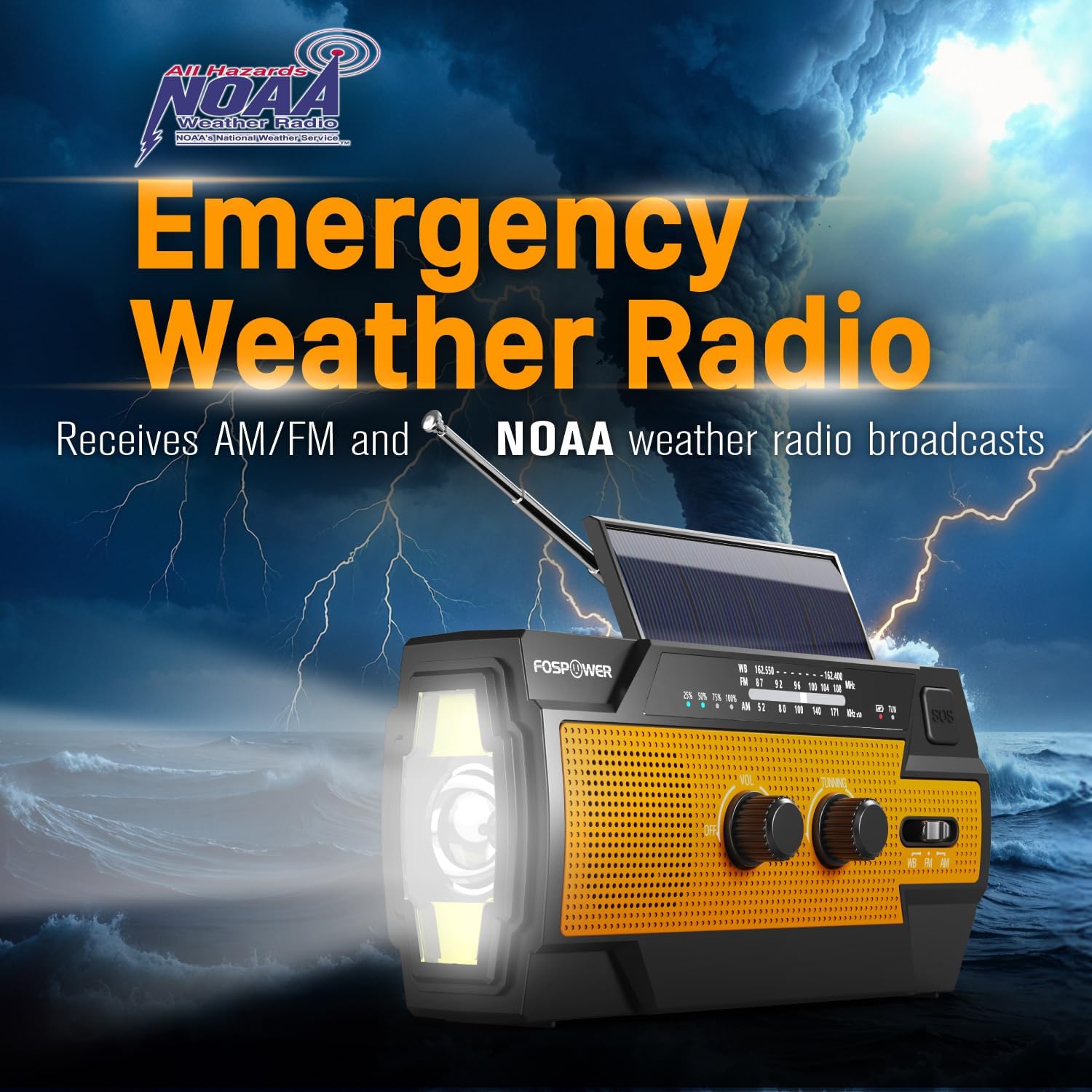
Figure 3: Emergency Weather Radio Function. This image shows the radio against a stormy background, emphasizing its ability to receive AM/FM and NOAA weather broadcasts.
4.3 懐中電灯の操作
The integrated flashlight offers multiple modes:
- 懐中電灯ボタンを1回押すと フルモード (最大輝度)。
- もう一度押すと Far Mode (focused beam).
- 3回目に押すと ワイドモード (broader illumination).
- 4 回目に押すと懐中電灯がオフになります。

Figure 4: Flashlight Settings. This image illustrates the three distinct flashlight modes available on the radio.
4.4 読書灯の操作
The reading light provides illumination for close-range tasks:
- Slide the reading light switch to the 'LIGHT' position for constant illumination.
- Slide the switch to the 'AUTO' position to activate the motion sensor. The light will turn on when motion is detected and turn off after approximately 30 seconds of no motion.

Figure 5: Reading Light Modes. This image shows the reading light in operation, highlighting its constant and motion-activated settings.
4.5 SOSアラーム機能
In an emergency, activate the SOS alarm to attract attention:
- を押し続けます SOSボタン to activate a loud siren and a flashing light.
- ボタンを放すとアラームが解除されます。
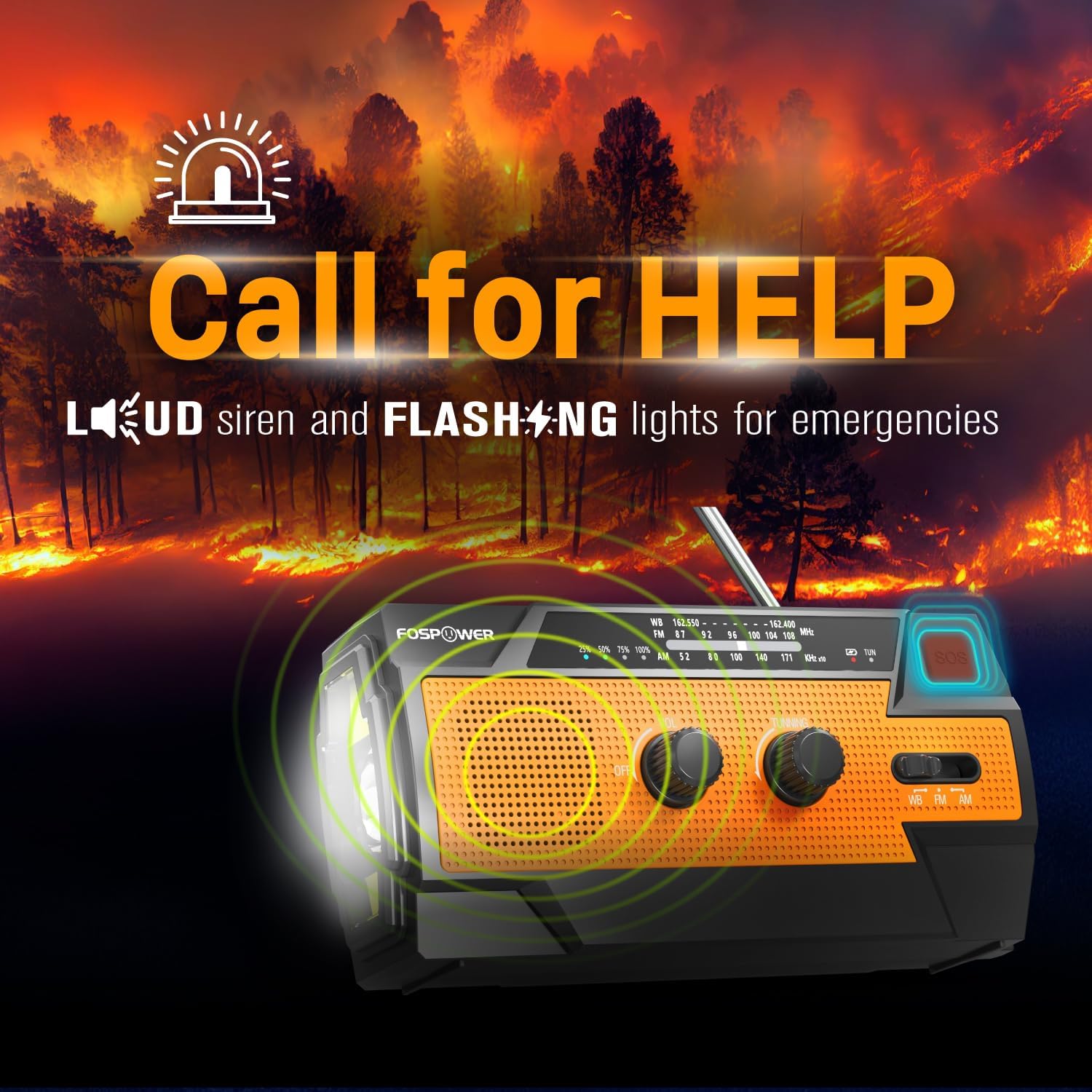
Figure 6: SOS Alarm Activation. This image depicts the radio emitting a loud siren and flashing lights, indicating the SOS function is active.
4.6 パワーバンクとして使用する
The radio's internal battery can be used to charge external USB devices:
- Connect your smartphone, tablet, or other USB-powered device to the radio's USB-A出力ポート デバイスの充電ケーブルを使用します。
- The radio will begin charging the connected device. Monitor the radio's battery indicator to ensure sufficient charge remains for its own operation.

Figure 7: Power Bank Function. This image shows the radio charging a smartphone on a wooden table outdoors, demonstrating its 14800mWh power bank capability.
5. お手入れとメンテナンス
- クリーニング: ソフトでラジオを拭くdamp 布で拭いてください。強力な化学薬品や研磨剤入りの洗剤は使用しないでください。
- ストレージ: Store the radio in a cool, dry place away from direct sunlight and extreme temperatures. For long-term storage, ensure the battery is partially charged (around 50%) and recharge every 3-6 months to prevent deep discharge.
- 耐水性: The radio is IPX3 water resistant, meaning it can withstand spraying water. Do not submerge the radio in water.

Figure 8: IPX3 Water Resistance. This image shows the radio in a light rain shower, illustrating its IPX3 water-resistant design suitable for harsh environments.
6。 トラブルシューティング
| 問題 | 考えられる原因 | 解決 |
|---|---|---|
| ラジオがオンになりません。 | 電池が消耗しています。 | Charge the radio via USB-C, hand crank, or solar panel. |
| ラジオの受信状態が悪い。 | アンテナが伸びていない、信号が弱い、干渉がある。 | Fully extend the telescopic antenna. Move to an open area away from obstructions. Fine-tune the tuning knob. |
| 懐中電灯/読書灯が機能しません。 | Battery is low, incorrect mode selected. | Charge the radio. Ensure the correct light mode (Full, Far, Wide for flashlight; Light, Auto for reading light) is selected. |
| External device not charging from radio. | Radio battery is low, cable issue, device incompatibility. | Ensure the radio has sufficient charge. Check the USB cable connection. Try a different USB cable or device. |
| ハンドクランクが固く、または回しにくい。 | 障害または内部の問題の可能性があります。 | Ensure there are no physical obstructions. Turn the crank smoothly and avoid excessive force. If problem persists, contact customer support. |
| 太陽光充電は遅いか、効果がありません。 | 日光不足、ソーラーパネルの汚れ。 | Place the radio in direct, strong sunlight. Clean the solar panel surface with a soft cloth. Note that solar charging is supplementary. |
7. 製品仕様
| 特徴 | 仕様 |
|---|---|
| モデル番号 | FOSPWB-2402 |
| 製品寸法 | 長さ6.23インチ x 幅2.48インチ x 高さ3.19インチ (15.82 x 6.30 x 8.10 cm) |
| アイテム重量 | 1.06ポンド(0.48kg) |
| 電源 | Solar, Battery (14800mWh internal), Handcrank |
| バッテリー容量 | 14800mWh (4000mAh) |
| サポートされている無線帯域 | AM, FM, WB (Weather Band) |
| 接続技術 | USB C (Input), USB A (Output) |
| 特集 | Portable, Power Bank, SOS Alarm, Flashlight, Reading Light |
| 耐水性 | IPX3 |

Figure 9: Product Dimensions. This diagram provides the exact measurements of the FosPower Emergency Weather Radio.
8. 保証と顧客サポート
限定生涯保証
FosPower products are backed by a limited lifetime warranty. This warranty covers defects in materials and workmanship under normal use. Please refer to the official FosPower web完全な保証条件については、サイトまたは購入書類をご覧ください。
カスタマーサポート
For any questions, technical assistance, or warranty claims, please contact FosPower's dedicated USA-based customer service team. Contact information can typically be found on the product packaging or the official FosPower webサイト。
また、 FosPower Store on Amazon 詳細情報と製品のアップデートについては、こちらをご覧ください。