
導入
The Picun Elite P80S Wireless Headset provides a high-definition audio experience with multidimensional surround sound, extra bass, and noise reduction. Designed for comfort and versatility, it features both wireless and wired connectivity options, a detachable microphone, and intuitive controls. This manual provides detailed instructions for setup, operation, maintenance, and troubleshooting to ensure optimal performance of your headset.
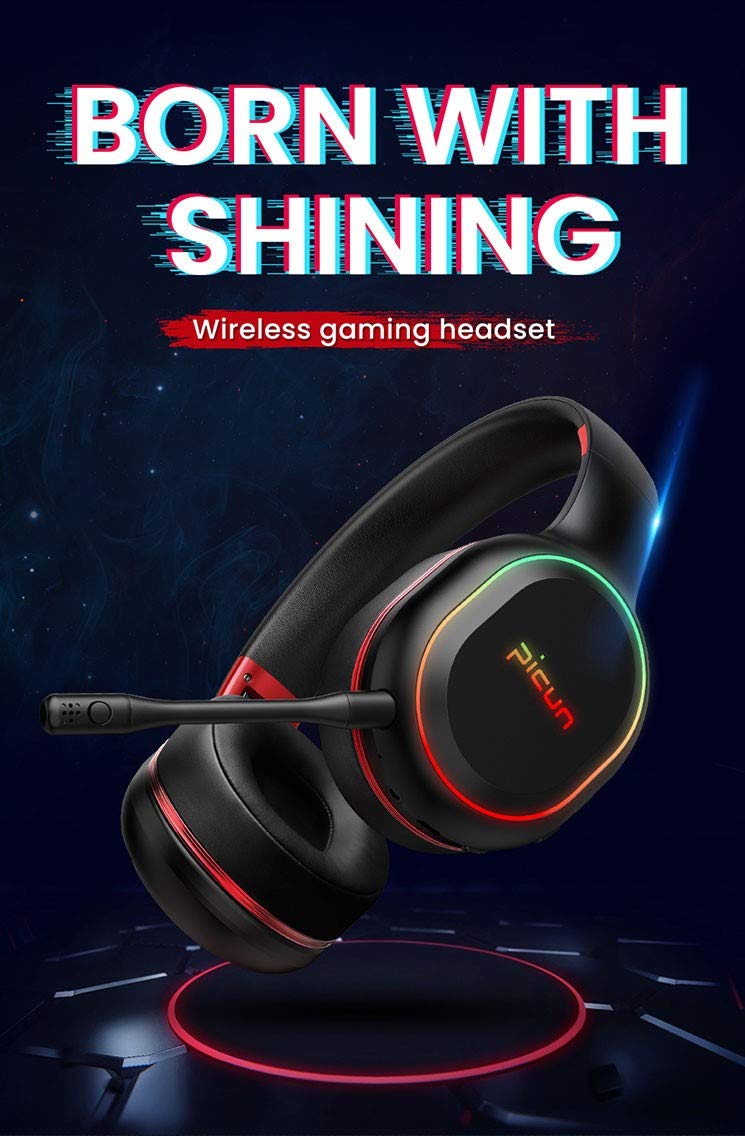
Image: The Picun Elite P80S Wireless Headset, showcasinデザインと内蔵マイクが優れています。
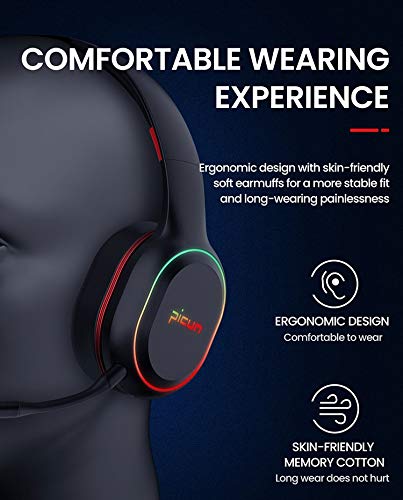
Image: The Picun Elite P80S Headset demonstrating its ergonomic design and comfortable earcups made from skin-friendly memory cotton.
箱の中身
パッケージにすべてのアイテムが揃っていることを確認してください:
- Picun Elite P80S Wireless Headset
- 取り外し可能なマイク
- USB充電ケーブル
- 3.5mmAUXオーディオケーブル
- ユーザーマニュアル(このドキュメント)
設定
1. ヘッドセットの充電
Before initial use, fully charge the headset. Connect the provided USB charging cable to the headset's charging port and to a compatible USB power source (e.g., computer USB port, USB wall adapter). The LED indicator will show charging status and turn off or change color when fully charged.
フル充電すると、ワイヤレス モードで約 40 時間のゲーム時間、または 60 時間の音楽/メディア再生が可能です。
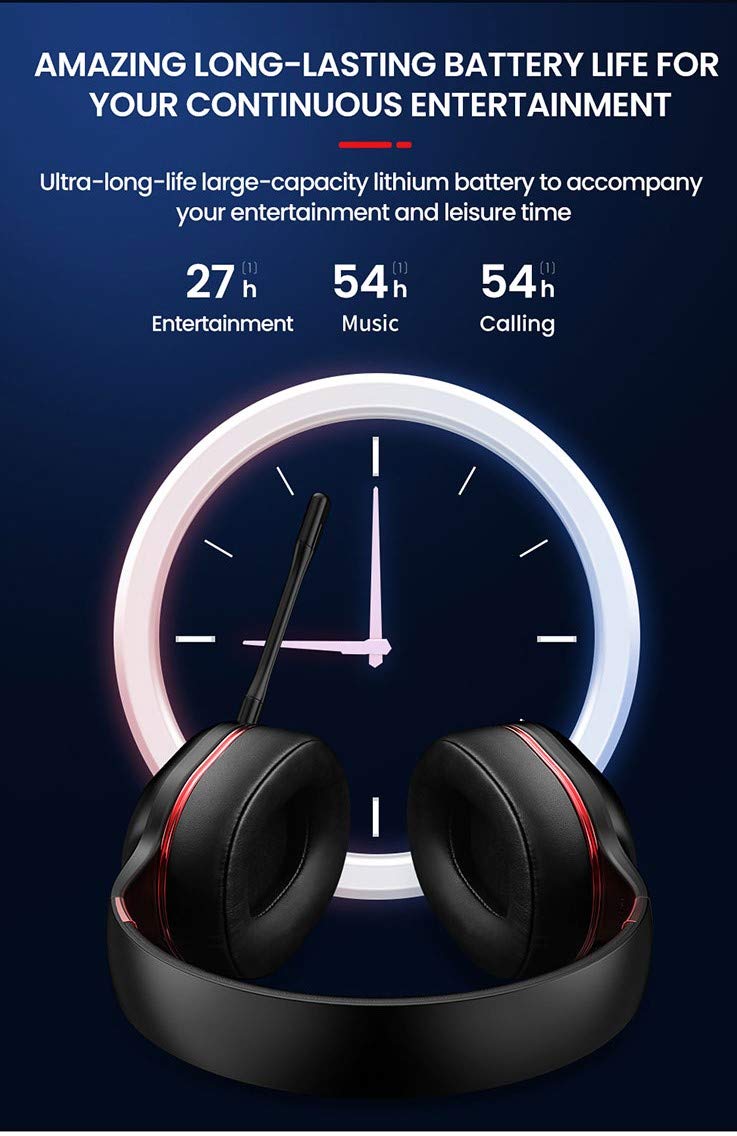
Image: Picun Elite P80S Headset illustrating long battery life for entertainment, music, and calls.
2. マイクの取り付け
The professional detachable microphone can be inserted into the designated port on the left earcup. Ensure it is securely connected for clear voice communication. The microphone can be rotated 360 degrees for optimal positioning.

Image: Picun Elite P80S Headset showing the detachable microphone and its 360-degree rotation capability.
操作手順
1. 電源のオン/オフ
- 電源オン: LED インジケーターが点灯するまで、電源ボタンを約 3 秒間押し続けます。
- 電源を切る: LED インジケーターが消えるまで、電源ボタンを約 3 秒間押し続けます。
2. Bluetoothペアリング(ワイヤレスモード)
After powering on, the headset will automatically enter pairing mode (LED indicator will flash). On your device (smartphone, PC, console), enable Bluetooth and search for "Picun Elite P80S". Select it to connect. A voice prompt will confirm successful pairing. The headset maintains a stable connection up to 10 meters.

Image: Diagram illustrating the stable and instant connection features of the Picun Elite P80S headset, highlighting 10-meter transmission, audio/video synchronization, call stability, and no in-game delay.
3. Wired Mode (AUX Connection)
To use the headset in wired mode, connect the provided 3.5mm AUX audio cable to the headset's AUX port and to your audio source. Wired mode allows for indefinite playback regardless of battery charge. The headset functions as a passive headphone in wired mode.
4. マイクの使用方法
- Detachable Pro Microphone: Provides high-definition vocals and effectively reduces ambient noise for clear communication during gaming or calls.
- Inbuilt Microphone: An additional microphone is integrated for general use, ensuring seamless communication even without the detachable mic.
5. オーディオ機能
The Picun Elite P80S provides omnidirectional stereo sound, allowing for an immersive audio experience, especially beneficial for gaming to detect subtle sound cues.
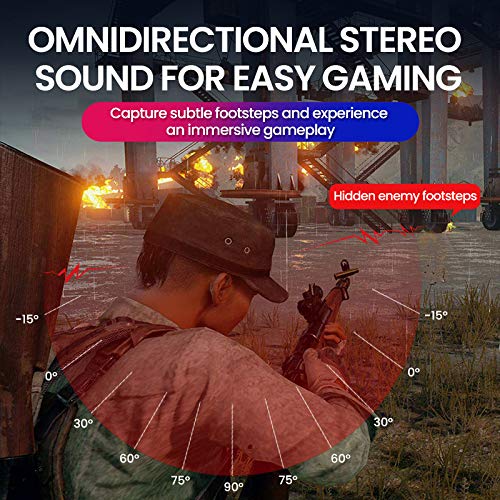
Image: A gaming scenario demonstrating the omnidirectional stereo sound capability, helping users identify sound sources like footsteps from various directions.
6. メディアコントロール
The headset features integrated buttons for easy control:
- 再生/一時停止: Press the Multi-function button once to play or pause music/videos.
- 通話の応答/終了: Press the Multi-function button once to answer an incoming call, and again to end it.
- 音量コントロール: 音量を上げる (+) ボタンと音量を下げる (-) ボタンを使用して、オーディオ レベルを調整します。
- 次/前のトラック: Long press Volume Up (+) for next track, Long press Volume Down (-) for previous track.
7. Dual Shock / Vibration Mode
Activate the Dual Shock / Vibration Mode for an enhanced immersive experience, particularly for deep bass in music and movies, or realistic vibrations during gaming. This mode can be toggled on or off using the dedicated switch on the headset.
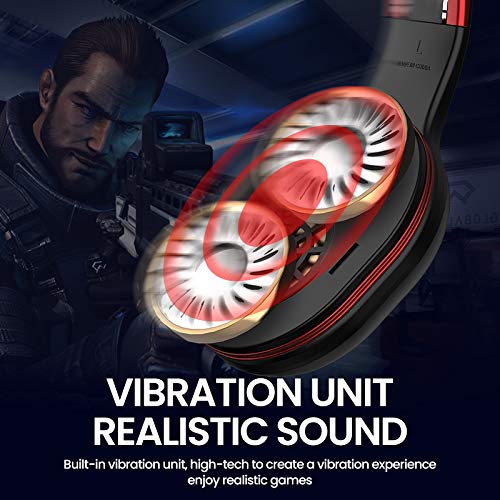
Image: Close-up of the Picun Elite P80S earcup highlighting the built-in vibration unit for realistic sound and gaming experience.
8. LED Light Display
The headset features a gradient colorful breathing light display. To turn the LED lights on or off, press and hold both the Volume Up (+) and Volume Down (-) buttons simultaneously for approximately 3 seconds.

Image: Picun Elite P80S Headset showcasing its gradient colorful breathing light effect, with instructions on how to activate/deactivate it.
メンテナンス
- クリーニング: ヘッドセットのクリーニングには、柔らかく乾いた布をご使用ください。研磨剤入りの洗剤や溶剤は使用しないでください。
- ストレージ: ヘッドセットは、直射日光や極端な温度を避け、涼しく乾燥した場所に保管してください。折りたたみ式なので、コンパクトに収納できます。
- バッテリーのケア: バッテリー寿命を延ばすには、ヘッドセットを頻繁に完全に放電させないでください。長期間使用しない場合でも、定期的に充電してください。
- ケーブルのお手入れ: ケーブルは丁寧に扱ってください。損傷を防ぐため、急激に曲げたり、強く引っ張ったりしないでください。
トラブルシューティング
No Power / Headset Not Turning On
- ヘッドセットが完全に充電されていることを確認してください。USB充電ケーブルを使用して電源に接続してください。
- Verify that the power button is pressed and held for the correct duration (approx. 3 seconds).
Bluetoothでペアリングできない
- Make sure the headset is in pairing mode (LED flashing). If not, power it off and on again.
- デバイスで Bluetooth が有効になっており、ヘッドセットから 10 メートル以内にあることを確認します。
- Remove "Picun Elite P80S" from your device's Bluetooth list and attempt to pair again.
- デバイス固有の問題を排除するために、別のデバイスとペアリングしてみてください。
音が出ない / 音量が低い
- ヘッドセットと接続されたデバイスの両方の音量レベルを確認します。
- If in wired mode, ensure the 3.5mm AUX cable is fully inserted into both the headset and the audio source.
- If in wireless mode, ensure the headset is properly paired and connected.
- さまざまなオーディオ ソースまたはアプリケーションでテストします。
マイクが機能しない
- 取り外し可能なマイクがヘッドセットにしっかりと接続されていることを確認します。
- Check microphone settings on your connected device (e.g., input device selection, volume levels).
- Test the microphone in different applications or communication platforms.
One Earpiece Not Working
- 接続されているデバイスのオーディオバランス設定を確認してください。
- If using the AUX cable, ensure it is fully inserted and try a different cable if available.
- ヘッドセットと接続されているデバイスを再起動します。
仕様
| ブランド | ピクン |
| モデル名 | エリート P80S |
| 色 | 黒 |
| フォームファクター | オーバーイヤー |
| 騒音制御 | アクティブノイズキャンセリング |
| ヘッドフォンジャック | 3.5ミリジャック |
| エンクロージャ材質 | 人口皮革 |
| 対応デバイス | Personal Computers/Laptops, Playstations/ X-box/ Nintendo Switch, Smartphones/Pads |
| ケーブルの特徴 | 取り外し可能 |
| 無線技術の種類 | ブルートゥース |
| コントロールタイプ | ボリュームコントロール |
| 制御方法 | Touch (for some functions, e.g., Play/Pause, Answer/End Call via Multi-function button) |
保証とサポート
For warranty information and technical support, please refer to the warranty card included with your product or contact Picun customer service through their official webサイトでご確認ください。保証請求の際に必要となりますので、購入証明書を保管してください。
For further assistance, please visit the official Picun support page or contact their customer service directly.