
1.製品オーバーview
The LETIANPAI 100ft Smart LED Strip Lights provide versatile and vibrant lighting for various indoor applications. These RGB LED strips feature multiple control options including a Bluetooth-enabled mobile application and an IR remote control, allowing for color changing, music synchronization, timing functions, and brightness adjustment. The lights are designed for easy installation with strong adhesive backing and can be cut to desired lengths.

画像: 上view of the LETIANPAI 100ft Smart LED Strip Lights, showing the coiled strip, control box, remote, and smartphone app interface.
2. 安全情報
警告:
- 窒息の危険: 小さな部品があります。3歳未満のお子様には与えないでください。
- Be careful of シャープエッジ during installation or handling.
- Ensure the power adapter is properly connected and not covered to prevent overheating. The adapter may become warm during operation; this is normal. However, if it becomes unusually hot, disconnect immediately.
- この製品は、 屋内使用のみ水や湿気の多い場所に置かないでください。
- Do not connect the LED strip to the power supply while it is still coiled on the reel. Unspool the entire strip before powering on to prevent overheating.
- 製品の修理や改造は行わないでください。すべてのメンテナンスは資格を持った専門家にお任せください。
- 電子廃棄物は責任を持って処分してください。リサイクルについては、地域の規制に従ってください。

Image: Safety symbols and manufacturing information, including choking hazard warning and recycling instructions.
3. パッケージ内容
パッケージの内容を確認し、すべてのアイテムが揃っていて良好な状態であることを確認してください。
- 1 x 100フィートのLEDストリップライト
- 電源アダプター x 1
- 1 x IRリモコン
- 1 x Control Box (integrated with the LED strip)
4. セットアップとインストール
LED ストリップ ライトを適切に取り付けるには、次の手順に従ってください。
- 表面を準備する: Ensure the installation surface is clean, dry, and smooth. Dust, dirt, or moisture can affect the adhesive's effectiveness.
- Unspool the Strip: Completely unroll the LED strip from its reel before connecting it to power. This prevents heat buildup and potential damage to the lights.

Image: Illustration of peeling the adhesive backing from the LED strip.
- コンポーネントを接続:
- Connect the LED strip to the control box, ensuring the arrows on both connectors align.
- 電源アダプタをコントロールボックスに接続します。

Image: Step-by-step diagram illustrating the connection of the LED strip, control box, and power adapter, emphasizing arrow alignment.
- ストリップを貼り付ける: Carefully peel off the adhesive backing from the LED strip and press it firmly onto the desired surface. Work in small sections to ensure a smooth application.
- 電源オン: 電源アダプタを標準のコンセントに差し込みます。

Image: Close-up of the certified power supply unit.
- Download the App (Optional but Recommended): For full functionality, download the "HiLighting" app. Scan the QR code on the control box or search for "HiLighting" in your device's app store.

Image: Instructions for downloading the "HiLighting" app via QR code, along with a visual of the app's color control interface.
Relevant link for app download: http://www.easytrack.net.cn/download/233AOLESHENG
5. 操作手順
5.1. App Control (HiLighting App)
The "HiLighting" app offers comprehensive control over your LED strip lights via Bluetooth. Ensure Bluetooth is enabled on your smartphone and the app is connected to the device.
- 色の選択: Use the color wheel to choose from 16 million vivid colors.
- ダイナミックモード: Select from 29 dynamic modes such as flash, strobe, fade, and smooth.
- 明るさ調整: ライトの明るさを 0% から 100% に調整します。
- 音楽モード: Sync the lights to music playing on your phone.
- MICモード: The lights will pulsate and change colors in response to sounds picked up by your phone's microphone.
- タイミング機能: Set schedules for the lights to automatically turn on or off.
- グループ管理: Control multiple sets of LETIANPAI LED lights simultaneously or individually.

Image: The "HiLighting" app interface displaying the color selection wheel and various control options.
5.2。 赤外線リモコン
The included IR remote control provides convenient access to basic functions:
- オン/オフ: ライトの電源をオンまたはオフにします。
- 明るさ/速度調整: Increase or decrease brightness, or adjust the speed of dynamic modes.
- カラーボタン: Directly select preset colors (Red, Green, Blue, White, etc.).
- ダイナミックモード: Activate various effects like Flash, Strobe, Fade, and Smooth.

Image: The IR remote control with labeled buttons for color selection, brightness, and dynamic modes.
5.3. Music and MIC Mode
Enhance your environment with sound-reactive lighting:
- 音楽同期: When Music Mode is active in the app, the lights will change color and pattern according to the rhythm of the music playing on your device.
- MICモード: The built-in microphone in your smartphone (when MIC Mode is selected in the app) allows the lights to pulsate and change colors along with ambient sounds or your voice.
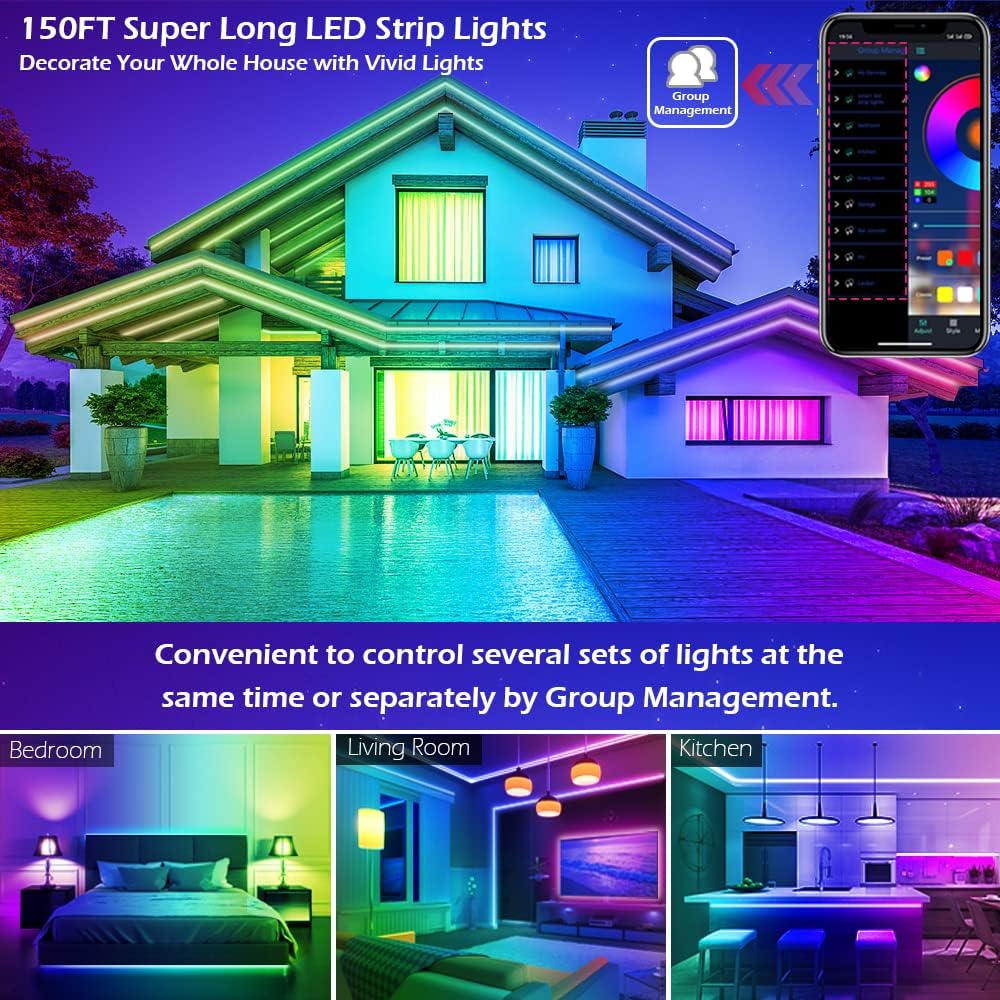
Image: A group of people enjoying LED lights that are synchronized with music, demonstrating the Music and MIC modes.
5.4.タイミング機能
Automate your lighting with the timing function:
- Set specific times for the LED lights to automatically turn on or off. This can be used as an "alarm clock" in the morning or to turn off lights at bedtime.
- Access this feature within the "HiLighting" app's schedule settings.

Image: Visual representation of the timing function, showing lights turning off at 11:00 PM and on at 7:00 AM.
5.5.明るさの調整
Adjust the intensity of the lights to suit your mood or activity:
- Brightness can be adjusted from 0% (off) to 100% (full brightness) using either the "HiLighting" app or the IR remote control.
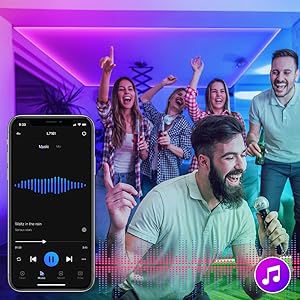
Image: The "HiLighting" app interface with a brightness adjustment slider.
5.6. グループ管理
For installations with multiple LETIANPAI LED light sets, the app allows for centralized control:
- Conveniently control several sets of lights at the same time or manage them separately by creating groups within the "HiLighting" app.
Image: A house illuminated with LED lights in different areas, illustrating the concept of group management for controlling multiple light sets.
6. メンテナンス
LED ストリップ ライトの寿命を延ばし、最適なパフォーマンスを確保するには、次のメンテナンス ガイドラインに従ってください。
- クリーニング: LEDストリップの埃を取り除くには、乾いた柔らかい布で優しく拭いてください。液体クリーナーや研磨剤は使用しないでください。
- 接着剤: If the adhesive begins to lose its grip, ensure the surface is clean. For long-term adhesion, consider using additional mounting clips (not included) if necessary.
- ストレージ: If storing the lights for an extended period, ensure they are clean, dry, and coiled loosely to prevent damage to the strip or wiring.
- 電源アダプター: Regularly check the power adapter and cables for any signs of damage (fraying, cuts, exposed wires). Discontinue use if damage is found.
7。 トラブルシューティング
LED ストリップ ライトで問題が発生した場合は、次の一般的な問題と解決策を参照してください。
| 問題 | 考えられる原因 | 解決 |
|---|---|---|
| ライトが点灯しない。 |
|
|
| リモコンが機能しない。 |
|
|
| アプリはライトに接続できません。 |
|
|
| 色が正しくないか、一貫性がありません。 |
|
|
| Adhesive not sticking well. |
|
|
8. 仕様
| ブランド | LETIANPAI |
| モデル | 100FT LED Strip Lights (Item model number: 50FT) |
| 光源の種類 | LED(5050個のLED) |
| ライトカラー | RGB(赤、緑、青) |
| 長さ | 100フィート(30メートル) |
| 電源 | コード式電気 |
| 巻tage | 12ボルト |
| ワットtage | 24ワット |
| 制御方法 | Remote Control, Bluetooth App (HiLighting) |
| 接続技術 | ブルートゥース |
| 屋内/屋外での使用 | 屋内 |
| 特集 | Cuttable, Strong self-adhesive, Flexible for easy install, Music Sync, MIC Mode, Timing Function, Brightness Adjustable, Group Management |
| 材料 | プラスチック |
| アイテム重量 | 7.1オンス |
| 製品寸法 | 4.84 x 4.61 x 2.17インチ(パッケージ) |
| 耐水性レベル | 耐水性はありません |
9. 保証とサポート
LETIANPAI is committed to providing quality products and customer satisfaction. All accessories included with our LED rope lights are officially certified, and the power adapter has undergone rigorous testing for safety.
- 品質保証: Full refund or free replacement is provided for quality-related issues.
- カスタマーサポート: If you encounter any issues during installation or operation, please contact LETIANPAI customer service directly. We aim to resolve all inquiries within 24 hours.