
1. はじめに
Thank you for choosing the Memphis Audio VIV1100.1 SixFive Series Mono Subwoofer Amplifier。 この amplifier is designed to deliver powerful and clear bass performance for your car audio system. This manual provides essential information for proper installation, operation, and maintenance to ensure optimal performance and longevity of your amplifier。
2. 安全情報
WARNING: Improper installation or use of this product can result in serious injury or death. Read and understand all instructions before installing or using this product.
- 取り付けを始める前に、必ず車両のバッテリーのマイナス端子を外してください。
- 可動部品や鋭利なエッジによる損傷を防ぐために、すべての配線が適切に配線され、固定されていることを確認してください。
- このマニュアルに指定されているように、電源、アース、スピーカーの接続には適切なゲージの配線を使用してください。
- マウントしないでください amp直射日光、高温、湿気、ほこりの多い場所に置かないでください。
- 絶対に操作しないでください amplifier with damaged wiring or if it emits smoke or unusual odors. Immediately disconnect power and consult a qualified technician.
- 最適なパフォーマンスと安全性を確保するには、専門家による設置をお勧めします。
3. パッケージ内容
パッケージに次のアイテムが含まれていることを確認してください。
- Memphis Audio VIV1100.1 Mono Subwoofer Ampリファイアー
- 取り付け金具(ネジ)
- 取扱説明書(本書)
- Remote Bass Knob (if included with your model)
4. セットアップとインストール
4.1 取り付け Ampリファイアー
Choose a mounting location that is dry, well-ventilated, and away from direct heat sources. Ensure there is sufficient airflow around the amplifier for cooling. Secure the amplifier firmly using the provided mounting hardware.
4.2配線接続
All wiring connections must be secure and properly insulated. Refer to the diagrams below for correct wiring procedures.

図 1: 背面パネルの接続。 This image displays the rear panel of the VIV1100.1 amplifier, highlighting the power input terminals (B+, GND, REM), RCA input/output jacks, and speaker output terminals. Also visible are the 'AUTO TURN ON' switch, 'INPUT LEVEL' switch, and 'PROTECT' indicator.
4.2.1電源接続
- B+(12V電源): Connect a heavy-gauge power cable (e.g., 4 AWG or larger, depending on installation) directly from the positive terminal of the vehicle's battery. Install an appropriate fuse (not supplied) within 18 inches of the battery.
- GND (グランド): Connect a heavy-gauge ground cable of the same size as the power cable to a clean, unpainted metal surface of the vehicle chassis. Ensure a good electrical connection.
- REM(リモートターンオン): Connect a 18-gauge wire from the remote turn-on output of your head unit to this terminal. This wire turns the ampヘッドユニットで電源のオン/オフを切り替えます。
4.2.2入力接続
ヘッドユニットのRCA出力を amplifier's RCA INPUT jacks. If your head unit does not have RCA outputs, use the high-level input option if available (refer to the 'INPUT LEVEL' switch).
4.2.3スピーカーの接続
サブウーファーを amplifier's SPEAKER terminals. Ensure correct polarity (+ to + and - to -). This is a mono amplifier, designed for a single subwoofer or multiple subwoofers wired to a single channel. Refer to your subwoofer's specifications for impedance matching.
4.3 Amplifier Controls and Adjustments
The VIV1100.1 amplifier features various controls for fine-tuning your audio system. Adjust these settings carefully to achieve optimal sound quality.
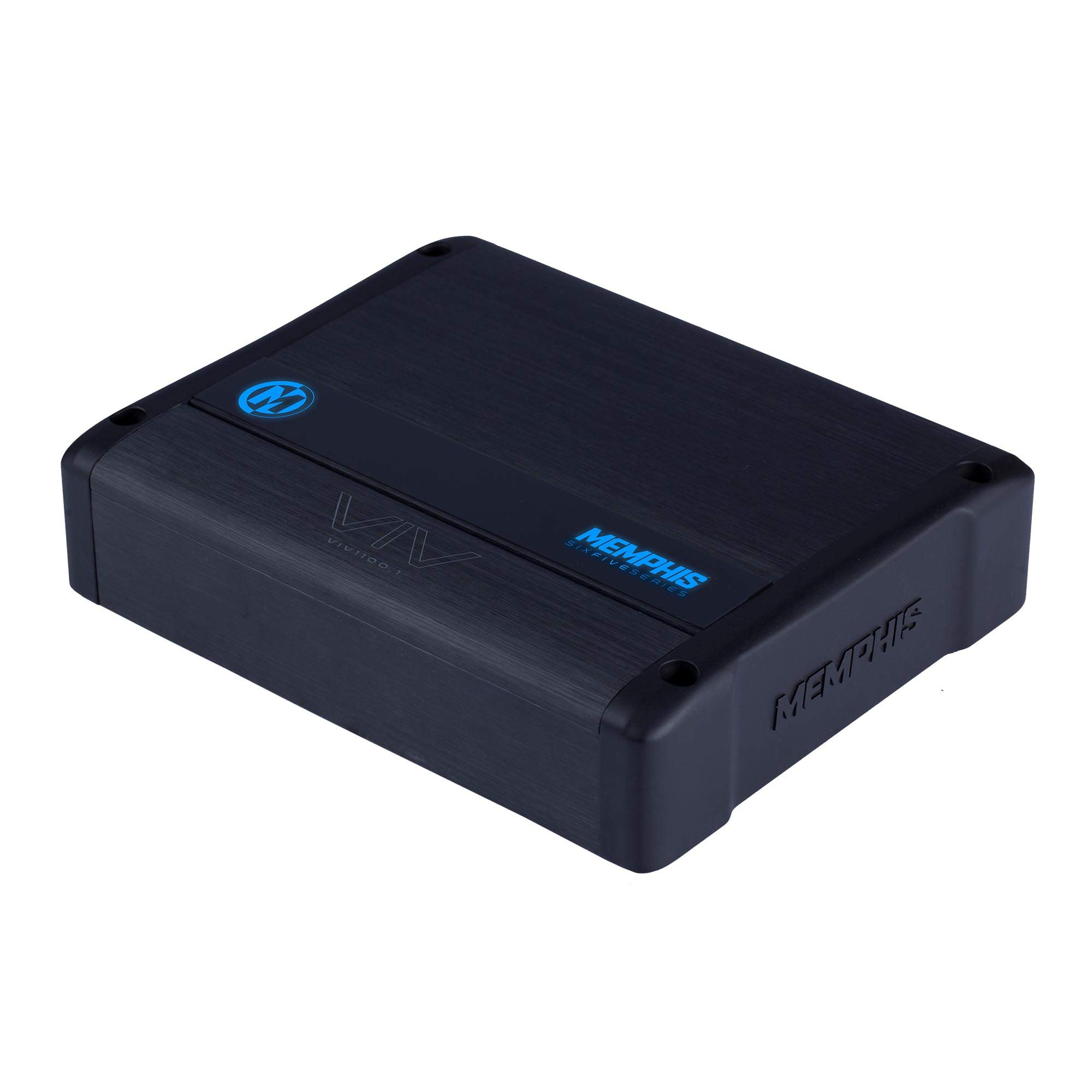
図 2: トップ パネルのコントロール。 This image illustrates the top control panel of the VIV1100.1 amplifier, detailing the adjustable knobs for GAIN, SUB-SONIC filter, X-OVER (low-pass crossover), CENTER FREQ, Q, BASS BOOST, and the LED COLOR selector.
- 利得: の入力感度を調整します。 amplifier to match the output of your head unit. Start with the gain at minimum and slowly increase until desired volume is reached without distortion.
- SUB-SONIC Filter (24dB Per Octave): Filters out extremely low frequencies that are inaudible and can damage subwoofers. Set this just below the lowest frequency your subwoofer can reproduce effectively.
- X-OVER (Low Pass Crossover - 48dB Per Octave): Controls the upper frequency limit of the amplifier's output. Set this to allow only bass frequencies to pass to the subwoofer.
- CENTER FREQ & Q: These controls are part of the M-Equalization™ system, allowing for precise tuning of a specific frequency band. Adjust the CENTER FREQ to select the frequency and Q to adjust the bandwidth of the boost/cut.
- バスブースト: Provides an adjustable boost to bass frequencies. Use sparingly to avoid distortion and potential speaker damage.
- LEDカラー: Selects the color of the amplifier's LED panel. This amplifier features 7 selectable colors.
5. 操作手順
適切にインストールおよび設定すると、 amplifier will turn on automatically when your head unit is powered on (via the remote turn-on wire or DC offset sensing if 'AUTO TURN ON' is enabled). The LED indicator will illuminate to show operational status.
- 電源オン: の amplifier will power on when the remote turn-on signal is received.
- LEDインジケーター: The LED panel will display the selected color during normal operation. If the amplifier enters protection mode, the LED may change color or turn off (refer to Troubleshooting).
- 音量コントロール: ヘッドユニットを使用してシステム全体の音量を調整します。 amplifier's gain control should be set once and not used as a volume control.
6. メンテナンス
The Memphis Audio VIV1100.1 amplifier requires minimal maintenance. Follow these guidelines to ensure continued performance:
- クリーニング: 定期的に拭き取ってください amp本体の外側は柔らかく乾いた布で拭いてください。刺激の強い化学薬品や研磨剤入りの洗剤は使用しないでください。
- 検査: Regularly check all wiring connections for tightness and signs of corrosion or damage. Ensure adequate ventilation around the amplifier。
- 障害物を避ける: 上に物を置かない amplifier that could block airflow to the heat sinks.
7。 トラブルシューティング
問題が発生した場合 amp問題が解決しない場合は、サポートに連絡する前に次のトラブルシューティング ガイドを参照してください。
| 問題 | 考えられる原因 | 解決 |
|---|---|---|
| 電源なし / LEDなし | ヒューズが切れている、電源/アースの接続が不良、リモート電源オン信号がない。 | Check inline fuse near battery. Verify power, ground, and remote wire connections. Ensure head unit is on. |
| Protection Mode (LED changes/off) | 過熱、スピーカーの短絡、インピーダンスが低すぎる、DC オフセット。 | 許可する amp冷却装置を冷却します。スピーカー配線のショートがないか確認してください。スピーカーのインピーダンスが amplifier's limits. Disconnect inputs to check for DC offset. |
| 音が出ない | 入力信号がない、ゲイン設定が正しくない、スピーカー配線が外れている。 | Check RCA input cables. Adjust gain. Verify speaker connections. Ensure head unit is playing audio. |
| 歪んだ音 | ゲイン設定が高すぎる、クロスオーバー設定が不適切、スピーカーが損傷している。 | Reduce gain. Adjust crossover and bass boost settings. Test with a different speaker if possible. |
| エンジン音 | Poor ground connection, RCA cables routed near power wires, ground loop. | 確保する amplifier and head unit have solid, separate ground points. Reroute RCA cables away from power wires. Use a ground loop isolator if necessary. |
8. 仕様
The following are key specifications for the Memphis Audio VIV1100.1 SixFive Series Mono Subwoofer Amplifier:
- モデル番号: VIV1101 0 (VIV1100.1)
- 出力: 1,100 watts RMS x 1 at 1 ohm (typical)
- 亜音速フィルター: 24dB Per Octave
- ローパスクロスオーバー: 48dB Per Octave
- デジタル信号処理: はい
- 仕上げる: Angel Hair Anodized
- LEDパネル: 7 Color Selectable Color Changing LED Panel
- 取り付けタイプ: Door mount (refer to installation guidelines for secure mounting)
- 国際コード: 841992149113
- 発売日: 23年2020月XNUMX日
9.保証とサポート
9.1 保証情報
This Memphis Audio VIV1100.1 ampリファイアーには、 90日間の限定保証. This warranty covers defects in materials and workmanship under normal use. It does not cover damage caused by improper installation, accident, misuse, abuse, neglect, unauthorized modification, or normal wear and tear. Please retain your proof of purchase for warranty claims.
9.2 カスタマーサポート
For technical assistance, warranty service, or questions regarding your Memphis Audio VIV1100.1 amplifier, please contact your authorized Memphis Audio dealer or visit the official Memphis Audio website for support resources. When contacting support, please have your product model number and purchase information readily available.