
1. はじめに
Thank you for choosing the gorsun Kids Bluetooth Headphones. This manual provides essential information for the safe and effective use of your headphones. Please read it carefully before use and retain it for future reference.
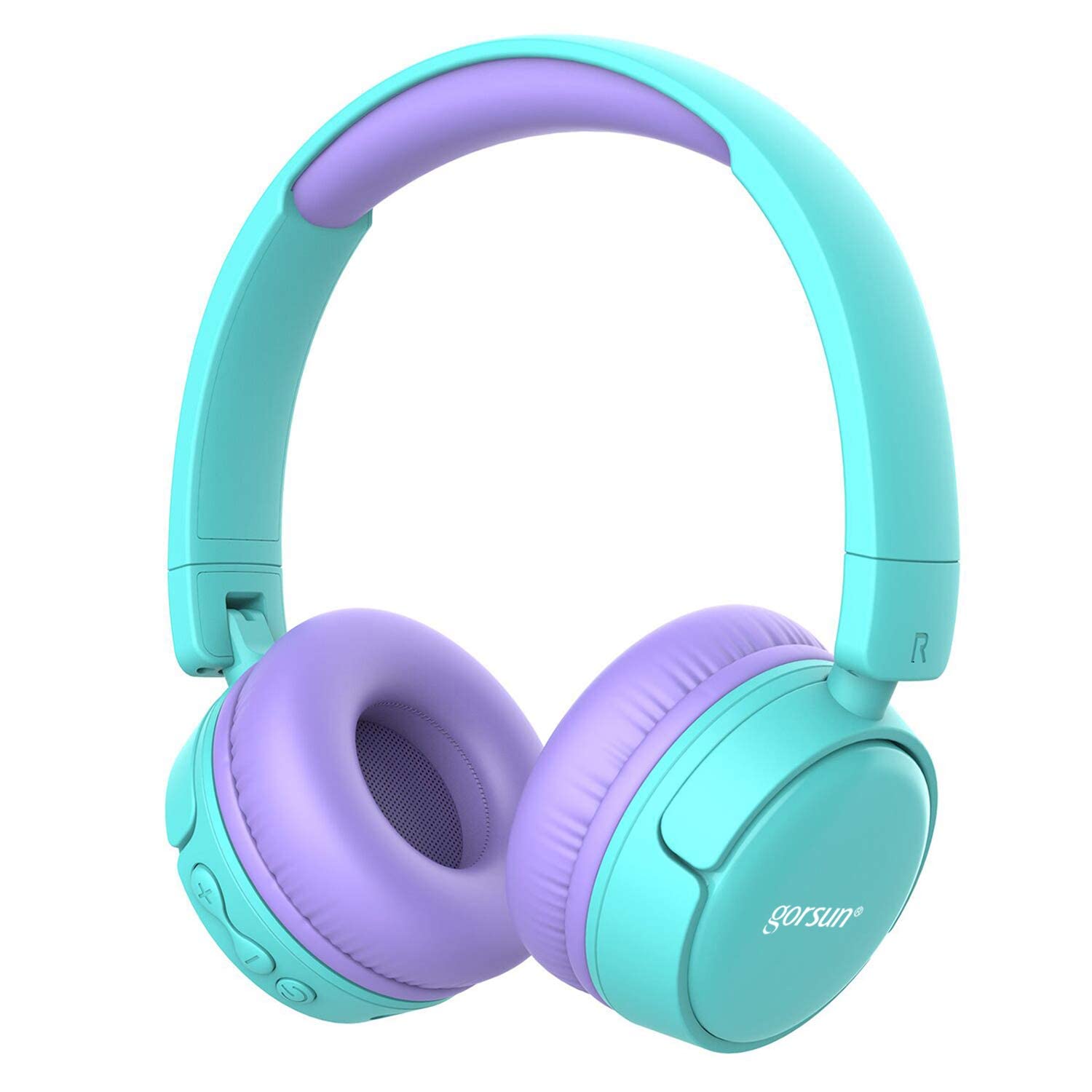
Image: gorsun Kids Bluetooth Headphones in purple and teal, showcasin全体的なデザイン。
2. パッケージ内容
パッケージにすべてのアイテムが揃っていることを確認します。
- 1 x gorsun Kids Bluetooth Headphones
- USB充電ケーブル x 1
- 1mmオーディオケーブル x 3.5
- ユーザーマニュアル (本書) x 1
- キャリーバッグ x 1。

Image: The product box and its contents, including the headphones, USB charging cable, 3.5mm audio cable, and a black carrying bag.
3. セットアップ
3.1 ヘッドホンの充電
Before first use, fully charge the headphones. Connect the small end of the USB charging cable to the charging port on the headphones and the larger end to a USB power source (e.g., computer, wall adapter). The charging indicator light will show the charging status. A full charge takes approximately 1 hour.
3.2 電源オン/オフ
- 電源を入れるには: インジケーター ライトが点滅するまで、電源ボタンを約 3 秒間押し続けます。
- 電源を切るには: インジケータ ライトが消えるまで、電源ボタンを約 3 秒間押し続けます。
3.3Bluetoothペアリング
- ヘッドフォンの電源がオフになっていることを確認してください。
- Press and hold the Power button for about 5-7 seconds until the indicator light flashes red and blue alternately. This indicates pairing mode.
- デバイス(スマートフォン、タブレット、ラップトップ)で Bluetooth を有効にし、利用可能なデバイスを検索します。
- Select "gorsun Kids Headphones" from the list of found devices.
- ペアリングされると、インジケーター ライトが青色でゆっくり点滅します。
ヘッドフォンは、電源を入れると、最後にペアリングしたデバイスに自動的に再接続しようとします。
3.4 有線接続
To use the headphones in wired mode, connect one end of the 3.5mm audio cable to the audio input jack on the headphones and the other end to your audio device's 3.5mm output jack. The Bluetooth function will automatically disable when the audio cable is connected.
3.5 Volume Limiter Adjustment
These headphones feature a volume limiter to protect children's hearing. You can switch between 85dB (Child Safety Mode) and 93dB (Flight Mode) depending on the environment.

画像: クローズアップ view of the gorsun Kids Bluetooth Headphones, highlighting the volume adjuster switch on the earcup, which allows selection between 85dB and 93dB modes.
Locate the volume adjuster switch on the earcup and slide it to your desired volume limit setting.
4. 操作手順
4.1 基本的な制御
- 再生/一時停止: 電源ボタンをXNUMX回押します。
- ボリュームアップ: 「+」ボタンを押します。
- ボリュームダウン: 「-」ボタンを押します。
- 次のトラック: 「+」ボタンを長押しします。
- 前のトラック: 「-」ボタンを長押しします。
4.2 電話
With the built-in microphone, you can manage phone calls when connected via Bluetooth:
- 通話の応答/終了: 電源ボタンをXNUMX回押します。
- 通話を拒否: 電源ボタンを2秒間押し続けます。
- 最後の番号にリダイヤル: 電源ボタンを2回押します。
4.3 Compatible Sharing Jack-Port
These headphones feature a sharing jack-port, allowing two or more headphones to be connected to a single audio source using standard 3.5mm Aux cables (one cable per additional headphone). This enables multiple users to listen to the same audio simultaneously.
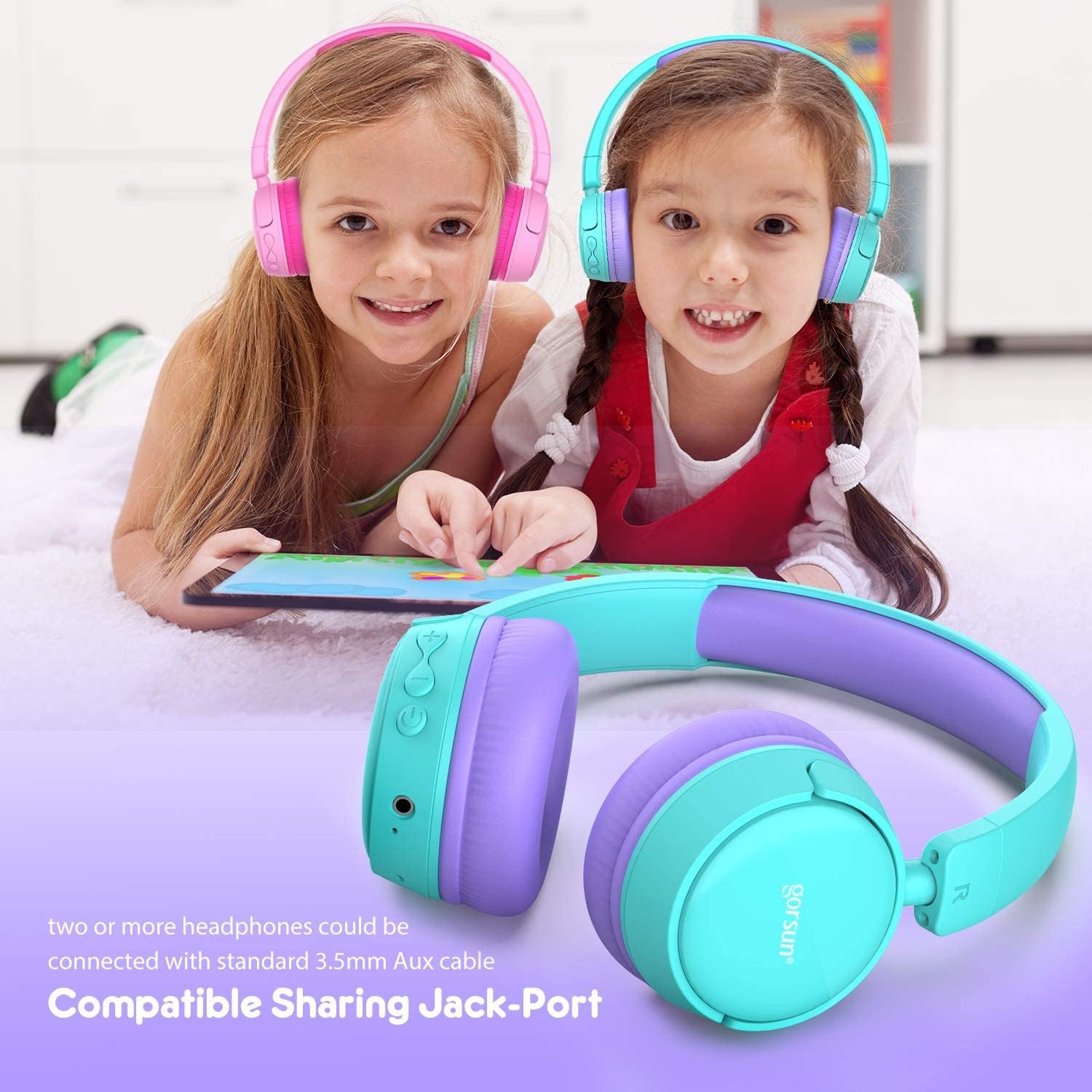
Image: Two children wearing gorsun Kids Bluetooth Headphones, connected together with an audio cable to share sound from a tablet, demonstrating the sharing jack-port feature.
5. メンテナンス
5.1 クリーニング
Wipe the headphones with a soft, dry cloth. Do not use harsh chemicals or abrasive cleaners. Avoid getting moisture into any openings.
5.2 ストレージ
When not in use, store the headphones in the provided carrying bag to protect them from dust and scratches. The headphones are foldable for compact storage.

Image: The gorsun Kids Bluetooth Headphones shown in a folded position, illustrating their compact design for easy storage and portability.
5.3バッテリーケア
To prolong battery life, avoid fully discharging the headphones frequently. Charge them regularly, even if not in constant use. Store in a cool, dry place away from extreme temperatures.

Image: A detailed breakdown of the headphone's comfortable features, including protein sponge padding, an adjustable headband with numbered markings, soft protein ear cushions, and a polished outer casing.
6。 トラブルシューティング
- ヘッドホンの電源が入らない: ヘッドホンが充電されていることを確認してください。USBケーブルを使って電源に接続してください。
- Bluetooth経由でペアリングできません: Make sure the headphones are in pairing mode (red and blue flashing light). Ensure Bluetooth is enabled on your device and it is within 10 meters of the headphones. Turn off and on both devices and try again.
- 音が出ない: Check the volume level on both the headphones and your connected device. Ensure the headphones are properly paired or the 3.5mm audio cable is fully inserted.
- 音質が悪い、または接続が切れる: Move closer to your Bluetooth device to reduce interference. Ensure there are no obstacles between the headphones and the device. Disconnect and re-pair the headphones.
- マイクが機能しません: Ensure the headphones are properly connected via Bluetooth. Check your device's audio input settings to confirm the headphone microphone is selected.
7. 仕様
| 特徴 | 仕様 |
|---|---|
| モデル番号 | f0b6f738-96a2-4a17-9d00-ed2fa798fbe0 |
| 接続性 | ワイヤレス(Bluetooth 4.0)、有線(3.5mm Aux) |
| Bluetooth範囲 | 最大10メートル(33フィート) |
| バッテリー寿命 | 最大15時間 |
| 充電時間 | 約1時間 |
| ボリュームリミッター | 85dB (Child Safety Mode) / 93dB (Flight Mode) |
| 周波数応答 | 20 Hz - 20 kHz |
| 材料 | プラスチック、シリコン |
| アイテム重量 | 10.6オンス(300グラム) |
| 製品寸法 | 6.69 x 6.5 x 0.18インチ |
| 特集 | Lightweight, Built-in Microphone, Foldable Design, Sharing Jack-Port |
8. 保証情報
gorsun products are designed and manufactured to the highest quality standards. This product is covered by a limited warranty from the date of purchase. Please refer to the warranty card included in your package or contact customer support for detailed warranty terms and conditions.
9. カスタマーサポート
For any questions, technical assistance, or warranty claims, please contact gorsun customer support through the retailer where you purchased the product or visit the official gorsun web連絡先情報のサイト。