
導入
The Amazon Basics DisplayPort to HDMI Female Converter allows you to connect a computer or other device with a DisplayPort output to an HDMI-equipped display, such as an HDTV, monitor, or projector. This adapter supports video resolutions up to 4K at 60Hz, providing a high-quality visual experience. It is a uni-directional converter, meaning it converts signals from DisplayPort to HDMI only.

Image: The Amazon Basics DisplayPort to HDMI Female Converter, showing both the DisplayPort male connector and the HDMI female port on the adapter.
主な特徴
- 高解像度サポート: Supports video resolutions up to 4K@60Hz for clear and vibrant visuals.
- 一方向変換: Converts signal from DisplayPort (DP) to HDMI only. Not bi-directional.
- 幅広い互換性: Connects computers with DisplayPort to HDMI-equipped HDTVs, monitors, or projectors.
- プラグアンドプレイ: No external power adapter or driver installation required for operation.
- DisplayPort Standards: Supports both Standard DisplayPort (DP) and Dual-Mode DisplayPort (DP++).
パッケージ内容
- 1 x Amazon Basics DisplayPort to HDMI Female Converter (Model DP12-UH01)
- Note: An HDMI cable is required and sold separately.
セットアップ手順
DisplayPort ソース デバイスを HDMI ディスプレイに接続するには、次の手順に従います。
- ポートを識別します: Ensure your computer or source device has a DisplayPort output and your display has an HDMI input. This adapter is not compatible with USB ports.
- DisplayPort を接続します: Insert the male DisplayPort connector of the adapter into the DisplayPort output on your computer.
- HDMIケーブルを接続します: Take your HDMI cable (not included) and plug one end into the HDMI female port on the converter.
- ディスプレイに接続: Plug the other end of the HDMI cable into the HDMI input port on your HDTV, monitor, or projector.
- 電源オン: Power on both your computer and your display. The display should automatically detect the signal. If not, manually select the correct HDMI input on your display.
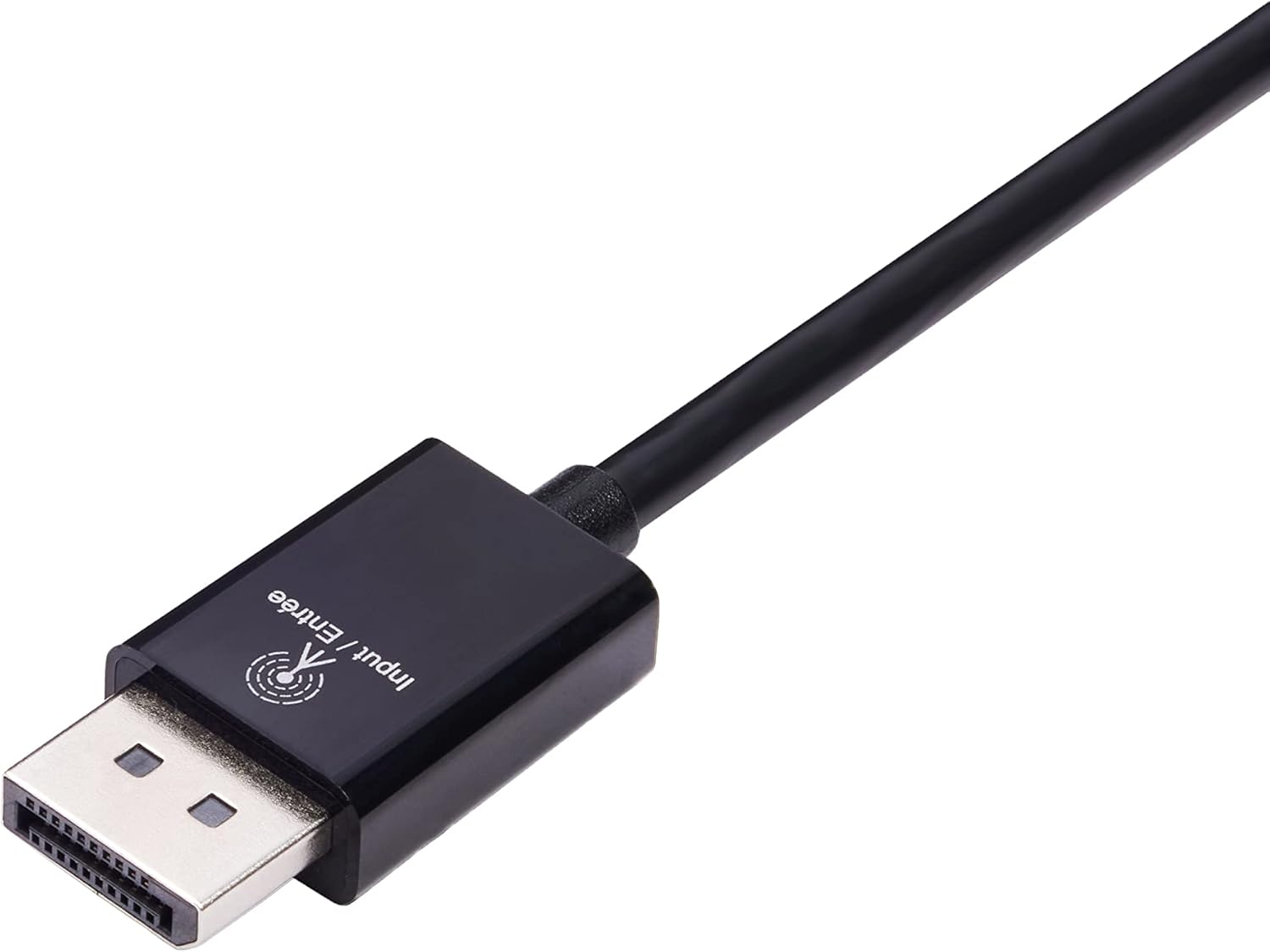
Image: Close-up of the DisplayPort male connector, labeled "Input / Entrée".
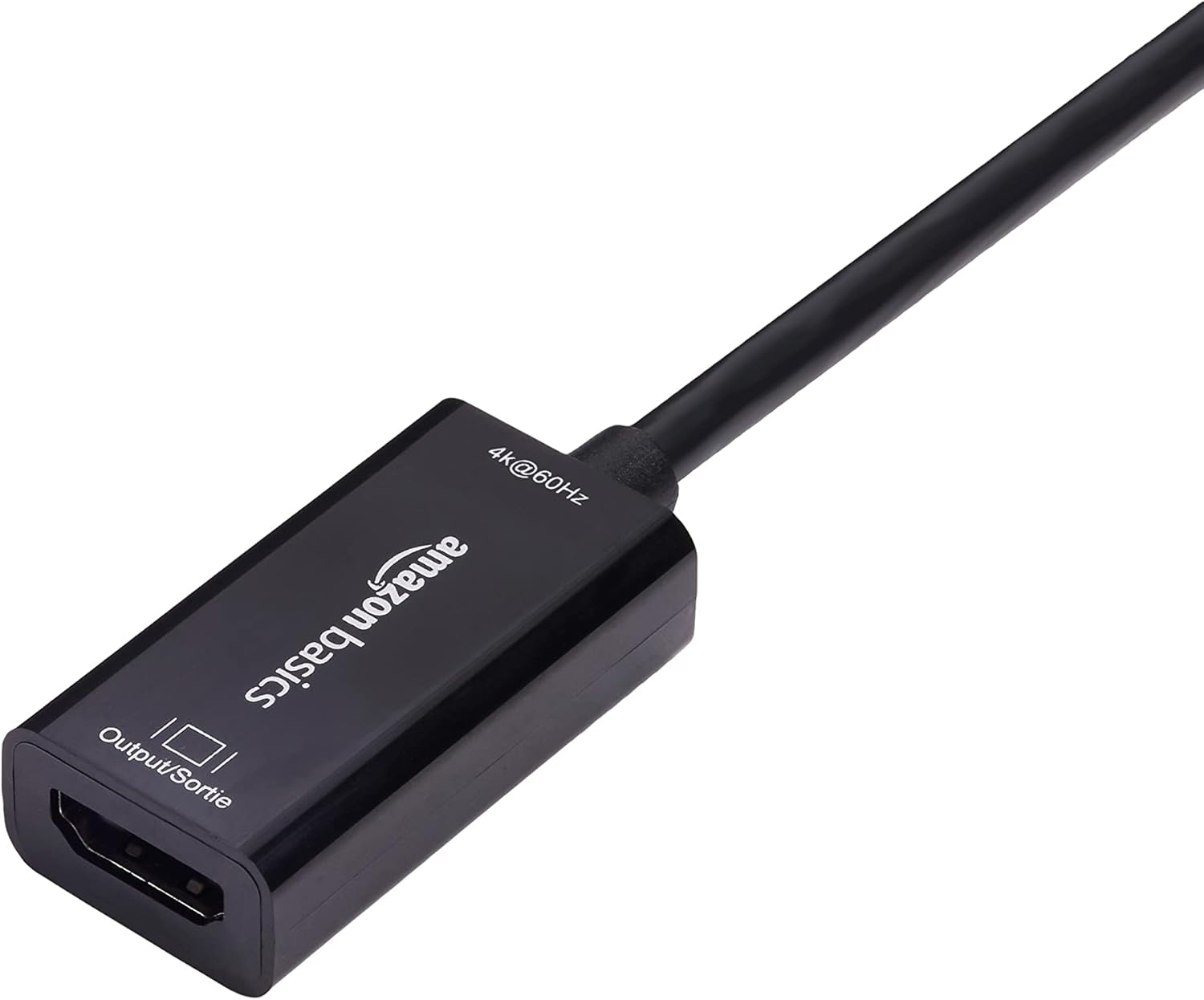
Image: Close-up of the HDMI female port on the converter, labeled "Output / Sortie".
The adapter is plug-and-play, requiring no additional software or drivers.

Image: The DisplayPort to HDMI converter connected to a laptop's DisplayPort, with an HDMI cable ready to connect to a display.
操作手順
Once connected, the Amazon Basics DisplayPort to HDMI Female Converter operates automatically. Your computer's operating system should detect the connected display and extend or duplicate your desktop as configured in your display settings.
- ディスプレイの設定: To adjust resolution, refresh rate, or display mode (extend/duplicate), access your computer's display settings. For Windows, right-click on the desktop and select "Display settings." For macOS, go to "System Preferences" > "Displays."
- 音声伝送: This adapter supports audio transmission from DisplayPort to HDMI. Ensure your computer's sound output is set to the HDMI display if you wish to use its speakers.
お手入れとメンテナンス
To ensure the longevity and optimal performance of your converter:
- アダプタは湿気や極端な温度を避け、乾燥した環境に保管してください。
- ケーブルを過度に曲げたりねじったりしないでください。
- Clean the connectors periodically with a dry, lint-free cloth to prevent dust buildup.
- 自分でアダプタを分解したり修理したりしないでください。
トラブルシューティング
| 問題 | 解決 |
|---|---|
| モニターに何も表示されません。 |
|
| Resolution or refresh rate issues (e.g., not 4K@60Hz). |
|
| ディスプレイから音声が出ません。 |
|
| Adapter not working with a USB port. | This adapter is designed for DisplayPort outputs only and is not compatible with USB ports. Please ensure your computer has a dedicated DisplayPort. |

Image: A compatibility chart illustrating that the adapter works with PCs with DisplayPort, HDMI TVs, and projectors, but not with computer USB ports.
仕様
| 特徴 | 詳細 |
|---|---|
| モデル番号 | DP12-UH01 |
| コネクタタイプ | DisplayPort オス - HDMI メス |
| 最大解像度 | 4K@60Hz |
| 方向 | 単方向(DisplayPort から HDMI のみ) |
| 対応デバイス | Computers with DisplayPort, HDTVs, Monitors, Projectors |
| 色 | 黒 |
| 商品の寸法 (長さ x 幅 x 高さ) | 1.8 x 0.75 x 0.55 インチ (4.57 x 1.91 x 1.4 cm) |
| アイテム重量 | 0.8オンス(22.68グラム) |
| 入力ボリュームtage | 20ボルト |
| 現在の評価 | 1 Amps |
| 電源プラグタイプ | No Plug (Bus-powered) |

Image: A diagram illustrating the approximate dimensions of the converter, showing a length of 9 inches (22.86 cm) for the cable and adapter combined.
保証情報
This Amazon Basics DisplayPort to HDMI Female Converter is covered by a 1年間の限定保証 provided by Amazon Basics. For details regarding warranty claims and terms, please refer to the official Amazon Basics warranty policy or contact customer support.
カスタマーサポート
For further assistance, technical support, or warranty inquiries, please visit the official Amazon Basics support page or contact Amazon customer service directly. You can typically find support contact information on the Amazon webサイトの「ヘルプ」または「カスタマー サービス」セクションをご覧ください。