
導入
This manual provides detailed instructions for the ECHTPower Wireless Pro Controller, designed for use with Nintendo Switch and Switch OLED consoles. It covers setup, operation, maintenance, and troubleshooting to ensure an optimal gaming experience. Please read this manual carefully before using the product.
製品終了view
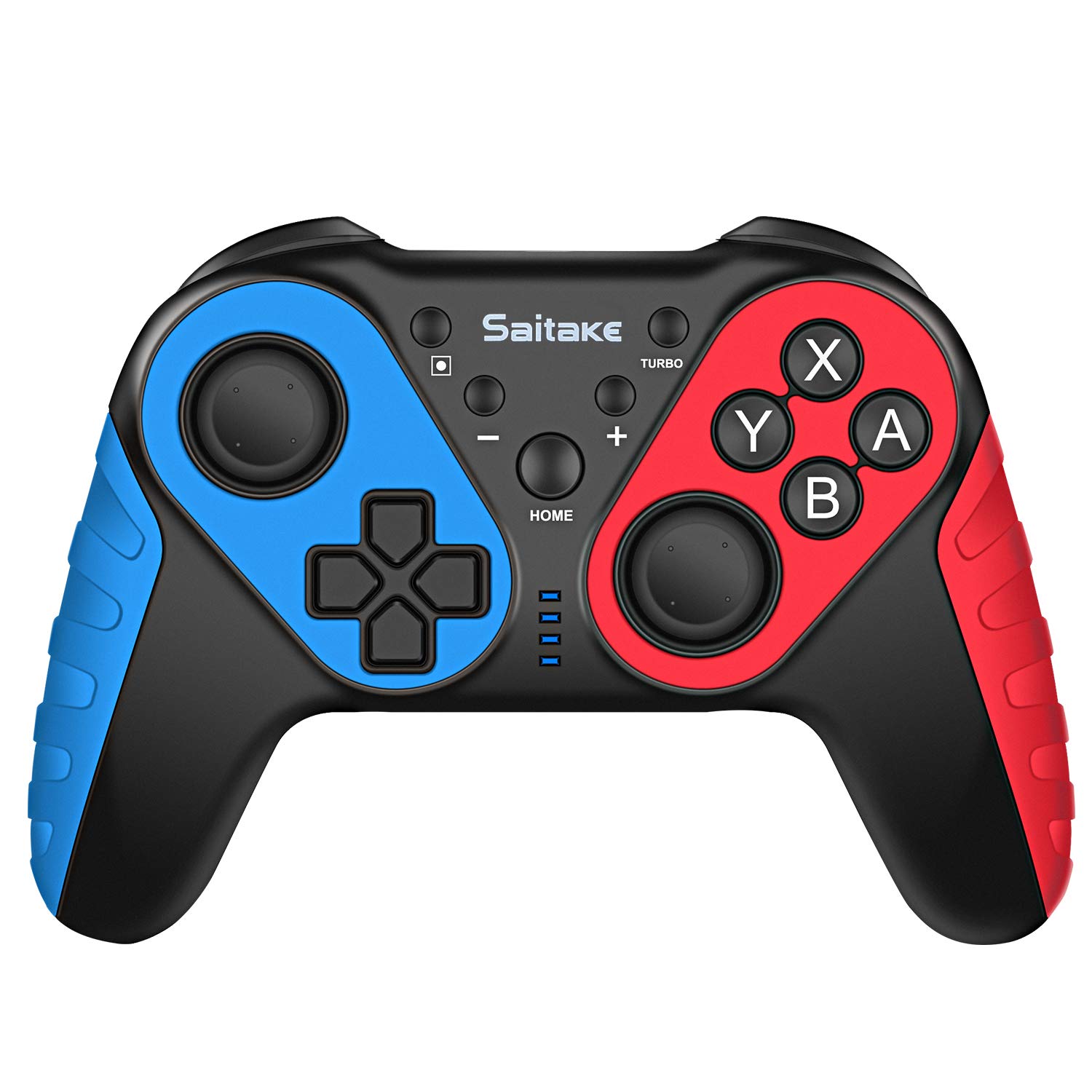
Familiarize yourself with the controller's buttons and ports.

画像: フロントとトップ view of the ECHTPower Wireless Pro Controller, highlighting the D-Pad, Home button, Left and Right Joysticks, A/B/X/Y buttons, Capture button, Turbo button, Plus and Minus buttons, R/L/RZ/LZ triggers, Type-C Charging Port, and Skid-Proof Design.
- 十字キー: 移動とメニューナビゲーション用の方向パッド。
- 左ジョイスティック: Analog stick for precise movement.
- 右ジョイスティック: Analog stick for camera control and aiming.
- A/B/X/Y ボタン: ゲーム内コマンドのアクション ボタン。
- ホームボタン: Nintendo Switchのホームメニューに戻ります。
- キャプチャボタン: スクリーンショットまたはビデオクリップを撮ります。
- ターボボタン: ボタンを素早く押すとターボ機能がオン/オフになります。
- + / - ボタン: Plus and Minus buttons for in-game functions and menu navigation.
- R / L / RZ / LZ Buttons: ゲーム内のさまざまなアクションを実行するためのショルダーボタンとトリガーボタン。
- Type-C充電ポート: Used for charging the controller.
- NFCエリア: Located near the HOME button, used for Amiibo functionality.
設定
1. Pairing with Nintendo Switch/OLED
- Ensure your Nintendo Switch/OLED console is powered on and updated to the latest system version.
- HOMEメニューから「コントローラー」>「持ち方・順番変更」を選択します。
- On the ECHTPower controller, press and hold the ホームボタン そして Yボタン LED インジケーターが高速点滅し始めるまで、3 ~ 5 秒間同時に押し続けます。
- コントローラーはSwitchと自動的にペアリングされます。接続されると、コントローラー上の対応するプレイヤーLEDが点灯します。
2. PCへの接続
The controller can also be connected to a Desktop PC or Notebook PC. Connection methods may vary depending on the PC's Bluetooth capabilities. For wired connection, use a USB-C cable.

画像: Illustration showing the ECHTPower Wireless Pro Controller compatible with Nintendo Switch, Desktop PC, and Notebook PC, allowing for multiplayer gaming.
操作手順
1. ターボ機能
The Turbo function allows for continuous rapid pressing of a button. This can be useful in games requiring quick, repeated inputs.
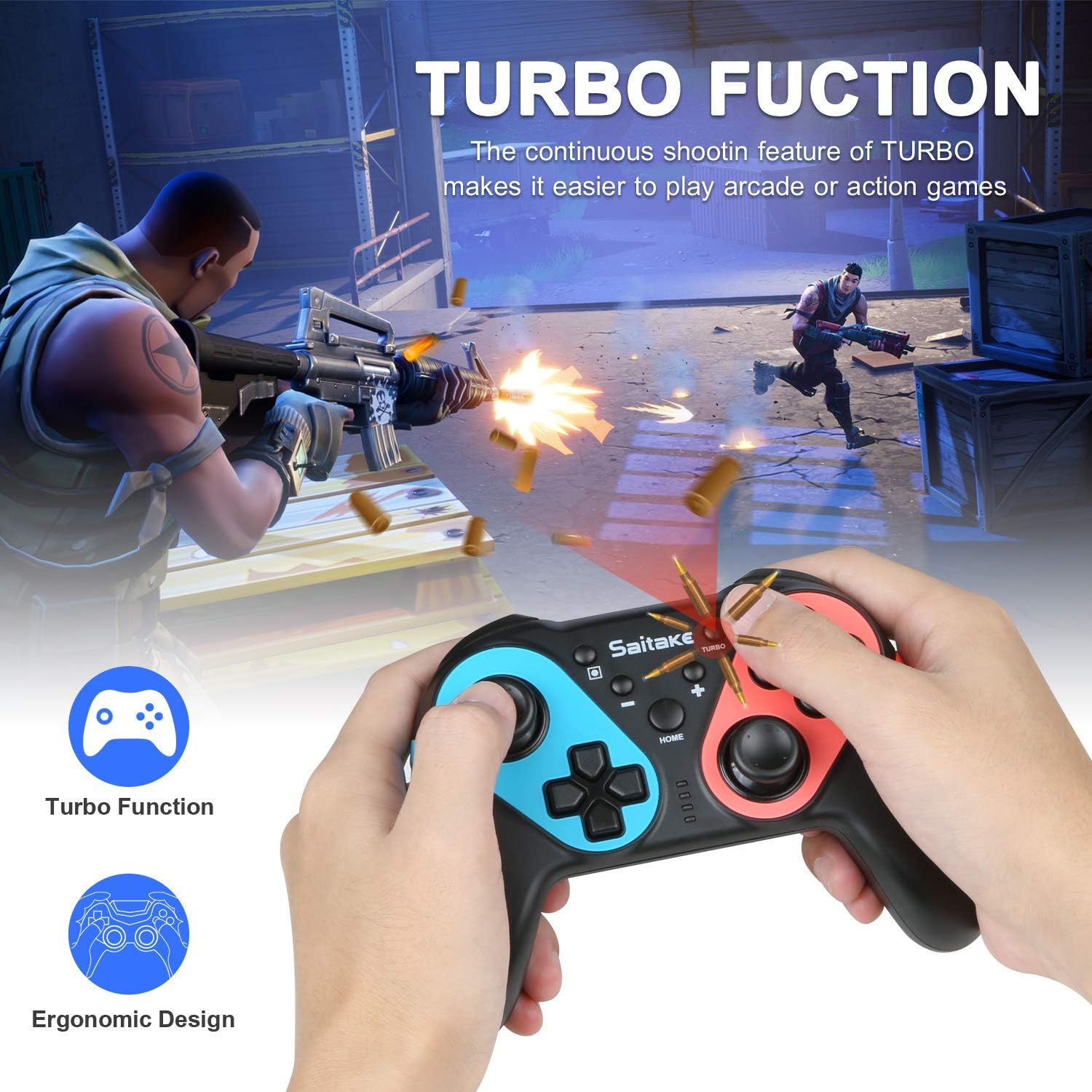
画像: Depiction of the Turbo function in action, showing rapid firing in a game, alongside an ergonomic design.
- ターボを有効にするには: を押し続けます ターボボタン, then press the desired action button (A/B/X/Y/L/R/ZL/ZR). The button will now continuously input when held down.
- Turboを無効にするには: Repeat the activation steps (hold Turbo, then press the action button again).
2. 調整可能な振動
The controller features dual motors with three levels of vibration feedback (Weak, Moderate, Strong) to enhance your gaming experience.

画像: Diagram illustrating the three adjustable vibration levels: Weak, Moderate, and Strong, with internal motor representation.
Specific instructions for adjusting vibration levels are typically found in the console's controller settings or through a button combination (refer to the product packaging or manufacturer's website if not detailed here).
3. NFC機能(Amiibo対応)
The controller includes built-in NFC functionality, allowing you to use Amiibo figures for in-game bonuses and features.
画像: The ECHTPower Wireless Pro Controller with an NFC icon, surrounded by various Amiibo figures (Pikachu, Ryu, Mario, Link, Rathalos), demonstrating quick induction for equipment.
- To use an Amiibo, place the Amiibo figure on the NFC area of the controller (typically near the HOME button) when prompted by a compatible game.
4. 6-Axis Gyroscope and High Precise Joysticks
The controller features a sensitive 6-axis gyroscope for motion control and high-precision joysticks for accurate input, enhancing gameplay in titles that utilize these features.
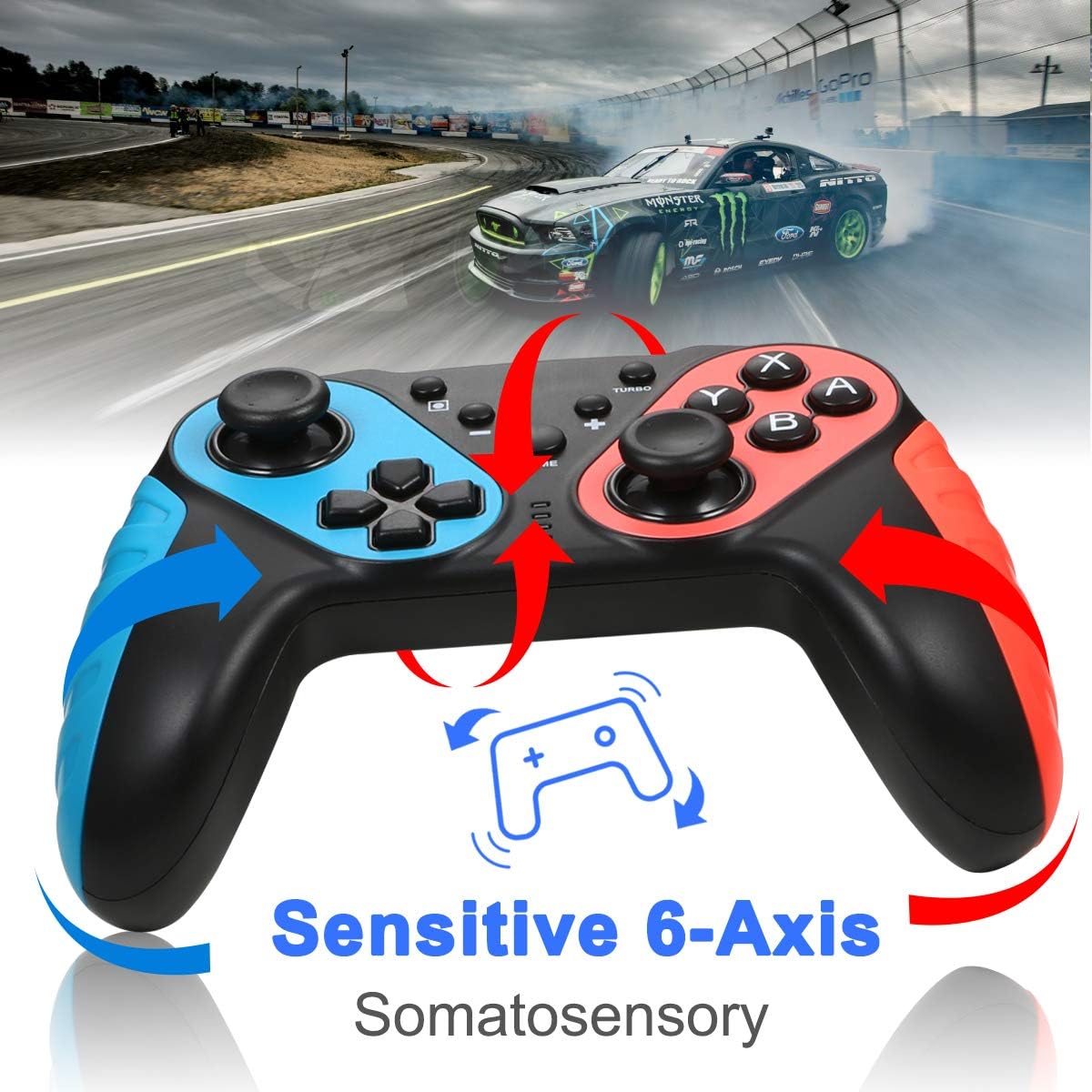
画像: The ECHTPower Wireless Pro Controller with arrows indicating sensitive 6-axis somatosensory movement, suggesting motion control capabilities.

画像: Close-up of the ECHTPower Wireless Pro Controller's joystick, highlighting its high precision with glowing effects.
5. コントローラーの充電
- Connect the provided USB Type-C cable to the controller's charging port and the other end to a USB power source (e.g., Nintendo Switch dock, PC, USB wall adapter).
- The LED indicators on the controller will show charging status and turn off or change color when fully charged.
メンテナンス
- コントローラーは乾燥した場所に保管し、極端な温度から遠ざけてください。
- コントローラーは柔らかく乾いた布で拭いてください。刺激の強い化学薬品や研磨剤は使用しないでください。
- コントローラーを落としたり、強い衝撃を与えたりしないでください。
- 損傷を防ぐために、使用していないときはコントローラーを安全な場所に保管してください。
トラブルシューティング
- コントローラーが接続されません:
- コントローラーが充電されていることを確認してください。
- Repeat the pairing process (HOME + Y).
- Check if the Switch console's system software is up to date.
- Move closer to the Switch console to ensure a strong Bluetooth signal.
- ボタンまたはジョイスティックが反応しない:
- Restart the controller by holding the HOME button for 10 seconds, then re-pair.
- Ensure no physical obstructions are affecting button presses.
- 振動が機能しません:
- Check in-game settings and Switch console settings to ensure vibration is enabled.
- Adjust vibration intensity if applicable.
- NFC (Amiibo) not detected:
- Ensure the Amiibo is placed correctly on the NFC area.
- Verify the game supports Amiibo functionality.
仕様
| 接続性 | Wireless (Bluetooth) / Wired (USB Type-C) |
| 互換性 | Nintendo Switch, Nintendo Switch OLED, Desktop PC, Notebook PC |
| 特集 | Turbo Function, 6-Axis Gyroscope, Dual Motor Vibration (3 levels), NFC (Amiibo Support), High Precise Joysticks, Ergonomic Design |
| 充電ポート | USBタイプC |
保証とサポート
For warranty information or technical support, please refer to the contact details provided on the product packaging or visit the official ECHTPower webサイト。 保証請求に備えて購入時のレシートを保管しておいてください。