
1. はじめに
ご購入ありがとうございますasing the boAt Stone 190 Bluetooth Speaker. This manual provides essential information for setting up, operating, and maintaining your speaker. Please read it carefully before use to ensure optimal performance and longevity of your device.

Image: The boAt Stone 190 speaker showcasing its portable and lightweight design, ideal for on-the-go use.
2. パッケージ内容
以下の項目のボックスにチェックを入れてください。
- boAt Stone 190Bluetoothスピーカー
- USB充電ケーブル
- ユーザーマニュアル
3.製品オーバーview およびコントロール
スピーカーのレイアウトとコントロール ボタンをよく理解してください。

画像: トップダウン view of the boAt Stone 190 speaker, highlighting its integrated control buttons for easy operation.
- 電源ボタン: 押し続けると電源がオン/オフになります。
- 再生/一時停止ボタン: 押すと音楽を再生または一時停止します。
- ボリュームアップ(+): 押すと音量が上がります。押し続けると次のトラックに進みます。
- ボリュームダウン (-): 押すと音量が下がります。長押しすると前のトラックに戻ります。
- モードボタン(M): Press to switch between modes (if applicable).
- 充電ポート: USB充電ケーブルを接続します。
4.スピーカーの充電
初めてご使用になる前に、スピーカーを完全に充電してください。付属のUSB充電ケーブルをご使用ください。
- USB ケーブルの小さい方の端をスピーカーの充電ポートに接続します。
- USB ケーブルの大きい方の端を USB 電源アダプタ (別売) またはコンピュータの USB ポートに接続します。
- LEDインジケーターは充電状態を示します。充電が完了すると消灯するか、色が変わります。
A full charge provides up to 4 hours of playback time with its 800mAh battery capacity.

Image: The boAt Stone 190 speaker, illustrating its 800mAh battery capacity and up to 4 hours of playback time.
5.Bluetoothペアリング
Follow these steps to connect your boAt Stone 190 speaker to a Bluetooth-enabled device.

Image: The boAt Stone 190 speaker, highlighting its instant wireless connectivity via Bluetooth V5.0.
- 電源オン: Press and hold the Power button on the speaker until you hear an audible prompt and the LED indicator flashes, indicating it's in pairing mode.
- Bluetoothを有効にする: スマートフォン、タブレット、その他の Bluetooth デバイスで、Bluetooth 設定に移動し、Bluetooth を有効にします。
- デバイスの選択: In the list of available devices, search for and select "boAt Stone 190".
- 接続を確認: Once paired, you will hear a confirmation tone, and the LED indicator will stop flashing and remain solid.
- 再接続: スピーカーは、電源を入れると、最後にペアリングしたデバイスに自動的に再接続しようとします。
6. スピーカーの操作
音楽再生に
- 再生/一時停止: 再生/一時停止ボタンを押します。
- ボリュームアップ: 「+」ボタンを短く押します。
- ボリュームダウン: 「-」ボタンを短く押します。
- 次のトラック: 「+」ボタンを長押しします。
- 前のトラック: 「-」ボタンを長押しします。
関数を呼び出す
- 通話の応答/終了: 再生/一時停止ボタンを押します。
- 通話を拒否: 再生/一時停止ボタンを長押しします。
7. 防水性能(IPX7)
The boAt Stone 190 speaker features an IPX7 water resistance rating.
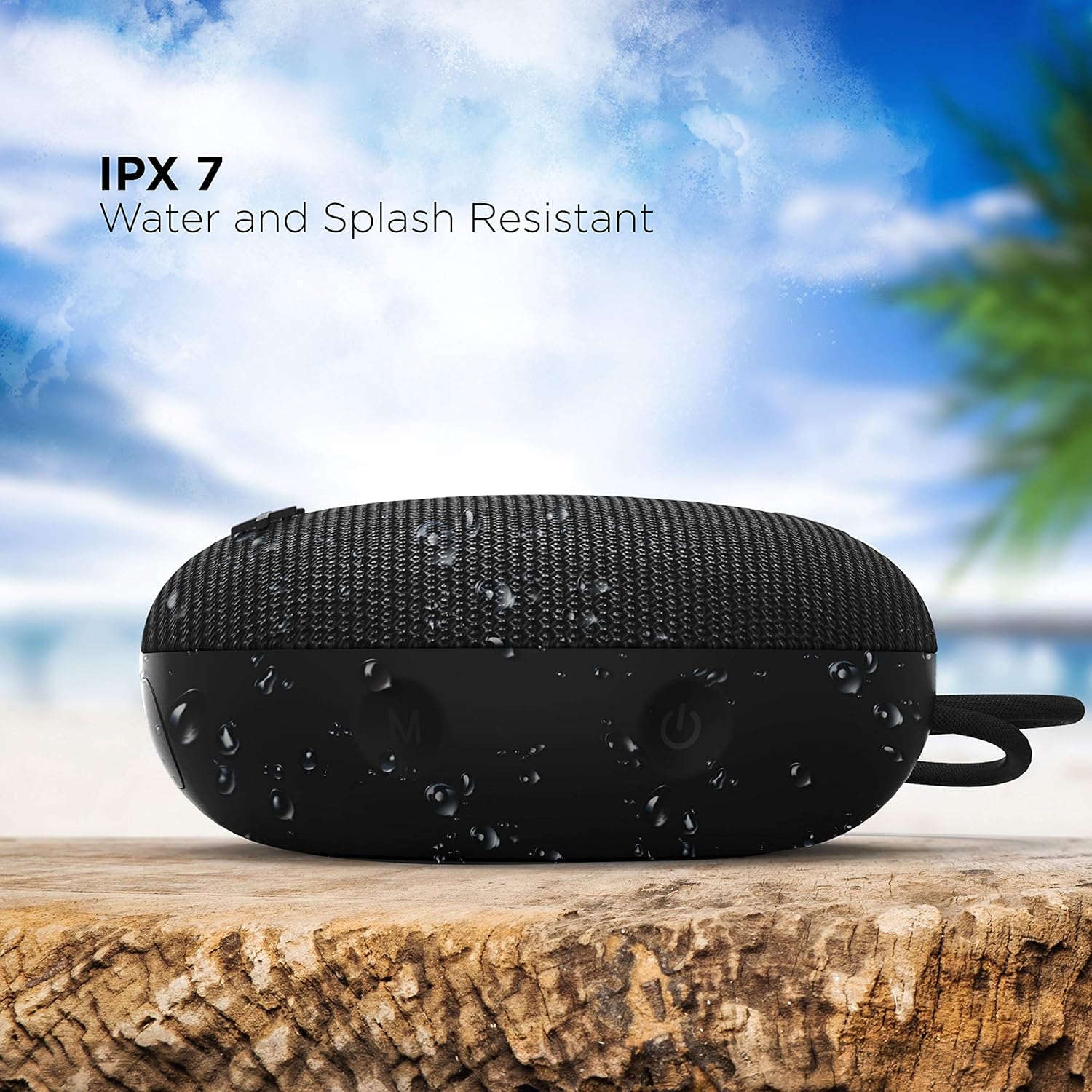
Image: The boAt Stone 190 speaker, demonstrating its IPX7 water and splash resistant capabilities, suitable for outdoor use.
- IPX7 means the speaker can be immersed in water up to 1 meter for 30 minutes.
- It is resistant to splashes, rain, and accidental submersion.
- スピーカーを水にさらす前に、充電ポートのカバーがしっかりと閉じられていることを確認してください。
- Do not intentionally submerge the speaker for extended periods or in water deeper than 1 meter.
8. メンテナンスとケア
- クリーニング: ソフトでスピーカーを拭きます、damp 布で拭いてください。強力な化学薬品や研磨剤入りの洗剤は使用しないでください。
- ストレージ: スピーカーは、極端な温度や直射日光を避け、涼しく乾燥した場所に保管してください。
- 充電ポート: 充電ポートにほこりやごみが付かないようにしてください。
- バッテリー: To preserve battery life, charge the speaker at least once every three months if not in regular use.
9。 トラブルシューティング
| 問題 | 解決 |
|---|---|
| スピーカーの電源が入りません。 | スピーカーが充電されていることを確認してください。電源に接続してもう一度お試しください。 |
| Bluetooth デバイスとペアリングできません。 | Make sure the speaker is in pairing mode (flashing LED). Turn off and on Bluetooth on your device. Ensure the speaker is within range (10 meters). Forget previous pairings on your device and try again. |
| 音が出ない、または音量が低い。 | スピーカーと接続デバイスの両方の音量を上げてください。スピーカーが正しくペアリングされていることを確認してください。音源が再生されているか確認してください。 |
| 音の歪み。 | Move the speaker closer to your device. Reduce volume on either the speaker or the connected device. Ensure there are no obstructions causing interference. |
10. 仕様
Technical details of the boAt Stone 190 Bluetooth Speaker.

Image: The boAt Stone 190 speaker, highlighting its 5 Watt audio output and 52mm full-range driver for clear sound.
| 特徴 | 詳細 |
|---|---|
| ブランド | ボート |
| モデル名 | ストーン190 |
| スピーカー最大出力 | 5ワット |
| 接続技術 | ブルートゥース |
| Bluetoothバージョン | V5.0 (Inferred from image) |
| オーディオ出力モード | 単核症 |
| スピーカータイプ | 屋外 |
| 耐水性レベル | IPX7(防水) |
| スピーカーサイズ | 52ミリメートル |
| バッテリー容量 | 800mAh (Inferred from image) |
| バッテリーの平均寿命 | 4時間 |
| 電源 | 電池駆動 |
| 商品の寸法(奥行き x 幅 x 高さ) | 奥行き4.9cm x 幅12.5cm x 高さ12.5cm |
| アイテム重量 | 150グラム |
| 対応デバイス | デスクトップ、ラップトップ、MP3プレーヤー、スマートフォン、タブレット |
11. 安全情報
- Do not disassemble, repair, or modify the speaker. This may cause fire, electric shock, or complete damage to the product.
- Do not expose the speaker to extreme temperatures (above 45°C or below -10°C).
- スピーカーを子供やペットの手の届かない場所に保管してください。
- 聴覚障害を防ぐため、長時間大音量で聞くことは避けてください。
- 付属の充電ケーブルまたは認定された同等品のみを使用してください。
12. カスタマーサポートと保証
For product-related queries, support, or warranty information, please contact boAt customer service.
- サポートへのお問い合わせ: +91(022)69181920
- メールアドレス: info@imaginemarketingindia.com
- メーカー: イマジンマーケティング株式会社
- 住所: ユニット番号204 & 205, 2nd Floor, D-wing & E-wing, Corporate Avenue, Andheri Ghatkopar Link Road, Mumbai, Maharashtra-400093, India.