
導入
This manual provides detailed instructions for the installation, operation, and maintenance of your ESX VN1015-MA-DAB-1DIN 1-DIN Touchscreen Navigation System. This advanced car multimedia unit features a 10.1-inch multi-angle touchscreen, Android operating system, DAB+ digital radio, Bluetooth hands-free and audio streaming, GPS navigation, and extensive media connectivity. Please read this manual thoroughly before using the device to ensure proper operation and to maximize your user experience.
セットアップとインストール
Proper installation is crucial for the optimal performance of your ESX navigation system. It is recommended that installation be performed by a qualified professional.
1。 開梱と検査
- パッケージからすべてのコンポーネントを慎重に取り出します。
- リストされているすべてのアクセサリが揃っていることを確認してください。
- ユニットに損傷の兆候がないか検査します。
2. 配線接続
Refer to the wiring diagram for detailed connections. Ensure all connections are secure to prevent malfunctions.
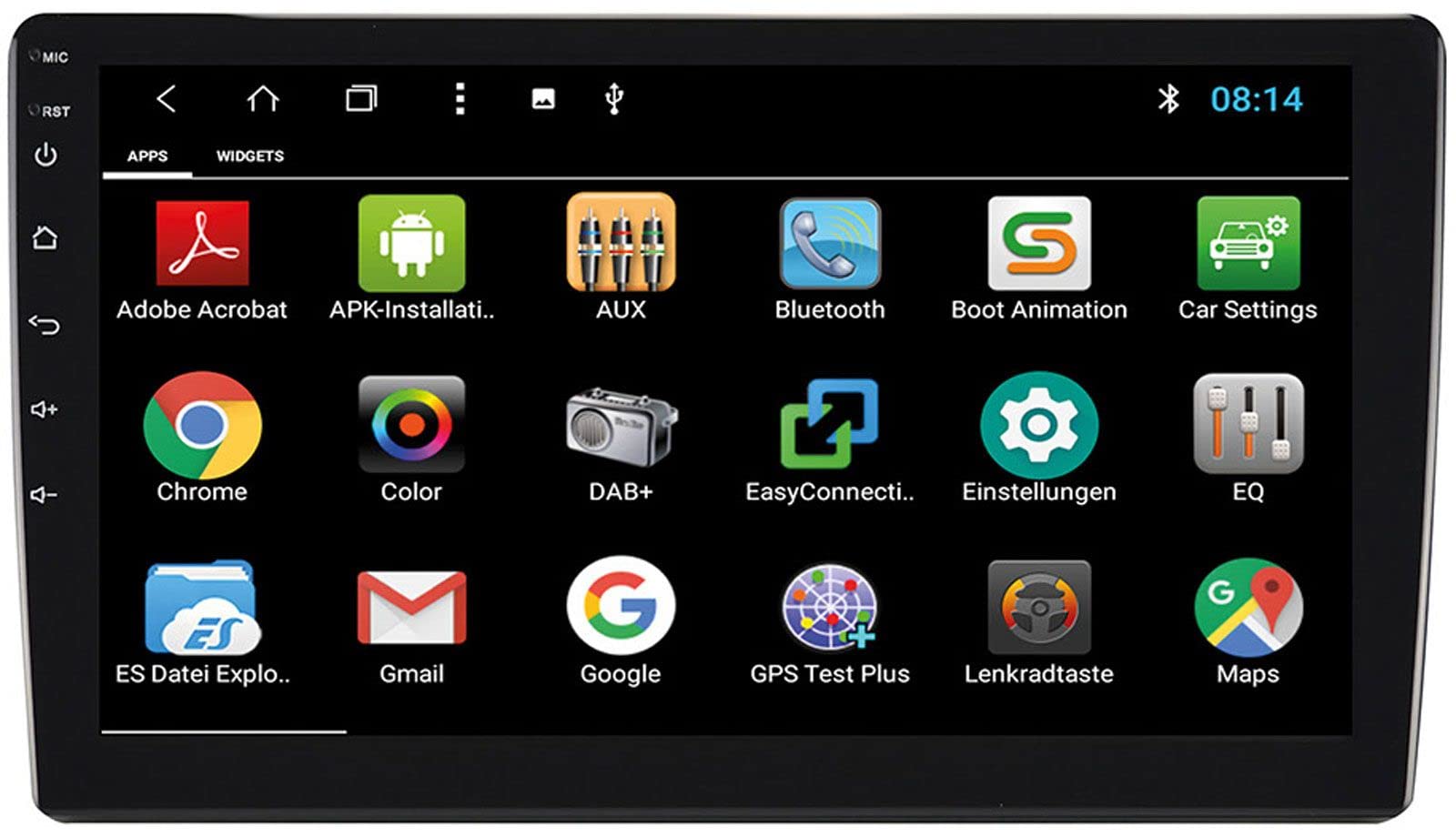
Image: Rear Connection Ports. This image displays the rear panel of the ESX VN1015-MA-DAB-1DIN unit, highlighting the various input and output ports. Key connections visible include GPS antenna input, WiFi antenna input, microphone input, USB ports, AV inputs, and the main power/speaker harness connector. A DAB+ antenna input is also present, along with a "PASSED" quality control sticker.
- 電源接続: Connect the main power harness to your vehicle's power supply (constant 12V, ignition 12V, and ground).
- スピーカー接続: 正しい極性を確認して、スピーカー ワイヤを車両のスピーカーに接続します。
- GPSアンテナ: Connect the GPS antenna to the dedicated GPS input. Position the antenna in a location with a clear view 最適な信号受信のために天空の角度を調整します。
- DAB+アンテナ: Connect the included DAB+ antenna to the DAB+ input. Ensure proper placement for best digital radio reception.
- WiFi アンテナ: Connect the WiFi antenna for internet connectivity via a mobile hotspot.
- USB ポート: メディアの再生やスマートフォンの充電のために USB デバイスを接続します。
- マイクロフォン: Connect the internal microphone or an optional external microphone (VNA-MIC-AND) for Bluetooth hands-free calling.
- AUX/Video Input: Connect external audio/video sources.
- カメラ入力: リアを接続しますview camera to the camera input. The system supports adjustable parking lines.
- 事前amp 出力: 外部接続 ampフロント、リア、サブウーファー チャンネル用のリファイア。
- ステアリングホイールコントロール: If your vehicle supports steering wheel controls, an optional adapter may be required. Connect the steering wheel control wires as per the adapter's instructions.
3. ユニットの取り付け
- Install the 1-DIN chassis into your vehicle's dashboard opening.
- Attach the 10.1-inch touchscreen display to the chassis. The display is multi-angle adjustable (height and viewing angle) for optimal visibility.
- Secure the unit firmly to prevent movement during driving.
4. 初回電源投入
- After all connections are made, turn on your vehicle's ignition.
- The unit should power on and display the ESX logo.
- Follow any on-screen prompts for initial setup, such as language selection and time zone.
操作手順
Your ESX navigation system runs on an Android operating system, offering a familiar and intuitive user interface.
1. タッチスクリーンインターフェース
The 10.1-inch high-resolution touchscreen allows for easy control of all functions. Tap, swipe, and pinch-to-zoom gestures are supported.
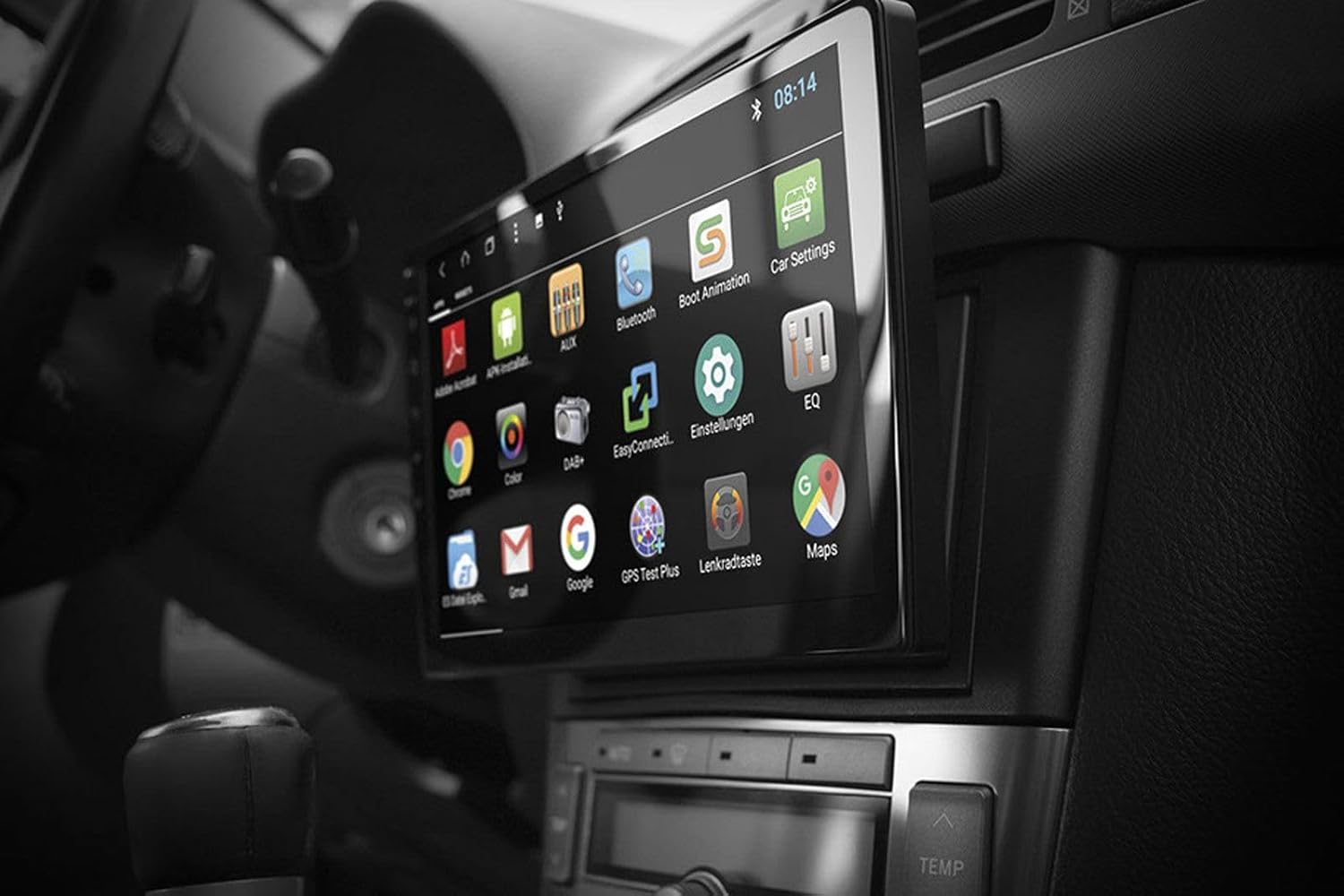
Image: Android App Interface. This image shows the ESX VN1015-MA-DAB-1DIN unit installed in a car, with its screen displaying a grid of Android application icons. Visible apps include Bluetooth, DAB+, EQ, Google, Maps, and various system settings, indicating the unit's smart functionality.
2. ナビゲーション(GPS)
- The system uses Google Maps for navigation, supporting both online and offline modes.
- GPS アンテナが正しく接続され、配置されていることを確認します。
- For offline maps, download the required map data via a WiFi connection.
- To start navigation, open the Maps application and enter your destination.

Image: Navigation Display. This image illustrates the ESX VN1015-MA-DAB-1DIN unit's screen showing a detailed navigation map. The map displays street names and routes, indicating active GPS guidance within a vehicle's interior.
3. Radio Functions (DAB+/AM/FM)
- DAB+デジタルラジオ: Access high-quality digital radio broadcasts. The system displays station logos. Ensure the DAB+ antenna is connected.
- AM/FMラジオ: Tune into analog radio stations. RDS (Radio Data System) functionality provides station information.
- To switch between radio modes, select the appropriate option in the radio application.
- Scan for stations and save your favorites for quick access.

Image: Radio Interface. This image shows the ESX VN1015-MA-DAB-1DIN unit's screen displaying the FM radio interface. It features a frequency tuner, station presets, and controls for functions like REG, TA, AF, and PTY, indicating comprehensive radio capabilities.
4. Bluetooth接続
- ペアリング: 本体とスマートフォンの Bluetooth 設定に移動します。 検索する available devices and select "ESX VN1015-MA-DAB-1DIN" (or similar). Enter the PIN if prompted (usually 0000 or 1234).
- ハンズフリー通話: Once paired, you can make and receive calls directly from the unit. Use the internal microphone or an optional external microphone for clear communication.
- オーディオストリーミング(A2DP): Stream music from your smartphone to the unit wirelessly.
5. メディアの再生
- USB/マイクロSD: Insert USB drives or MicroSD cards containing audio or video files into the respective ports. The system will automatically detect and allow playback through the media player application.
- AUX入力: Connect external audio/video devices via the AUX input.
- スマートフォン接続: Connect Android or iPhone devices via USB for charging. Some Android devices may support mirroring or data transfer depending on the phone and app.
6. システム設定
- Access the Android settings menu to customize various aspects of the unit, including display, sound, network, and system information.
- You can adjust display brightness, sound equalizer settings, and connect to a WiFi hotspot for internet access.
- Customize boot logos and background images from the settings.
メンテナンス
Regular maintenance ensures the longevity and optimal performance of your ESX navigation system.
- 画面の掃除: 柔らかく糸くずの出ない布でタッチスクリーンを優しく拭いてください。頑固な汚れには、軽くamp布を水またはスクリーンに安全なクリーナーで拭いてください。刺激の強い化学薬品や研磨剤は使用しないでください。
- ソフトウェアアップデート: メーカーからのソフトウェアアップデートを定期的に確認してください website or through the unit's system settings (if available). Updates can improve performance and add new features.
- 一般的なケア: 極端な温度、長時間の直射日光、過度の湿気にさらさないでください。本体周囲に適切な換気を確保してください。
トラブルシューティング
If you encounter issues with your ESX navigation system, refer to the following common problems and solutions.
| 問題 | 考えられる解決策 |
|---|---|
| ユニットの電源が入りません。 | Check all power connections (constant 12V, ignition 12V, ground). Verify the vehicle's fuse box and the unit's inline fuse. Ensure the ignition is on. |
| 音が出ません。 | スピーカーの接続を確認してください。音量がミュートされていないか、低く設定されすぎていないか確認してください。 amp外部の場合はライファイア接続 amplifiers are used. Check audio source selection. |
| GPS 信号が弱いか利用できません。 | GPSアンテナがしっかりと接続され、障害物のない場所に設置されていることを確認してください。 view of the sky (e.g., dashboard, under windshield). Avoid obstructions. |
| Bluetoothが接続されない、または不安定です。 | Ensure Bluetooth is enabled on both the unit and your smartphone. Delete previous pairings and try re-pairing. Move the phone closer to the unit. Restart both devices. |
| DAB+ラジオの受信状態が悪いです。 | Check the DAB+ antenna connection and its placement. Ensure you are in an area with DAB+ coverage. Rescan for stations. |
| タッチスクリーンが反応しない。 | Perform a soft reset of the unit (refer to the system settings for a reset option, or press and hold the power button if available). Ensure the screen is clean and free of debris. |
仕様
Key technical specifications for the ESX VN1015-MA-DAB-1DIN navigation system:
- 画面: 10.1-inch high-resolution multi-angle LCD touchscreen
- オペレーティング·システム: アンドロイド
- ナビゲーション: Google Maps (online and offline)
- 接続性: WiFi Hotspot (requires compatible smartphone), Bluetooth (hands-free, audio streaming), USB (2 ports), MicroSD card slot (for navigation and media), AUX/Video input, AUX/Audio input
- 無線: DAB+ Digital Radio (with station logos, DAB antenna included), AM/FM Radio (with RDS function)
- オーディオ出力: Front/Rear/Subwoofer pre-amp 出力
- 入力: 1 Camera input (adjustable lines), 1 AUX/Video input, 1 AUX/Audio input
- 特別な機能: Adjustable boot logos and background images, Internal microphone, Connector for optional external microphone (VNA-MIC-AND), Steering wheel control support (optional adapter required)
- 制御方法: タッチスクリーン
- 車両サービスの種類: 車
- メーカー: ESX
- 原産国: 中国
保証情報
The ESX VN1015-MA-DAB-1DIN unit includes a Certificate of Authenticity. For specific warranty terms and conditions, please refer to the documentation provided with your purchase or contact your retailer. Information regarding spare parts availability and guaranteed software updates is not explicitly provided.
カスタマーサポート
If you require further assistance or have questions not covered in this manual, please contact your authorized ESX dealer or the retailer from whom you purchased the product. They can provide specialized support and service.