
導入
This manual provides detailed instructions for the proper use and maintenance of your SYNCO Lav-S6E Omnidirectional Lavalier Microphone. Please read this manual thoroughly before operating the device to ensure optimal performance and longevity.
製品終了view および主な機能
The SYNCO Lav-S6E is an omnidirectional lavalier microphone designed for clear audio recording across various devices. Its key features include:
- Auto-pairing Technology: Equipped with two built-in microchips for automatic recognition and flexible pairing between 3.5mm TRRS and 3.5mm TRS audio input devices. This eliminates the need for external adapters, offering plug-and-play functionality.
- Clear Working Status Indicator: An integrated indicator light allows for real-time monitoring of the microphone's operational status and connection, ensuring you are aware of its state during recording.
- 全方向性ピックアップパターン: Features a 360-degree sound pickup range and a high-sensitivity condenser microphone head, designed to capture sound comprehensively.
- 幅広い互換性: Compatible with iOS/Android smartphones, cameras, laptops, PCs, and other devices equipped with 3.5mm jacks.
- Advanced Noise Handling: Utilizes upgraded circuitry to achieve low self-noise and actively reduce ambient noise below 70Hz, providing clear and focused audio.
箱の中身
パッケージを開封したら、すべてのコンポーネントが揃っていることを確認してください。
- SYNCO Lav-S6E Lavalier Microphone
- リチウムイオン電池
- Note: Additional accessories such as a windscreen and lapel clip are typically included with lavalier microphones. Please check your packaging.
セットアップ手順
- 電池を挿入します: Ensure the Lithium Ion battery is correctly inserted into the microphone's power module.
- デバイスに接続します:
- For devices with a 3.5mm TRRS or TRS jack (smartphones, cameras, laptops, PCs), simply plug the microphone's 3.5mm connector into the audio input port. The microphone's auto-pairing technology will detect the device type.
- For iPhone 7 and later models, use the 3.5mm-to-Lightning adapter provided with your iPhone.
- Some Android smartphones may require downloading an external video recording application for the microphone to function correctly.
- モニターステータス: Observe the indicator light on the microphone's power module. A steady light indicates a successful connection and operational status.
- マイクを接続する: Securely clip the lavalier microphone to your clothing, approximately 6-8 inches (15-20 cm) from your mouth, to capture optimal sound. Ensure it is not rubbing against clothing, which can cause unwanted noise.

Image: The SYNCO Lav-S6E microphone features auto-pairing technology, allowing direct connection to both cameras and smartphones without additional adapters.
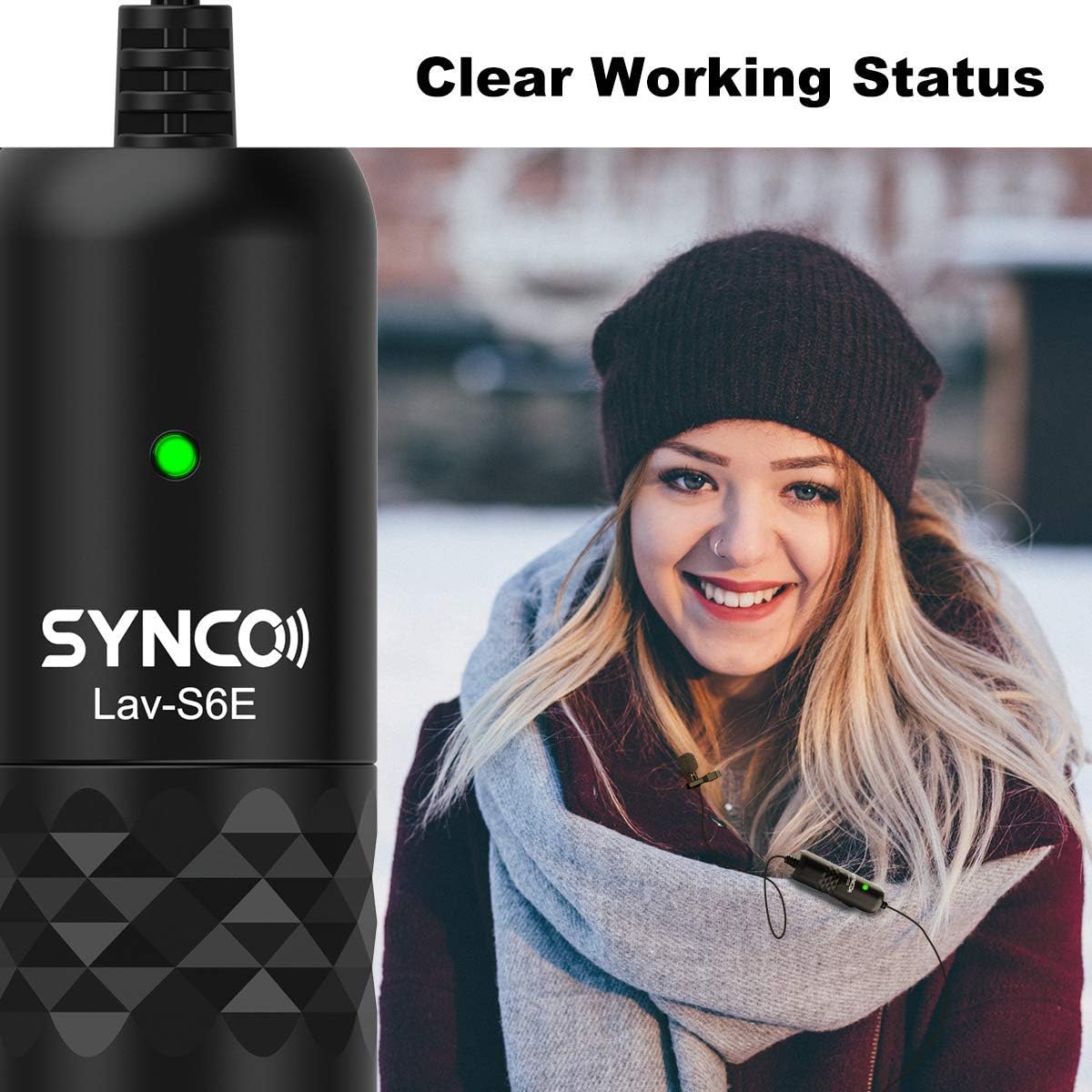
Image: The microphone's indicator light provides a clear visual cue of its working status.

Image: The SYNCO Lav-S6E offers wide compatibility with various recording devices.
操作手順
- ポジショニング: For optimal sound capture, position the microphone on your lapel or collar. Ensure the omnidirectional capsule is facing outwards and is not obstructed by clothing or accessories.
- 録音: Once connected and the indicator light is active, begin recording on your chosen device (smartphone, camera, laptop, PC).
- オーディオのモニタリング: If your recording device allows, use headphones to monitor the audio input during recording to ensure clear sound and proper microphone placement.
- ケーブル管理 The 6-meter (19.7-foot) cable provides flexibility. Manage the cable to prevent tangling or accidental disconnections during use.

Image: The omnidirectional pickup pattern captures sound from all directions, suitable for group discussions or interviews.

Image: The microphone's advanced noise processing helps to clarify audio by reducing ambient sounds.
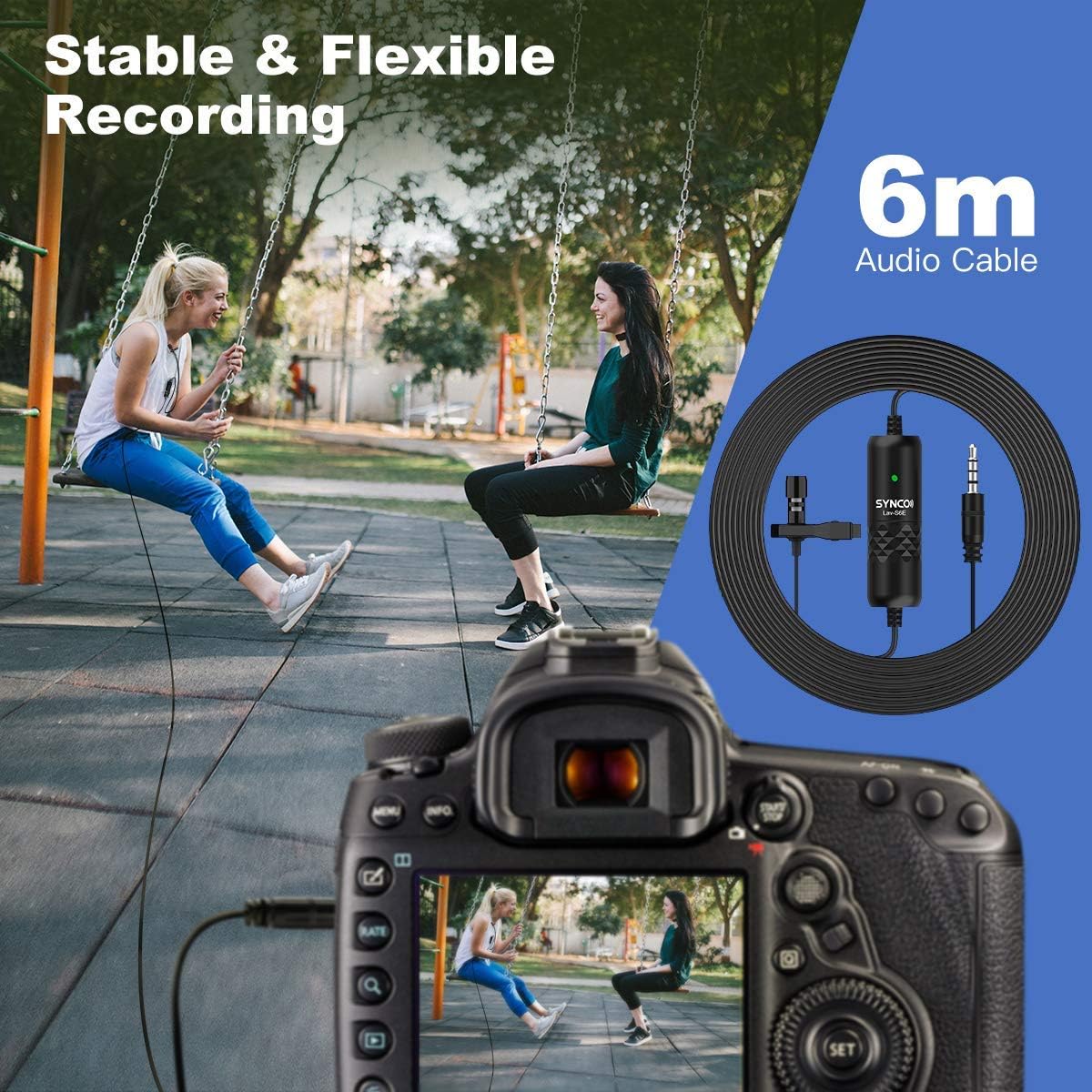
Image: The 6-meter audio cable provides ample length for flexible recording setups.
トラブルシューティング
- 音が出ない、または音量が小さい:
- Ensure the microphone is securely plugged into the device's audio input.
- Check the battery level and ensure it is correctly inserted.
- Verify the indicator light is active.
- 録音デバイスの入力音量設定を調整します。
- For smartphones, confirm that the correct audio input source is selected in your recording app.
- 静電気または不要なノイズ:
- マイクが衣服や他の物体に擦れていないことを確認してください。
- 他の電子機器からの電磁干渉がないか確認してください。
- The microphone has advanced noise handling; however, very loud ambient noise may still be picked up. Try to record in quieter environments.
- ケーブルに損傷やねじれがないか検査します。
- 互換性の問題:
- For iPhone 7 and newer, confirm you are using the official 3.5mm-to-Lightning adapter.
- For some Android devices, try using a third-party recording application if the native camera app does not recognize the microphone.
メンテナンス
- クリーニング: Use a soft, dry cloth to clean the microphone and cable. Avoid using liquid cleaners or solvents.
- ストレージ: マイクは直射日光や極端な温度を避け、涼しく乾燥した場所に保管してください。
- ケーブルのお手入れ: 内部の損傷を防ぐため、ケーブルを急激に曲げたり、過度に引っ張ったりしないでください。
- バッテリー交換: Replace the Lithium Ion battery as needed to ensure consistent performance.
仕様
| モデル番号 | S6E |
| アイテム重量 | 4.6オンス |
| パッケージ寸法 | 5.24 x 5.16 x 1.73インチ |
| ケーブル長さ | 6メートル / 19.7フィート |
| コネクタタイプ | 3.5mm TRRS/TRS (Auto-pairing) |
| ピックアップパターン | Omnidirectional (360-degree) |
| 対応デバイス | Smartphones (iOS/Android), Cameras, Laptops, PCs |
| 電源 | 電池駆動(リチウムイオン) |
| 材質タイプ | 金属 |
保証とサポート
保証情報およびテクニカルサポートについては、SYNCOの公式ウェブサイトをご覧ください。 web公式サイトをご覧いただくか、カスタマーサービスに直接お問い合わせください。保証請求の際は、購入証明としてレシートを保管してください。
メーカー: シンコ
Webサイト: Visit the SYNCO Store on Amazon