
導入
Thank you for choosing the QCY A1 Bluetooth 5.0 Headset. This manual will guide you through the setup, operation, and maintenance of your new wireless headset. Please read these instructions carefully before use to ensure optimal performance and longevity of your device.
製品終了view
パッケージ内容
- QCY A1 Bluetooth Headset
- イヤークッション
- 充電ケーブル
- ユーザーマニュアル
ヘッドセット図

Image: The QCY A1 Bluetooth Headset, showing the earbud, ear hook, and main body with control buttons.
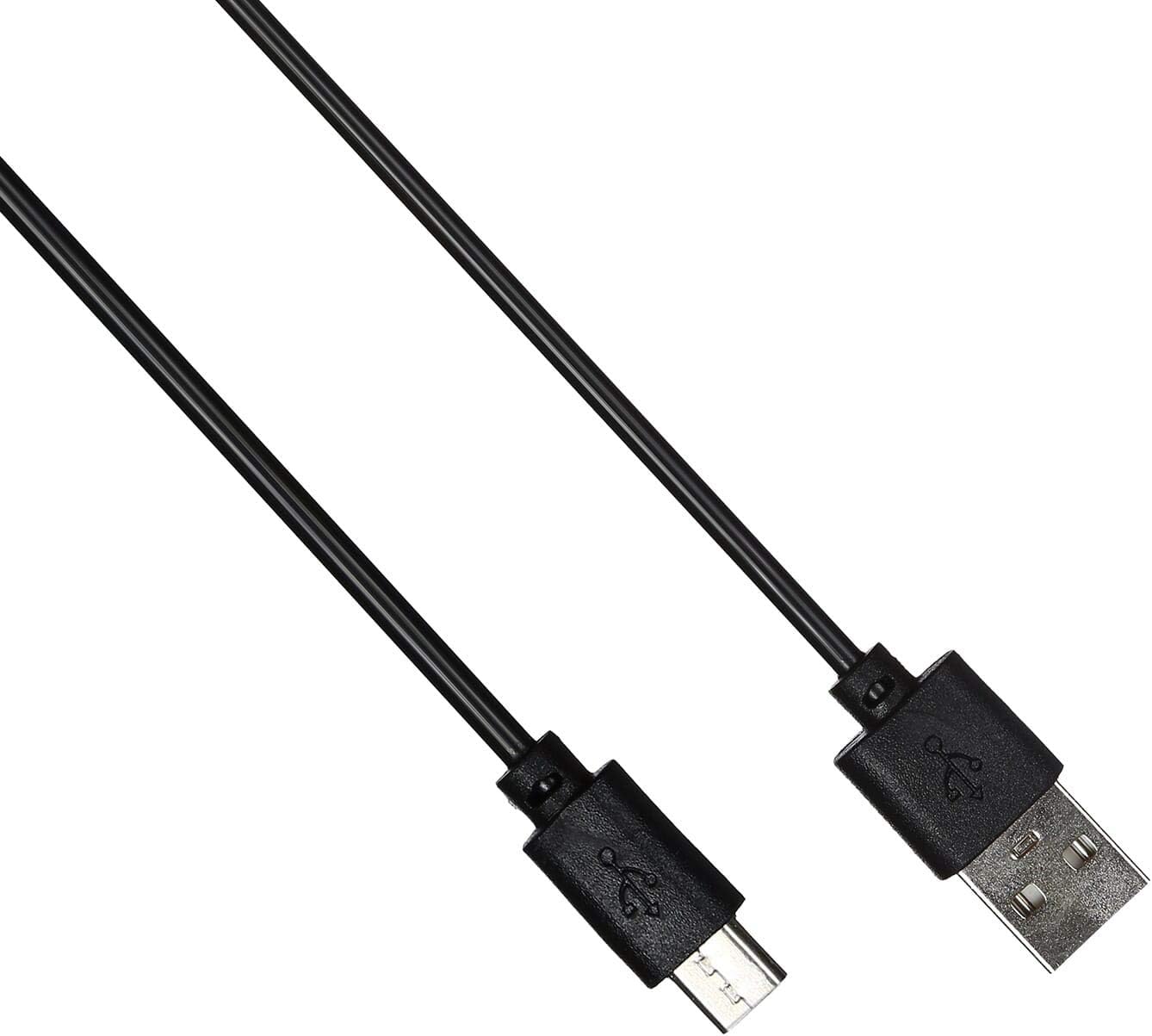
Image: The USB charging cable for the QCY A1 headset.
設定
1. ヘッドセットの充電
- 充電ケーブルをヘッドセットの充電ポートに接続します。
- ケーブルのもう一方の端を USB 電源 (コンピューター、壁のアダプターなど) に差し込みます。
- インジケーターライトが充電状態を示します。フル充電には通常約1~2時間かかります。
- 完全に充電されたら、充電ケーブルを取り外します。
2. デバイスとのペアリング
- ヘッドセットがオフになっていることを確認します。
- インジケーター ライトが赤と青に交互に点滅し、ペアリング モードを示すまで、マルチファンクション ボタンを押し続けます。
- 携帯電話または Bluetooth 対応デバイスで Bluetooth を有効にし、利用可能なデバイスを検索します。
- 見つかったデバイスのリストから「QCY A1」を選択します。
- Once connected, the indicator light will flash blue slowly, and you will hear a confirmation tone.
- If pairing fails, turn off the headset and repeat the steps.
操作手順
電源オン/オフ
- 電源オン: Press and hold the Multi-function button for 3 seconds. The blue indicator light will flash.
- 電源を切る: Press and hold the Multi-function button for 5 seconds. The red indicator light will flash briefly before turning off.
通話管理
- 通話に応答: マルチファンクションボタンを短く押します。
- 通話終了: 通話中に多機能ボタンを短く押します。
- 通話を拒否: 多機能ボタンを 2 秒間押し続けます。
- 最後の番号にリダイヤル: 通話中でないときに、マルチファンクションボタンを 2 回押します。
音楽再生に
- 再生/一時停止: マルチファンクションボタンを短く押します。
- 次のトラック: 音量アップボタンを長押しします。
- 前のトラック: 音量ダウンボタンを押し続けます。
- ボリュームアップ: 音量アップボタンを短く押します。
- ボリュームダウン: 音量ダウンボタンを短く押します。
音声アシスタント
- 音声アシスタントを有効にする: マルチファンクションボタンを 3 回押します (機能は接続されているデバイスによって異なります)。
メンテナンス
- ヘッドセットは定期的に柔らかく乾いた布で拭いてください。
- 強力な化学薬品や研磨材の使用は避けてください。
- ヘッドセットは、直射日光や極端な温度を避け、涼しく乾燥した場所に保管してください。
- ヘッドセットを水に浸したり、過度の湿気にさらしたりしないでください。
- お子様の手の届かない場所に保管してください。
トラブルシューティング
| 問題 | 解決 |
|---|---|
| ヘッドセットの電源が入りません。 | ヘッドセットが完全に充電されていることを確認してください。 |
| デバイスとペアリングできません。 | Ensure the headset is in pairing mode (red and blue lights flashing). Turn off and on your device's Bluetooth. Try pairing again. |
| 音が出ない、または音質が悪い。 | Check the volume levels on both the headset and your connected device. Ensure the headset is within the 10-meter operating range of your device. |
| ヘッドセットの接続が頻繁に切断されます。 | Ensure there are no obstacles between the headset and your device. Move closer to your device. |
仕様
| 特徴 | 詳細 |
|---|---|
| モデル | A1 |
| ブランド | クワイシー |
| 接続技術 | ワイヤレス(Bluetooth 5.0) |
| Bluetoothプロfileサポートされている | HFP、A2DP、HSP |
| ワイヤレス範囲 | 最大10メートル |
| 制御方法 | タッチ/ボタン |
| ヘッドフォンフォームファクタ | 耳に装着 |
| 対応デバイス | 携帯電話 |
| 色 | 白 |
| アイテム重量 | 80グラム |
| 含まれるコンポーネント | イヤークッション |
安全情報
- ヘッドセットを分解したり改造したりしないでください。
- ヘッドセットを極端な温度や湿度にさらさないでください。
- 付属の充電ケーブルまたは認定された同等品のみを使用してください。
- Do not use the headset at high volume for extended periods to prevent hearing damage.
- Be aware of your surroundings when using the headset, especially in traffic or other potentially dangerous situations.