
1. はじめに
Thank you for choosing the iGear Ensemble 20W Wooden Portable Soundbar. This manual provides essential information for setting up, operating, and maintaining your soundbar to ensure optimal performance and longevity. The iGear Ensemble is designed to deliver rich audio with extra bass, featuring versatile connectivity options and a portable design crafted from recycled wood.

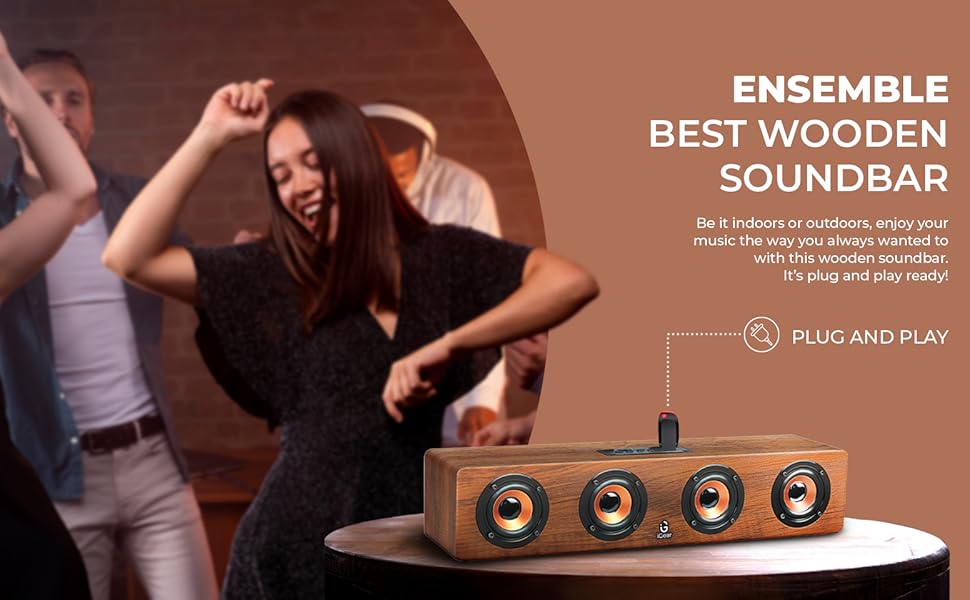
画像1.1:正面 view of the iGear Ensemble 20W Wooden Portable Soundbar.
2. 箱の中身
パッケージの内容をよくご確認ください。不足品や破損品がございましたら、カスタマーサポートまでご連絡ください。
- 1 x iGear Ensemble Soundbar
- 充電ケーブル x 1
- ユーザーマニュアル x 1

Image 2.1: The iGear Ensemble Soundbar and its included charging cable.
3. 特徴
- 20W Extra Bass Speaker: Enjoy powerful and clear audio with enhanced bass.
- Bluetooth v5.0 接続: 互換性のあるデバイスへのシームレスなワイヤレス接続。
- Multi-Channel Connectivity: Supports USB drives and TF/SD cards for diverse audio sources.
- In-Built FM Radio: お気に入りのラジオ局を聴いてみましょう。
- 充電式2400mAhバッテリー: Provides 3-5 hours of music playback on a single charge.
- Built-in Woofer: Delivers deeper and richer bass performance.
- 軽量で持ち運びに便利: Easy to carry for music on the go.
- Wooden Material: Crafted from recycled wood for an elegant aesthetic.
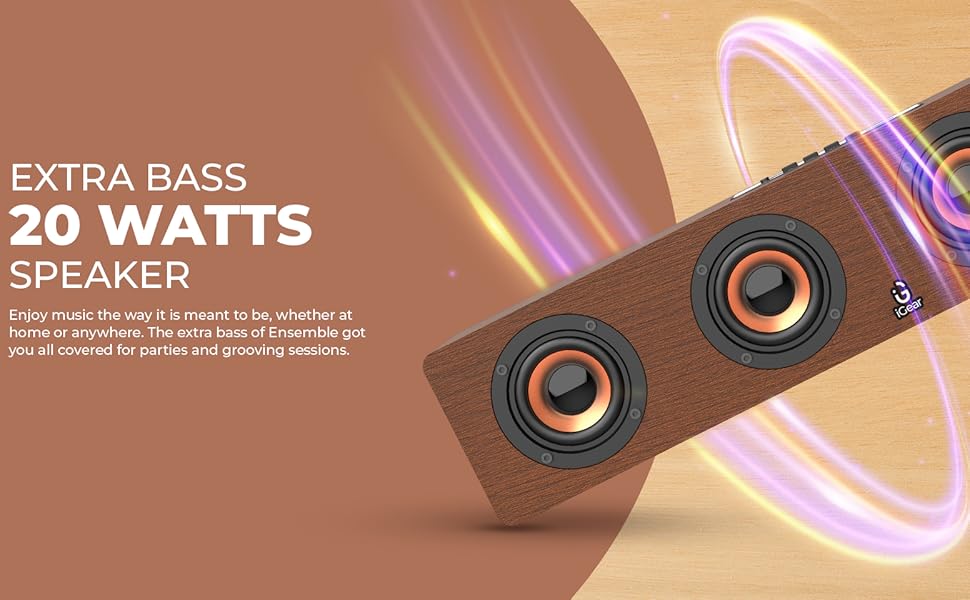
Image 3.1: The soundbar's 20 Watts output for extra bass.
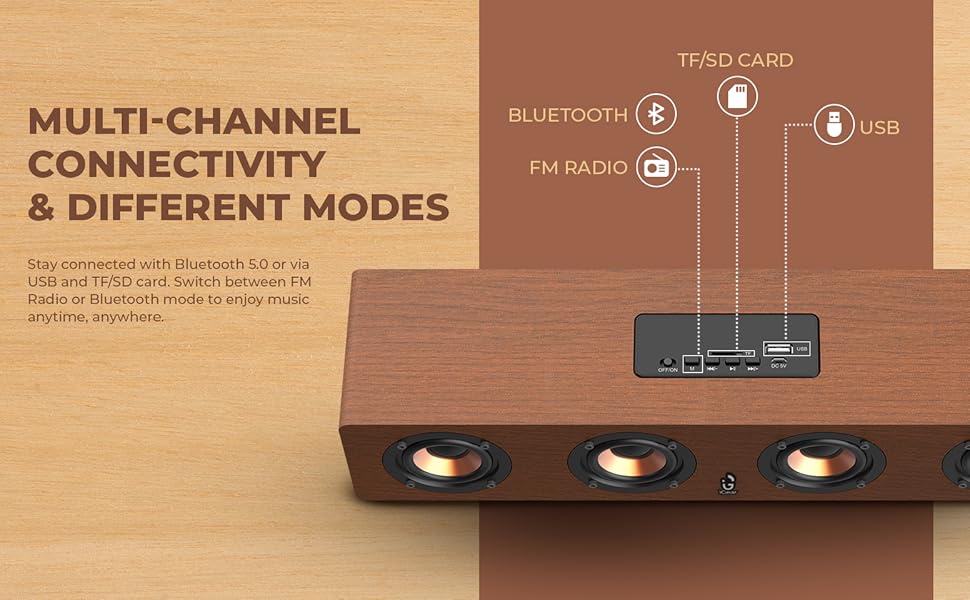
Image 3.2: The soundbar features a 2400 mAh battery for extended playtime.
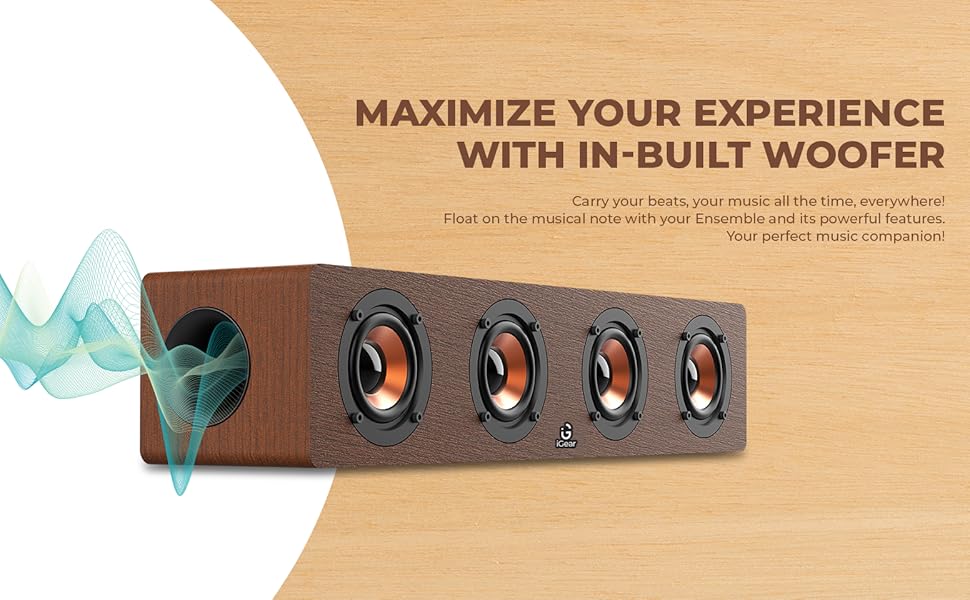
Image 3.3: The soundbar's in-built woofer for enhanced audio experience.
画像3.4: 以上view of the soundbar's multi-channel connectivity options.
4. セットアップ
4.1 サウンドバーの充電
- 付属の充電ケーブルをサウンドバーの DC 5V ポートに接続します。
- 充電ケーブルのもう一方の端を USB 電源アダプター (別売) またはコンピューターの USB ポートに接続します。
- 充電インジケーターライトが点灯します。フル充電には約5時間かかります。
- 充電が完了すると、モデルによってはインジケーターライトの表示が変化したり消灯したりする場合があります。充電ケーブルを外してください。
4.2 電源のオン/オフ
- 電源を入れるには、電源スイッチを「ON」の位置にスライドします。音声プロンプトが聞こえます。
- 電源を切るには、オン/オフスイッチを「オフ」の位置にスライドします。
4.3Bluetoothペアリング
- Ensure the soundbar is powered on and in Bluetooth mode (indicated by a blue LED light or audible prompt). If not, press the 'M' (Mode) button to switch to Bluetooth mode.
- デバイス(スマートフォン、タブレット、ラップトップ)で Bluetooth を有効にし、利用可能なデバイスを検索します。
- Select "iGear Ensemble" from the list of found devices.
- Once paired, you will hear a confirmation sound, and the Bluetooth indicator light will remain steady.
5. 操作手順
5.1 モード選択
Press the 'M' (Mode) button repeatedly to cycle through available modes: Bluetooth, FM Radio, USB, and TF/SD Card.
5.2 ボリュームコントロール
- Press and hold the 'Volume Down (-)' button to decrease the volume.
- Press and hold the 'Volume Up (+)' button to increase the volume.
5.3 再生コントロール
- Press the 'Play/Pause' button to play or pause audio.
- In Bluetooth/USB/TF/SD mode, short press 'Previous Track (-)' to go to the previous track.
- In Bluetooth/USB/TF/SD mode, short press 'Next Track (+)' to go to the next track.
5.4 FMラジオの操作
- 「M」ボタンを使用して FM ラジオ モードに切り替えます。
- 「再生/一時停止」ボタンを長押しすると、利用可能な FM 局が自動的にスキャンされて保存されます。
- Use the 'Previous Track (-)' and 'Next Track (+)' buttons to navigate between saved stations.
5.5 USB/TF/SD Card Playback
- Insert a USB drive or TF/SD card (with audio files) をそれぞれのポートに挿入します。
- The soundbar will automatically switch to USB or TF/SD mode and begin playback. If not, press the 'M' button to select the correct mode.
- Use the playback control buttons (Play/Pause, Previous/Next Track) as described above.
6. メンテナンス
- クリーニング: サウンドバーの表面を拭く際は、柔らかく乾いた布をご使用ください。研磨剤入りの洗剤や溶剤は使用しないでください。
- ストレージ: サウンドバーは、直射日光や極端な温度を避け、涼しく乾燥した場所に保管してください。
- バッテリーのケア: To prolong battery life, avoid fully discharging the battery frequently. Charge the soundbar regularly, even if not in use for extended periods.
- 水を避ける: 本製品は防水ではありません。水や湿気の多い場所には置かないでください。
7。 トラブルシューティング
| 問題 | 考えられる原因 | 解決 |
|---|---|---|
| 電源なし | Battery is drained; Power switch is OFF. | Charge the soundbar; Slide the power switch to 'ON'. |
| 音が出ない | 音量が低すぎます。選択したモードが正しくありません。デバイスが接続されていません。 | Increase volume; Press 'M' to select correct mode; Re-pair Bluetooth or re-insert USB/TF/SD card. |
| Bluetoothがペアリングされない | Soundbar not in pairing mode; Device Bluetooth is off; Too far from device. | Ensure soundbar is in Bluetooth mode; Enable Bluetooth on your device; Move device closer to soundbar (within 10 meters). |
| FMラジオの雑音 | 弱い信号。 | Move the soundbar to a location with better reception; Re-scan for stations. |
8. 仕様
| 特徴 | 詳細 |
|---|---|
| モデル名 | アンサンブル |
| モデル番号 | IG-1130 |
| スピーカータイプ | サラウンドサウンド |
| 取り付けタイプ | 卓上マウント |
| 材料 | Wood (recycled) |
| 無線通信 | ブルートゥース v5.0 |
| 接続技術 | Bluetooth、USB、ワイヤレス |
| スピーカー最大出力 | 20ワット |
| バッテリー容量 | 2400 mAhリチウムイオン |
| バッテリーの平均寿命 | 3~5時間 |
| 充電時間 | 5時間 |
| 製品寸法(奥行き×幅×高さ) | 奥行き10.2cm x 幅40.6cm x 高さ10.2cm |
| アイテム重量 | 1.1キログラム |
| 制御方法 | 触る |
| 特集 | Bass Boost, In-Built FM Radio, In-Built Subwoofer, Supports TF/SD cards and USB Drives |

Image 8.1: Dimensions of the iGear Ensemble Soundbar.
9. 保証とサポート
The iGear Ensemble Soundbar comes with a 限定保証. Please refer to the warranty card included in your package for specific terms and conditions. For any product-related queries, technical support, or warranty claims, please contact:
- メーカー: Corporate Gifting Solutions, iGear Tech Private Limited
- 住所: 204 Sai Corporate Park, Laxmi Nagar, Off Link Road, Goregaon West, Mumbai 400104
- フリーダイヤル: 1800 22 8495
10.製品オーバーview ビデオ
ビジュアルについては、この公式製品ビデオをご覧ください。view of the iGear Ensemble Soundbar's features and design.
ビデオ10.1: オーバーview of the iGear Ensemble 20W Wooden Portable Soundbar, showcasinデザイン、機能、接続オプションを確認します。