
HyperGear 15077
HyperGear RaveMini Portable Wireless LED Speaker Instruction Manual
モデル: 15077
導入
The HyperGear RaveMini is a compact, portable wireless speaker designed to deliver powerful sound with an interactive, beat-driven LED light show. This speaker is suitable for both indoor and outdoor use, offering extended battery life and multiple playback options for a versatile audio experience.

The HyperGear RaveMini speaker and its packaging.
箱の中身
- HyperGear RaveMini Portable Wireless LED Speaker
- マイクロUSB充電ケーブル
- 3.5mm Stereo Auxiliary Cable
特徴
- 小さなサイズ、大きな音: Engineered with a 40mm neodymium driver for room-filling sound.
- Beat-Driven LED Lightshow: Multi-colored LEDs flash to the beat of your music.
- ワイヤレス接続: Connects with any Bluetooth device within a 33-foot range.
- バッテリー寿命の延長: Built-in rechargeable battery provides up to 3 hours of wireless playback on a single charge.
- ハンズフリー通信: Integrated microphone and intuitive controls for managing calls and playlists.
- 複数の再生オプション: Supports Bluetooth, Aux-in, Micro SD memory card, and USB flash drive audio playback.

The RaveMini combines HD sound with a vibrant LED lightshow.

The multi-colored LED lights dance to the beat of the music.
設定
スピーカーの充電
Before first use, fully charge your RaveMini speaker. Connect the included Micro USB charging cable to the speaker's charging port and the other end to a USB power source (e.g., wall adapter, computer USB port). The charging time is approximately 1 hour, providing up to 3 hours of playback.
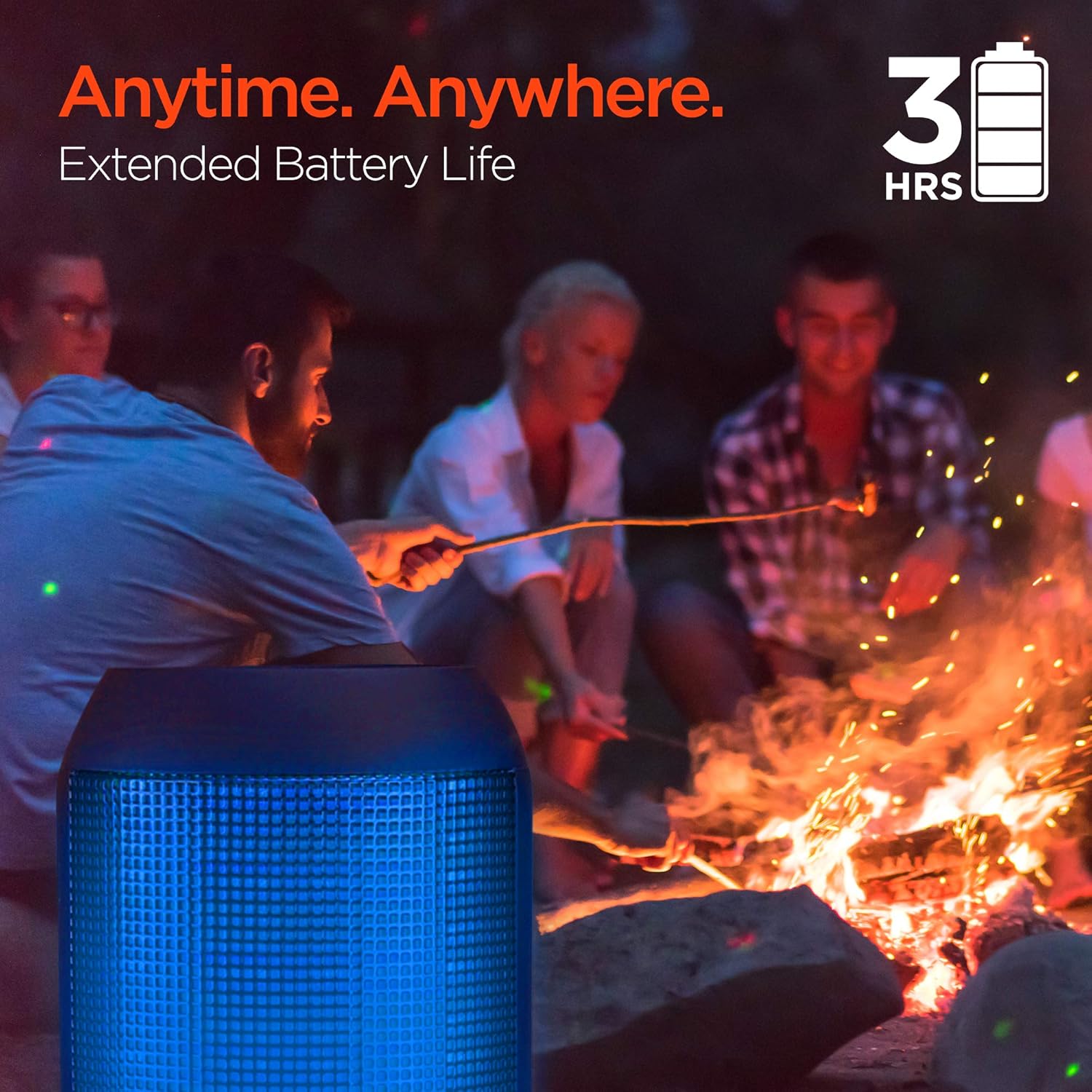
Enjoy up to 3 hours of music with the RaveMini's extended battery life.
電源のオン/オフ
Locate the power button on the speaker. Press and hold the power button for a few seconds to turn the speaker on or off. An audible cue or LED indicator will confirm the power status.
Bluetoothペアリング
- Ensure the RaveMini speaker is powered on and in pairing mode (usually indicated by a flashing LED light).
- Bluetooth 対応デバイス (スマートフォン、タブレットなど) で、Bluetooth 設定に移動します。
- 検索する available devices and select "HyperGear RaveMini" (or similar name) from the list.
- Once connected, the speaker will provide an audible confirmation, and the LED light may change to a solid color.
- The speaker has a wireless range of up to 33 feet.
スピーカーを操作する
コントロールと機能
The RaveMini features intuitive controls for managing your audio and calls directly from the speaker. Refer to the specific button layout on your device for functions such as:
- 音楽の再生/一時停止
- Adjust Volume (Volume Up/Down)
- Skip Tracks (Next/Previous)
- 通話の応答/終了
- Activate Voice Assistant (if supported)
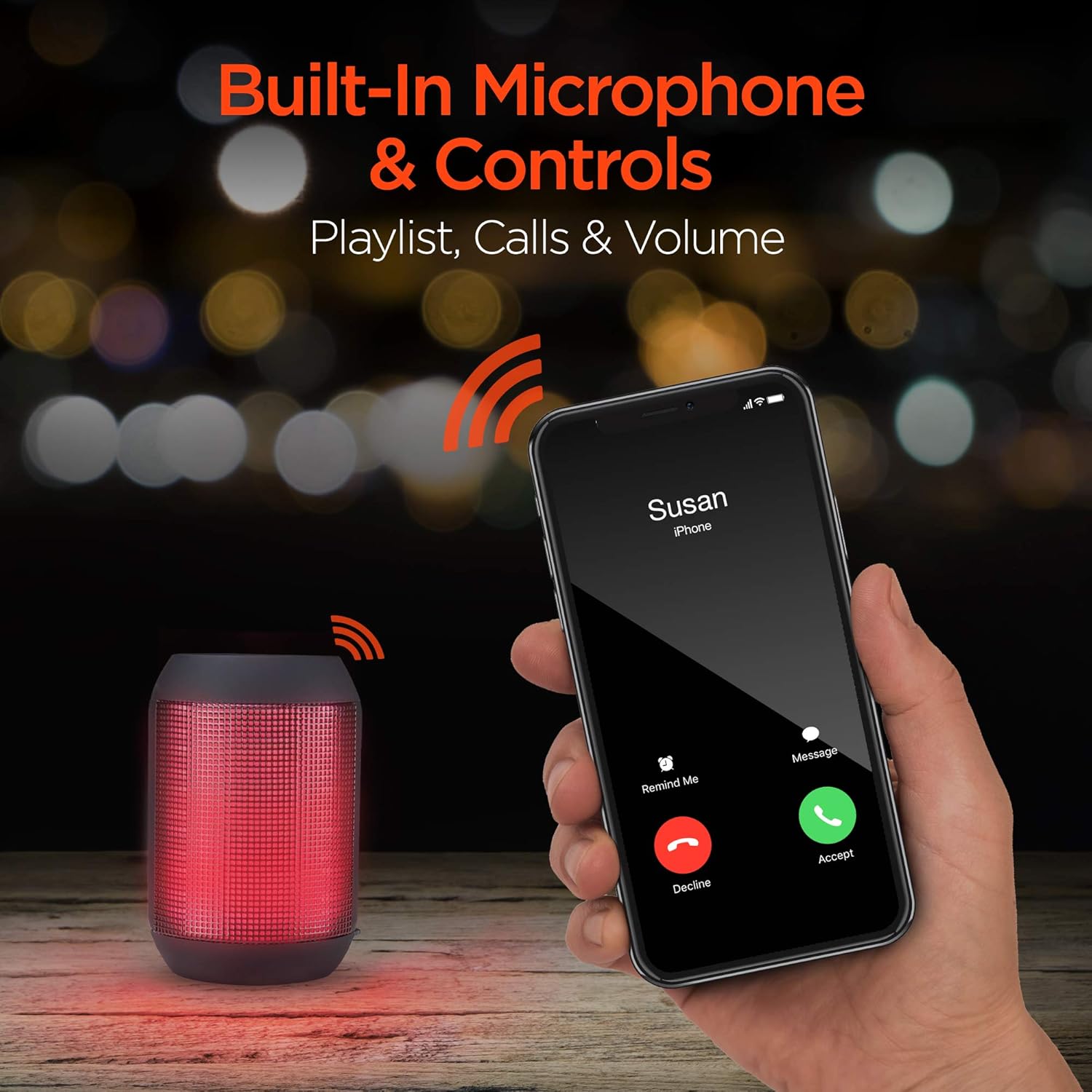
Built-in microphone and controls allow for hands-free calls and playlist navigation.
再生モード
The RaveMini offers four ways to play your audio:
- ブルートゥース: スマートフォン、タブレット、その他の Bluetooth 対応デバイスにワイヤレスで接続します。
- オーキシン: Use the included 3.5mm stereo auxiliary cable to connect to non-Bluetooth devices.
- マイクロSDカード: Insert a Micro SD memory card with audio file指定されたスロットに挿入します。
- USBフラッシュドライブ: オーディオが入ったUSBフラッシュドライブを接続する fileUSB ポートに接続します。

The RaveMini supports four versatile playback options.
メンテナンス
- Keep the speaker dry. Do not expose it to excessive moisture or liquids.
- Clean the speaker with a soft, dry cloth. Avoid using harsh chemicals or abrasive cleaners.
- スピーカーを使用しないときは、涼しく乾燥した場所に保管してください。
- スピーカーを落としたり、強い衝撃を与えたりしないでください。
トラブルシューティング
| 問題 | 考えられる解決策 |
|---|---|
| スピーカーがオンにならない。 | スピーカーが完全に充電されていることを確認してください。Micro USBケーブルを使って電源に接続してください。 |
| Bluetooth デバイスとペアリングできません。 |
|
| 音が出ない、または音量が低い。 |
|
| LEDライトが動作しません。 | Check if the light show feature is enabled (if there's a dedicated button). Ensure the speaker has sufficient battery charge. |
仕様
| 特徴 | 詳細 |
|---|---|
| モデル名 | 15077 |
| スピーカータイプ | 屋外 |
| 特集 | Wireless Music + Calls, HD Stereo Sound, Beat-Driven LED Lightshow, Aux-in, Micro SD & USB compatible |
| 製品の推奨用途 | 音楽プレーヤー向け |
| コントローラータイプ | 電池駆動 |
| 色 | 黒 |
| バッテリー寿命 | 3時間 |
| 充電時間 | 1時間 |
| 防水です | 間違い |
| 制御方法 | アプリ |
| 無線通信技術 | ブルートゥース |
| スピーカーサイズ | 40ミリメートル |
| 電源 | 電池駆動 |
| 電池の数 | 単2電池XNUMX本が必要です。(付属) |
| オーディオドライバータイプ | ダイナミックドライバ |
| Bluetooth範囲 | 33フィート |
| オーディオドライバーのサイズ | 40ミリメートル |
| 接続プロトコル | ブルートゥース |
| USB 2 ポートの数 | 1 |
| 欧州連合 | 633755150777 |
| メーカー | ハイパーギア |
| アイテム重量 | 10.9オンス |
| ASIN | B07VHTZHJ4 |
| 初回利用可能日 | 18年2019月XNUMX日 |
| ブランド | ハイパーギア |
| スピーカー最大出力 | 5ワット |
| 接続技術 | Bluetooth、補助、USB |
| オーディオ出力モード | ステレオ |
| 取り付けタイプ | 卓上マウント |
保証
The HyperGear RaveMini Portable Wireless LED Speaker comes with a Limited Warranty. For detailed information regarding warranty coverage, terms, and conditions, please refer to the official HyperGear web公式サイトをご覧いただくか、カスタマーサポートに直接お問い合わせください。保証請求のために購入証明書を保管してください。
サポート
さらに詳しいサポート、製品登録、または view frequently asked questions, please visit the official HyperGear webサイト:
Visit the HyperGear Store on Amazon
You may also contact HyperGear customer service for direct support.