
1.製品オーバーview
This manual provides essential information for the assembly, operation, and maintenance of your DELTACO GAMING Desk, model GAM-055. This stable gaming desk features a PVC-treated surface, robust metal legs, and an integrated headphone holder, designed for an optimal gaming experience.
モデル: GAM-055
寸法: 116D x 75B x 75Hセンチメートル
色: 黒
2. 安全情報
WARNING: Heavy Object.
Always use two people for moving or assembling this desk to prevent injury. Carefully follow all assembly instructions to ensure the desk's stability and safety during use. Do not overload the desk beyond its intended capacity.
3. セットアップと組み立て
Assembly is required for this product. Please ensure all components are present before beginning. An assembly instruction guide is included in the packaging.
- 推奨人材: 2 people are recommended for safe and efficient assembly.
- ツール: All necessary assembly tools are included.
- 説明書: Detailed assembly instructions are provided within the product packaging. Follow them carefully step-by-step.
3.1 コンポーネントの識別
Before assembly, identify all parts. Refer to the included assembly guide for a complete list of components and hardware.

図1: 前面 view of the assembled DELTACO GAMING Desk GAM-055. This image shows the overall structure and design of the desk from the front.

図2:側面 view of the DELTACO GAMING Desk GAM-055, highlighting the metal leg structure and the desk's profile.
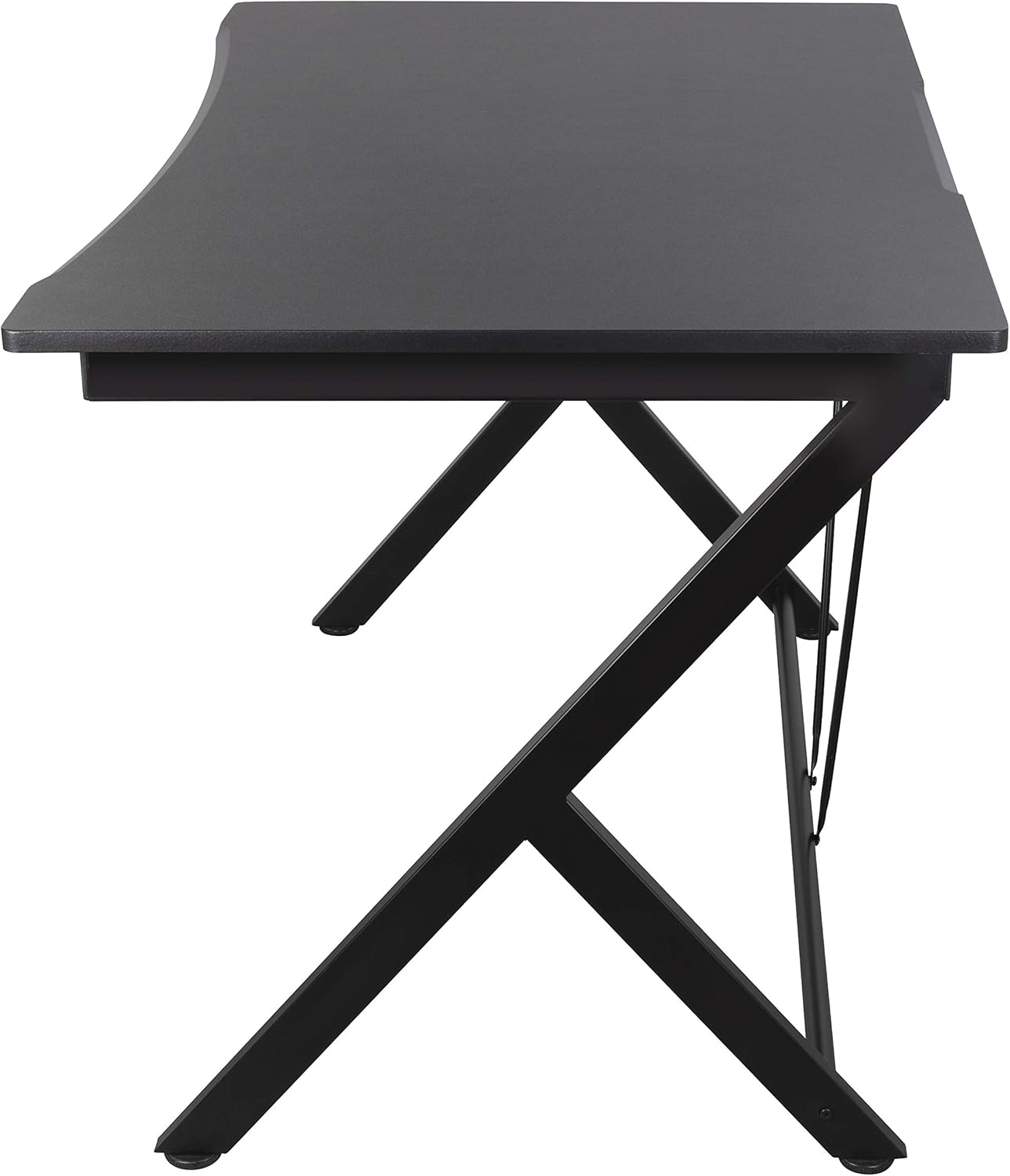
図3:戻る view of the DELTACO GAMING Desk GAM-055, showing the rear support bars for enhanced stability.
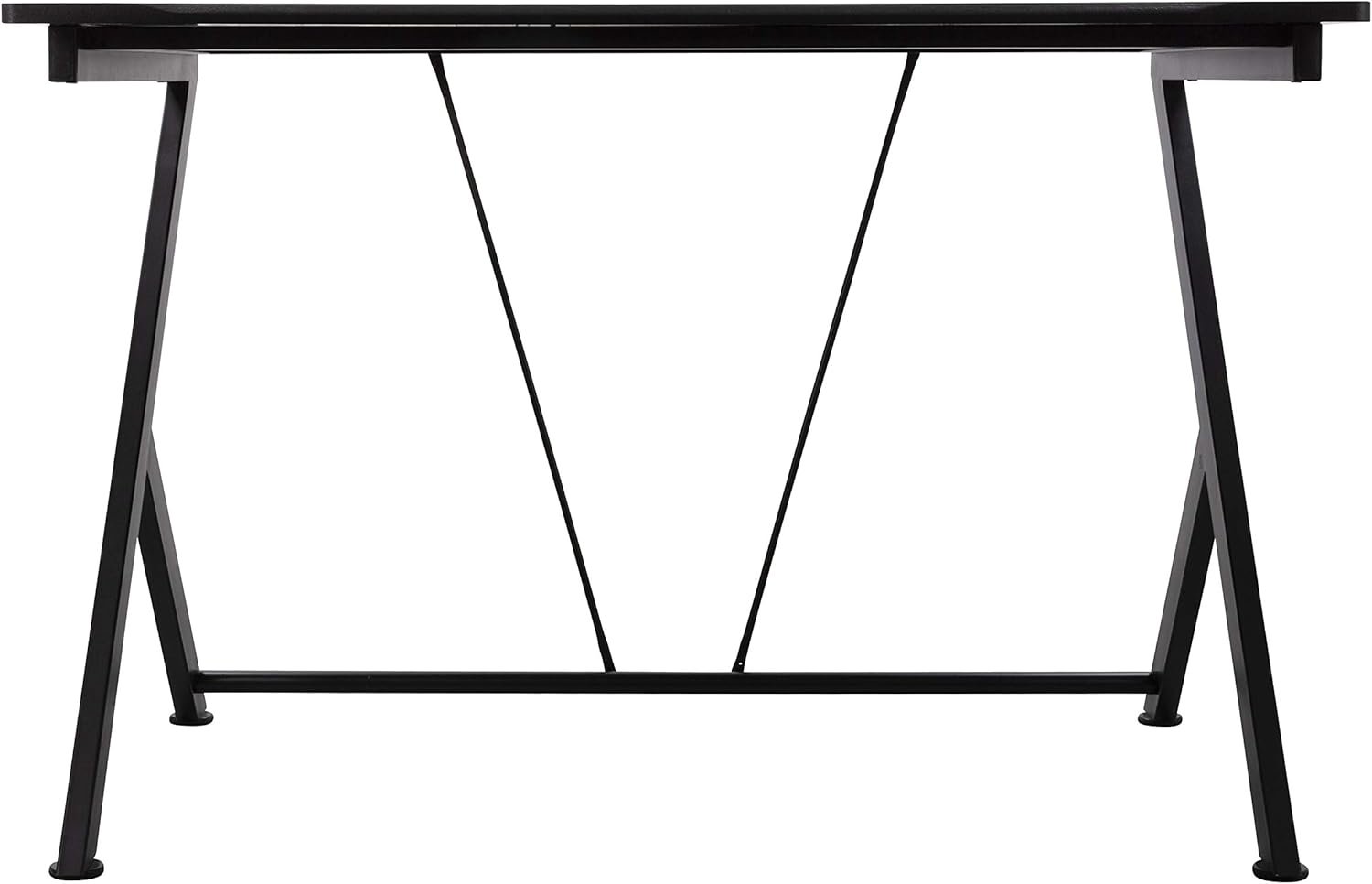
図4: トップダウン view of the DELTACO GAMING Desk GAM-055, illustrating the desk surface and its rounded edge.
3.2 Integrated Headphone Holder
The desk includes an integrated headphone holder for convenient storage of your gaming headset.

図 5: 拡大図 view of the integrated headphone holder, located underneath the desk surface.
4. 操作手順
The DELTACO GAMING Desk is designed for static use as a workstation or gaming surface. No complex operation is required.
- Ensure the desk is placed on a level surface to prevent wobbling.
- 机の表面全体に重量を均等に分散します。
- Utilize the integrated headphone holder for convenient storage of your headset when not in use.
5. メンテナンス
Regular maintenance will help prolong the life and appearance of your DELTACO GAMING Desk.
- クリーニング: Wipe the PVC-treated surface with a soft, damp 布。 仕上げを損傷する可能性がある研磨剤入りのクリーナーや刺激の強い化学薬品は避けてください。
- 安定性チェック: すべてのネジと留め具がしっかりと締まっているか定期的に確認してください。安定性を維持するために、必要に応じて締め直してください。
- 過度の熱を避ける: 非常に熱い物を保護せずに机の表面に直接置かないでください。
6。 トラブルシューティング
このセクションでは、ゲーミングデスクで発生する可能性のある一般的な問題について説明します。
- 机のぐらつき:
- Ensure the desk is on a flat, even floor.
- すべての組み立てネジがしっかりと締められていることを確認します。
- Adjust the leveling feet (if present) on the bottom of the legs to compensate for uneven floors.
- 不足している部品: If you find any parts missing during assembly, please contact customer support immediately.
- 表面損傷: For minor scratches, specialized repair kits for PVC surfaces may be available. For significant damage, consider contacting the manufacturer.
7. 仕様
| 特徴 | 詳細 |
|---|---|
| ブランド | DELTACOゲーミング |
| モデル番号 | GAM-055 |
| 製品寸法(奥行き×幅×高さ) | 116 x 75 x 75 cm |
| アイテム重量 | 19キログラム |
| 色 | 黒 |
| デスクデザイン | コンピューターデスク |
| 上部の材質の種類 | Metal (PVC-treated surface) |
| ベース素材 | 金属 |
| 仕上げタイプ | 粉体塗装 |
| 特集 | Integrated Headphone Holder |
| 組み立てが必要 | はい |
| 組み立てに推奨される人数 | 2 |
| 組み立てツール付属 | はい |
8. 保証情報
This DELTACO GAMING Desk GAM-055 comes with a 5年間の限定保証. The warranty covers manufacturing defects under normal use. Please retain your proof of purchase for warranty claims. For specific terms and conditions, refer to the warranty documentation included with your product or contact DELTACO GAMING customer support.
9. サポート
For further assistance, technical support, or warranty inquiries, please contact DELTACO GAMING customer service through their official webサイトまたは製品パッケージに記載されている連絡先情報を参照してください。
Webサイト: www.deltacogaming.com (元ample link, please refer to actual product documentation for correct support channels.)