
1. はじめに
The Klein Tools ET20 Wi-Fi Borescope is designed for visual inspection in hard-to-reach areas. It transmits video and images wirelessly to your smartphone or tablet, providing a clear view with its 9 mm waterproof camera and adjustable LED lights. The durable 6-foot armored gooseneck cable allows for flexible maneuvering through various spaces. This manual provides essential information for the safe and effective use of your ET20 borescope.
2. 箱の中身
以下にリストされているすべてのアイテムがパッケージに含まれていることを確認してください。
- ET20 Wi-Fi Borescope
- USB充電ケーブル
- フックアタッチメント
- キャリングケース
- 取扱説明書
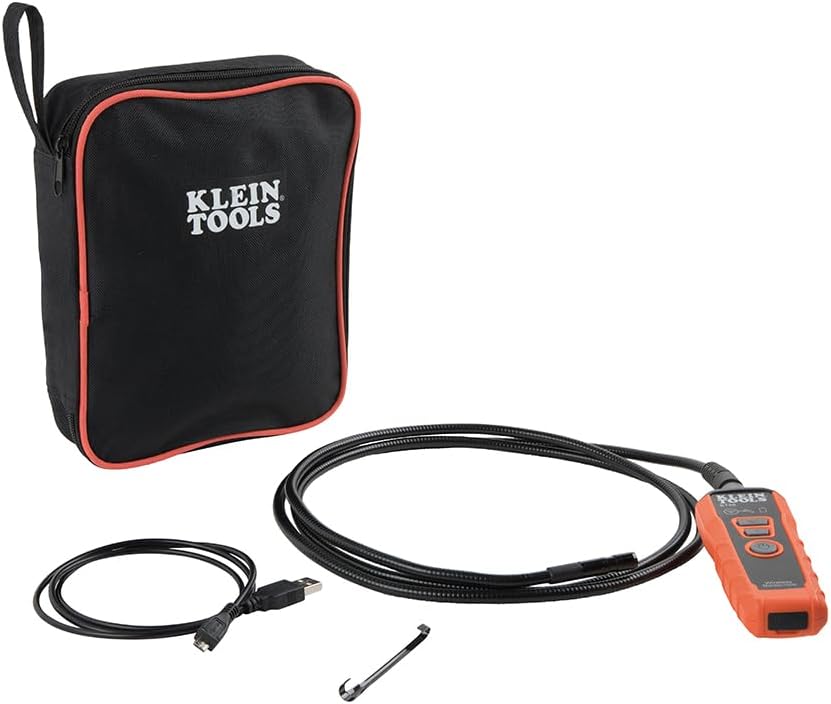
Image: Klein Tools ET20 Borescope, USB charging cable, hook attachment, and carrying case.
3 製品の特徴
- ワイヤレスビデオ伝送: Connects to your smartphone or tablet via Wi-Fi, transmitting video and images up to 30 feet (9 m) away.
- Waterproof 9 mm Camera: Captures high-quality 640 x 480 images and video. Equipped with 6 adjustable LED lights for optimal illumination.
- Durable Gooseneck Cable: Features a 6-foot (1.8 m) armored, flexible, and waterproof gooseneck cable for navigating obstacles.
- Adjustable LED Output: Control camera LED brightness directly on the borescope unit or through the companion app.
- Multi-Functional App: The Klein Borescope App allows for live viewing, recording, storing, and sharing of images and videos.
- 充電式バッテリー: Integrated lithium-ion battery with a status indicator for convenient power management.
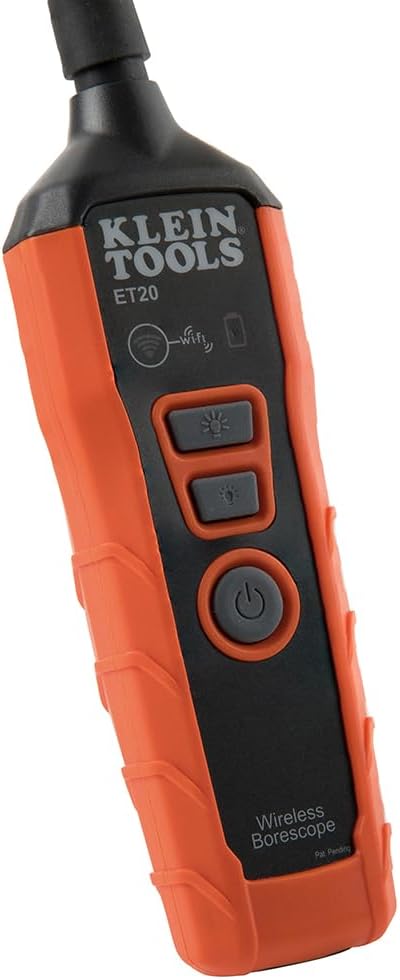
画像: クローズアップ view of the 9 mm camera head with integrated LED lights.
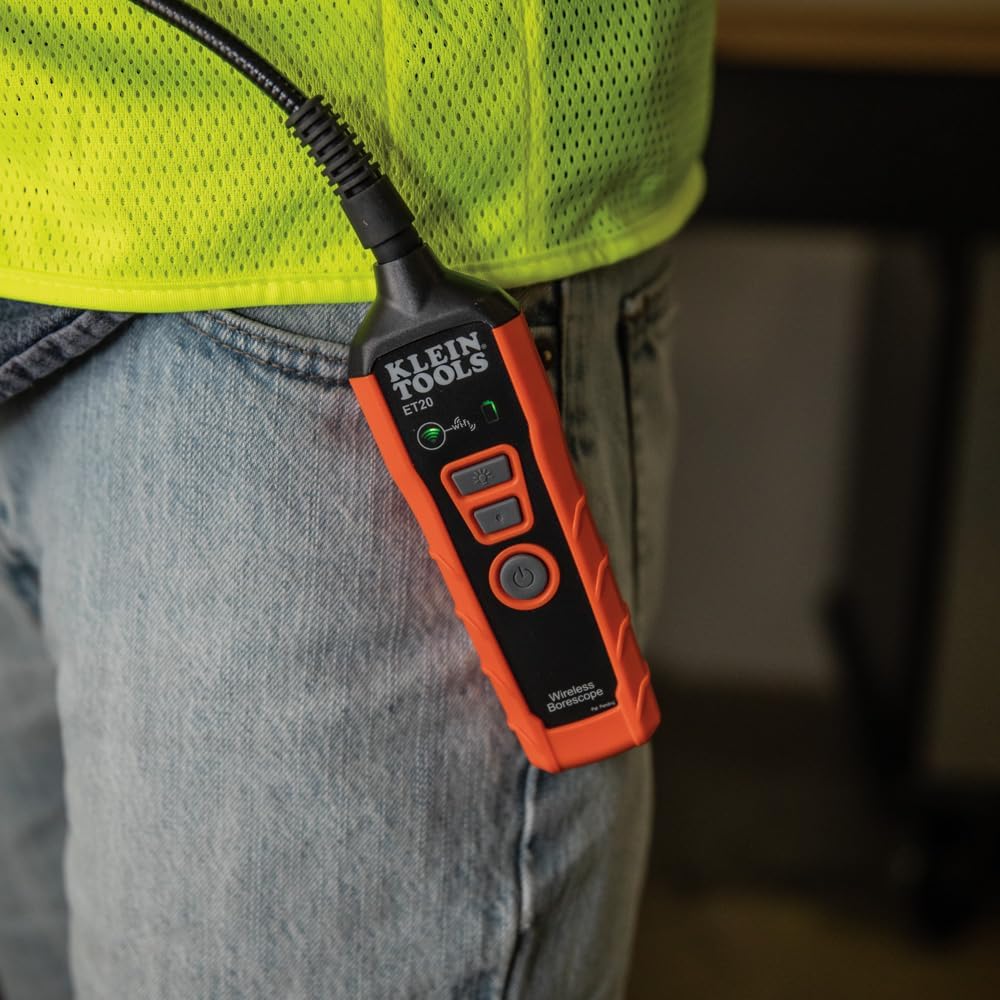
Image: The borescope unit with visible Wi-Fi and battery status indicators.
4. セットアップ手順
- Charge the Borescope: Before first use, fully charge the borescope using the provided USB charging cable. Connect the micro-USB end to the borescope and the standard USB end to a compatible USB power source (e.g., computer, wall adapter). The battery status indicator will show charging progress.
- アプリをダウンロード: Download the "Klein Tools Wi-Fi Borescope" app from your device's app store (available for iOS and Android).
- 電源オン: Press and hold the power button on the borescope unit until the power indicator light illuminates.
- Wi-Fiに接続します: On your smartphone or tablet, go to Wi-Fi settings and connect to the Wi-Fi network broadcast by the borescope (e.g., "Klein_Borescope_XXXX"). No password is required.
- アプリを起動します: Open the Klein Tools Wi-Fi Borescope app. The live camera feed from the borescope should appear on your device screen.
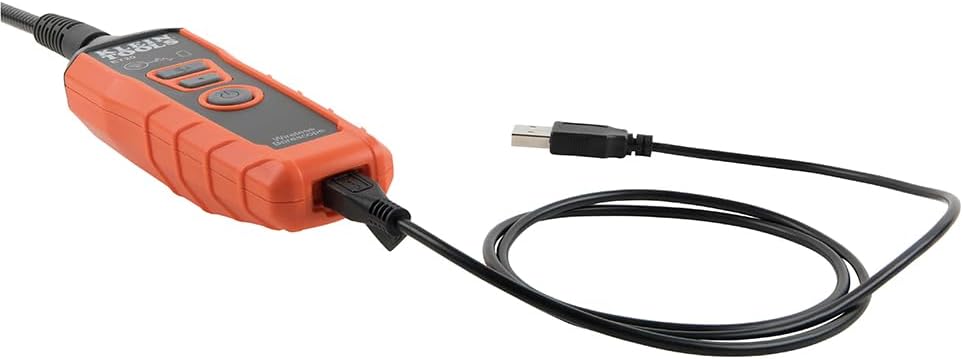
Image: The borescope unit connected to its USB charging cable.
5. 操作手順
- LED ライトを調整します: Use the dedicated LED light buttons on the borescope unit or the controls within the app to increase or decrease the brightness of the camera's LED lights. This helps illuminate dark inspection areas.
- Maneuver the Gooseneck: Carefully guide the armored gooseneck cable and camera head into the desired inspection area. The flexible yet rigid design allows for precise positioning.
- View ライブフィード: Observe the live video feed on your connected smartphone or tablet.
- 画像/ビデオをキャプチャ: Use the photo and video recording buttons within the app to capture still images or record video footage of your inspection. Captured media is saved directly to your device.
- 保存と共有: Access saved images and videos through the app's gallery. From there, you can save them to your device's photo library or share them via email or messaging applications.
- 電源を切る: After use, press and hold the power button on the borescope unit to turn it off. Disconnect the Wi-Fi connection on your device.
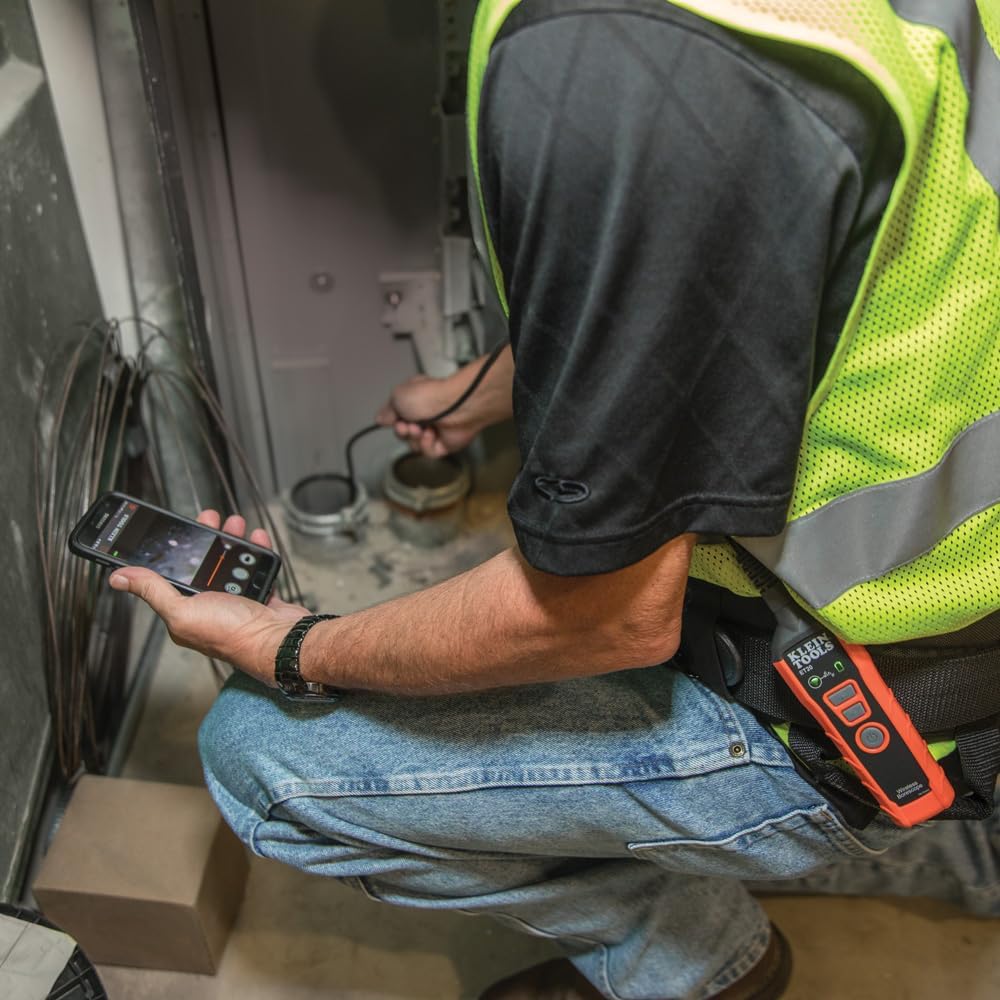
Image: User operating the borescope, viewスマートフォンでライブフィードを視聴します。
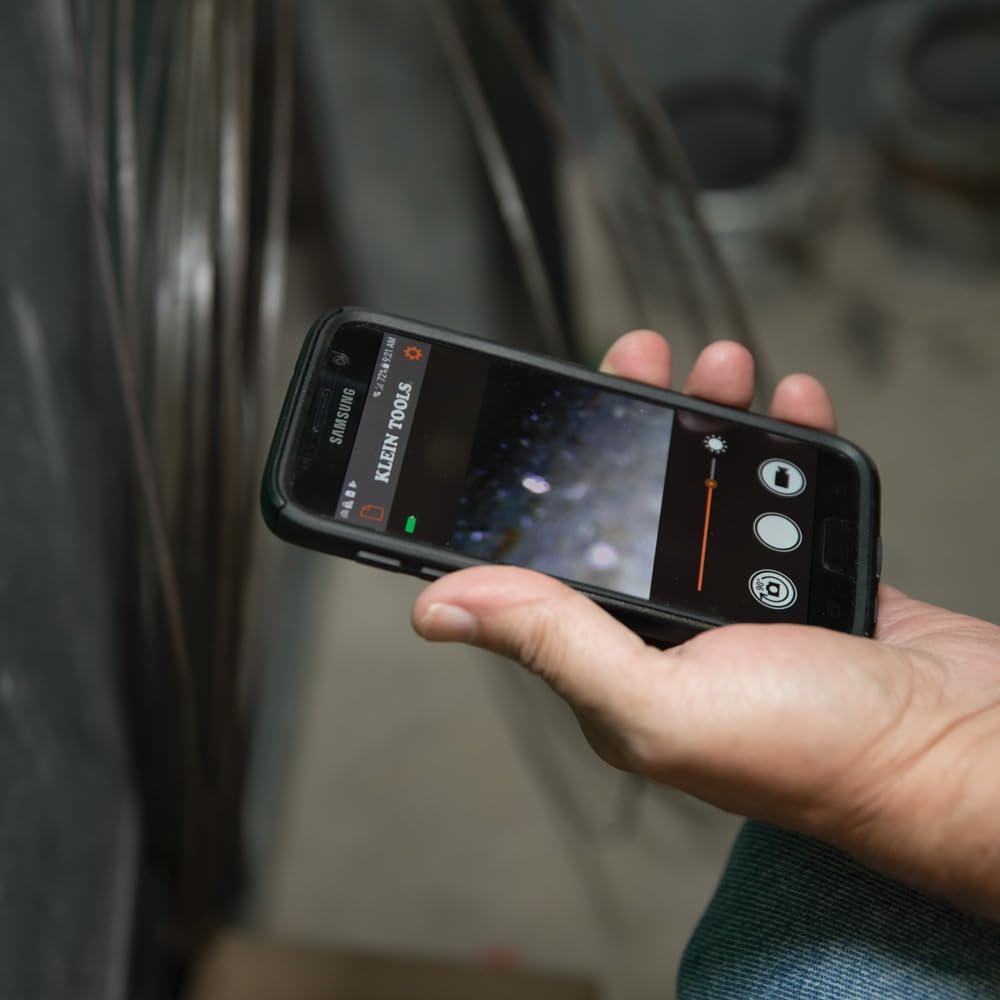
Image: The Klein Tools borescope app interface on a smartphone, showing the live camera view とコントロール。
6. メンテナンス
- カメラレンズのクリーニング: Gently wipe the camera lens with a soft, lint-free cloth. For stubborn dirt, use a small amount of lens cleaning solution. Ensure the lens is dry before storage.
- Cleaning the Gooseneck: The gooseneck cable is waterproof. After use in dirty or wet environments, wipe it clean with a damp 布。刺激の強い化学物質は避けてください。
- バッテリーのケア: To prolong battery life, avoid fully discharging the battery frequently. Recharge the borescope regularly, especially if it will be stored for extended periods. Store in a cool, dry place.
- ストレージ: Store the borescope and its accessories in the provided carrying case to protect them from damage and dust.
7。 トラブルシューティング
- アプリに画像がありません:
- Ensure the borescope is powered on and the Wi-Fi indicator is active.
- Verify your smartphone/tablet is connected to the borescope's Wi-Fi network.
- Restart both the borescope and the app.
- Check if your phone's power-saving mode is interfering with the Wi-Fi connection.
- 画質が悪い:
- Adjust the LED light brightness using the buttons on the unit or within the app.
- カメラのレンズが汚れている場合は、清掃してください。
- Ensure the camera is within its optimal focus range (macro focus range: 9 millimeters).
- Borescope Not Powering On:
- Charge the battery. The battery may be fully discharged.
- 電源ボタンが十分に押し続けられていることを確認してください。
- App Freezes or Disconnects:
- デバイスのオペレーティング システムが最新であることを確認してください。
- アプリを閉じて再度開きます。
- デバイスのアプリ ストアでアプリのアップデートを確認してください。
- Minimize other applications running in the background that might consume resources.
8. 仕様
| 特徴 | 仕様 |
|---|---|
| モデル名 | ET20 |
| ブランド | クラインツールズ |
| 接続技術 | Wi-Fi |
| カメラ直径 | 9ミリメートル |
| グースネックの長さ | 6フィート(1.8 m) |
| 耐水性レベル | 防水 |
| ビデオキャプチャ解像度 | 640x480 |
| 実効静止画解像度 | 0.3 MP |
| 電池のタイプ | 充電式リチウムイオン |
| バッテリーの平均寿命 | 5.5時間 |
| 対応デバイス | スマートフォン、タブレット |
| File 形式 | JPEG、MP4 |
| アイテム重量 | 567グラム |
9. 保証とサポート
詳細な保証情報とカスタマーサポートについては、Klein Toolsの公式ウェブサイトをご覧ください。 web公式サイトをご覧いただくか、カスタマーサービスに直接お問い合わせください。保証請求のために購入時のレシートを保管してください。
メーカー: クラインツール
国際コード: 092644692314