
1. はじめに
The LeapStart Go interactive learning system is designed to engage children in learning through interactive books, videos, and audio responses. This portable stylus features an adjustable 1.44-inch LCD screen and a built-in speaker, making learning concepts more accessible for preschool through first-grade children. It supports a library of LeapStart animated books and activity sets, which are sold separately.

Image: The LeapFrog LeapStart Go System stylus, featuring a charcoal body with green and light blue accents, and a small screen at the top.
ビデオ: オーバーview of the LeapFrog LeapStart Go system, demonstrating how the stylus interacts with books to provide video and audio learning experiences.
2. 箱の中身
- LeapStart® Go System
- Sampラーブック
- 保護者向けガイド
- USB Charging Cable (for rechargeable lithium battery)

Image: The product packaging for the LeapFrog LeapStart Go System, illustrating the stylus, a sampler book, and a child engaged in learning activities.
3. セットアップ
Before first use, ensure the LeapStart Go system is fully charged and connected to a computer with an internet connection to download necessary content.
初期設定手順:
- デバイスを充電します。 Connect the LeapStart Go to a computer using the provided USB cable. Allow it to charge fully before first use. The device contains a rechargeable lithium battery.
- Install LeapFrog Connect: A computer with an Internet connection is required. Visit the official LeapFrog website to download and install the LeapFrog Connect software.
- Connect and Download: Connect the LeapStart Go to your computer via the USB cable. Use the LeapFrog Connect software to download books and activity sets onto the LeapStart system. This step is essential for the stylus to recognize and interact with the books.
- スタイラスを挿入: Ensure the stylus is properly inserted into the LeapStart Go system.
注記: LeapReader books are not compatible with the LeapStart Go system.
4. 操作手順
The LeapStart Go system is designed for intuitive interaction with LeapStart books. Follow these steps to begin learning:
- 電源オン: Press the power button on the stylus to turn on the device.
- Select a Book: Open any compatible LeapStart book.
- Interact with the Stylus: Use the stylus to tap on pictures, words, and activities within the book pages. The stylus will trigger corresponding videos on its 1.44-inch LCD screen and audio responses through its built-in speaker.
- Explore Learning Concepts: The interactive video effects allow children to zoom in, explore, and engage with various learning concepts. Most activities offer two levels of play, enabling children to progress as they develop.
- 音量コントロール: Adjust the volume using the dedicated buttons on the side of the stylus.
- ヘッドフォンジャック: For quiet play, connect headphones to the headphone jack located on the stylus.

Image: The LeapStart Go stylus is shown interacting with a page from a 'Human Body' activity book. The stylus screen displays an X-ray image, demonstrating the interactive video feature.

画像: クローズアップ view of the LeapStart Go stylus screen, showing an image of the Earth with a play button, indicating video playback functionality.
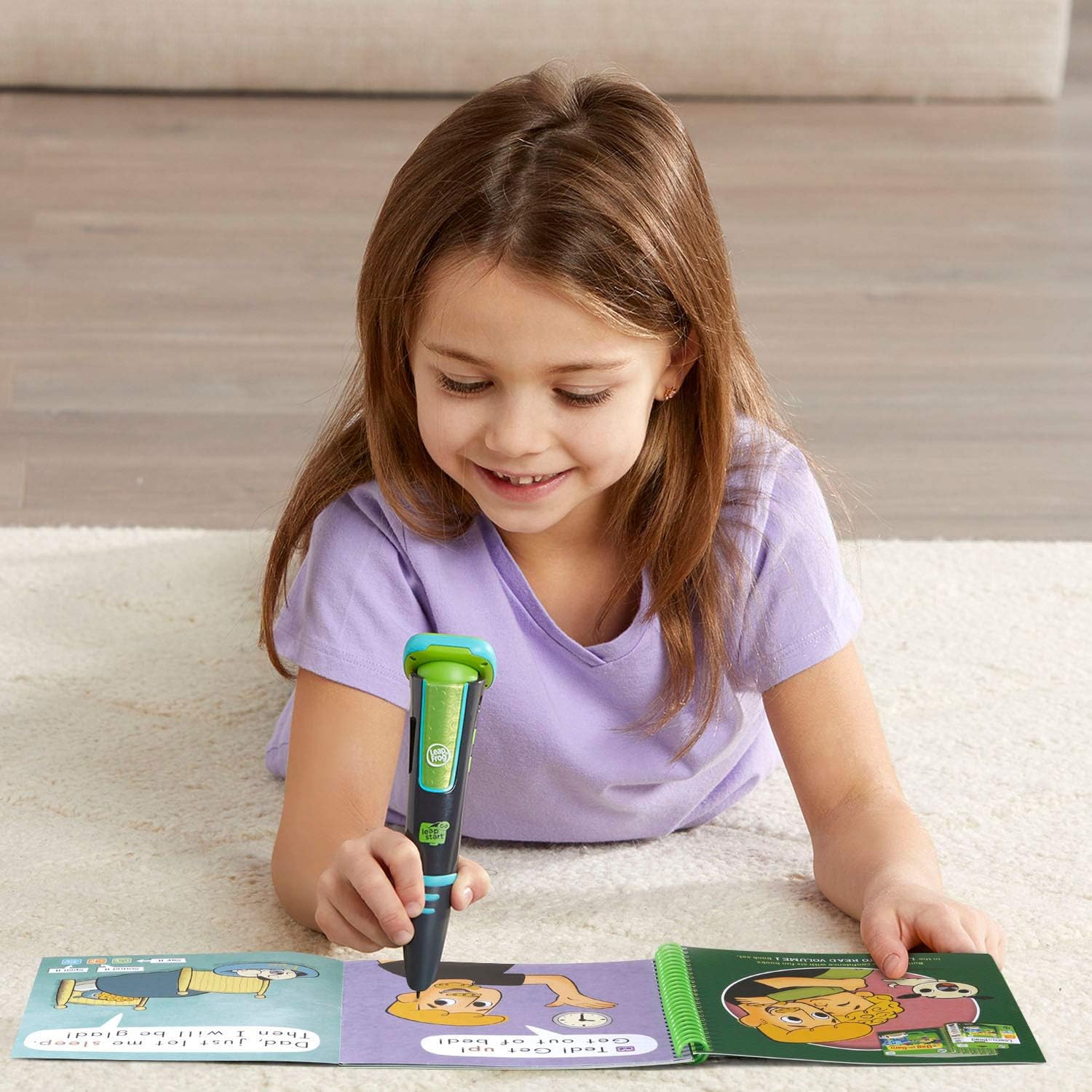
Image: A young girl is shown lying on a carpet, engaged in learning with the LeapStart Go stylus and an open activity book, highlighting the portable and engaging nature of the system.
5. メンテナンス
クリーニング:
- Wipe the stylus and screen with a soft, dry cloth.
- 研磨剤入りの洗剤を使用したり、デバイスを水に浸したりしないでください。
バッテリーのケア:
- The LeapStart Go includes a rechargeable lithium battery.
- バッテリーインジケーターに電力不足が表示されたら、付属の USB ケーブルを使用してデバイスを充電してください。
- バッテリーの寿命を延ばすために、バッテリーを頻繁に完全に使い切らないようにしてください。
ストレージ:
- デバイスは直射日光や極端な温度を避け、涼しく乾燥した場所に保管してください。
6。 トラブルシューティング
デバイスの電源が入らない:
- Ensure the battery is charged. Connect the device to a power source using the USB cable and allow it to charge for at least 30 minutes before attempting to power it on again.
Stylus Not Responding to Books:
- Verify that the correct book content has been downloaded to the LeapStart Go system via the LeapFrog Connect software.
- Ensure the stylus tip is making firm contact with the interactive elements on the book page.
- デバイスを再起動して、もう一度やり直してください。
Connectivity Issues with Computer:
- Ensure the USB cable is securely connected to both the LeapStart Go and the computer.
- コンピュータの別のUSBポートを試してください。
- Confirm that the LeapFrog Connect software is up to date. Outdated software can sometimes cause connectivity problems.
- Restart your computer and the LeapStart Go system.
7. 仕様
| 製品寸法 | 1.77 x 1.77 x 6.5インチ |
| アイテム重量 | 9.8オンス |
| モデル番号 | 80-605900 |
| 推奨年齢 | 4 - 8歳 |
| バッテリー | 1 LR44 battery required (included, rechargeable lithium) |
| メーカー | VTech |
| 発売日 | 16年2019月XNUMX日 |
8. 安全情報
- 成人の監督: Always supervise children when they are using the LeapStart Go system, especially when online.
- インターネット接続: A high-speed Internet connection is required for downloading content. Ensure secure network practices are followed.
- バッテリーの安全性: The device contains a rechargeable lithium battery. Do not attempt to replace the battery yourself. Dispose of the device and battery according to local regulations.
- 窒息の危険: 本製品には小さな部品が含まれている場合があります。窒息の危険があるため、3歳未満のお子様には適していません。
- 聴覚保護: Advise children to use headphones at a moderate volume to protect their hearing.
9. 保証とサポート
For warranty information, product support, or to purchase additional books and activity sets, please visit the official LeapFrog website or contact LeapFrog customer service. Keep your proof of purchase for warranty claims.
詳しい情報とサポートについては、 リープフロッグストア.