
導入
Thank you for choosing SIMOLIO JH-711 Wireless Kids Headphones. These headphones are designed with children's safety and comfort in mind, featuring 3-level volume limiting for hearing protection, Bluetooth connectivity, and a durable, foldable design. This manual will guide you through the setup, operation, and maintenance of your new headphones.
製品の特徴
- 3段階の音量制限: Protects children's hearing with selectable limits of 75dB (toddlers), 85dB (kids), and 94dB (adults).
- Wireless & Wired Modes: Connect via Bluetooth for wireless freedom or use the included 3.5mm audio cable when the battery is low or with non-Bluetooth devices.
- 内蔵マイク: ハンズフリー通話が可能になり便利です。
- オーディオ共有ポート: Allows another headphone to connect and share audio from the same device.
- Durable & Flexible Design: Constructed with memory stainless steel strips in the headband to withstand bending and twisting.
- 折りたたみ式でコンパクト: Easy to fold and store in the included EVA hard carrying case, perfect for travel and school.
- 長いバッテリー寿命: 1回の充電で最大15時間の再生が可能です。

Image: Diagram illustrating the 3-level volume limiting feature (75dB, 85dB, 94dB) for different age groups.

Image: Hands bending the headphone headband, showcasing its flexible and durable construction.

Image: The headphones folded compactly, ready to be stored in their EVA hard carrying case.
箱の中身
- SIMOLIO JH-711 Wireless Kids Headphones (2 Count)
- USB充電ケーブル
- 3.5mmAUXオーディオケーブル
- ユーザーマニュアル(このドキュメント)
- EVA Hard Carrying Case
設定
1. ヘッドフォンを充電する
- Locate the Micro USB charging port on the headphone earcup.
- 付属のUSB充電ケーブルをヘッドフォンの充電ポートに接続します。
- USB ケーブルのもう一方の端を互換性のある USB 電源 (コンピューター、USB 壁アダプターなど) に差し込みます。
- The LED indicator will illuminate during charging and turn off when fully charged. A full charge takes approximately 3 hours.

Image: The SIMOLIO JH-711 headphones with the charging cable inserted into the Micro USB port.
2.Bluetoothペアリング
- ヘッドフォンが完全に充電されていることを確認してください。
- Press and hold the Power button (MFB) on the headphone earcup until the LED indicator flashes blue and red, indicating pairing mode.
- デバイス(スマートフォン、タブレットなど)で Bluetooth を有効にし、利用可能なデバイスを検索します。
- デバイスのリストから「SIMOLIO JH-711」を選択します。
- 接続すると、LEDインジケーターがゆっくりと青色に点滅します。
3. 有線接続(AUXモード)
- Locate the 3.5mm AUX port on the headphone earcup.
- Connect one end of the provided 3.5mm AUX audio cable to the headphone's AUX port.
- Connect the other end of the AUX cable to the 3.5mm audio jack of your device.
- The headphones will automatically switch to wired mode. This mode works even if the headphone battery is depleted.
4. Adjusting Volume Limiter
The headphones feature a 3-level volume limiter switch (75dB, 85dB, 94dB) located on the earcup. Slide the switch to select the desired maximum volume level appropriate for the user's age and environment.

Image: Detail of the headphone earcup highlighting the 3-level volume limiter switch.
5. ヘッドバンドの調整
The headband is adjustable to fit various head sizes. Gently slide the earcups up or down along the headband to achieve a comfortable and secure fit. The flexible design allows for minor reshaping.

Image: A person demonstrating how to adjust the headband for a proper fit.
操作手順
1. 電源のオン/オフ
- 電源オン: Press and hold the Multi-Function Button (MFB) for approximately 3 seconds until the LED indicator lights up.
- 電源を切る: LED インジケーターが消えるまで、MFB を約 3 秒間押し続けます。
2.音楽の再生
- 再生/一時停止: MFBを短く押します。
- 次のトラック: 「音量アップ」ボタンを長押しします。
- 前のトラック: 「音量ダウン」ボタンを長押しします。
- ボリュームアップ: 「音量アップ」ボタンを短く押します。
- ボリュームダウン: 「音量ダウン」ボタンを短く押します。
3.通話管理
- 通話の応答/終了: MFBを短く押します。
- 通話を拒否: MFBを長押しします。
4. Audio Sharing
To share audio with another pair of headphones, connect a 3.5mm audio cable from the sharing jack on the right earcup of the SIMOLIO headphones to the audio input of another headphone. This allows two users to listen to the same audio source simultaneously.
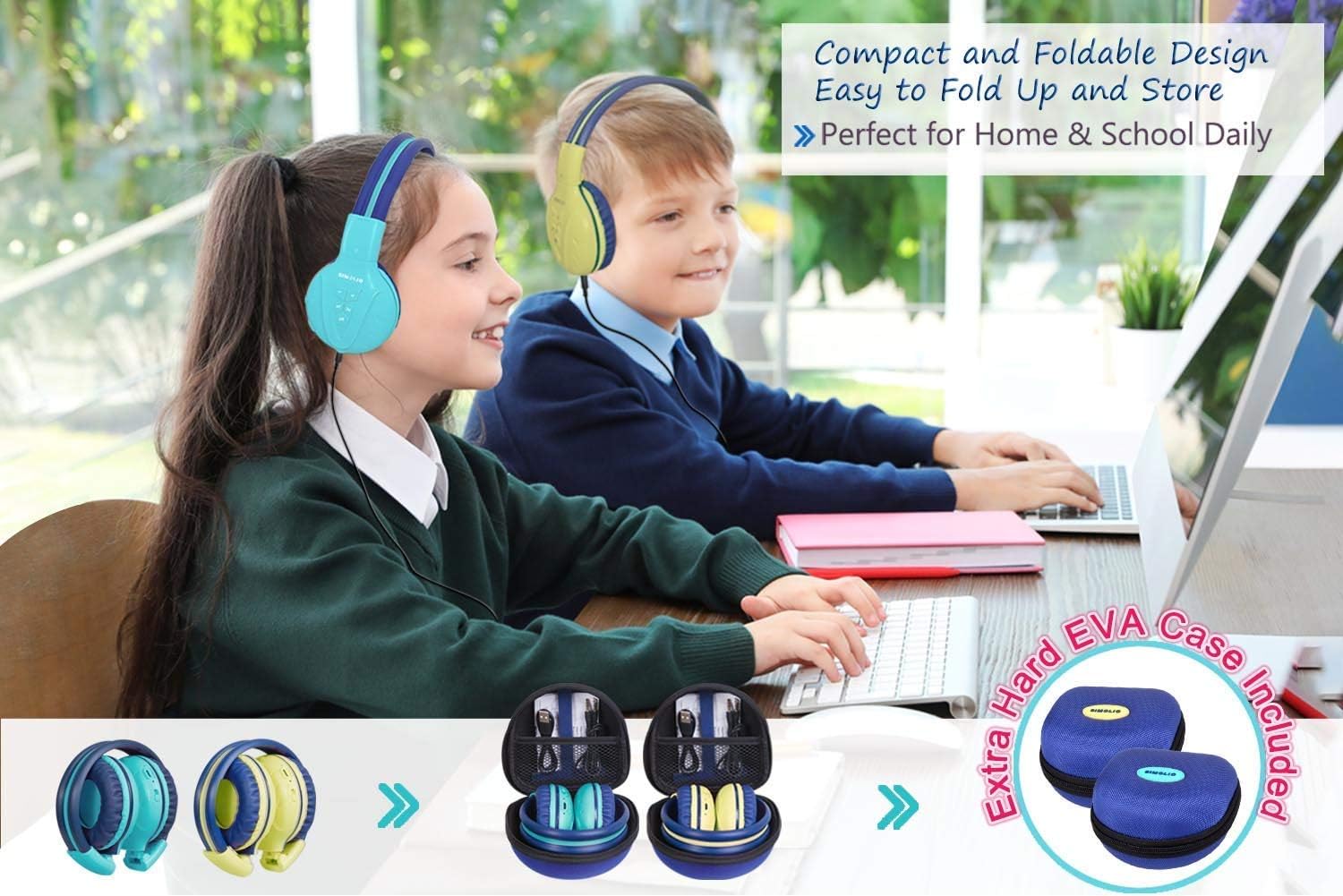
Image: Two pairs of headphones connected using the audio sharing feature, allowing simultaneous listening.
メンテナンス
- クリーニング: ヘッドホンのお手入れには、柔らかく乾いた布をご使用ください。液体クリーナーやエアゾールクリーナーは使用しないでください。
- ストレージ: When not in use, fold the headphones and store them in the provided EVA hard carrying case to protect them from dust and damage.
- バッテリーのケア: バッテリー寿命を延ばすには、ヘッドフォンを頻繁に完全に放電させないでください。頻繁に使用しない場合でも、定期的に充電してください。
トラブルシューティング
| 問題 | 解決 |
|---|---|
| ヘッドホンがオンになりません。 | ヘッドホンが充電されていることを確認してください。USBケーブルを使って電源に接続してください。 |
| Bluetooth経由でペアリングできません。 | Make sure the headphones are in pairing mode (flashing blue/red LED). Ensure your device's Bluetooth is on and within range. Forget previous pairings on your device and try again. |
| 有線モードでは音が出ません。 | Check that the 3.5mm AUX cable is securely connected to both the headphones and the audio source. Ensure the audio source's volume is not muted or too low. |
| Sound is too low/high. | Adjust the volume using the +/- buttons on the headphones and on your connected device. Check the 3-level volume limiter switch setting. |
仕様
- モデル名: Kids Bluetooth Headphones JH-711MY
- 接続技術: ワイヤレス(Bluetooth)、有線(3.5mm AUX)
- ワイヤレス通信技術: ブルートゥース4.0
- Bluetooth範囲: 30フィート
- バッテリー寿命: 最大15時間
- 充電時間: 約3時間
- オーディオ ドライバーの種類: ダイナミックドライバ
- 耳の配置: オーバーイヤー
- 騒音制御: 遮音性
- 特別な機能: 3 Adjustable Volume Limited, Built-in Microphone, Durable and Flexible, Foldable, Audio Share Port, EVA Case
- 製品寸法: 5.51 x 3.15 x 5.31インチ
- 商品の重量: 1.8 ポンド (0.82 キログラム)
- 材料: Nylon, Stainless Steel (headband), EVA (carrying case)
公式製品ビデオ
Video: An official product video from Simolio Direct showcasing the features and usage of the SIMOLIO Bluetooth Headphones for Kids with Case JH-711.
保証とサポート
For warranty information or technical support, please refer to the contact details provided on the product packaging or visit the official SIMOLIO webサイト。