
1.製品オーバーview
The Jettom J1 is a 7-inch tablet designed for children, featuring a durable yellow casing. It operates on the Android system and includes dual cameras, Bluetooth connectivity, and 2G cellular support. This manual provides essential information for setting up, operating, maintaining, and troubleshooting your Jettom J1 tablet.
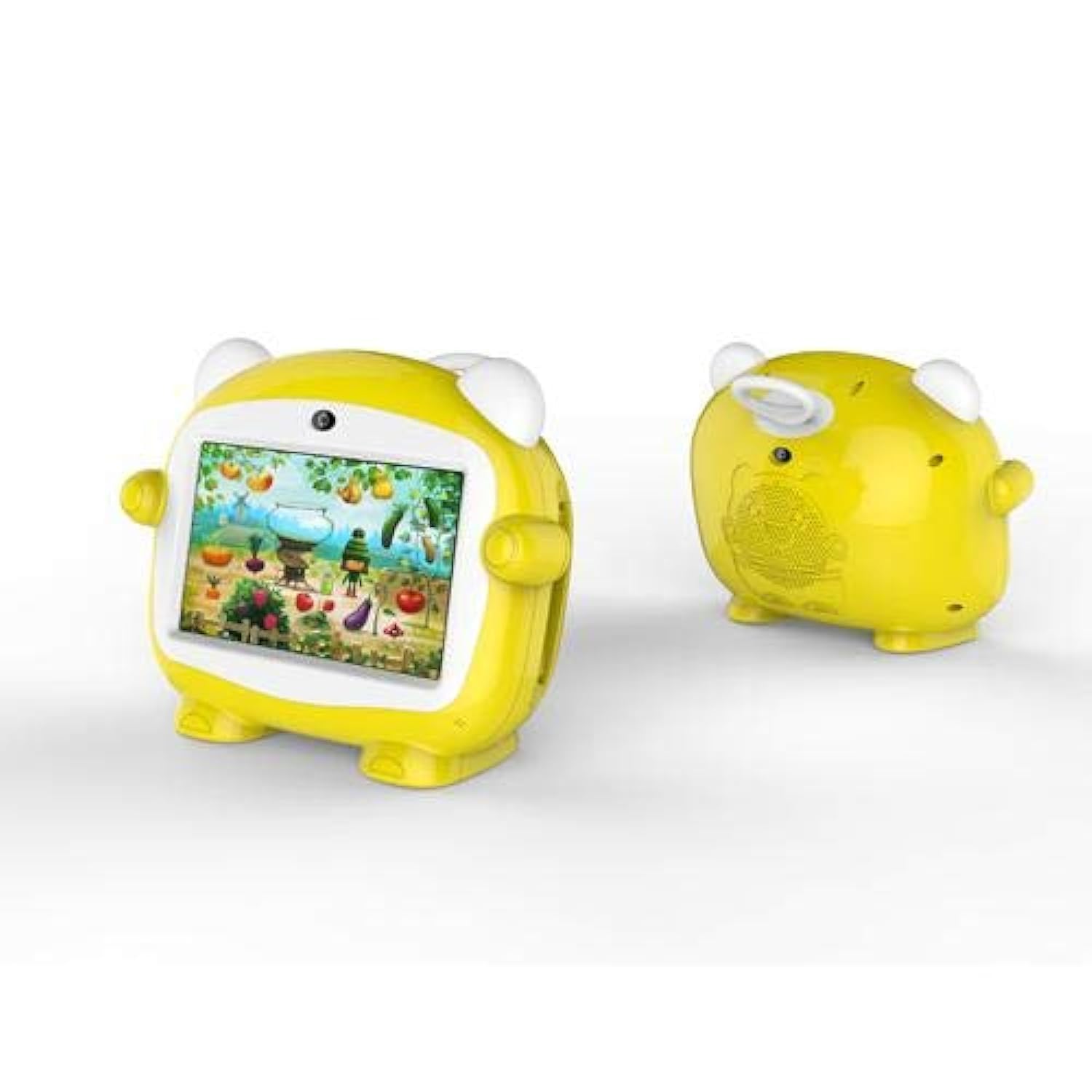
図1: 前面 view of the Jettom J1 Kids Tablet.
2. 初期設定
2.1 タブレットの充電
初めてご使用になる前に、タブレットを完全に充電してください。付属の充電器をタブレットの充電ポートに接続し、電源コンセントに差し込みます。画面上のバッテリーインジケーターに充電状態が表示されます。
2.2 電源のオン/オフ
- 電源を入れるには: 画面が点灯するまで、タブレットの側面にある電源ボタンを押し続けます。
- 電源を切るには: 電源ボタンを長押しし、画面に表示されるオプションから「電源オフ」を選択します。
2.3初期構成
初めて起動したら、画面の指示に従って基本設定を構成します。
- ご希望の言語を選択します。
- Wi-Fi ネットワークに接続します。
- 日付と時刻を設定します。
- Sign in with a Google account (optional, but recommended for app downloads).
2.4 Inserting a SIM Card (for 2G Cellular)
The Jettom J1 supports a single 2G SIM card for cellular connectivity. Locate the SIM card slot, typically on the side or back of the device. Carefully insert the SIM card with the gold contacts facing down, ensuring it is correctly oriented. Refer to the diagram below for slot location.
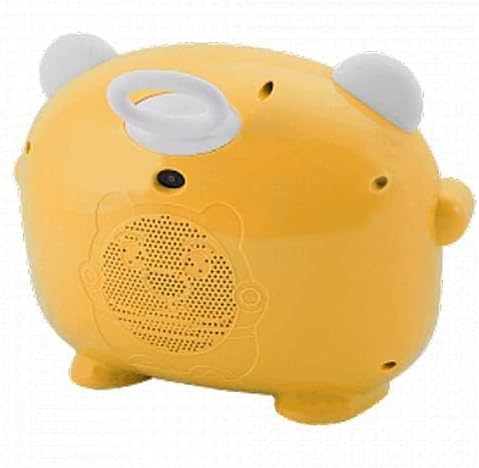
図2:戻る view of the Jettom J1 Kids Tablet, indicating potential SIM card slot area.
3. 操作手順
3.1 基本的なナビゲーション
このタブレットは静電容量式タッチスクリーンを搭載しています。以下のジェスチャーで操作してください。
- タップ: 項目を選択したり、アプリケーションを開いたりします。
- スワイプ: ページまたはメニューをスクロールします。
- ピンチ: 画像を拡大または縮小するには、 web ページ。
3.2 Wi-Fi接続
Wi-Fi ネットワークに接続するには:
- へ移動 設定 > ネットワークとインターネット > Wi-Fi.
- Wi-Fiの切り替え On.
- リストから希望のネットワークを選択し、プロンプトが表示されたらパスワードを入力します。
3.3 カメラの使用
The tablet is equipped with a front (2MP) and rear (5MP) camera. Open the Camera application to take photos or record videos. You can switch between the front and rear cameras within the app interface.
3.4Bluetoothペアリング
Bluetoothデバイスとペアリングするには:
- へ移動 設定 > 接続されたデバイス > ブルートゥース.
- Bluetoothを切り替える On.
- The tablet will scan for available devices. Select the device you wish to pair with and confirm the pairing code if necessary.
4. メンテナンス
4.1 タブレットのクリーニング
Use a soft, lint-free cloth to clean the screen and body of the tablet. Do not use abrasive cleaners or solvents, as these can damage the device. Avoid direct contact with liquids.
4.2バッテリーケア
- タブレットを極端な温度にさらさないでください。
- バッテリーを頻繁に完全に放電させないでください。
- 純正または認定された互換性のある充電器のみを使用してください。
4.3ソフトウェアアップデート
最適なパフォーマンスとセキュリティを確保するために、定期的にシステムアップデートを確認してください。 設定 > システム > システムアップデート 利用可能なアップデートを確認してインストールします。
4.4 ストレージ管理
To manage the tablet's 4GB internal storage, go to 設定 > ストレージキャッシュデータを消去したり、使用していないアプリをアンインストールしたり、 files to an external SD card (if supported and installed) to free up space.
5。 トラブルシューティング
| 問題 | 解決 |
|---|---|
| タブレットが起動しない | バッテリーが充電されていることを確認してください。充電器を接続してもう一度お試しください。反応しない場合は、電源ボタンを10~15秒間押し続けて強制的に再起動してください。 |
| 画面が反応しない | タブレットを再起動してください。問題が解決しない場合は、画面がきれいでゴミなどがないことを確認してください。 |
| Wi-Fiに接続できません | Check if Wi-Fi is enabled in Settings. Restart your Wi-Fi router. Ensure you are entering the correct password. |
| アプリがクラッシュしたりフリーズしたりする | Close and reopen the app. Clear the app's cache in Settings > Apps. Ensure the tablet has sufficient free storage space. |
| パフォーマンスが遅い | 使用していないアプリケーションを閉じます。キャッシュと一時ファイルを消去します。 files. 最後の手段として工場出荷時設定へのリセットを検討してください (まずデータをバックアップしてください)。 |
6. 仕様
| 特徴 | 詳細 |
|---|---|
| ブランド | ジェットトム |
| モデル番号 | J1 |
| 画面サイズ | 7インチ |
| ディスプレイ解像度 | 1024×600 |
| 表示タイプ | IPS液晶 |
| プロセッサブランド | メディアテック |
| プロセッサ速度 | 1.3GHzクアッドコア |
| RAMサイズ | 512MB |
| ストレージ容量 | 4ギガバイト |
| リアカメラ解像度 | 5メガピクセル |
| フロントカメラの解像度 | 2メガピクセル |
| オペレーティング·システム | アンドロイド |
| バッテリー容量 | 2000mAh |
| ワイヤレス接続 | ブルートゥース |
| セルラーネットワークテクノロジー | 2G (Single SIM) |
| 色 | 黄色 |
| 特集 | デュアルカメラ |
| 年齢範囲(説明) | 子供 |
7. 保証とサポート
Warranty information for the Jettom J1 tablet is typically provided at the point of purchase or within the product packaging. Please refer to these documents for details regarding coverage and terms.
For technical support, service, or inquiries regarding your product, please contact the seller or the manufacturer directly. Contact information can usually be found on the product packaging or the seller's webサイト。