
1. はじめに
The Modecom Oberon Pro Midi Tower is a computer case designed for users seeking a functional and spacious interior with a modern aesthetic. This manual provides essential information for the proper installation, operation, and maintenance of your computer case, ensuring optimal performance and longevity of your components.
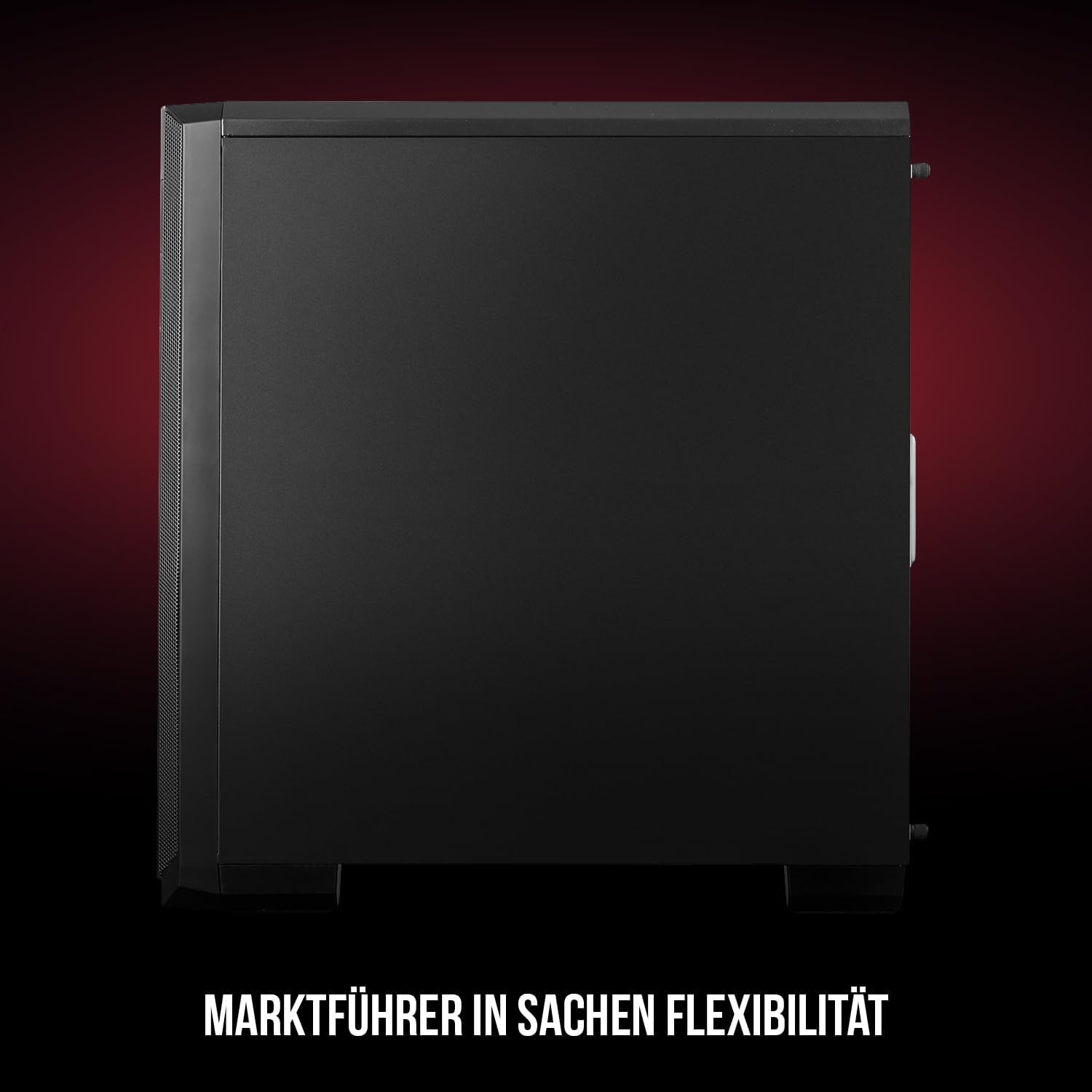
図1: 前面と側面 view of the Modecom Oberon Pro Midi Tower computer case.
2. 安全情報
- コンポーネントの取り付けまたは取り外しを行う前に、必ず壁のコンセントから電源を抜いてください。
- Handle components with care to avoid electrostatic discharge. Consider using an anti-static wrist strap.
- 小さな部品や工具はお子様の手の届かないところに保管してください。
- 過熱を防ぐために、ケースの周囲に適切な換気を確保してください。
- Do not attempt to modify the case structure, as this may void your warranty and pose safety risks.
3. パッケージ内容
パッケージに以下の項目がすべて含まれていることを確認してください。
- Modecom Oberon Pro Midi Tower Computer Case
- 付属品ボックス(ネジ、スタンドオフ、ケーブルタイ)
- ユーザーマニュアル(このドキュメント)
4. 主な特徴
- 広々とした室内: Designed to accommodate high-end components and facilitate good airflow.
- 効率的な冷却: Includes two pre-mounted 120mm fans (front and rear) to prevent component overheating.
- ツール不要のインストール: Supports tool-free mounting for SSD/HDD drives and expansion cards.
- ダストフィルター: Features easily dismountable magnetic filters on the top, front, and bottom (under the power supply unit) to keep the interior clean.
- 最適化されたケーブル管理: Provides a system for convenient wiring organization.
- Long PSU Tunnel: Offers a 240mm space for power supplies, simplifying installation and cable arrangement.
5. セットアップとインストール
5.1. ケースの準備
Before installation, remove the side panels of the case. The Oberon Pro features sound-dampening mats on the side panels to reduce noise.

図2: 内部 view showing sound-dampening mats on the side panel.
5.2. マザーボードの取り付け
Install the necessary standoffs for your motherboard form factor (ATX, Micro ATX, ITX). Carefully place your motherboard into the case, aligning it with the standoffs, and secure it with screws.

Figure 3: Interior layout with pre-installed rear fan and motherboard tray.
5.3. Drive Installation (SSD/HDD)
The Oberon Pro supports tool-free installation for three 2.5" SSDs and two 3.5" HDDs. The 3.5" HDD bays are located in the power supply tunnel at the bottom of the case. 2.5" SSDs can be mounted on both sides of the motherboard tray.

Figure 4: Dedicated bays for HDD and SSD storage devices.
5.4.電源装置の設置
The case features a long PSU tunnel (240mm) at the bottom. Install your power supply unit into this tunnel and secure it. This design aids in cable management and airflow.
5.5. Expansion Card Installation (PCI/PCIe)
Install your graphics card or other expansion cards into the PCI/PCIe slots. The case supports tool-free mounting for these cards, allowing for easy installation and removal.
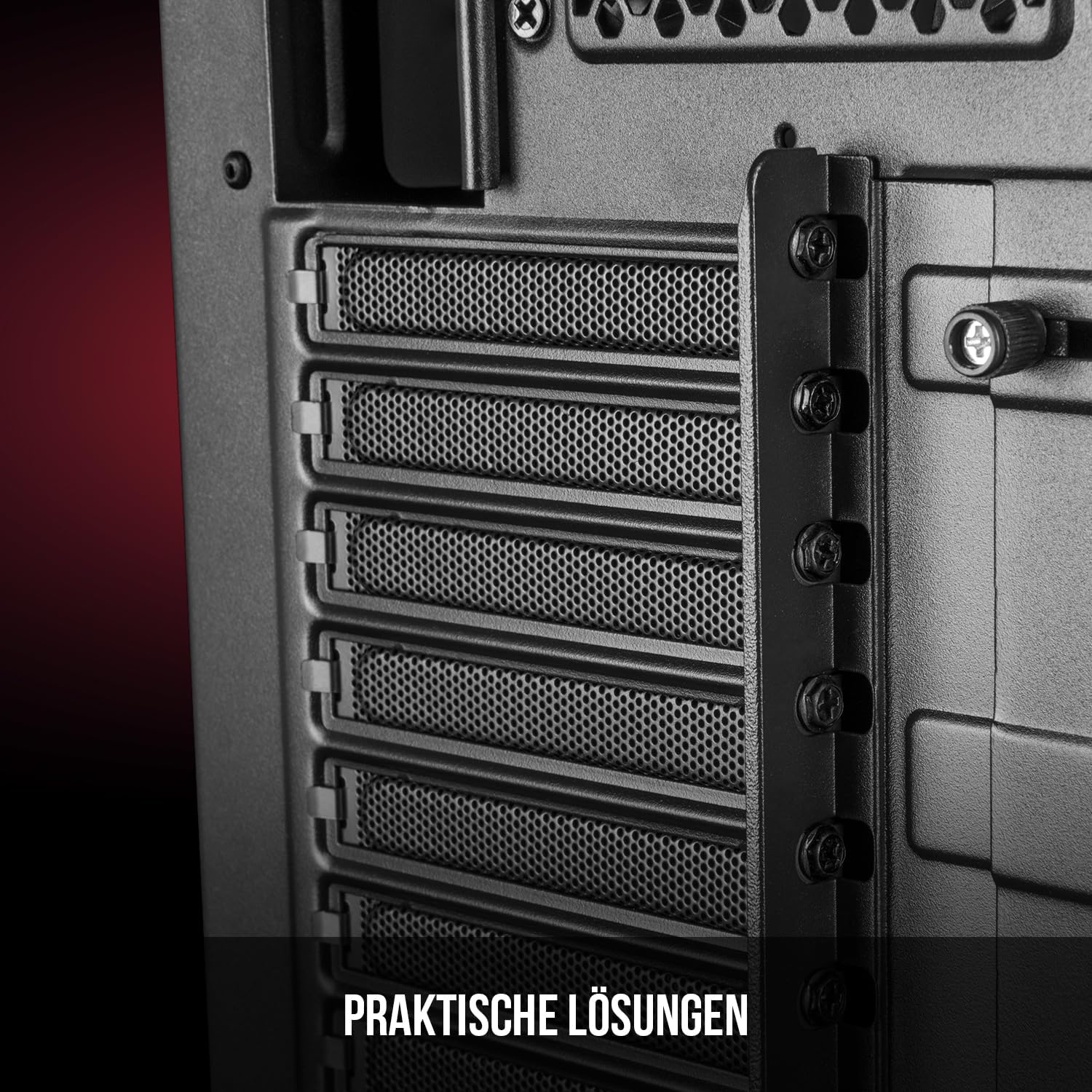
図5: 後部内装 view highlighting the expansion card slots.
5.6.ケーブル管理
Utilize the provided cable routing options and tie-down points behind the motherboard tray to organize cables. This improves airflow and maintains a tidy interior.
6. 冷却システム
The Oberon Pro comes with two pre-installed 120mm fans, one at the front and one at the rear, to ensure adequate airflow. The maximum height for a CPU cooler is 163mm, and the maximum length for a video card is 395mm, allowing for compatibility with a wide range of components.
7. メンテナンス
To maintain optimal performance and prevent dust buildup, regularly clean the dust filters. The magnetic filters on the top, front, and bottom of the case are easily dismountable for cleaning. Use compressed air or a soft brush to remove accumulated dust.
8。 トラブルシューティング
- 電源なし: Ensure all power cables are securely connected to the motherboard, power supply, and wall outlet. Check the power button connection to the motherboard.
- 過熱: Verify that all fans are spinning correctly and that dust filters are clean. Ensure proper cable management to avoid obstructing airflow.
- フロントパネルのポートが動作しない: Check that the front panel connectors (USB, audio) are correctly plugged into the motherboard headers.
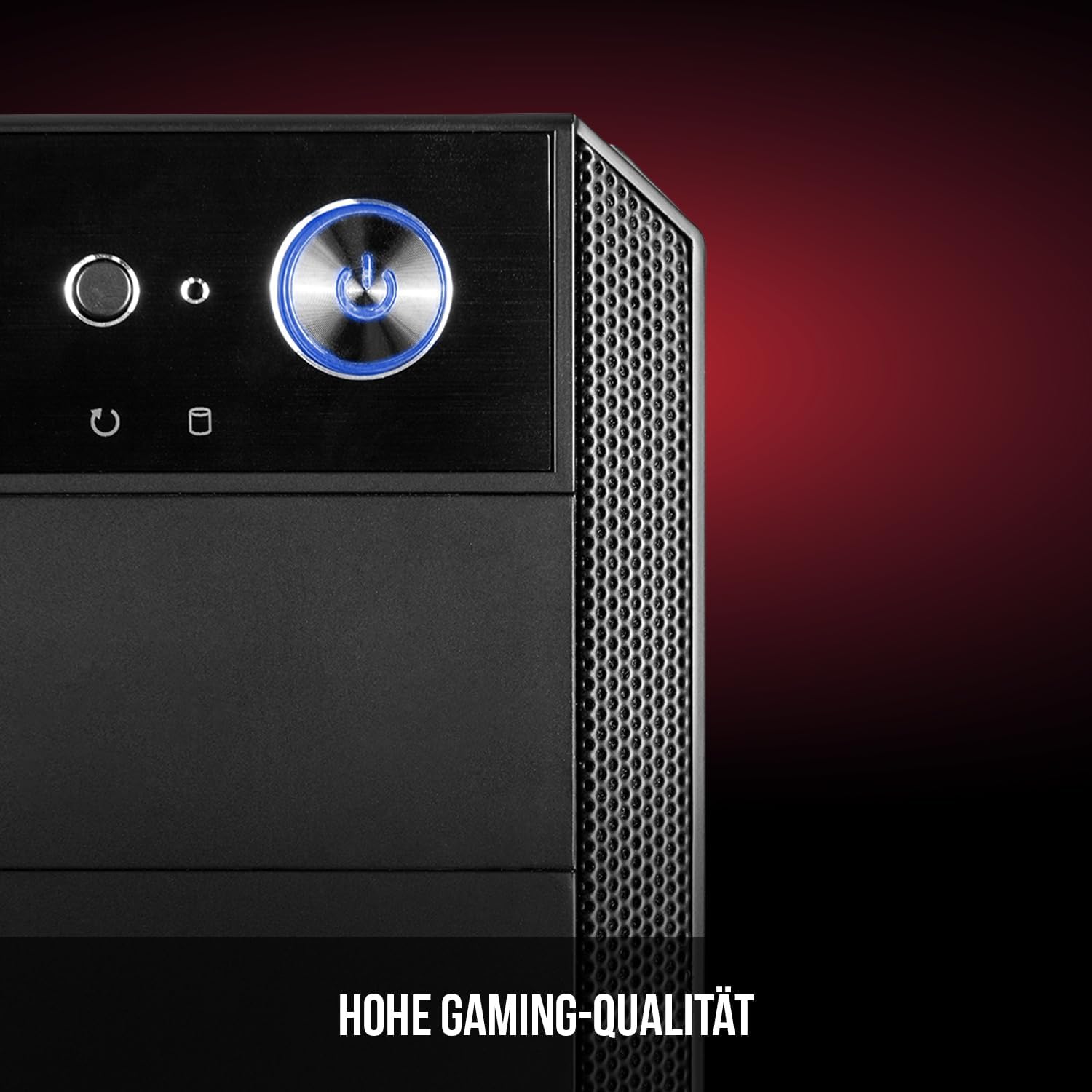
Figure 6: Front panel I/O ports for connectivity.
9. 仕様
| 特徴 | 仕様 |
|---|---|
| ブランド | モデコム |
| モデル名 | Oberon Pro |
| モデル番号 | AT-OBERON-PS-10-000000-0002 |
| 色 | 黒 |
| ケースタイプ | ミディタワー |
| マザーボードの互換性 | ATX、マイクロATX、ITX |
| 材料 | 合金鋼 |
| 冷却方法 | 空気 |
| プレインストールされたファン | 2 x 120mm (Front, Rear) |
| CPUクーラーの最大高さ | 163ミリメートル |
| GPUの最大長 | 395ミリメートル |
| ドライブベイ | 2.5インチSSD×3、3.5インチHDD×2 |
| USBポート合計 | 4 |
| 特集 | Reset Button, Dust Filter, LED Indicators, Side Window |
| アイテム重量 | 5270グラム |

Figure 7: Rear exterior view of the computer case.
10. 保証とサポート
For warranty information and technical support, please refer to the official Modecom web当サイトをご覧いただくか、販売店にお問い合わせください。保証請求の際に必要となりますので、購入証明書を保管してください。