
1. はじめに
The Viotek GN32DB is a 32-inch curved gaming monitor designed to deliver an immersive visual experience. It features a WQHD (2560x1440p) resolution, a 144Hz refresh rate, and AMD FreeSync technology, ensuring smooth and responsive gameplay. This manual provides essential information for setting up, operating, maintaining, and troubleshooting your monitor.

Image: The Viotek GN32DB monitor showcasing its 144Hz WQHD display capabilities.
2. セットアップ
2.1 開梱と組み立て
Carefully remove the monitor and all components from the packaging. Ensure all parts are present before proceeding with assembly. Attach the stand base to the stand neck, then secure the assembled stand to the back of the monitor using the provided screws. The monitor also supports VESA mounting (75x75mm) for alternative installation options.
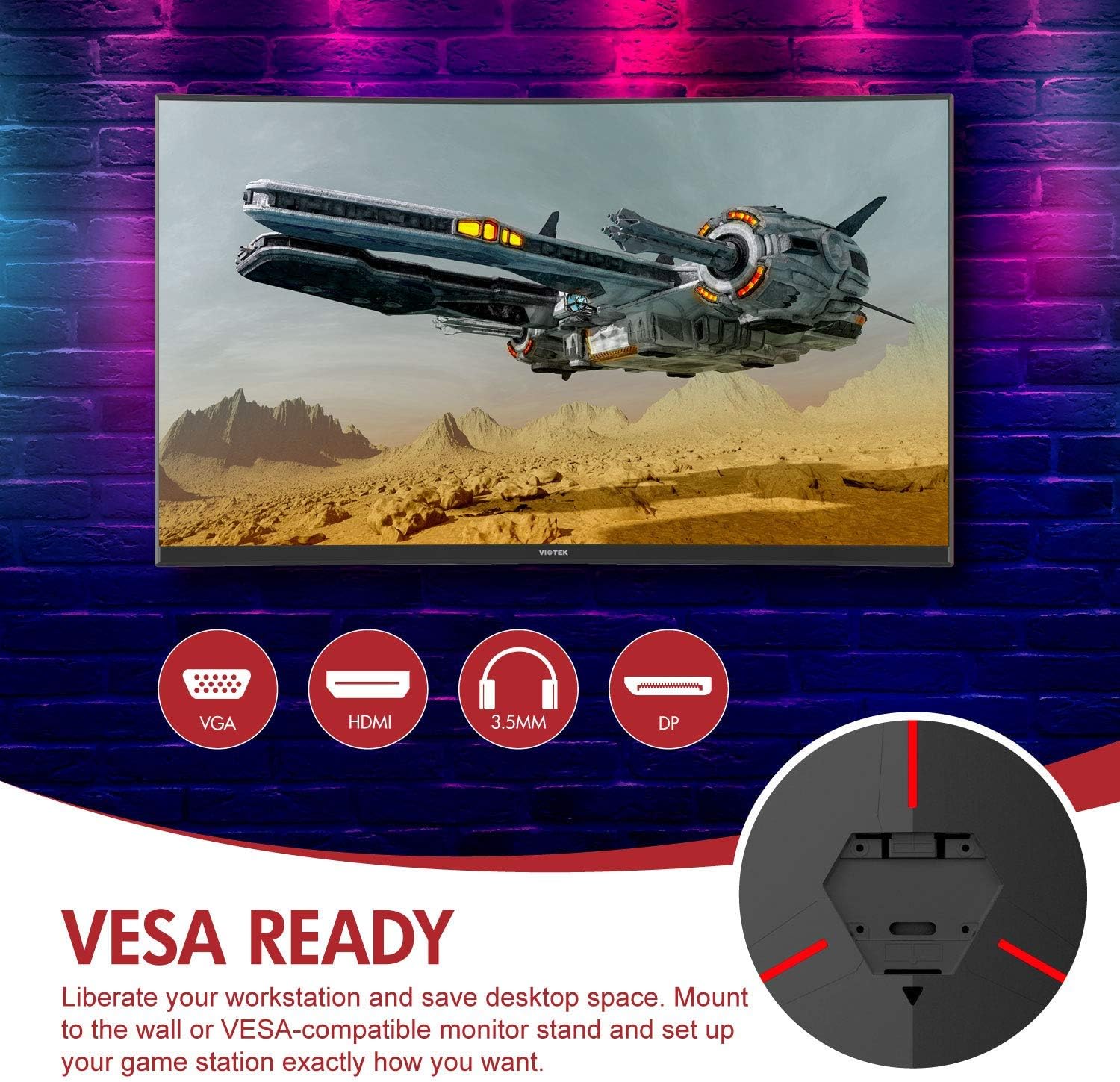
画像: 背面 view of the monitor highlighting VESA compatibility and available ports.
2.2 デバイスへの接続
Connect your computer or gaming console to the monitor using one of the available input ports:
- ディスプレイポート(DP 1.2): For optimal performance, including 144Hz refresh rate and FreeSync.
- HDMI(HDMI 2.0): Supports high-resolution and refresh rates.
- DVI: 対応デバイス向け。
Connect the power adapter to the monitor and then to a power outlet. The monitor also features a 3.5mm audio output jack for external sound systems.

画像: 詳細 view of the monitor's rear panel with input ports.
3. モニターの操作
3.1 電源オン/オフ
モニターの電源ボタンを押すと、電源のオン/オフを切り替えることができます。電源インジケーターライトでモニターの状態を確認できます。
3.2 オンスクリーンディスプレイ(OSD)メニュー
Navigate the OSD menu using the buttons or joystick (if present) on the monitor. The OSD allows you to adjust various settings:
- 画像設定: 明るさ、コントラスト、シャープネス、色温度を調整します。
- カラーモード: 定義済みのカラープロから選択fileまたは独自にカスタマイズします。
- 入力ソース: Manually select the active input (DP, HDMI, DVI).
- オーディオ: Adjust volume for the 3.5mm audio output.
3.3 ゲーム機能
- AMDフリーシンク: This technology synchronizes the monitor's refresh rate with your GPU's frame rate to eliminate screen tearing and stuttering. Ensure FreeSync is enabled in both the monitor's OSD and your graphics card settings.
- FPS/RTS モード: Optimize display settings for specific game genres.
- ゲームプラス: Activate on-screen crosshairs for improved aiming accuracy.

Image: Visual demonstration of AMD FreeSync technology in action.
3.4 低ブルーライトモード
Activate the Low Blue Light mode to reduce blue light emissions, which can help minimize eye strain during extended use.
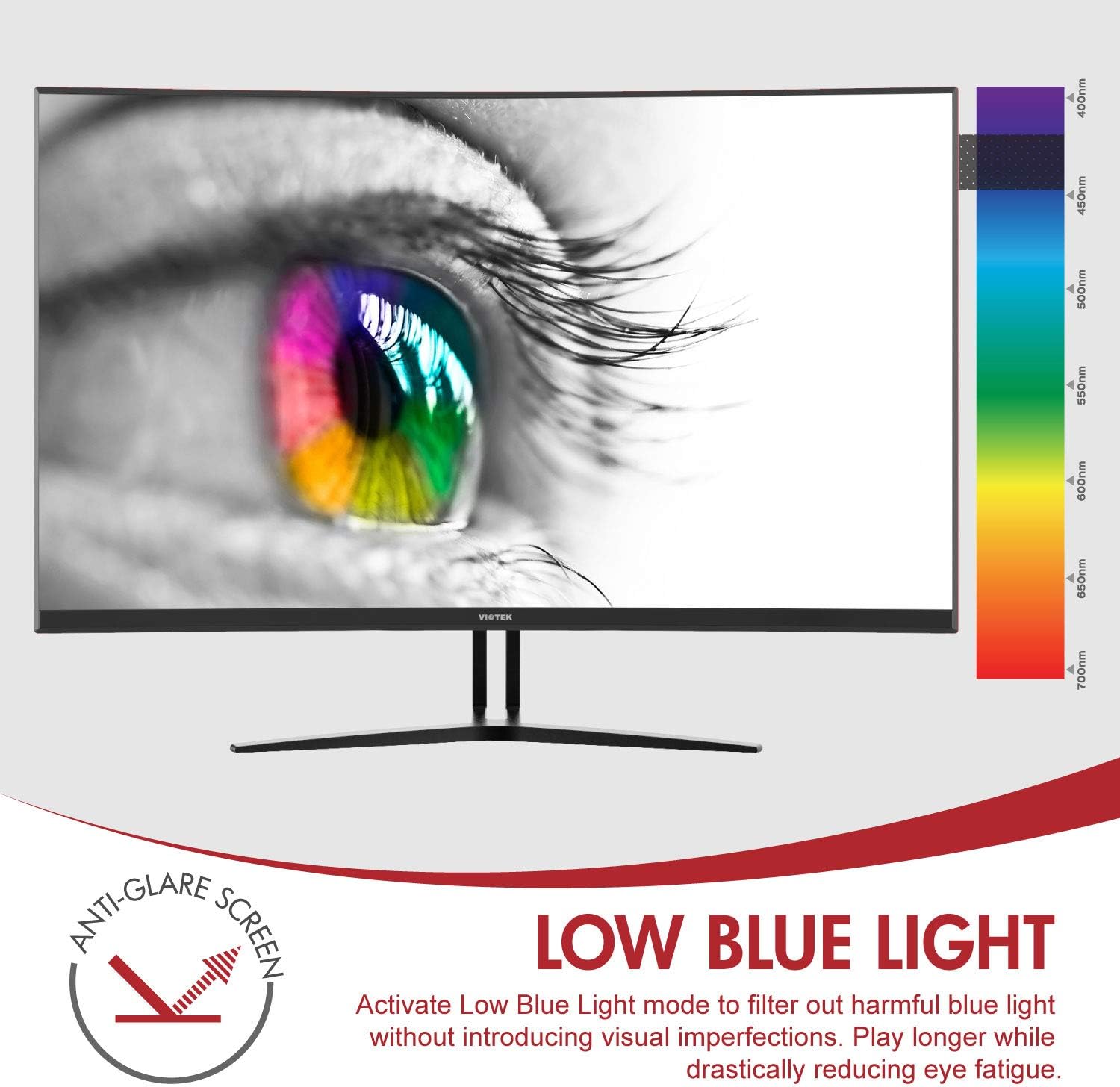
Image: The monitor's Low Blue Light feature for eye comfort.
3.5 Console Compatibility
The GN32DB is compatible with various gaming consoles, including Xbox One S/X and PlayStation 4, via DP 1.2 or HDMI connections. Enjoy FreeSync compatibility with supported Xbox consoles for smoother gameplay.

Image: Monitor compatibility with gaming consoles and adjustable tilt angle.
4. メンテナンス
To ensure the longevity and optimal performance of your Viotek GN32DB monitor, follow these maintenance guidelines:
- 画面の掃除: 柔らかく糸くずの出ない布で画面を優しく拭いてください。頑固な汚れには、軽くamp布に水または画面専用の洗浄液を含ませてください。刺激の強い化学薬品や研磨剤の使用は避けてください。
- 一般的な清掃: モニターを清掃するには、柔らかく乾いた布を使用してください。asing して立ちます。
- 換気: 過熱を防ぐために、モニターの通気口が塞がれていないことを確認してください。
- ストレージ: 長期間使用しない場合は、モニターを涼しく乾燥した場所に、できれば元の梱包のまま保管してください。
5。 トラブルシューティング
モニターに問題が発生した場合は、次の一般的な問題と解決策を参照してください。
| 問題 | 考えられる原因 | 解決 |
|---|---|---|
| 画面に画像がありません | Power cable disconnected, incorrect input source, faulty video cable. | Check power connections. Select correct input source via OSD. Replace video cable. |
| ちらつきや歪んだ画像 | Loose video cable, incorrect resolution/refresh rate, FreeSync issue. | Ensure video cable is secure. Adjust display settings on your device. Verify FreeSync settings. |
| No sound from 3.5mm audio out | Volume too low, external speakers not connected, audio source issue. | Increase monitor volume. Connect speakers correctly. Check audio settings on your device. |
| モニターがオンにならない | Power supply issue, faulty power button. | Verify power outlet and adapter. Contact support if issue persists. |
If the problem persists after attempting these solutions, please contact Viotek customer support.
6. 仕様
| 特徴 | 詳細 |
|---|---|
| ブランド | ヴィオテック |
| モデル番号 | GN32DB |
| 画面サイズ | 31.5インチ |
| 解決 | QHDワイド1440p(2560x1440) |
| アスペクト比 | 16:9 |
| リフレッシュレート | 144Hz |
| 応答時間 | 4 Milliseconds (with Automatic Overdrive) |
| 表示タイプ | LED (Samsung VA Panel) |
| 曲率 | 1800R |
| 色域 | 115% sRGB / 85% NTSC |
| コントラスト比 | 3000:1(静的)、1,000,000:1(動的) |
| 輝度 | 250 cd/m² |
| View角度 | 178度 |
| アダプティブ同期 | フリーシンク |
| 接続性 | 1x DisplayPort 1.2, 1x HDMI 2.0, 1x DVI, 1x 3.5mm Audio Output |
| 取り付けタイプ | VESA Mount (75x75mm) |
| 追加機能 | Anti-Glare Screen, Low Blue Light, FPS/RTS Modes, Game Plus |
| アイテム重量 | 17.2 ポンド |
7. 保証
The Viotek GN32DB monitor is protected by a 3年間の限定保証. This warranty includes a ゼロトレランス デッドピクセルポリシー, ensuring that your monitor is free from dead pixels upon purchase. For detailed terms and conditions, please refer to the official Viotek warranty documentation.

Image: Viotek's 3-Year Limited Warranty and Zero-Tolerance Dead Pixel Policy.
8. サポート
For any questions, technical assistance, or warranty claims, please contact Viotek's customer service. Our 100% U.S.-based customer service team is available 7 days a week to provide support.
Contact information can be found on the official Viotek webサイトまたは製品パッケージに記載されています。