
GoPro CHDHB-601
GoPro Hero7 White 取扱説明書
Model: CHDHB-601
1. はじめに
The GoPro Hero7 White is a rugged, tiny, and completely waterproof action camera designed to capture your adventures. It features an intuitive touch screen for easy operation, enabling you to record beautiful Full HD video and capture high-quality 10MP photos. Its design allows for seamless integration with the GoPro app for easy sharing of your content. The camera also includes advanced audio features like wind noise reduction for clear sound recording.

画像1.1:正面 view of the GoPro Hero7 White camera, highlighting its compact design and the prominent GoPro branding.
2. 箱の中身
パッケージに以下のすべての項目が含まれていることを確認してください。
- HERO7 White Camera
- 充電式バッテリー内蔵
- フレーム
- 曲面粘着マウント
- フラット粘着マウント
- 取り付けバックル
- USB-Cケーブル
3. セットアップ
3.1 初期充電
Before first use, fully charge your GoPro Hero7 White using the included USB-C cable. Connect the cable to the camera's USB-C port and plug the other end into a USB power adapter (not included) or a computer USB port. The camera's status lights will indicate charging progress.
3.2 microSDカードの挿入
The GoPro Hero7 White requires a microSD card (sold separately) to store photos and videos. Use a reputable brand's Class 10 or UHS-I rated card for optimal performance. Open the side door of the camera and gently insert the microSD card into the slot until it clicks into place. Ensure the card is inserted with the label facing the correct direction as indicated on the camera.
3.3 Attaching the Frame and Mounts
To attach your camera to various accessories, first secure it within 'The Frame'. Align the camera with the frame and snap it into place. Then, attach the mounting buckle to the bottom of the frame. The curved and flat adhesive mounts can be used to secure your camera to helmets, surfboards, or other flat/curved surfaces. Ensure the surface is clean and dry before applying adhesive mounts for maximum adhesion.
4. 操作手順
4.1 電源のオン/オフ
- 電源をオンにするには: モード ボタン (カメラの側面) を押します。
- To power off: Press and hold the Mode button for 3 seconds.
4.2 タッチスクリーンの使用
The intuitive touch screen allows for easy navigation and control. Swipe and tap to access different modes and settings.
- スワイプダウン: Access Preferences, Connections, and other settings.
- 上にスワイプする: Access Media Gallery.
- 左/右にスワイプ: ビデオ、写真、タイム ラプス モードを切り替えます。
- Touch Zoom: Pinch the screen to zoom in or out for perfect framing of your shots.
4.3 写真とビデオの撮影
The Hero7 White records beautiful Full HD video and takes high-quality 10MP photos. It features video stabilization for smooth footage and a photo timer for selfies or group shots.
- ビデオ録画: In Video mode, press the Shutter button (top of the camera) to start/stop recording.
- 写真のキャプチャ: In Photo mode, press the Shutter button to take a picture.
- バーストモード: Capture 15 photos in one second by holding down the Shutter button in Photo mode.
- タイムラプスビデオ: In Time Lapse mode, press the Shutter button to start/stop recording. This turns longer events into short, shareable moments.
- 縦位置撮影: Capture photos and videos in portrait orientation, ideal for social media stories.
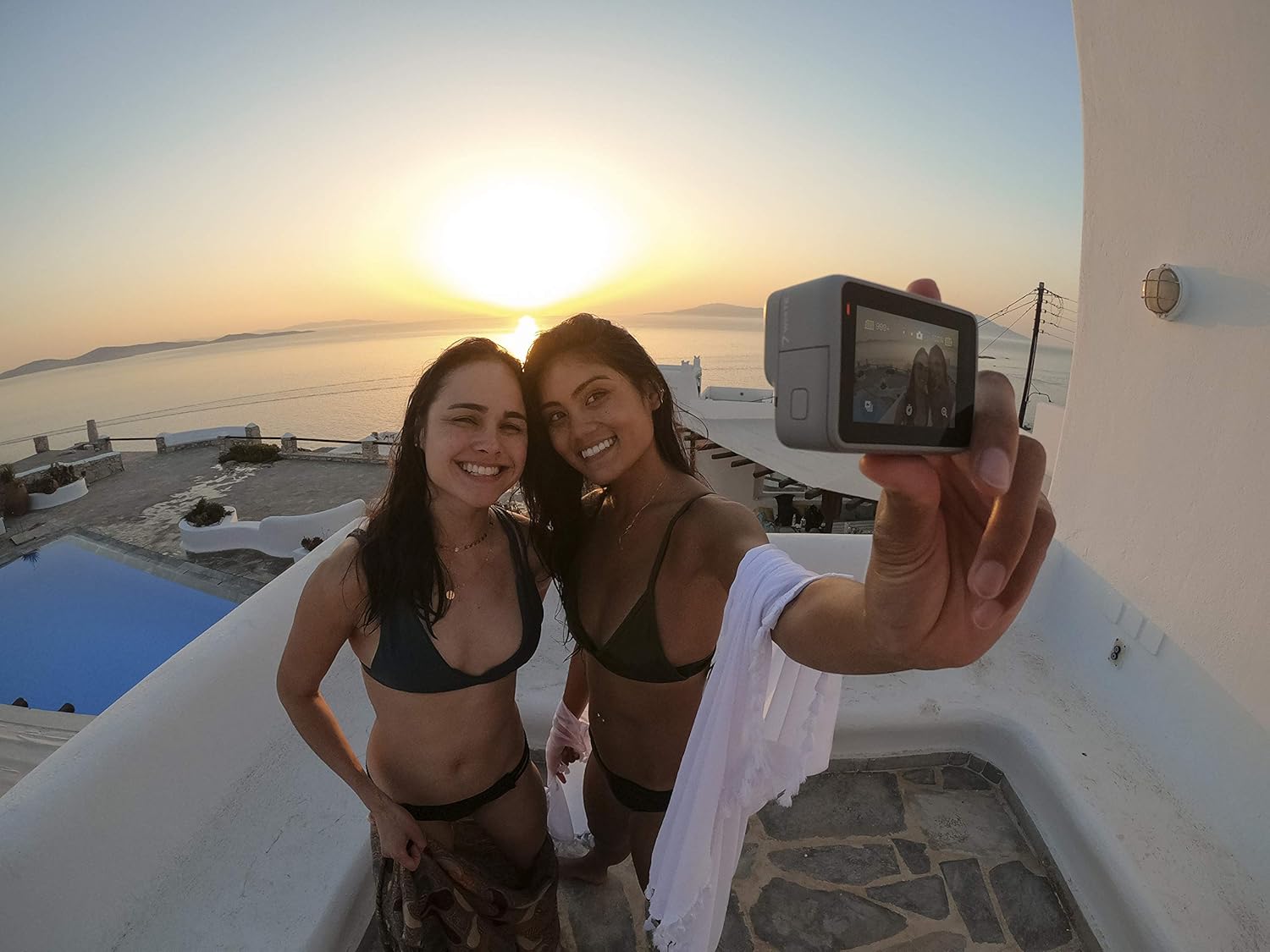
Image 4.1: The GoPro Hero7 White being used to capture a selfie, demonstrating its compact size and ease of use for personal photography.
4.4 音声制御
Control your Hero7 White hands-free with simple voice commands. This feature allows you to stay in the moment without needing to physically interact with the camera.
- Say "GoPro, start recording" to begin video capture.
- Say "GoPro, take a photo" to capture a still image.
- Refer to the camera's on-screen prompts or the full user manual for a complete list of voice commands.
5. メンテナンス
5.1 カメラのクリーニング
After use, especially in saltwater environments, rinse the camera with fresh water and dry it thoroughly with a soft, lint-free cloth. Do not use harsh chemicals or cleaning solvents. For the lens, use a lens cleaning cloth only.
5.2バッテリーケア
The Hero7 White has a built-in rechargeable battery. To maximize battery life, avoid exposing the camera to extreme temperatures. Store the camera with a partial charge (around 50%) if not using it for extended periods. Note that the battery is not user-replaceable.
5.3 ストレージ
Store your camera in a cool, dry place away from direct sunlight and extreme temperatures. Ensure the camera is clean and dry before storage.
6。 トラブルシューティング
6.1 カメラの電源が入らない
- バッテリーが充電されていることを確認してください。USB-Cケーブルを使用してカメラを電源に接続してください。
- Perform a hard reset: Press and hold the Mode button for 10 seconds.
6.2 Freezing or Unresponsive Screen
- Remove and reinsert the microSD card.
- Perform a hard reset by holding the Mode button for 10 seconds.
- Ensure your camera's firmware is up to date. Connect to the GoPro app for updates.
6.3 ビデオ/写真の品質が悪い
- レンズがきれいで、汚れやゴミがないことを確認してください。
- 照明条件を確認してください。カメラは明るい環境で最もよく機能します。
- Use a high-speed microSD card (Class 10 or UHS-I) to ensure proper data writing.
6.4 Wi-Fi接続の問題
- Ensure Wi-Fi is enabled on the camera (swipe down on the touch screen to access connections).
- カメラとモバイルデバイスの両方を再起動します。
- Forget the camera's Wi-Fi network on your device and reconnect.
7. 仕様
| 特徴 | 詳細 |
|---|---|
| モデル番号 | CHDHB-601 |
| 製品寸法 | 1.75 x 2.44 x 1.1インチ |
| アイテム重量 | 4.2オンス |
| ビデオキャプチャ解像度 | 1080p |
| 写真解像度 | 10MP |
| 防水深さ | Up to 33ft (10m) without housing |
| 画面サイズ | 1.95インチ(タッチスクリーン) |
| 接続性 | Bluetooth wifi |
| 電池のタイプ | 内蔵リチウムイオン |
| ストレージ | Micro SD (Class 10 or UHS-I required) |
| オーディオ機能 | Advanced Wind Noise Reduction, 2-mic Processing |
8. 保証とサポート
For detailed warranty information and customer support, please visit the official GoPro website or refer to the warranty card included with your product. You can also find additional resources and FAQs on the GoPro support pages.
公式ユーザーマニュアル(PDF): ダウンロードはこちら
GoPro Official Store: ストアを訪問