
TP-Link デコ X20
TP-Link Deco X20 AX1800 Whole Home Mesh Wi-Fi System User Manual
モデル: デコ X20
導入
The TP-Link Deco X20 AX1800 Whole Home Mesh Wi-Fi System provides seamless Wi-Fi 6 coverage throughout your home. This system replaces traditional routers and Wi-Fi extenders, offering faster connections, increased capacity, and reduced latency for a superior online experience. It includes features like HomeCare for security and parental controls, and is compatible with Alexa for voice control.
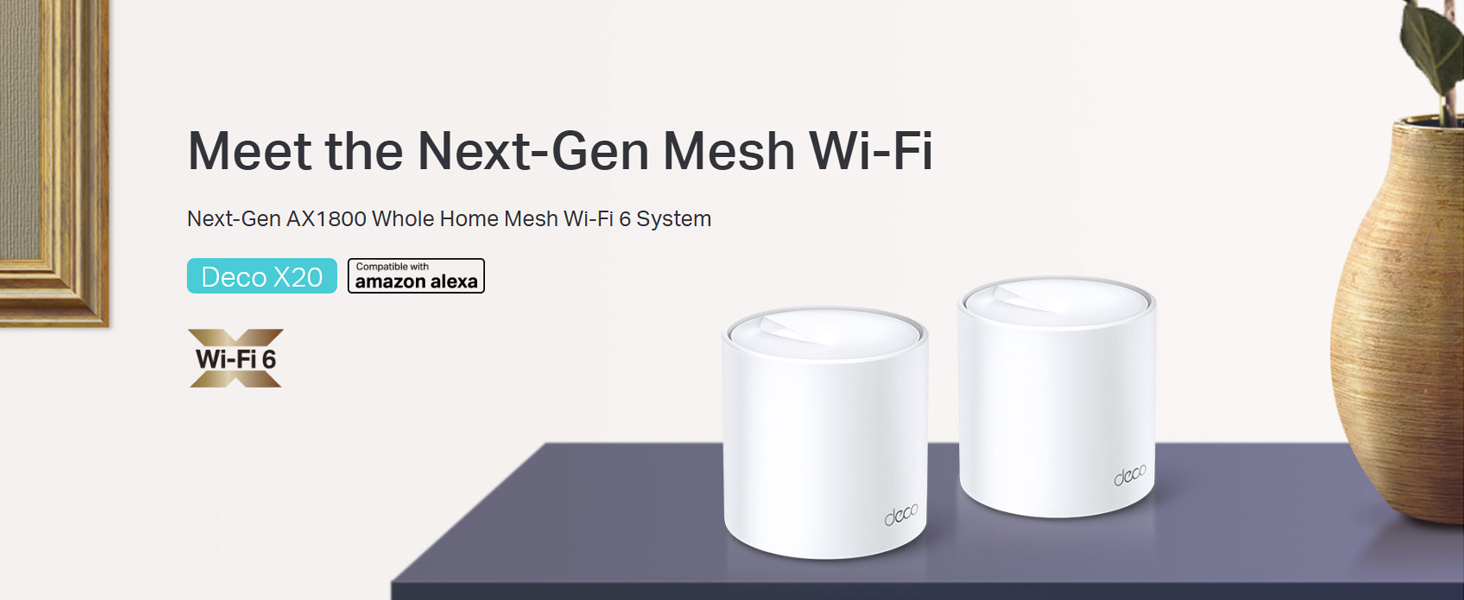
Image: Two TP-Link Deco X20 units on a table, showcasin製品デザイン。
箱の中身
The Deco X20 (2-Pack) system typically includes the following components:
- 2 x Deco X20ユニット
- RJ45イーサネットケーブル1本
- 2 x電源アダプター
- クイックインストールガイド x 1

Image: The TP-Link Deco X20 (2-Pack) retail box, displaying the included items.
セットアップガイド
Setting up your TP-Link Deco X20 system is designed to be straightforward using the Deco app. Follow these steps for initial installation:
- Decoアプリをダウンロードしてください: 検索する "TP-Link Deco" in the App Store (iOS) or Google Play Store (Android) and install the application on your smartphone or tablet.
- メインデコユニットを接続します。
- モデムの電源をオフにします。
- 付属のイーサネット ケーブルを使用して、1 台の Deco ユニットをモデムに接続します。
- モデムの電源を入れ、次にDecoユニットの電源を入れます。DecoユニットのLEDが青色に点滅するまで待ちます。
- Deco アプリを起動します。 Deco アプリを開き、画面の指示に従って TP-Link ID を作成し、メインの Deco ユニットを設定します。
- 追加のデコレーションユニットを追加する: Once the main unit is configured, the app will guide you through adding the remaining Deco units. Place them strategically around your home for optimal coverage.
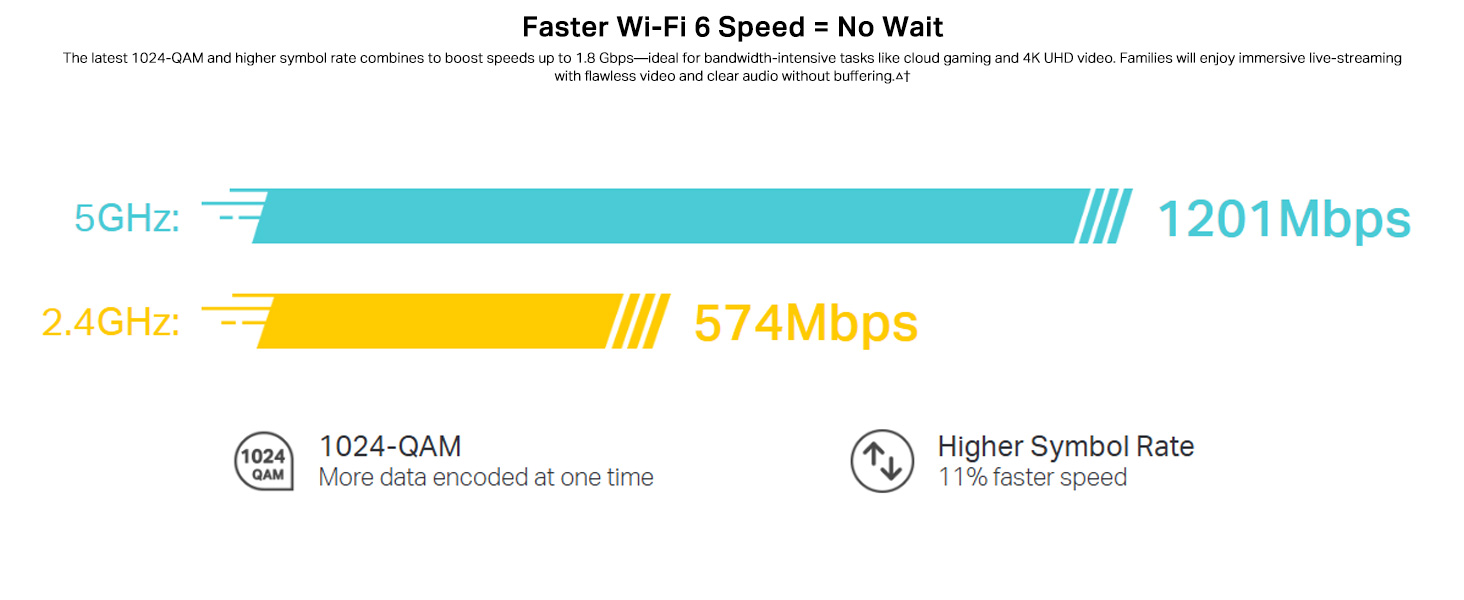
Image: Visual guide for setting up the Deco X20 system via the Deco mobile application.
操作手順
The TP-Link Deco X20 system operates as a unified network, providing seamless Wi-Fi coverage. Management is primarily done through the Deco mobile application.
Deco App Features:
- ネットワーク管理: View connected devices, prioritize network traffic (QoS), and manage guest networks.
- ペアレンタルコントロール: Set time limits, block inappropriate content, and monitor online activity for family members.
- Antivirus (HomeCare/HomeShield): Protect your network and connected devices from malicious threats.
- ファームウェアの更新: The app facilitates easy firmware updates to ensure your system has the latest features and security enhancements.
- 音声コントロール: Integrate with Amazon Alexa for convenient voice commands to manage your Wi-Fi.

画像: さまざまな制御および監視機能を示す Deco アプリ インターフェース。
シームレスローミング:
The Deco system creates a single Wi-Fi network name (SSID) throughout your home. As you move, your devices automatically connect to the Deco unit with the strongest signal, ensuring an uninterrupted connection.
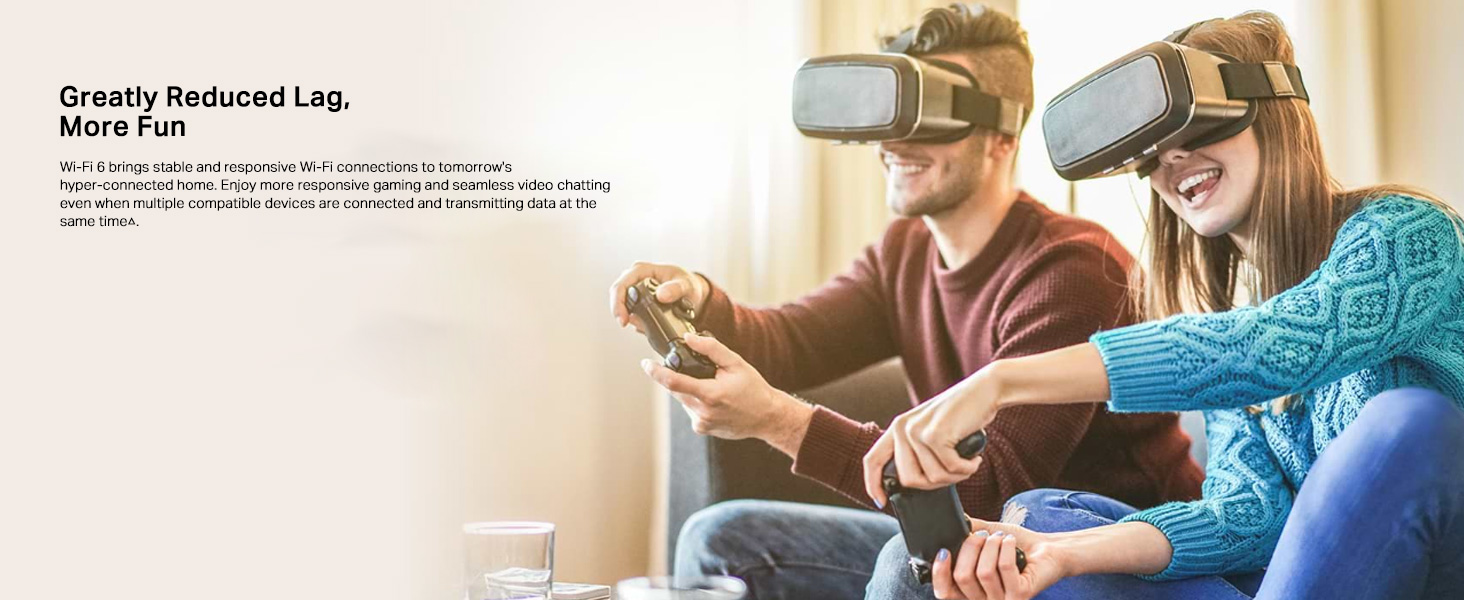
Image: Comparison of seamless roaming with Deco versus a traditional router and extender setup.
主な特徴
- Wi-Fi 6 Technology (802.11ax): Provides faster speeds up to 1800 Mbps (1201 Mbps on 5GHz and 574 Mbps on 2.4GHz), increased capacity, and reduced network congestion.
- Whole Home Mesh Coverage: Eliminates Wi-Fi dead zones, covering up to 4000 sq ft with a 2-pack system.
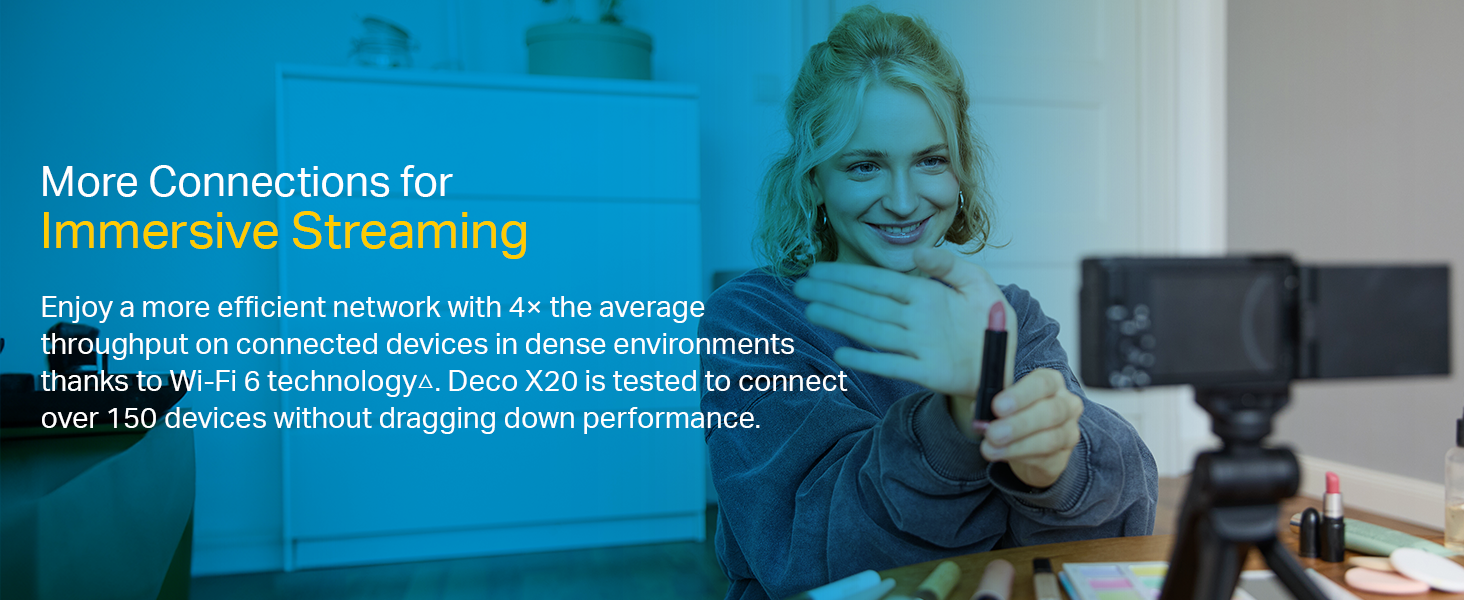
- より多くのデバイスを接続: OFDMA and MU-MIMO technologies allow simultaneous data transmission to multiple devices, supporting over 150 connected devices without performance degradation.
- 超低遅延: Enhances responsiveness for gaming and video calls.
- TP-Link HomeCare/HomeShield: Offers comprehensive network security, robust parental controls, and Quality of Service (QoS) for a safer and optimized online experience.
- AI駆動メッシュ: The system intelligently learns your network environment and user behavior to optimize Wi-Fi performance continuously.
画像: 進歩を強調したインフォグラフィックtages of Wi-Fi 6, such as speed and efficiency.
メンテナンス
To ensure optimal performance and security of your Deco X20 system, consider the following maintenance practices:
- 定期的なファームウェアアップデート: Check the Deco app periodically for available firmware updates. Installing updates ensures you have the latest security patches and performance improvements.
- 最適な配置: Ensure Deco units are placed in open areas, away from obstructions like large metal objects, thick walls, and other electronic devices that may cause interference.
- 清潔さ: Keep the Deco units clean and free from dust to prevent overheating and maintain proper airflow. Use a soft, dry cloth for cleaning.
- ネットワーク監視: Use the Deco app to monitor network activity and identify any unusual behavior or unauthorized devices.
トラブルシューティング
Deco X20 システムで問題が発生した場合は、次のトラブルシューティング手順を試してください。
- インターネット接続なし:
- モデムが正しく動作しているかどうかを確認してください。
- メインの Deco ユニットとモデム間のイーサネット ケーブルがしっかりと接続されていることを確認します。
- モデムとメインの Deco ユニットを再起動します。
- Wi-Fi信号が弱い、またはデッドゾーンがある場合:
- Deco ユニットを互いに近づけるか、信号が弱いエリアに移動します。
- Ensure there are no major physical obstructions (e.g., thick concrete walls) between Deco units.
- Consider adding another Deco unit if coverage is still insufficient.
- デコユニット LED ステータス:
- 緑色の点灯: Decoは正常に動作しています。
- 青く点滅: Deco のセットアップ準備が完了しました。
- 赤一色: Deco に問題があります (例: インターネット接続がない)。
- パルスレッド: Deco is disconnected from the main unit.
- Cannot Connect to Deco App:
- Ensure your smartphone is connected to the Deco Wi-Fi network.
- Restart the Deco app.
- Reinstall the Deco app if the issue persists.
さらに詳しいサポートについては、TP-Linkサポートを参照してください。 webサイトをご覧いただくか、カスタマーサービスにお問い合わせください。
仕様
| 特徴 | 詳細 |
|---|---|
| ブランド | TPリンク |
| モデル名 | デコX20 |
| ワイヤレス標準 | 802.11ax (Wi-Fi 6) |
| 周波数帯域クラス | デュアルバンド(2.4 GHz & 5 GHz) |
| データ転送速度 (最大) | 1800 Mbps (1201 Mbps on 5GHz, 574 Mbps on 2.4GHz) |
| カバレッジ | Up to 4000 sq ft (2-pack) |
| ポート数 | 2 Gigabit Ethernet ports per Deco unit |
| セキュリティプロトコル | WPA-PSK, WPA2-PSK, WPA3 |
| 制御方法 | Deco App, Amazon Alexa |
| 寸法(長さ×幅×高さ) | 11L x 11W x 11.4H センチメートル |
| オペレーティング·システム | RouterOS (internal) |
| RAMメモリ搭載 | 16ギガバイト (Note: This value is from the provided product data and may refer to flash storage or a specific component, as typical router RAM is lower.) |
保証とサポート
保証情報:
The TP-Link Deco X20 comes with a 3年間保証. For any product quality related issues, it is recommended to reach out to TP-Link's customer service support for resolution.
カスタマーサポート:
For technical support, warranty claims, or general inquiries, please contact TP-Link customer service:
- フリーダイヤル: 1800-209-4168
- メールアドレス: support.in@tp-link.com
- 製造元住所: TP-Link Systems Inc. 10 Mauchly, Irvine, CA 92618, USA or TP-Link India Private Limited Office No.1, Tower 2, Level 2, Raiaskaran Tech Park, Andheri Kurla Road, M.V Road, Andheri East-400072
Please retain your proof of purchase for warranty services.
重要な安全情報
- デバイスを水や湿気にさらさないでください。
- デバイスを自分で分解または修理しようとしないでください。
- 付属の電源アダプターのみを使用してください。
- Ensure proper ventilation around the Deco units to prevent overheating.
関連文書 - デコX20
 |
TP-Link 製品ガイド: 包括的な Wi-Fi 6 およびメッシュ ネットワーク ソリューション シームレスで信頼性の高いホームおよび SOHO ネットワークを実現するために設計された最新の Wi-Fi 6、メッシュ Wi-Fi システム、5G 接続、スマート ホーム テクノロジーを特集した TP-Link の包括的な製品ガイドをご覧ください。 |
 |
TP-Link Deco X20 AX1800 家全体メッシュWi-Fi 6システム ユーザーガイド TP-Link Deco X20 AX1800 ホーム全体メッシュ Wi-Fi 6 システムの包括的なユーザー ガイド。最適なホーム ネットワーク パフォーマンスを実現するためのセットアップ、機能、管理、トラブルシューティングについて説明しています。 |
 |
TP-Link Deco X20-DSL AX1800 VDSL 家庭内メッシュWi-Fi 6システム ユーザーガイド TP-Link Deco X20-DSL AX1800 VDSL Whole Home Mesh Wi-Fi 6 システムの包括的なユーザー ガイド。セットアップ、構成、HomeShield などの機能、トラブルシューティングなどを網羅しています。 |
 |
TP-Link Deco M5 AC1300 ユーザーガイド: 家全体をカバーするメッシュWi-Fiシステム TP-Link Deco M5 AC1300 家全体メッシュWi-Fiシステムの包括的なユーザーガイド。セットアップ、シームレスローミング、ペアレンタルコントロール、ウイルス対策、ネットワーク最適化などの機能について解説します。 |
 |
TP-Link Deco クイックインストールガイド - Wi-Fi メッシュセットアップ このガイドでは、TP-Link Deco Wi-Fiメッシュシステムのセットアップ手順、LEDステータス、安全情報、保証の詳細について説明します。ネットワークの接続と設定方法を学びましょう。 |
 |
TP-Link Deco M9 Plus AC2200 スマートホーム メッシュ Wi-Fi システム ユーザーガイド A comprehensive user guide for the TP-Link Deco M9 Plus AC2200 Smart Home Mesh Wi-Fi System, covering setup, app features, parental controls, antivirus, and regulatory information. |
Ask a question about this manual
Ask about setup, troubleshooting, compatibility, parts, safety, or missing instructions. Manuals+ will review the question and use this page’s manual context to help answer it.