
1. はじめに
The Picun H12 Bluetooth Neckband Headset offers a comfortable and high-quality audio experience for various activities, including sports and daily use. Featuring Bluetooth 4.1 connectivity, a 13mm driver for clear sound, and IPX6 water resistance, these earphones are designed for durability and convenience. The magnetic earbuds and lightweight neckband design enhance portability and ease of use.
2. 箱の中身
- Picun H12 Bluetooth Neckband Headset
- USB充電ケーブル
- Earbuds Covers (various sizes)
- ユーザーマニュアル
3.製品オーバーview
The Picun H12 headset is engineered for superior sound and extended battery life, ensuring an immersive audio experience.

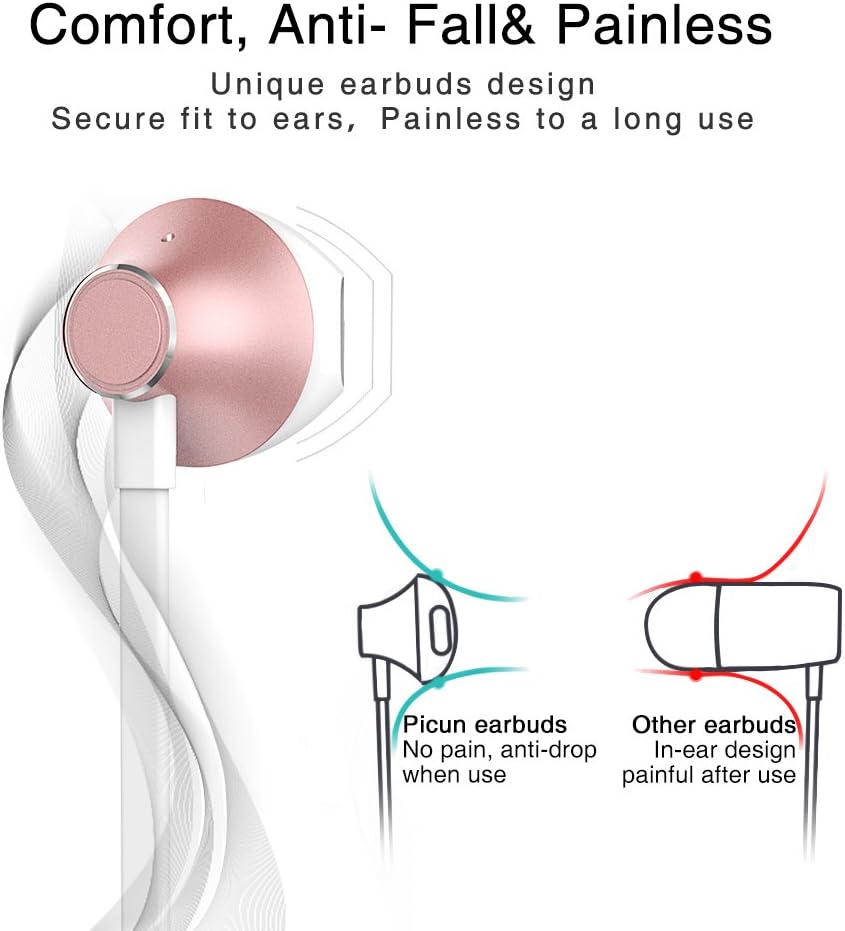
Designed for comfort, the unique earbud shape provides a secure fit without causing discomfort, even during prolonged use.
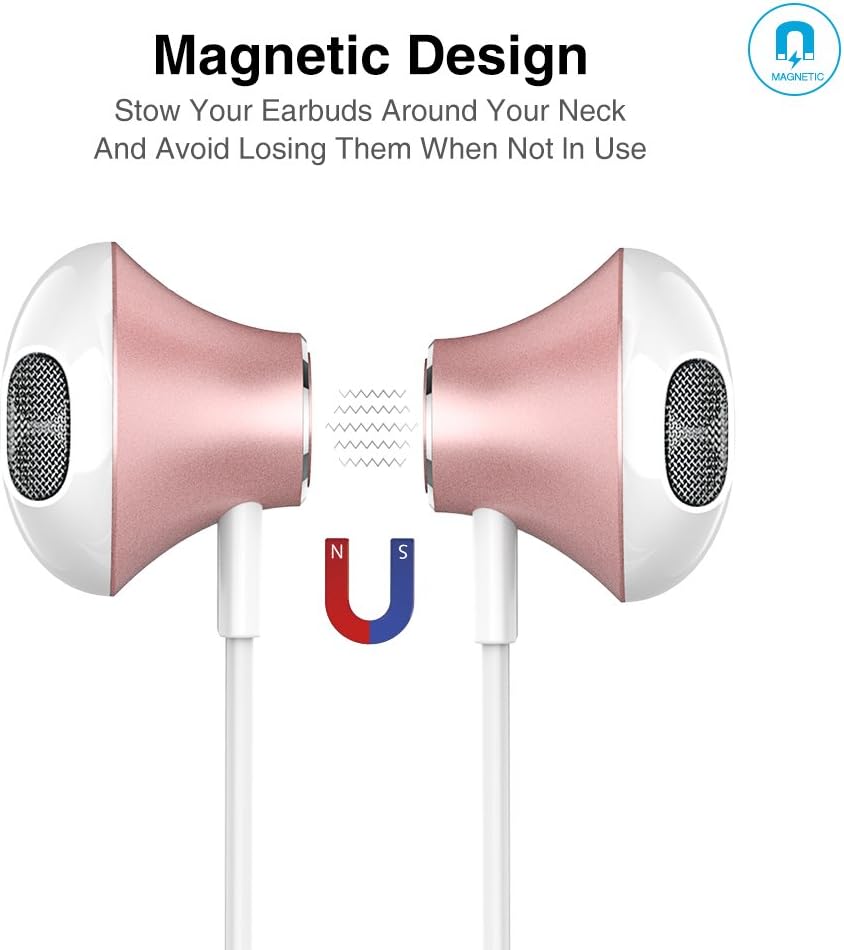
The magnetic design allows the earbuds to clip together when not in use, preventing tangles and making them easy to carry around your neck.
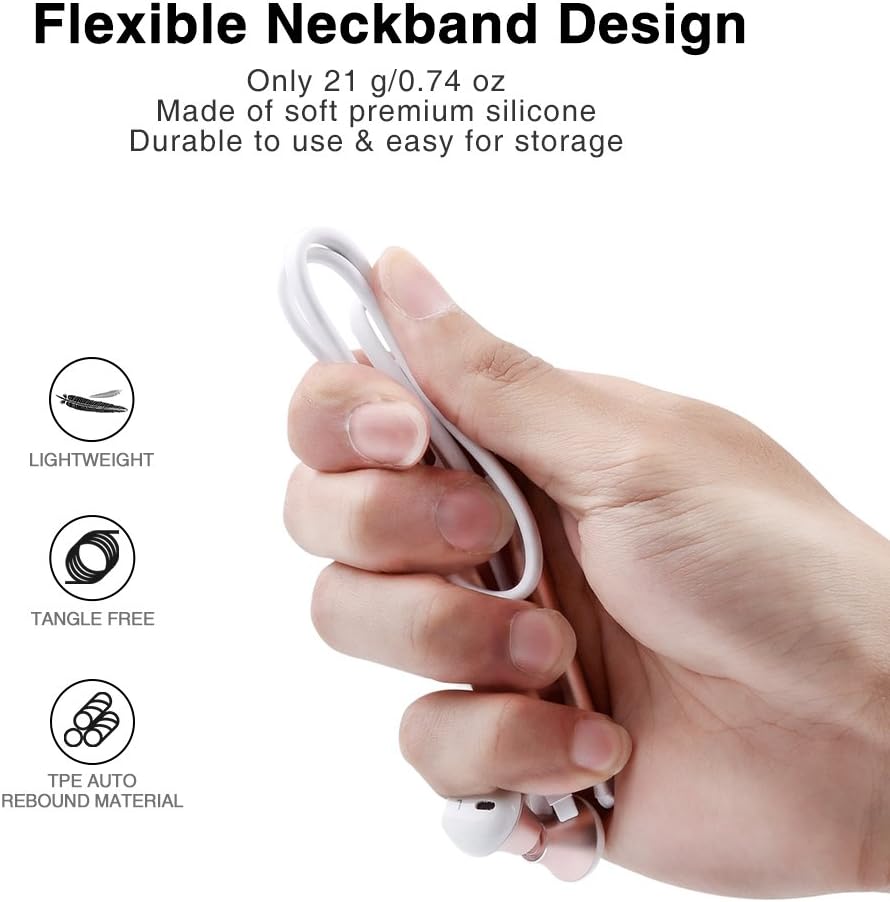
The flexible neckband is lightweight and made from TPE auto-rebound material, ensuring durability and tangle-free storage.
Control your audio and calls effortlessly with the integrated in-line remote and HD noise reduction microphone.

With an IPX6 water-resistant nano-coating, the headset is protected against sweat and rain, making it ideal for workouts.

全体像についてはこのビデオをご覧くださいview of the Picun H12 Bluetooth Neckband Headset's features and design.
4. セットアップ
4.1 ヘッドセットの充電
- Connect the micro USB charging cable to the charging port on the headset.
- ケーブルのもう一方の端を USB 電源 (コンピューター、壁のアダプターなど) に接続します。
- The indicator light will show charging status. A full charge takes approximately 1 hour and provides up to 10 hours of playtime.
4.2Bluetoothペアリング
- ヘッドセットが完全に充電されていることを確認してください。
- Press and hold the multi-function button (usually the center button on the in-line remote) until the indicator light flashes red and blue, indicating pairing mode.
- デバイス(スマートフォン、タブレットなど)で Bluetooth を有効にし、利用可能なデバイスを検索します。
- Select "Picun H12" from the list of found devices.
- Once paired, the indicator light will typically turn solid blue or flash blue slowly. A voice prompt may confirm successful connection.
5. 操作手順
5.1 電源オン/オフ
- 電源オン: Press and hold the multi-function button for approximately 3 seconds until the indicator light flashes blue and a voice prompt confirms power on.
- 電源を切る: Press and hold the multi-function button for approximately 3-5 seconds until the indicator light flashes red and a voice prompt confirms power off.
5.2音楽の再生
- 再生/一時停止: 多機能ボタンを短く押します。
- 次の曲: 「V+」ボタンを長押しします。
- 前の曲: 「V-」ボタンを長押しします。
- ボリュームアップ: 「V+」ボタンを短く押します。
- ボリュームダウン: 「V-」ボタンを短く押します。
5.3 通話管理
- 通話に応答: 電話がかかってきたら、多機能ボタンを短く押します。
- 通話終了: 通話中に多機能ボタンを短く押します。
- 通話を拒否: 電話がかかってきたら多機能ボタンを長押しします。
- 最後の番号にリダイヤル: マルチファンクションボタンを2回押します。
6. メンテナンス
- クリーニング: ヘッドセットのクリーニングには、柔らかく乾いた布をご使用ください。研磨剤入りの洗剤や溶剤は使用しないでください。
- 耐水性: The headset is IPX6 water-resistant, meaning it can resist high-pressure, heavy sprays of water. It is not designed for submersion. Dry thoroughly if exposed to water or sweat.
- ストレージ: When not in use, store the headset in a cool, dry place. The magnetic earbuds help prevent tangling.
- バッテリーのケア: バッテリーの寿命を延ばすには、バッテリーを頻繁に完全に放電させないでください。長期間使用しない場合でも、ヘッドセットは定期的に充電してください。
7。 トラブルシューティング
| 問題 | 考えられる解決策 |
|---|---|
| ヘッドセットの電源が入らない | ヘッドセットが完全に充電されていることを確認してください。電源に接続してもう一度お試しください。 |
| デバイスとペアリングできません | Ensure the headset is in pairing mode (flashing red and blue light). Turn off and on Bluetooth on your device. Move closer to the headset. |
| 音が出ない、または音量が小さい | Check volume levels on both the headset and your connected device. Ensure the headset is properly paired. Try re-pairing. |
| 断続的な接続 | Ensure no obstacles are between the headset and your device. Stay within the 33-foot (10-meter) Bluetooth range. Avoid strong electromagnetic interference. |
| 充電の問題 | Check the charging cable and USB power source. Try a different cable or power adapter. Ensure the charging port is clean and free of debris. |
8. 仕様
- ブランド: ピクン
- モデル: H12
- 接続技術: ワイヤレス(Bluetooth)
- Bluetoothバージョン: 4.1
- 無線範囲: 最大33フィート(10メートル)
- プレイ時間: 最大10時間
- 充電時間: 約1時間
- ドライバーサイズ: 13 MM Neodymium
- 周波数応答: 20 Hz - 20 kHz
- 耐水性: IPX6(防汗・防滴)
- 耳の配置: 耳に装着
- フォームファクター: ネックバンド
- コントロールタイプ: In-line Volume Control, Multi-function button
- マイクロフォン: Built-in HD noise reduction mic
- 重さ: 0.05ポンド(約21g)
- 材料: シリコン、熱可塑性エラストマー(TPE)
9. 保証とサポート
The Picun H12 Bluetooth Neckband Headset comes with a 10-month guarantee period from the date of purchase. For any product-related inquiries, technical support, or warranty claims, please contact Picun customer service. Refer to the contact information provided on the product packaging or the official Picun webサポートサイト。