
導入
This manual provides detailed instructions for the setup, operation, maintenance, and troubleshooting of your EZON T031 GPS Running Watch. Please read this manual thoroughly to ensure proper use and to maximize the performance and lifespan of your device. The EZON T031 is designed to accurately track your running and outdoor activity data, offering features such as high-precision GPS, automatic time synchronization, and comprehensive exercise data recording.
1. セットアップ
1.1 初期充電
Before first use, fully charge your EZON T031 watch. Connect the charging clip to the watch's charging contacts and plug the USB end into a power source. A full charge typically takes 2-3 hours. The watch features a long battery life, offering up to 90 days in standby mode and 6 hours with GPS enabled.
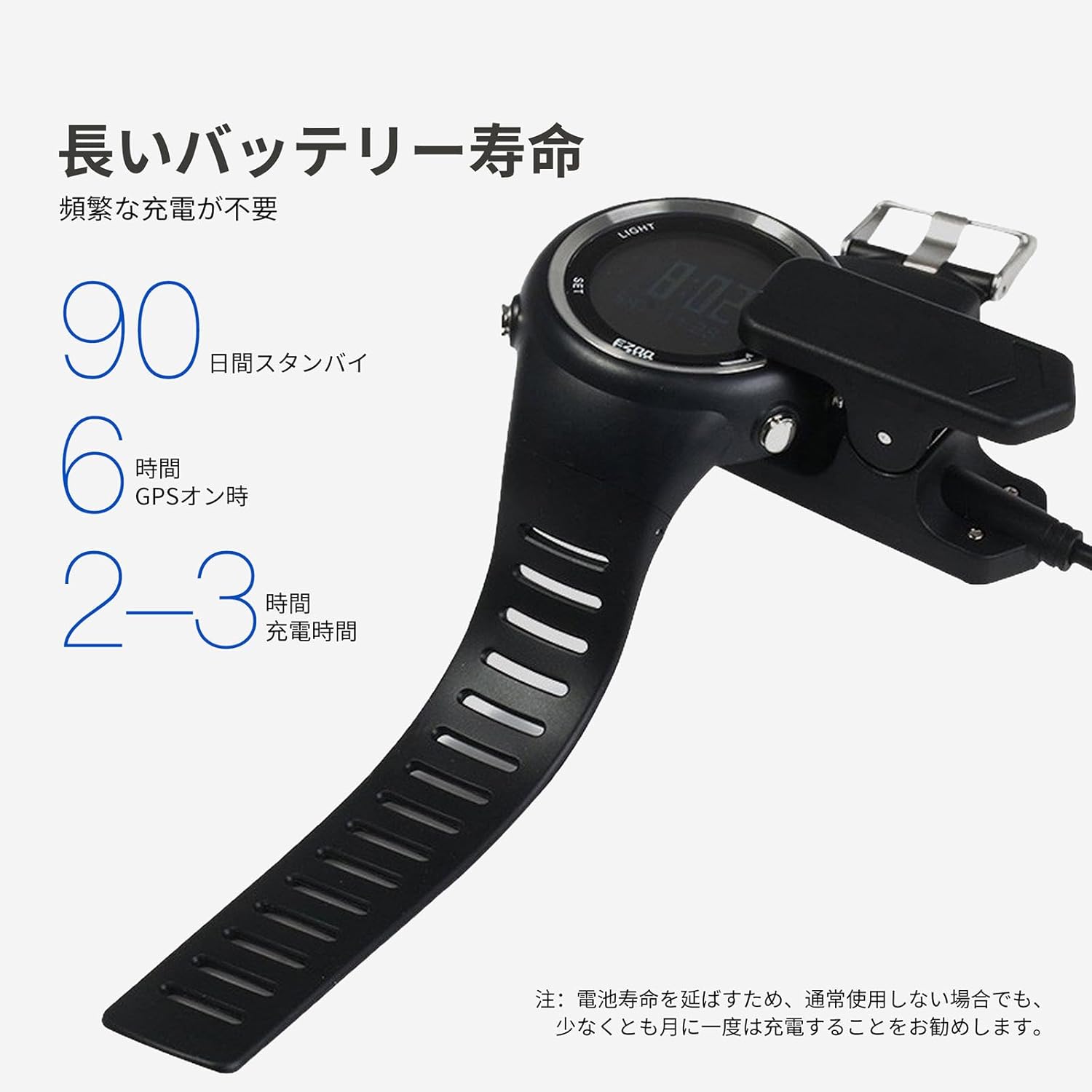
Image: The EZON T031 watch being charged with its dedicated charging clip. Ensure the contacts align correctly for charging.
1.2 電源オン/オフ
- 電源を入れるには: を押し続けます ライト button for a few seconds until the screen illuminates.
- 電源を切るには: 時刻表示から、 セット button to enter the settings menu. Navigate to the 'Power Off' option and confirm.
1.3 Initial Settings and Personal Information
For accurate fitness tracking, it is essential to input your personal data. Press and hold the セット button to access the main menu. Navigate to 'User Profile' or 'Settings' to input the following:
- 身長
- 重さ
- 年
- 性別
- 単位: Select your preferred units (e.g., Metric or Imperial for distance and weight).
1.4 GPS Acquisition and Time Synchronization
The EZON T031 features advanced GPS technology for precise tracking and automatic time synchronization. For optimal GPS signal acquisition:
- 屋外で、見通しの良い場所にいることを確認してください。 view 空の。
- を押し続けます GPS button for 2-3 seconds to enter GPS mode.
- The watch will begin searching for satellites. A 'cool start' (first time use or after a long period) may take approximately 1 minute. Subsequent 'hot starts' are nearly instantaneous.
- Once GPS is acquired, the watch will automatically synchronize the time based on your location, eliminating the need for manual time adjustments.

Image: The EZON T031 watch receiving a signal from a satellite, illustrating its built-in GPS chip for accurate positioning.
2. 操作手順
2.1 ボタンの機能view
The EZON T031 features four primary buttons for navigation and control:
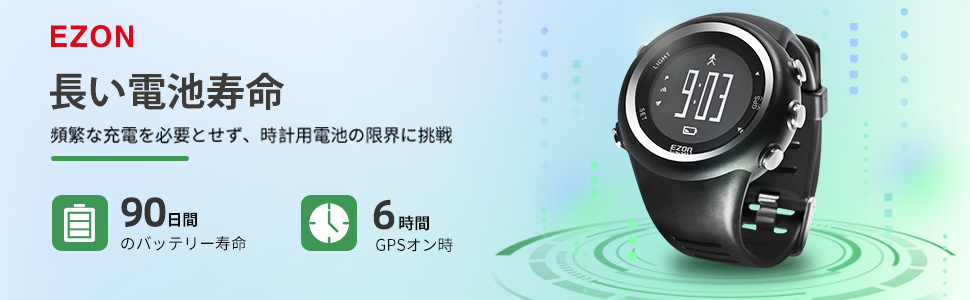
Image: A detailed diagram highlighting the functions of the LIGHT, SET, GPS, and other buttons on the EZON T031 watch.
- ライトボタン(左上): 押すとバックライトが 5 秒間点灯します。
- SETボタン(左下): Press to enter/exit settings or confirm selections. Long press to enter the main menu.
- GPS ボタン (右上): Long press for 2-3 seconds to enter GPS mode.
- Up/Down Buttons (Right Side): Use to navigate through menus or switch between data displays. The top right button also functions as a stopwatch start/stop, and the bottom right button as a data mode entry.
2.2 Activity Tracking (Running/Hiking)
The EZON T031 is designed for standalone operation, meaning you don't need your phone during activities.
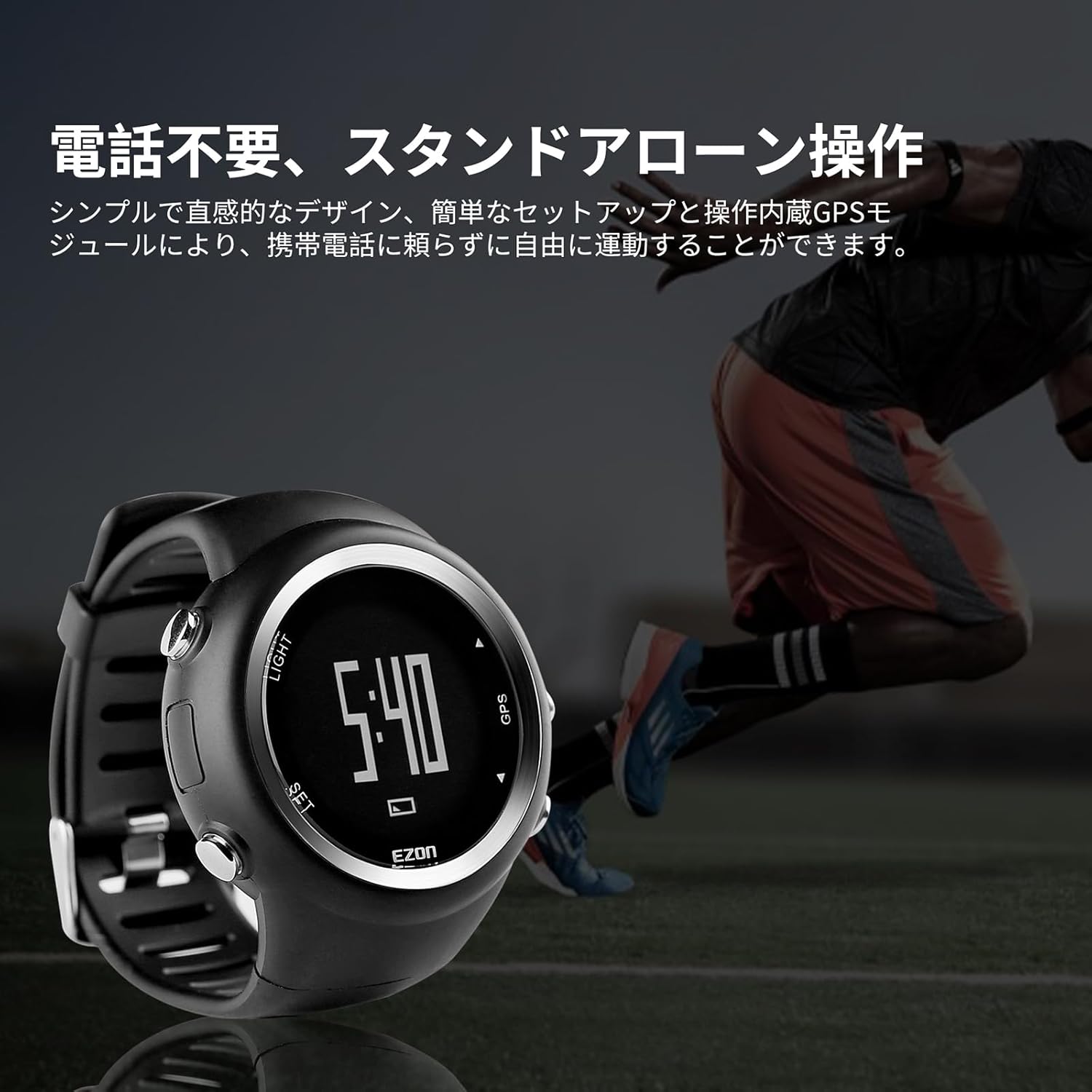
Image: A runner wearing the EZON T031 watch, demonstrating its capability for standalone operation without needing a smartphone.
- GPS を開始します。 In an open area, long press the GPS button to acquire a satellite signal. Wait for the GPS icon to become solid.
- アクティビティを開始: Once GPS is locked, press the Up button (top right) to start recording your activity. The display will show real-time data.
- View データ: During an activity, use the 上/下 buttons to cycle through various data screens, including running distance, average pace, calories burned, and total time.
- ラップタイム: The watch automatically records lap times. You can view up to 50 laps of data, including duration, steps, distance, and average speed per lap.
- 一時停止/再開: を押す Up button to pause an activity. Press it again to resume.
- End Activity: 長押し Up button to end and save your activity. The watch can store up to 10 workout records.
2.3 ストップウォッチ機能
The watch supports a stopwatch function with a maximum duration of 99 hours, 59 minutes, and 59 seconds.
- 時刻表示から、 Up button (top right) to enter stopwatch mode.
- を押す Up button again to start/pause the stopwatch.
- を押す 下 button (bottom right) to reset the stopwatch.
2.4アラーム機能
The multi-function alarm can be set to alert you at specific times.
- 長押し セット ボタンをクリックしてメインメニューに入ります。
- Navigate to 'Alarm' using the 上/下 ボタンを押して押す セット 選択します。
- Set the desired alarm time. When the alarm triggers, the watch will sound for approximately 20 seconds. Press any button to stop the alarm.
2.5 バックライトディスプレイ
The watch features a backlight display for visibility in low-light conditions.

Image: The EZON T031 watch on a wrist, with its backlight activated, making the display clearly visible in a dim environment.
- を押す ライト button to activate the backlight. It will remain on for 5 seconds.
3. メンテナンス
3.1 クリーニング
- 定期的に時計を柔らかくて清潔な布で拭いてください。amp 布。
- Avoid using harsh chemicals or abrasive materials, as these can damage the watch's finish and seals.
- Rinse the watch with fresh water after exposure to sweat, saltwater, or chlorine.
3.2 耐水性
The EZON T031 is rated 5ATM water resistant, suitable for swimming and showering. However, please observe the following:
- 時計が水中に浸かっている間はボタンを押さないでください。 これにより耐水性が損なわれる可能性があります。
- シール部分が損傷する恐れがあるため、時計を熱湯や蒸気にさらさないでください。
3.3バッテリーケア
- To prolong battery life, it is recommended to charge the watch at least once a month, even if not in regular use.
- 頻繁にバッテリーを完全に消耗しないようにしてください。
- 時計を使用しないときは、涼しく乾燥した場所に保管してください。
4。 トラブルシューティング
| 問題 | 考えられる原因 | 解決 |
|---|---|---|
| GPS 信号の取得が遅い、または失敗します。 | Poor satellite visibility, first-time use (cool start), or recent travel over long distances. | 屋外の開けた場所に移動して view of the sky. Ensure the watch is in GPS mode. A cool start can take up to 1 minute. |
| Inaccurate distance or pace data. | Incorrect personal information (height, weight, age, gender) in settings. GPS signal loss during activity. | Verify and update your personal information in the watch settings. Ensure continuous GPS signal during your activity. |
| 時計の電源が入りません。 | 電池が消耗しています。 | Charge the watch fully using the provided charging clip. |
| 画面が反応しないかフリーズしています。 | 一時的なソフトウェアの不具合。 | Perform a soft reset by pressing and holding all four buttons simultaneously for 10 seconds, or until the watch restarts. If the issue persists, contact customer support. |
| アラームは鳴りません。 | Alarm is not enabled or volume is too low (if applicable). | Check alarm settings to ensure it is enabled and the time is correctly set. |
5. 仕様
| 特徴 | 詳細 |
|---|---|
| モデル番号 | T031 |
| ブランド | エゾン |
| 寸法 | 5 x 5 x 1.53 cm |
| 重さ | 60グラム |
| バッテリー | 1 リチウムポリマー電池 (付属) |
| 耐水性 | 5気圧 |
| GPS | High-precision GPS chip for tracking and time synchronization |
| 画面 | バックライト表示 |
| データストレージ | Up to 10 workout records, 50 lap times |
| 原産国 | 中国 |
6. 保証とサポート
For warranty information, please refer to the documentation included with your purchase or visit the official EZON website. If you encounter any issues not covered in this manual or require further assistance, please contact EZON customer support through their official channels.


