
1. はじめに
This manual provides instructions for the Symcode R40DB handheld barcode scanner. This device is designed for efficient and reliable scanning of both 1D and 2D barcodes, offering multiple connectivity options for various applications. Please read this manual thoroughly before using the product to ensure proper operation and to maximize its performance.
2.製品オーバーview
The Symcode R40DB is an ergonomically designed handheld barcode scanner, ensuring comfortable use even during extended periods. It is suitable for a wide range of environments, including manufacturing, inventory management, logistics, retail, office settings, and libraries. Its robust decoding capabilities allow it to read various barcode types efficiently.

Image: The Symcode R40DB handheld barcode scanner, showcasinコンパクトで人間工学に基づいたデザイン。
3. パッケージ内容
パッケージにすべてのアイテムが揃っていることを確認してください:
- Symcode R40DB Barcode Scanner
- Charging/Receiver Stand
- USBケーブル
- 2.4GHzワイヤレスUSBドングル
- ユーザーマニュアル(日本語)
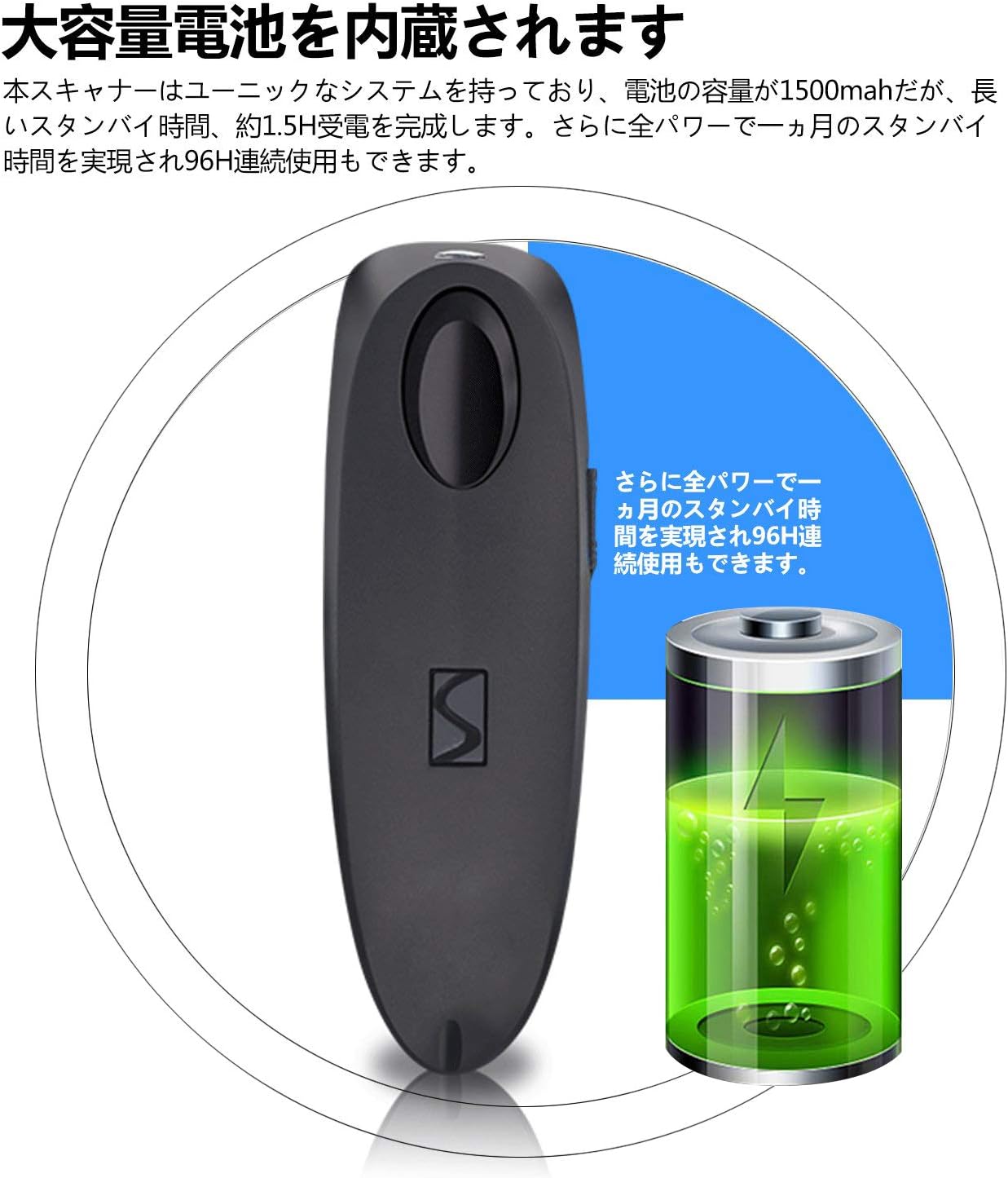
Image: Contents of the Symcode R40DB package, including the scanner, stand, USB cable, 2.4GHz dongle, and user manual.
4. セットアップ
The Symcode R40DB scanner features a plug-and-play design, eliminating the need for application downloads or software driver installations. For detailed setup instructions, refer to the included Japanese user manual, which contains specific configuration barcodes.
初期電源オン
- スキャナーが充電されていることを確認してください。
- Press the trigger button to power on the device.
5. 接続性
The Symcode R40DB offers three versatile connection methods:
- ブルートゥース: Connects wirelessly to Bluetooth-enabled devices such as smartphones, tablets (iOS, Android), and computers.
- 2.4GHzワイヤレス: Utilizes the included USB dongle for wireless connection to computers.
- USBケーブル: Provides a direct wired connection to a computer via the USB cable.
The scanner is compatible with Windows, Mac, iOS, and Android operating systems. For PCs without built-in Bluetooth, a separate Bluetooth receiver adapter may be required for Bluetooth connectivity.
デバイスへの接続
To set up a connection, scan the appropriate configuration barcode from the user manual. For example, to connect via Bluetooth, scan the 'Bluetooth Pairing' barcode. The device will automatically pair with your host system.

Image: Diagram illustrating the wired USB connection and wireless 2.4GHz and Bluetooth connection modes for the Symcode R40DB scanner.
伝送距離
The wireless transmission range varies depending on the connection type and environment:
- 2.4GHzワイヤレス: Up to 150m (492ft) in barrier-free environments; up to 30m (98ft) in environments with obstacles.
- ブルートゥース: Up to 50m (164ft) in barrier-free environments; up to 15m (49ft) in environments with obstacles.

Image: Visual representation of the Symcode R40DB's wireless transmission distances for both 2.4GHz and Bluetooth connections, showing ranges in open and obstructed environments.
6. 操作手順
To scan a barcode, aim the scanner's light at the barcode and press the trigger button. The scanner will emit a confirmation sound or vibration upon successful decoding, depending on your settings.
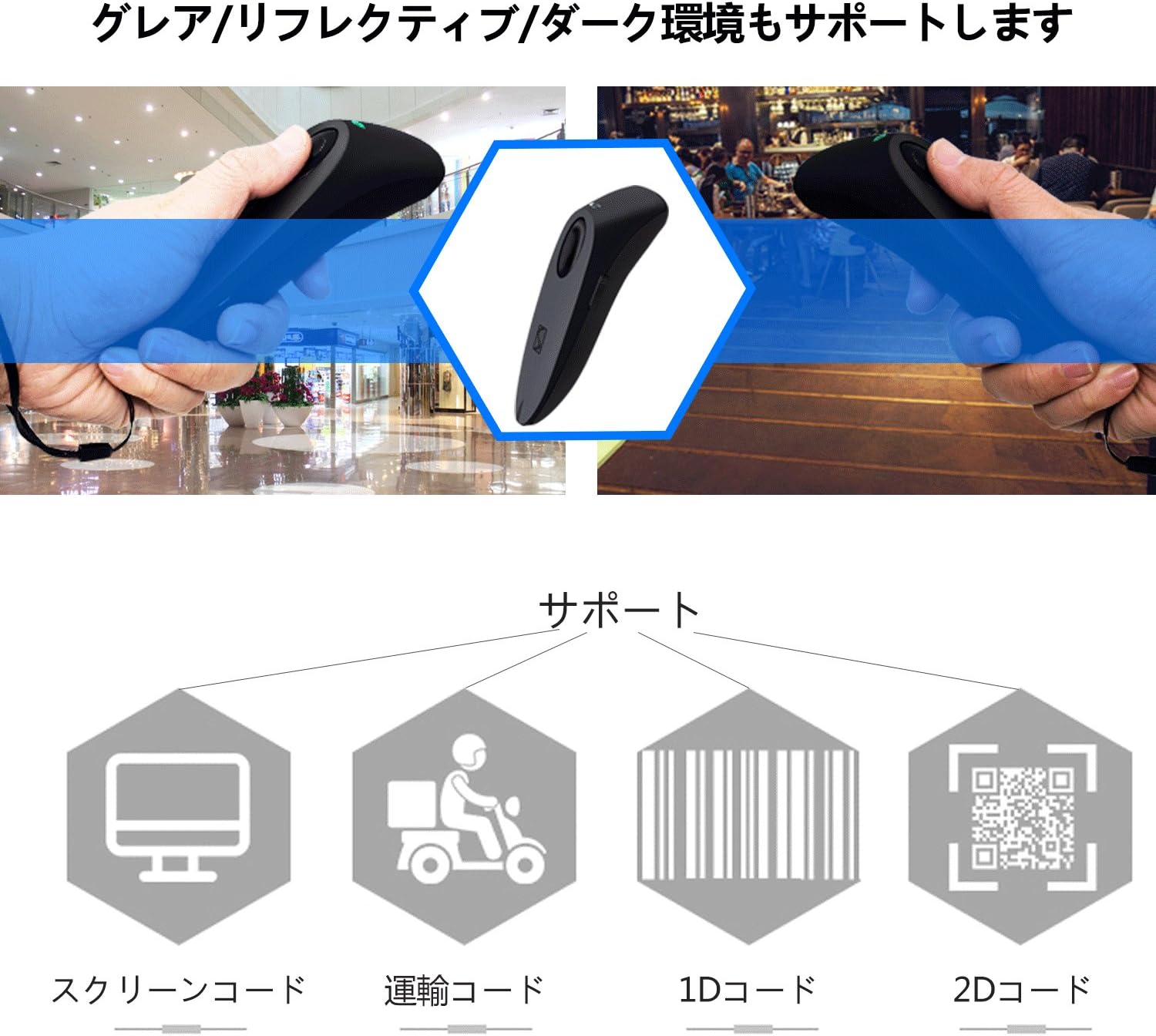
Image: The Symcode R40DB scanner actively decoding a QR code displayed on a smartphone screen, demonstrating its 1D and 2D scanning capability.
7. デコード機能
The Symcode R40DB scanner features excellent decoding capabilities, allowing it to recognize blurry or damaged barcodes even in weak or strong lighting conditions. It supports a wide array of 1D and 2D barcode symbologies:
サポートされている1Dバーコード:
- JAN/EAN-13, JAN/EAN-8, UPC-A, UPC-E
- Code11, Code32, Code39, Code 39 Full ASCII, Code93, Code128
- Codabar (NW-7), Interleaved 2 of 5, Matrix 2 of 5, Industrial 2 of 5, Standard 2 of 5
- PLESSEY, MSI, ITF14, ISBN, ISSN
- GS1 Databar, GS1-128 (UCC/EAN128), ISBT-128
サポートされている2Dバーコード:
- QRコード、データマトリックス、PDF417、アステカコード、マキシコード

Image: The Symcode R40DB scanner's ability to decode barcodes in challenging conditions, including glare, reflective surfaces, and dark environments.
8. カスタマイズ可能な設定
The scanner offers various customizable settings to suit different operational needs:
- スキャン モード: Choose between Trigger Mode (scan upon button press), Continuous Scan Mode (scans continuously), and Auto-Sensing Mode (scans when a barcode is detected).
- データ転送: Configure for instant data transmission or batch transmission after temporarily storing up to approximately 50,000 barcode data entries in memory.
- フィードバック: Toggle sound and vibration feedback on or off according to preference.
Refer to the detailed instructions in the product manual for specific barcodes to configure these settings.
9. メンテナンス
To ensure the longevity and optimal performance of your Symcode R40DB scanner, follow these maintenance guidelines:
- スキャナーを清潔に保つには、柔らかく乾いた布で拭いてください。研磨剤入りの洗剤や溶剤は使用しないでください。
- スキャンウィンドウを傷や汚れから保護します。
- デバイスは直射日光や極端な温度を避け、涼しく乾燥した場所に保管してください。
- スキャナーを落としたり、強い衝撃を与えたりしないでください。
バッテリーケア
The scanner is equipped with a large-capacity 1500mAh Lithium-Ion battery. To maintain battery health:
- 最初に使用する前に、バッテリーを完全に充電してください。
- バッテリーを頻繁に完全に放電することは避けてください。
- If storing the scanner for an extended period, charge it to about 50% capacity.

Image: Illustration of the Symcode R40DB's internal battery, highlighting its large capacity and extended standby/continuous use times.
10。 トラブルシューティング
If you encounter issues with your Symcode R40DB scanner, consider the following common troubleshooting steps:
- スキャナーが接続されません: Ensure the scanner is powered on and fully charged. Verify that the correct connection mode (Bluetooth, 2.4GHz, or USB) is selected and properly configured according to the manual. For 2.4GHz, ensure the USB dongle is securely inserted. For Bluetooth, ensure your host device's Bluetooth is enabled and the scanner is in pairing mode.
- バーコードがスキャンされない: Check if the barcode is clean and undamaged. Ensure the scanner's window is clean. Adjust the distance and angle of the scanner to the barcode. Confirm that the barcode type is supported by the scanner (refer to Decoding Capabilities section).
- No feedback (sound/vibration): Check the scanner's settings to ensure sound and/or vibration feedback is enabled.
- データ転送の問題: Verify the connection is stable. If using batch mode, ensure data is being transmitted from the scanner's memory.
For persistent issues, consult the detailed troubleshooting section in the included user manual or contact customer support.
11. 仕様
| 特徴 | 仕様 |
|---|---|
| ブランド | symcode |
| モデル番号 | R40-2D |
| 接続技術 | Bluetooth、2.4GHzワイヤレス、USBケーブル |
| 電源 | 電池駆動 |
| 電池のタイプ | リチウムイオン電池1個(付属) |
| バッテリー容量 | 1500mAh |
| 待機時間 | Approx. 1 month (full power) |
| 連続使用時間 | 約96時間 |
| スキャンレート | 100fps |
| サポートされている1Dコード | JAN/EAN-13, JAN/EAN-8, UPC-A, UPC-E, Code11, Code32, Code39, Code 39 Full ASCII, Code93, Code128, Codabar (NW-7), Interleaved 2 of 5, Matrix 2 of 5, Industrial 2 of 5, Standard 2 of 5, PLESSEY, MSI, ITF14, ISBN, ISSN, GS1 Databar, GS1-128 (UCC/EAN128), ISBT-128 |
| サポートされている2Dコード | QRコード、データマトリックス、PDF417、アステカコード、マキシコード |
| データストレージ | Approx. 50,000 barcode entries |
| 欧州連合 | 889489266233 |
12. 保証とサポート
Symcode Technology, established in 2009, specializes in the development and manufacturing of barcode scanners. We are committed to providing high-quality products and comprehensive customer support. If you have any questions, require assistance, or are interested in bulk purchases or customized products, please do not hesitate to contact us via Amazon's messaging system.