
導入
The beyerdynamic Amiron Wireless headphones are designed to provide a high-end audio experience with the freedom of wireless connectivity. These headphones integrate innovative sound personalization and Tesla technology for optimal sound quality. They are crafted with high-quality materials in Germany, ensuring durability and a comfortable fit for extended listening sessions.
箱の中身
Your beyerdynamic Amiron Wireless headphones package includes the following items:
- Amiron Wireless headphones
- Optional wired connection cable with remote control (Mini Jack 3.5 mm, 1.2 m long, detachable, 4-pole)
- 充電ケーブル USB-A - USB-C
- ハードケース
- 保証書
- クイックスタートガイド

Image: The Amiron Wireless headphones, charging cable, audio cable, and hard case.
製品終了view
The Amiron Wireless headphones are designed for an immersive audio experience, combining advanced technology with user comfort.
主な特徴:
- High-end Bluetooth Connectivity: Features optimum sound quality thanks to Tesla technology and top-class Bluetooth transmission (Qualcomm aptX HD and AAC). Operating range up to 10 meters.
- Sound Personalization: Adapts acoustically to the user's hearing through an integrated sound personalization feature, ensuring a tailored audio experience.
- 快適: Unique wearing comfort achieved through masterfully balanced contact pressure and a perfect fit, ideal for long listening sessions.
- プレミアムビルド: Made in Germany with high-quality materials, offering durability and flawless workmanship.
- タッチコントロール: Intuitive touch controls on the earcup for easy management of playback and calls.
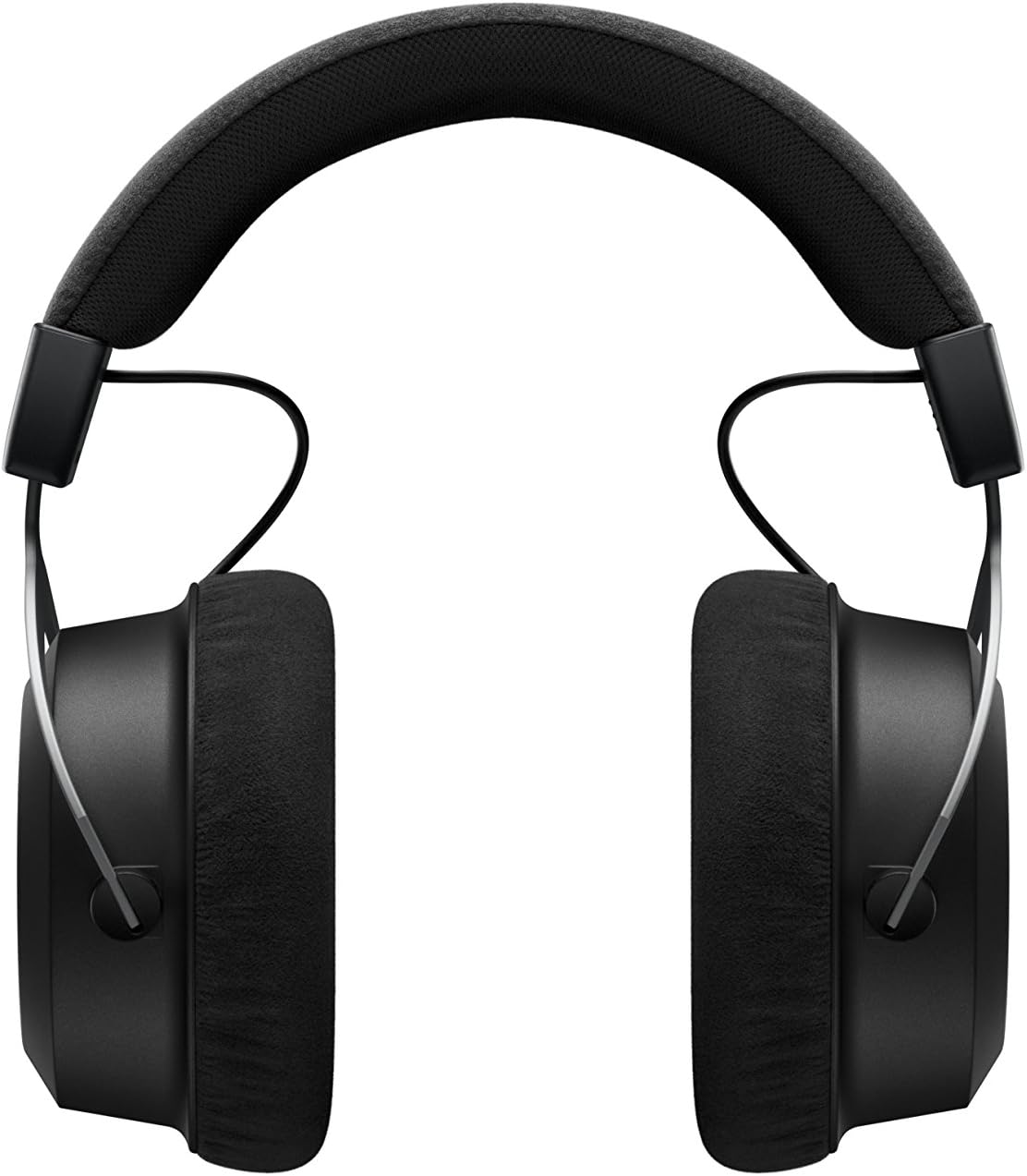
画像: サイド view of the Amiron Wireless headphones, highlighting the earcup design and headband.
設定
1. ヘッドフォンを充電する
Before first use, ensure your Amiron Wireless headphones are fully charged. Connect the provided USB-A to USB-C charging cable to the USB-C port on the headphone and a suitable USB power source. A full charge takes approximately 2 hours and provides over 30 hours of battery life.
2.Bluetoothペアリング
ヘッドフォンを Bluetooth 対応デバイスとペアリングするには:
- ヘッドフォンが充電され、電源がオフになっていることを確認してください。
- Press and hold the power button on the headphone until the LED indicator flashes blue and red, indicating pairing mode.
- On your device (smartphone, tablet, etc.), go to Bluetooth settings and select "Amiron Wireless" from the list of available devices.
- 接続されると、LED インジケーターが青色に点灯します。
3. Sound Personalization (MIY App)
For an optimized listening experience, download the beyerdynamic MIY app from the Google Play Store or Apple App Store. The app allows you to perform a hearing test and create a personalized sound profile that adapts the audio output to your individual hearing. This profile is then stored directly on the headphones.
ビデオ: オーバーview of the beyerdynamic Amiron Wireless headphones, including unboxing and features like sound personalization and touch controls.
操作手順
タッチパッドコントロール
The right earcup features an integrated touchpad for intuitive control of various functions:
- 音量コントロール: Swipe up or down on the touchpad.
- トラックナビゲーション: Swipe forward for the next track, backward for the previous track.
- 再生/一時停止: Tap the center of the touchpad.
- 通話管理: Tap to answer/end calls, push and hold for voice commands (Siri, Google Assistant).
The sensitivity of these touch controls can be customized via the MIY app.
有線操作
For a wired connection, plug the provided 3.5 mm audio cable into the headphone's audio jack and your audio source. This allows for passive use even if the battery is depleted or while charging. The inline remote on the cable provides basic playback and call controls.

Image: A user enjoying music with the Amiron Wireless headphones, demonstrating the touch controls on the earcup.
