
1. はじめに
This manual provides comprehensive instructions for the installation, operation, and maintenance of your Sinopé TH1123ZB Smart ZigBee Thermostat. This thermostat is designed for electric baseboard heaters, convectors, fan-forced convectors, and radiant ceiling heating systems. It offers advanced smart home integration capabilities, allowing control via Amazon Alexa, Google Home, Neviweb, and Hubitat (compatible hub required).

Image: The Sinopé TH1123ZB Smart ZigBee Thermostat displayed in a modern living room, highlighting its sleek design and integration into a smart home environment. The image also features the Sinopé logo and the text "The most performing smart thermostat for electric heating."
2. 安全情報
Please read all safety warnings and installation instructions carefully before installing or using this product. Failure to follow these instructions may result in electric shock, fire, or property damage.
- 高音量TAGE: Disconnect power before servicing. Always turn off power at the circuit breaker or fuse box before attempting any installation or maintenance.
- 設置は、地域の電気規則に従って資格のある電気技師が行う必要があります。
- This thermostat is designed for electric heating systems only. NOT compatible with HVAC systems or floor heating.
- Ensure the thermostat's electrical ratings (3000 W / 240 V) are compatible with your heating system.
- サーモスタットを水や過度の湿気にさらさないでください。

画像: 背面 view of the Sinopé TH1123ZB thermostat, showing the wiring terminals and important safety labels, including warnings about high voltage and electrical specifications. This image emphasizes the need for careful handling and professional installation.
3. パッケージ内容
インストールを開始する前に、すべてのコンポーネントが揃っていることを確認してください。
- Sinopé TH1123ZB Smart ZigBee Thermostat
- コネクタ
- 取り付けネジ
- 取扱説明書(本書)
4. セットアップとインストール
4.1インストール前のチェックリスト
- Ensure power to the heating system is OFF at the main electrical panel.
- Confirm your heating system is compatible (electric baseboard, convector, fan-forced convector, or radiant ceiling heating).
- Have necessary tools: screwdriver, wire strippers.
4.2配線手順
The TH1123ZB thermostat is designed for 2-wire installations and works with both 120V and 240V systems. It does not require a neutral wire or ground wire for operation.
- 電源をオフにします。 暖房システムを制御するブレーカーを見つけてオフにします。ボリュームを使用して電源がオフになっていることを確認します。tageテスター。
- 古いサーモスタットを取り外します。 Carefully remove your existing thermostat from the wall. Disconnect the wires, noting which wire was connected to which terminal if applicable (though for 2-wire systems, polarity typically doesn't matter for this thermostat).
- 新しいサーモスタットを接続します: Connect the two wires from your wall to the two wires of the TH1123ZB thermostat using the provided connectors. The thermostat wires can be connected in either polarity.
- サーモスタットの取り付け: Secure the thermostat to the wall electrical box using the mounting screws.
- 電源を復旧する: 回路ブレーカーで電源を再びオンにします。

画像: 透明な前線 view of the Sinopé TH1123ZB thermostat, showing its digital display with time, outdoor temperature, and indoor temperature. Two circular buttons are visible below the screen. This image illustrates the thermostat's appearance once installed.
4.3 ZigBee Pairing
To enable smart features and remote control, the TH1123ZB requires a compatible ZigBee hub (e.g., Sinopé GT130, SmartThings, Hubitat). Ensure your hub is in pairing mode before proceeding.
- On the thermostat, press and hold both circular buttons simultaneously for a few seconds until the ZigBee icon on the display starts flashing.
- Once successfully paired, the ZigBee icon will become solid.
- Refer to your specific hub's instructions for adding new ZigBee devices and integrating the thermostat into your smart home platform (e.g., Amazon Alexa, Google Home).
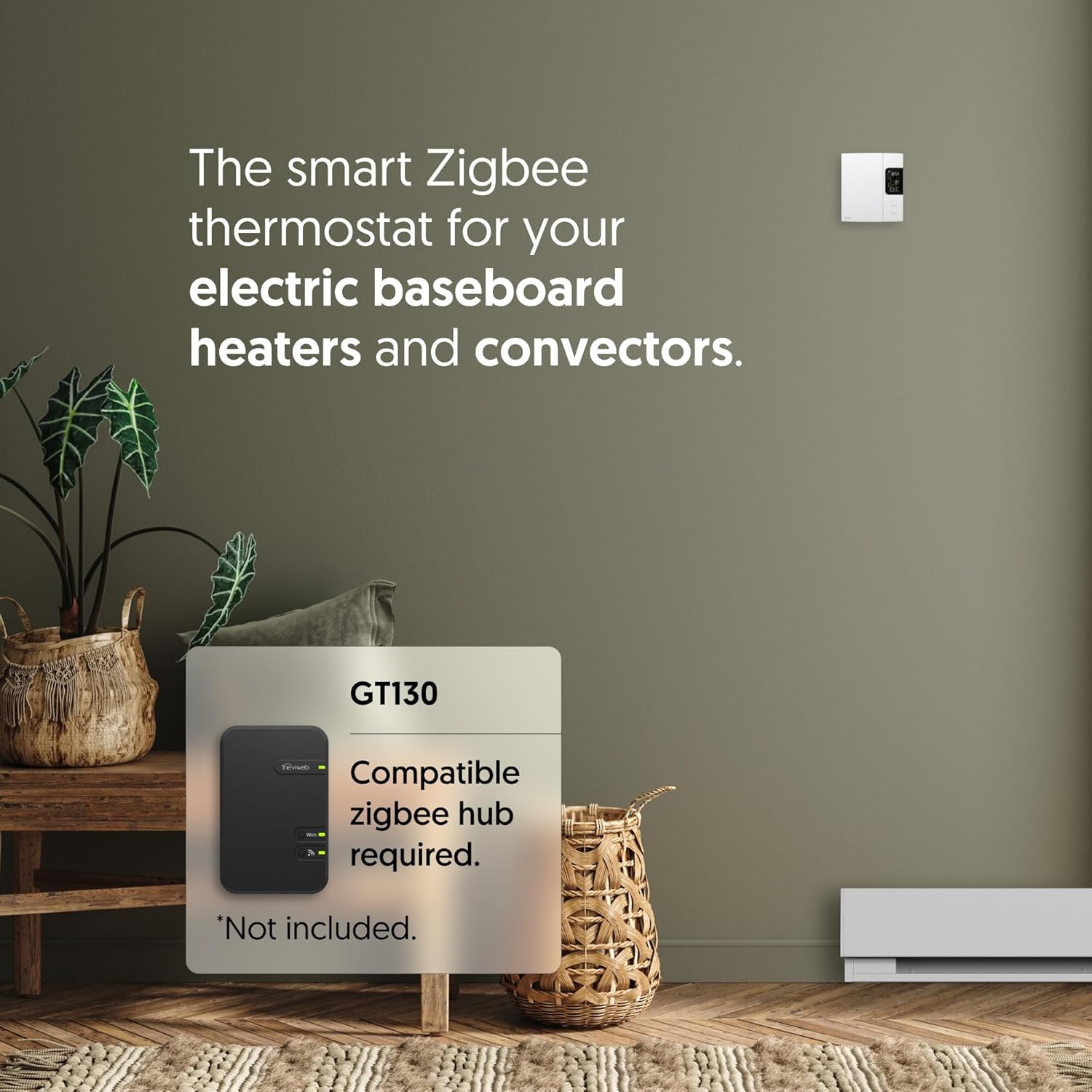
Image: The Sinopé TH1123ZB thermostat positioned next to a smartphone screen showing the Neviweb app interface. The app displays various smart home devices and controls, illustrating the remote management capabilities of the thermostat through a compatible hub.
5. 操作手順
5.1ディスプレイオーバーview
The LCD screen displays key information:
- 時間: 現在の時刻。
- 屋外温度: Requires connection to a compatible hub and internet access to display.
- 室内温度: 現在の室温。
- 設定温度: 望ましい温度。
- ZigBee Icon: Indicates connection status to the ZigBee network.

画像: 斜めから view of the Sinopé TH1123ZB thermostat, providing a clear look at its digital display and the two control buttons. This perspective helps users visualize the device's physical interface and how information is presented on the screen.
5.2 温度調整
Use the two circular buttons below the display to adjust the setpoint temperature:
- を押す トップボタン to increase the setpoint temperature.
- を押す 下ボタン to decrease the setpoint temperature.
5.3 スマートホーム統合
Once paired with a compatible ZigBee hub, you can control your thermostat remotely and integrate it with various smart home platforms:
- ネヴィweb アプリ: For the best experience, use the Neviweb app with the GT130 hub. Features include automations (scheduling, presence-based actions), scenes (personalized ambiances), geofencing (actions based on your location), and real-time energy reports.
- Amazon Alexa / Google Home: Control your thermostat using voice commands. (e.g., "Alexa, set living room thermostat to 72 degrees").
- Hubitat / SmartThings: Integrate into your existing smart home ecosystem for advanced automations and control.

Image: An Amazon Echo smart speaker placed on a wooden table next to a book and glasses. This image visually represents the voice control capability of the thermostat through integration with smart assistants like Amazon Alexa.

Image: A person holding a smartphone that displays a smart home application interface, with a coffee cup and a window in the background. This image signifies the ability to control the entire smart home system, including the thermostat, remotely from anywhere using a mobile app.
6. メンテナンス
The Sinopé TH1123ZB thermostat requires minimal maintenance.
- クリーニング: サーモスタットの表面を柔らかくて乾いた布で拭いてください。amp 布で拭いてください。研磨剤や溶剤は使用しないでください。
- ファームウェアの更新: Ensure your connected ZigBee hub and smart home platform are kept up-to-date, as they may provide firmware updates for the thermostat to improve performance and add features.
- 電源サイクル: If the thermostat becomes unresponsive, turn off the power at the circuit breaker for 30 seconds, then turn it back on.
7。 トラブルシューティング
| 問題 | 考えられる原因 | 解決 |
|---|---|---|
| サーモスタットのディスプレイが空白です。 | サーモスタットに電力が供給されていません。 | Check the circuit breaker and ensure it is ON. Verify wiring connections. |
| Thermostat not heating. | Setpoint is below room temperature; heating system issue. | Increase the setpoint temperature. Check your heating system for faults. |
| Cannot pair with ZigBee hub. | Hub not in pairing mode; interference; distance. | Ensure hub is in pairing mode. Move thermostat closer to hub temporarily. Check for other ZigBee devices causing interference. |
| 屋外温度が表示されません。 | No internet connection for hub; hub not configured for outdoor temp. | Ensure your ZigBee hub has an active internet connection. Configure outdoor temperature source in your smart home app (e.g., Neviweb). |
| サーモスタットがアプリ/音声コマンドに応答しません。 | Loss of ZigBee connection; hub offline; app issue. | Check ZigBee icon on thermostat (should be solid). Verify hub's internet connection. Restart the app or smart assistant. |
8. 仕様
| 特徴 | 詳細 |
|---|---|
| モデル番号 | TH1123ZB |
| ブランド | Sinopé |
| 巻tage | 120V / 240V AC, 60 Hz |
| 最大荷重 | 12.5 A(抵抗性) |
| ワットtage | 3000Vで240W |
| 接続性 | ジグビー |
| コントローラータイプ | Amazon Alexa, Google Assistant, Hubitat, Neviweb |
| 表示タイプ | バックライト付きLCD |
| 寸法(高さ×幅×奥行き) | 5インチ x 3.35インチ x 1インチ |
| 色 | 白 |
| 材料 | プラスチック |
| 認定資格 | ETL, Conforms to UL STD 60730-1 & 60730-2-9, CSA STD E60730-1 & E60730-2-9 |
| 欧州連合 | 667563000849 |
9. 保証とサポート
Sinopé products are designed for reliability and performance. For specific warranty details and technical support, please refer to the official Sinopé webサイトをご覧いただくか、カスタマー サービスに直接お問い合わせください。
- オンラインサポート: 訪問 www.sinopetech.com for FAQs, product documentation, and support resources.
- 顧客サービス: Contact information for technical assistance can be found on the Sinopé webサイト。