
1.製品オーバーview
The Karlsson LED Alarm Clock KA5653DW is a stylish and functional timepiece designed to display time and temperature. Crafted from wood, its LED display illuminates through the material, offering a clear view of information. This clock features multiple alarm settings and an energy-saving mode.

図1: 前面 view of the Karlsson LED Alarm Clock KA5653DW.
2. パッケージ内容
- Karlsson LED Alarm Clock KA5653DW
- 取扱説明書
注記: 1 AA battery is required for operation and is not included.
3. セットアップ
3.1 バッテリーの取り付け
- 目覚まし時計の背面にある電池ボックスを見つけます。
- 電池ボックスのカバーを開きます。
- 極性 (+/-) が正しいことを確認して、単 3 電池 1 本を挿入します。
- 電池カバーをしっかりと閉じてください。
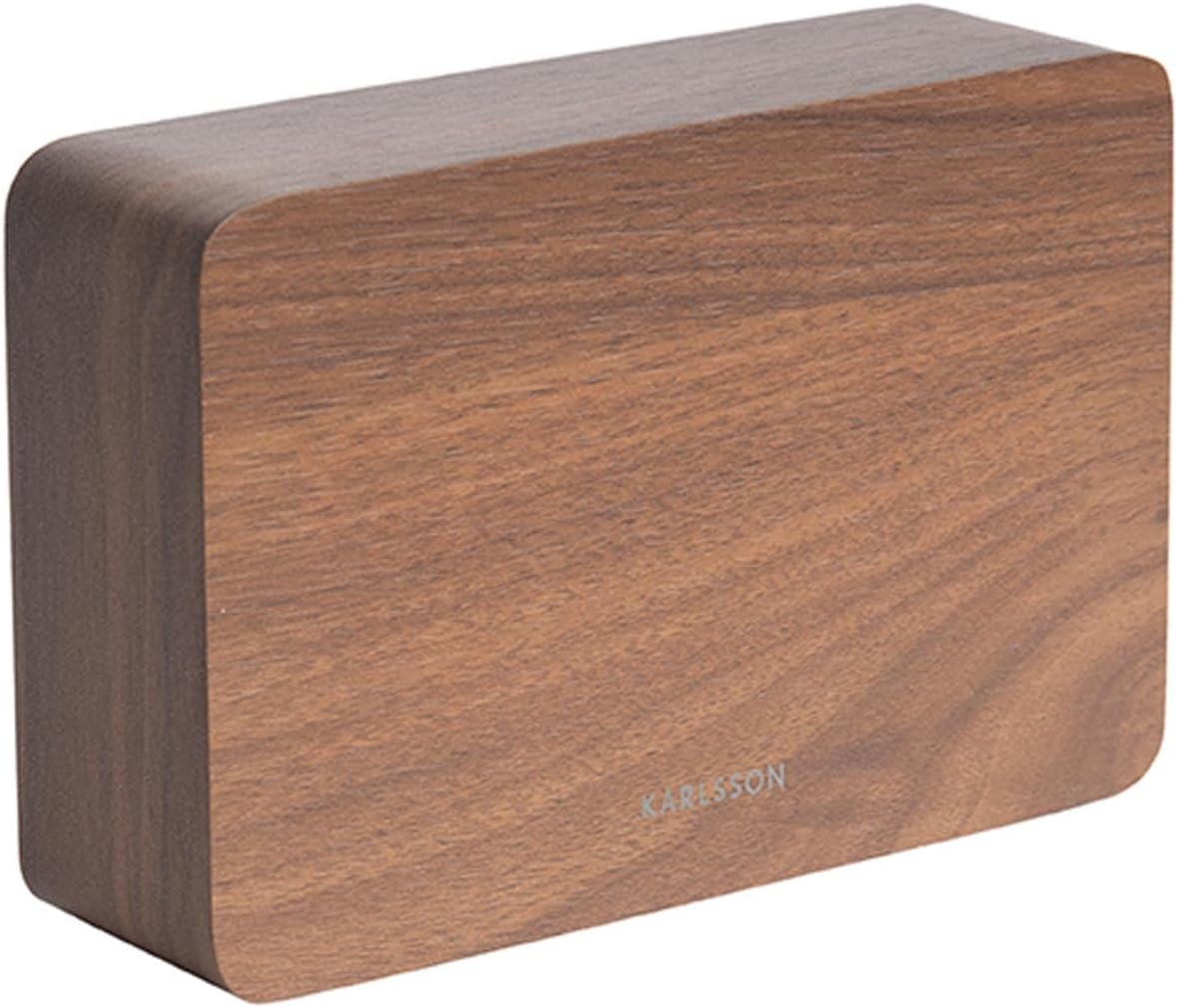
図2:戻る view of the alarm clock, indicating control buttons and battery compartment.
3.2 初回電源投入
Upon successful battery installation, the LED display will illuminate, showing the current time and temperature.
4. 操作手順
The alarm clock features several buttons, typically located on the back or bottom, for setting time, alarms, and other functions. Refer to the labels on your device for specific button identification (e.g., SET, UP, DOWN, ALARM).
4.1時間の設定
- を押す セット ボタンを一度押すと時刻設定モードになります。「時」の数字が点滅します。
- 使用 UP or 下 時間を調整するボタン。
- プレス セット もう一度押して時間を確定し、分の設定に移ります。分の数字が点滅します。
- 使用 UP or 下 分を調整するためのボタン。
- プレス セット a third time to confirm the minutes and exit time setting mode.
4.2 Setting Alarms (Up to 3 Alarms)
The clock supports setting up to three independent alarms (AL1, AL2, AL3).
- を押す アラーム button repeatedly to cycle through AL1, AL2, AL3, and alarm off modes.
- When the desired alarm (e.g., AL1) is displayed, press and hold the アラーム 時間の数字が点滅するまでボタンを押します。
- 使用 UP or 下 アラームの時間を設定するボタン。
- プレス アラーム もう一度押して時間を確定し、分の設定に移動します。
- 使用 UP or 下 buttons to set the alarm minutes.
- プレス アラーム a third time to confirm the alarm and exit setting mode.
- アラームをオンまたはオフにするには、 アラーム button briefly until the alarm indicator (e.g., AL1) appears or disappears from the display.
4.3 温度表示
The clock automatically detects and displays the ambient room temperature. The temperature reading updates approximately every 60 seconds.
4.4 省エネモード
To conserve battery life and prevent light disturbance during the night, the clock features an energy-saving mode that turns off the LED display.
- To activate energy-saving mode: Locate the パワーセーブ or similar button/switch (refer to your device's specific markings). Press or toggle it to turn off the display.
- To reactivate the display: Press any button, or make a sound (some models feature sound activation). The display will light up for a few seconds before turning off again.
5. メンテナンス
- クリーニング: Wipe the clock surface with a soft, dry cloth. Avoid abrasive cleaners or solvents.
- バッテリー交換: Replace the AA battery when the display dims or functions become erratic. Always use a fresh, high-quality AA battery.
- ストレージ: 時計を長期間保管する場合は、液漏れを防ぐために電池を取り外してください。
6。 トラブルシューティング
| 問題 | 考えられる原因 | 解決 |
|---|---|---|
| ディスプレイが暗いかオフになっています。 | Low battery or energy-saving mode is active. | Replace the AA battery. Press any button to temporarily activate the display if in energy-saving mode. |
| アラームは鳴りません。 | アラームが作動していないか、または誤って設定されています。 | Ensure the alarm indicator (AL1, AL2, or AL3) is visible on the display. Verify the alarm time is set correctly. |
| Time or temperature is incorrect. | Time needs adjustment or temperature sensor interference. | Reset the time as per section 4.1. Ensure the clock is not placed near heat sources or vents for accurate temperature readings. |
| Difficulty setting time/alarms. | コントロールに慣れていない。 | Carefully follow the steps in section 4.1 and 4.2. Practice the button presses. |
7. 仕様
| 特徴 | 詳細 |
|---|---|
| モデル番号 | PTG-KA5653DW |
| ブランド | カールソン |
| 表示タイプ | デジタルLED |
| 材料 | 木材 |
| 寸法(長さ×幅×高さ) | 10 x 3.81 x 2 cm |
| 重さ | 310グラム |
| 電源 | 単三電池1本(別売) |
| 特集 | Time display, Temperature display, Up to 3 Alarms, Energy-saving mode |
| 使用法 | 屋内 |
8. 保証とサポート
保証情報およびカスタマーサポートについては、ご購入時に付属のマニュアルを参照するか、Karlssonの公式ウェブサイトをご覧ください。 webサイトでご確認ください。保証請求に備えて購入証明書を保管してください。

