
ロジクール 910-004916
Logitech M331 SILENT PLUS ワイヤレスマウス ユーザーマニュアル
モデル:910-004916
導入
Thank you for choosing the Logitech M331 SILENT PLUS Wireless Mouse. This manual provides detailed instructions for setting up, operating, maintaining, and troubleshooting your new wireless mouse. Designed for comfort and quiet operation, the M331 SILENT PLUS offers a reliable and precise navigation experience.
パッケージ内容
- ロジクール M331 SILENT PLUS ワイヤレス マウス
- ナノレシーバー
- 単三電池1本(プリインストール)
- ユーザードキュメント

Image: The Logitech M331 SILENT PLUS Wireless Mouse in red, showing its top view with the scroll wheel and Logitech logo.
セットアップガイド
1。 バッテリーの取り付け
The Logitech M331 SILENT PLUS mouse comes with one AA battery pre-installed. If you need to replace it:
- マウスの裏側にある電池ボックスのカバーを見つけます。
- カバーをスライドさせて開きます。
- Insert a new AA battery, ensuring the positive (+) and negative (-) terminals align correctly with the indicators inside the compartment.
- 電池カバーをしっかりと閉じてください。
2. ナノレシーバーの接続
The Nano Receiver provides the wireless connection between your mouse and computer.
- Locate the Nano Receiver. It is typically stored inside the battery compartment of the mouse for safekeeping during transport.
- Plug the Nano Receiver into an available USB port on your computer.
- コンピュータは必要なドライバを自動的に検出し、インストールします。これには数分かかる場合があります。
3. Turning the Mouse On/Off
To conserve battery life, the mouse features an on/off switch.
- マウスの下側にある電源スイッチを見つけます。
- Slide the switch to the "ON" position to use the mouse.
- Slide the switch to the "OFF" position when not in use for extended periods, such as overnight or during travel.

Image: A diagram highlighting key features of the Logitech M331 mouse, including silent clicks, wide rubber scroll wheel, contoured grips, high precision tracking, the storage location for the unifying receiver, and its 10-meter wireless range.
操作手順
マウスの基本機能
- 左クリック: マウスの左ボタンを押してアイテムを選択し、開きます files、または機能をアクティブ化します。
- 右クリック: コンテキスト メニューを開いたり、追加のオプションにアクセスしたりするには、マウスの右ボタンを押します。
- スクロールホイール: スクロールホイールを上下に回してドキュメント間を移動し、 web ページをスクロールします。スクロールホイールは中クリックボタンとしても機能します。
静音操作
The M331 SILENT PLUS mouse is engineered for quiet operation, offering over 90% noise reduction on click sounds compared to standard Logitech mice. This feature ensures a quiet environment for you and those around you.
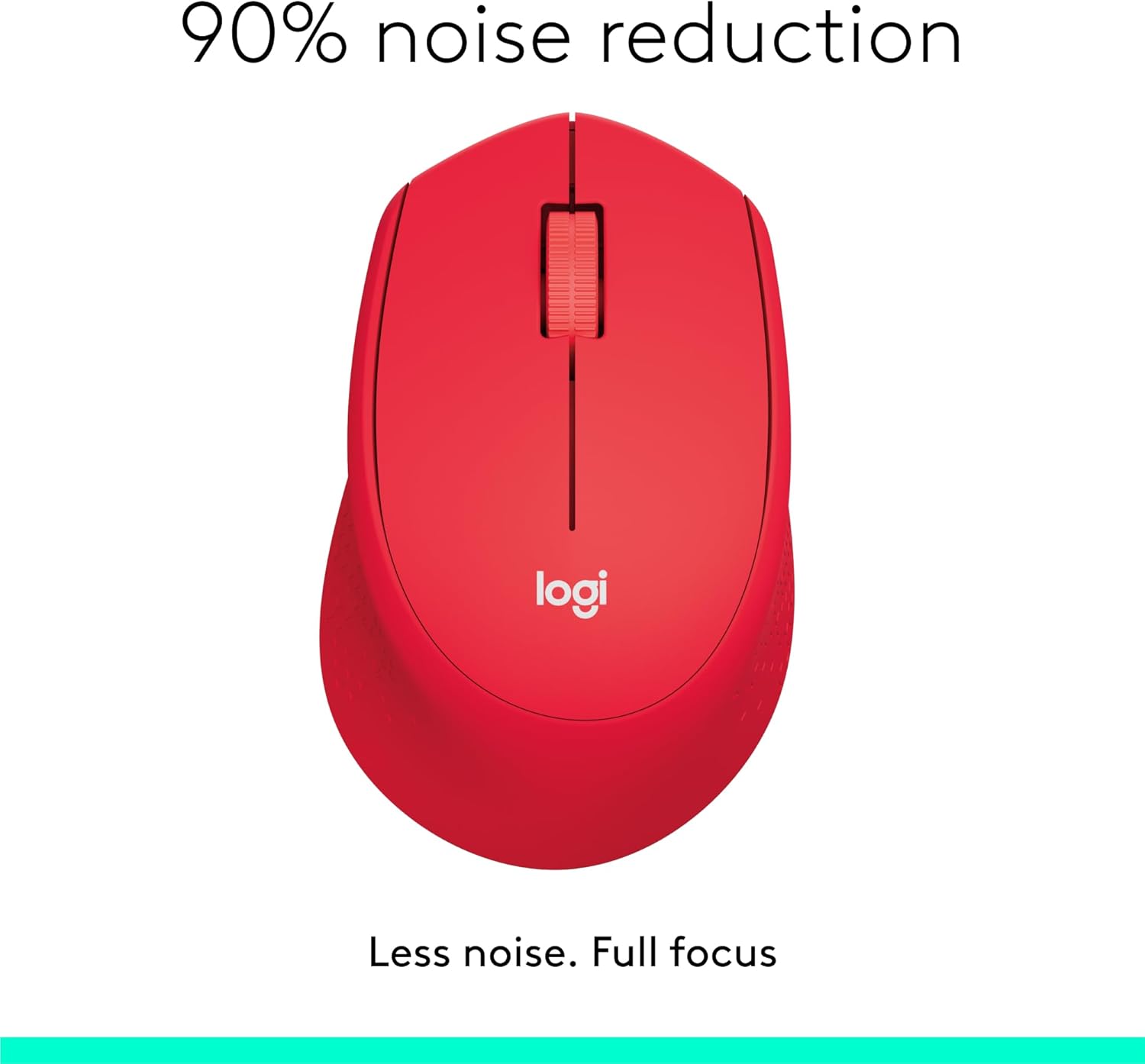
Image: The Logitech M331 mouse illustrating its 90% noise reduction capability, promoting a focused work environment.
人間工学に基づいたデザイン
The mouse is crafted with contoured grips and a curved shape to fit comfortably in your right hand, providing improved control and reducing strain during extended use.

Image: A hand demonstrating the comfortable grip on the Logitech M331 mouse, highlighting its contoured side grips designed for right-hand use.
メンテナンス
マウスのクリーニング
最適なパフォーマンスと衛生状態を維持するために、マウスを定期的に清掃してください。
- Turn off the mouse and unplug the Nano Receiver from your computer.
- 柔らかく糸くずの出ない布を軽く拭いてください。ampened with water or an electronics-safe cleaning solution to wipe the surface of the mouse.
- 開口部に湿気が入らないようにしてください。
- 下側の光学センサーについては、乾いた綿棒を使用してほこりやゴミを丁寧に取り除きます。
バッテリー交換
The M331 SILENT PLUS mouse boasts an impressive battery life of up to 24 months. When the battery is low, you may notice erratic behavior or the mouse becoming unresponsive. Refer to the "Installing the Battery" section under Setup Guide for replacement instructions.
トラブルシューティング
| 問題 | 考えられる原因 | 解決 |
|---|---|---|
| Mouse is unresponsive or not moving. |
|
|
| カーソルの動きが不規則または飛び跳ねる。 |
|
|
| Clicks are not registering. |
|
|
仕様
| 特徴 | 詳細 |
|---|---|
| モデル | 910-004916 |
| 寸法(マウス) | 105.4 mm (高さ) x 67.9 mm (幅) x 38.4 mm (奥行き) |
| 重量(マウス) | 91.0 g (with battery: 78 g / 2.75 oz) |
| Nano Receiver Dimensions | 14.4mm×18.7mm×6.1mm |
| Nano Receiver Weight | 1.8グラム |
| 接続タイプ | 2.4GHz Wireless connection |
| ワイヤレス範囲 | 10メートル(33フィート) |
| センサー技術 | ロジクールの高度な光学トラッキング |
| センサー解像度 | 1000dpi |
| ボタンの数 | 3 (Left/Right-click, Middle click/Scroll wheel) |
| スクロールホイール | Yes, 2D, optical, wide rubber wheel |
| 電池のタイプ | 単三電池1本 |
| バッテリー寿命 | 最大 24 か月 (ユーザーやコンピューティング条件によって異なる場合があります) |
| オン/オフスイッチ | はい |
| システム要件 | Windows 10 or later, Windows 8, Windows RT, Windows 7, Mac OS X 10.5 or later, Chrome OS, Linux Kernel 2.6+2, USB connection (available USB port required) |
| 手の向き | 右 |
| 材質タイプ | Plastic (58% Recycled Plastic) |

Image: Detailed dimensions of the Logitech M331 mouse, showing its length, width, height, and weight with batteries.
保証とサポート
For warranty information and technical support, please refer to the user documentation included in your package or visit the official Logitech support website. Logitech products typically come with a limited hardware warranty. Please retain your proof of purchase for warranty claims.
For further assistance, you may visit the Logitech support page: support.logi.com
Ask a question about this manual
Ask about setup, troubleshooting, compatibility, parts, safety, or missing instructions. Manuals+ will review the question and use this page’s manual context to help answer it.