
Meike MK-35mm F1.7
Meike 35mm F1.7 Manual Focus Prime Lens User Manual
Model: MK-35mm F1.7 | Brand: Meike
1. はじめに
The Meike 35mm F1.7 Manual Focus Prime Lens is a high-quality optical instrument designed for Micro Four Thirds (MFT/M4/3) mirrorless cameras. This lens offers a fixed 35mm focal length and a wide f/1.7 aperture, making it suitable for various photographic applications including portraits, landscapes, and low-light conditions. Its robust metallic construction and multi-layer coating ensure durability and optical performance by reducing flare, vignetting, and ghosting.
2. 主な特徴
- 大口径: f/1.7 for excellent low-light performance and shallow depth of field.
- Fixed Focal Length: 35mm prime lens for consistent image quality.
- マニュアルフォーカス: Provides precise control over focusing.
- Multi-Layer Coating: Nano technology multi-layer coating effectively reduces flaring, vignetting, and ghosting.
- 耐久性のある構造: All-metallic construction for enhanced durability.
- コンパクトなデザイン: 軽量で扱いやすい。
3. カメラの互換性
This lens is compatible with Micro Four Thirds (MFT/M4/3) mount mirrorless cameras, including but not limited to:
- パナソニック: G1, G2, G3, G5, G6, G7, GF1, GF2, GF3, GF5, GF6, GM1, GM5, GM10, GX1, GX7, GX8, GH1, GH2, GH3, GH4.
- オリンパス: EPM1, EPM2, E-PL1, E-PL2, E-PL3, E-PL5, E-PL6, E-PL7, E-M1, E-M5, E-M10.
4. セットアップ手順
4.1 レンズの取り付け
- レンズバレルの赤い点を、カメラのレンズマウントの対応する赤い点に合わせます。
- Gently rotate the lens clockwise until it clicks into place, indicating it is securely mounted.
4.2カメラ設定
Since this is a manual lens with no electronic contacts, you must enable the camera's setting to allow shooting without a lens attached. This setting is typically found in your camera's menu under options such as "M mode" or "Release without lens." Refer to your camera's specific user manual for exact instructions on enabling this function.
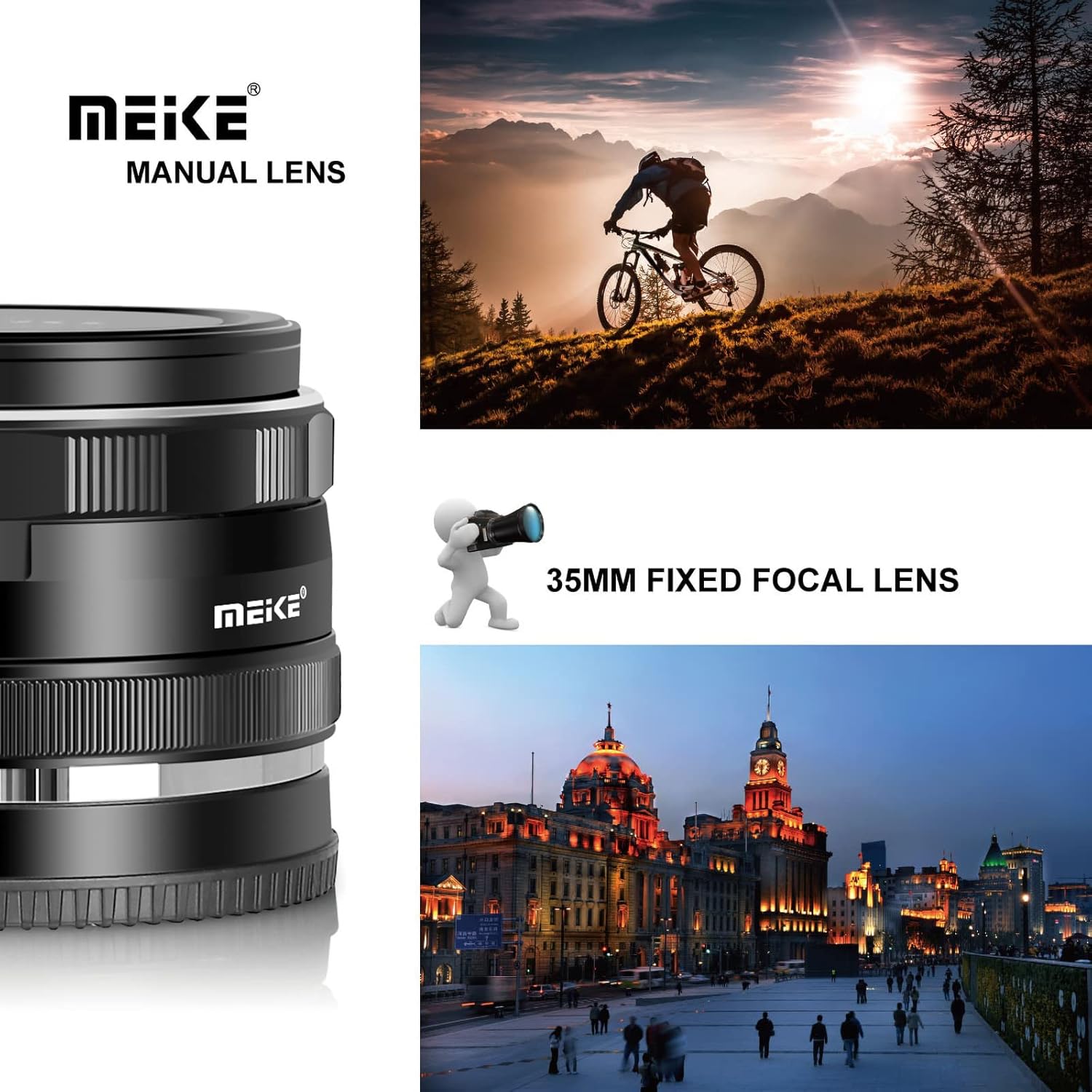
Figure 1: Meike 35mm F1.7 lens attached to a compatible mirrorless camera.
5. レンズの操作
5.1 マニュアルフォーカス
To achieve sharp focus, rotate the focus ring located on the lens barrel. Your camera's focus peaking and magnification assist features can be highly beneficial for precise manual focusing. Adjust the focus ring until your subject appears sharp on your camera's display or through the electronic viewファインダ。

Figure 2: The Meike 35mm F1.7 lens with visible focus and aperture rings.
5.2 絞り制御
The aperture ring allows you to control the amount of light entering the lens and the depth of field. Rotate the aperture ring to select your desired f-stop (from f/1.7 to f/22). A wider aperture (smaller f-number like f/1.7) allows more light and creates a shallower depth of field, while a narrower aperture (larger f-number like f/22) allows less light and creates a greater depth of field.
Video 1: A demonstration of the Meike 35mm f1.7 lens, highlighting its physical features and how it attaches to a camera. This video provides a visual guide to handling and operating the lens.
6. メンテナンスとケア
- 使用していないときはレンズキャップを装着して、前面と背面のレンズをほこりや傷から保護してください。
- Use a soft, lint-free microfiber cloth and a specialized lens cleaning solution to clean the glass elements. Avoid touching the glass with your fingers.
- レンズは直射日光や極端な温度を避け、乾燥した涼しい場所に保管してください。
- Avoid exposing the lens to moisture or harsh chemicals. The lens is not water resistant.
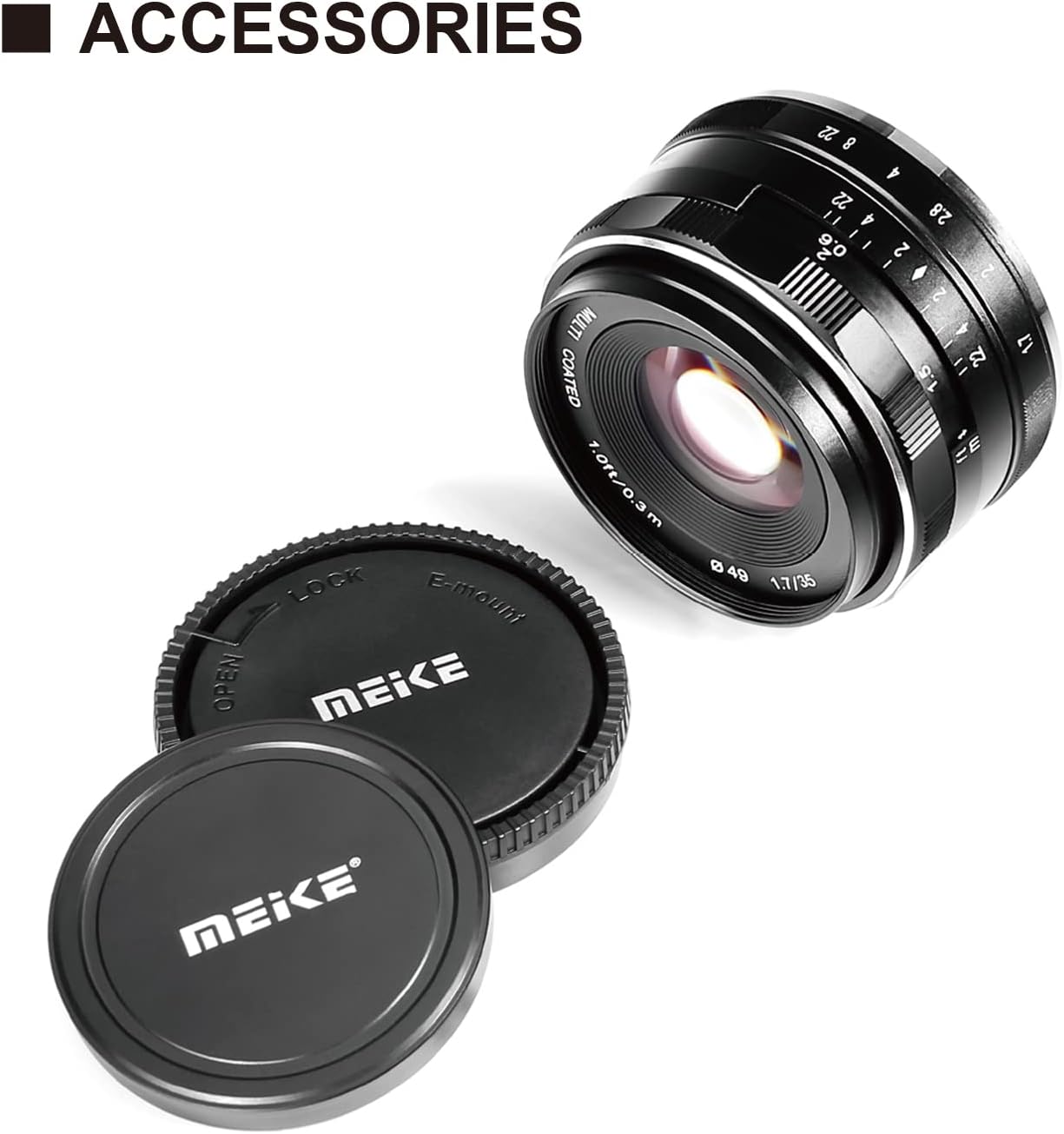
Figure 3: The Meike 35mm F1.7 lens with protective caps.
7。 トラブルシューティング
7.1 "Lens Not Attached" Error
If your camera displays a "Lens Not Attached" error or does not allow you to take photos, ensure that you have enabled the "Release without lens" or "M mode" setting in your camera's menu. This is a common requirement for manual lenses without electronic contacts.
8. 仕様
| 特徴 | 仕様 |
|---|---|
| ブランド | メイケ |
| モデル名 | 35mm F1.7 |
| レンズタイプ | プライムレンズ |
| 焦点距離 | 35ミリメートル |
| 最大絞り | 1.7 倍 |
| 最小絞り | 22 |
| フォーカスタイプ | マニュアルフォーカス |
| レンズマウント | マイクロフォーサーズ |
| 写真フィルターサイズ | 49ミリメートル |
| 絞りブレードの数 | 8 |
| レンズコーティング | Nano AR Coating |
| 画像安定化 | 手ぶれ補正なし |
| アイテム重量 | 170グラム |
| 実際の角度 View | 40.33度 |
9. 製品メディア
9.1 製品画像


10. 保証とサポート
For warranty information, technical support, or service inquiries, please refer to the official Meike website or contact your authorized Meike retailer. Keep your purchase receipt as proof of purchase for warranty claims.
Ask a question about this manual
Ask about setup, troubleshooting, compatibility, parts, safety, or missing instructions. Manuals+ will review the question and use this page’s manual context to help answer it.