
1. はじめに
This manual provides detailed instructions for the proper use and maintenance of your Baseus H08 Immersive Virtual 3D Gaming Headset. Please read this manual thoroughly before using the product to ensure optimal performance and safety. Keep this manual for future reference.
2. 安全情報
- 聴覚保護: Avoid using the headset at high volume levels for extended periods to prevent hearing damage.
- 環境条件: ヘッドセットを極端な温度、湿度、直射日光にさらさないでください。
- クリーニング: お手入れには柔らかく乾いた布をご使用ください。液体クリーナーや研磨剤は使用しないでください。
- 分解: ヘッドセットを分解したり改造したりしないでください。保証が無効になり、損傷の原因となる可能性があります。
- 子供たち: Keep the headset and its accessories out of reach of small children to prevent choking hazards.
3. パッケージ内容
パッケージにすべてのアイテムが揃っていることを確認します。
- Baseus H08 Immersive Virtual 3D Gaming Headset
- 3.5mmオーディオケーブル
- キャリングケース
- ユーザーマニュアル(このドキュメント)
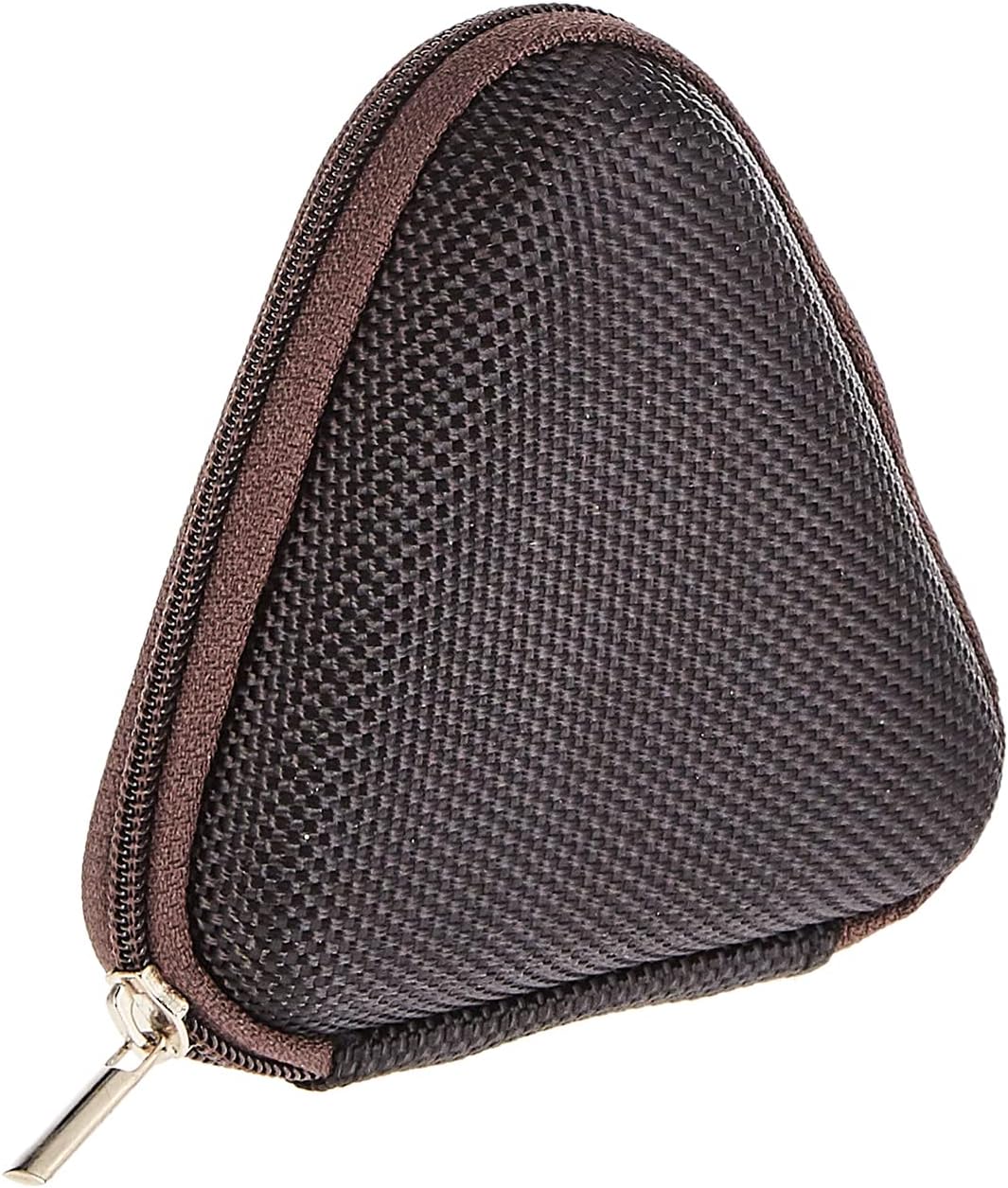
Image: The included triangular carrying case, designed for protecting and transporting the headset.
4.製品オーバーview
The Baseus H08 headset is designed for an immersive gaming audio experience. It features a comfortable over-ear design and integrated controls.

Image: The Baseus H08 Immersive Virtual 3D Gaming Headset, showcasing の設計とコンポーネント。
コンポーネント:
- イヤーカップ: Padded earcups for comfort and sound isolation.
- ヘッドバンド: しっかりとフィットする調節可能なヘッドバンド。
- マイクロフォン: 通信用の内蔵マイク。
- オーディオケーブル: Detachable 3.5mm audio cable for connection to devices.
- 音量コントロール: In-line or earcup-mounted volume adjustment.
5. セットアップ
- 開梱: ヘッドセットとすべての付属品をパッケージから慎重に取り出します。
- オーディオケーブルを接続します: Insert the 3.5mm audio jack into the corresponding port on your gaming device (PC, console controller, smartphone, etc.). Ensure the connection is secure.
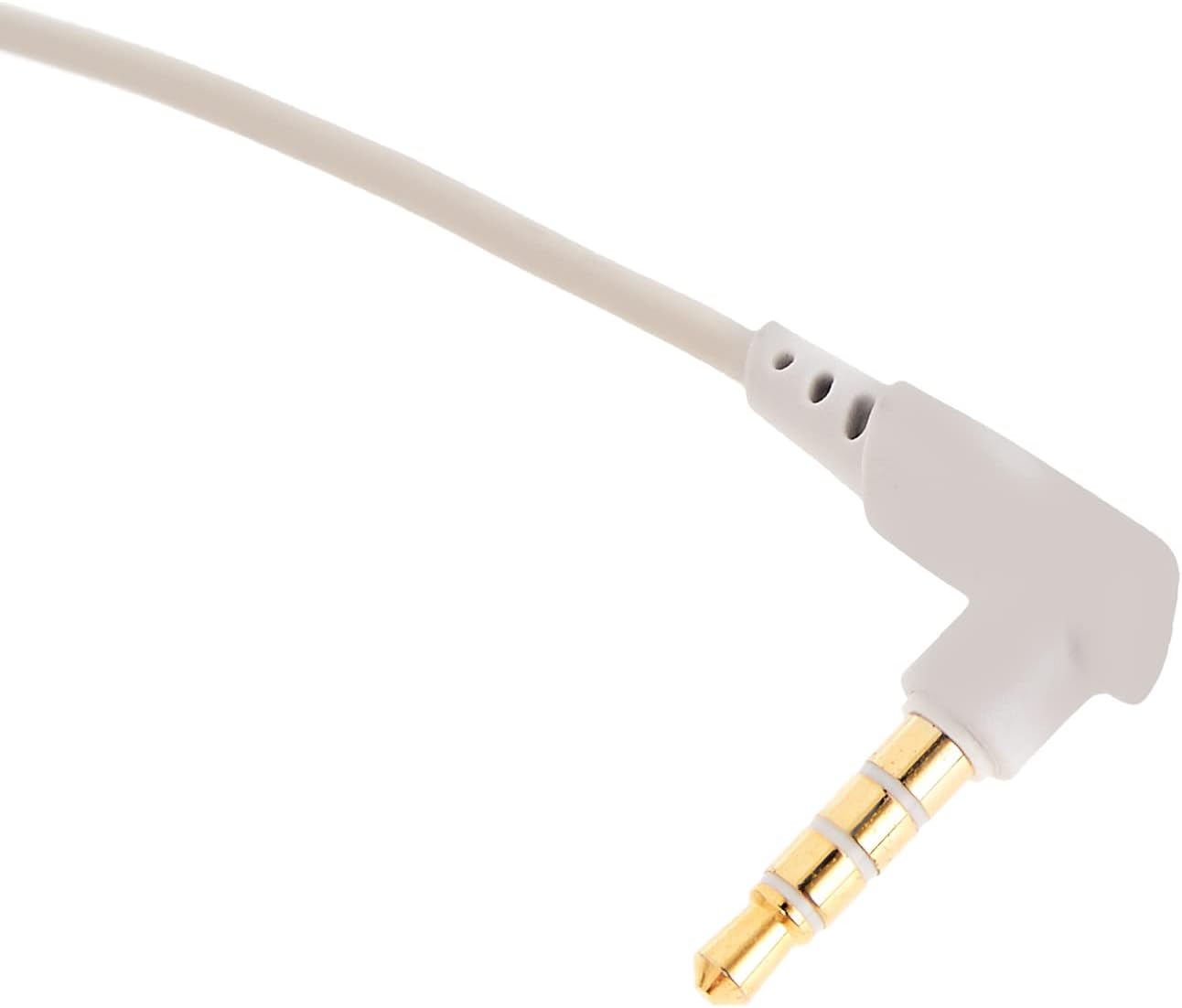
画像: クローズアップ view of the 3.5mm audio jack, used for connecting the headset to compatible devices.
- ヘッドセットを調整します: Place the headset on your head and adjust the headband for a comfortable and secure fit. Position the earcups over your ears.
- マイクの位置: If the microphone is adjustable, position it appropriately for clear voice capture, typically near the corner of your mouth.
6. 操作手順
- 音量コントロール: Use the integrated volume control (if present on the cable or earcup) to adjust the audio output level. Rotate or slide the control to increase or decrease volume.
- マイクミュート: If your headset features a microphone mute switch, use it to toggle the microphone on or off as needed during gameplay or calls.
- Virtual 3D Sound: The headset provides an immersive virtual 3D sound experience. This feature is typically active upon connection and enhances spatial audio cues in compatible games. No specific activation is usually required unless indicated by your device's audio settings.
7. メンテナンス
- クリーニング: ヘッドセットは、柔らかく乾いた糸くずの出ない布で拭いてください。刺激の強い化学薬品、洗浄溶剤、または強力な洗剤は使用しないでください。
- ストレージ: When not in use, store the headset in its carrying case to protect it from dust, scratches, and physical damage. Keep it in a cool, dry place.
- ケーブルのお手入れ: Avoid sharp bends or excessive pulling on the audio cable to prevent internal damage.
8。 トラブルシューティング
一般的な問題と解決策:
- 音が出ない:
- 3.5mm オーディオ ケーブルがヘッドセットとデバイスの両方に完全に接続されていることを確認します。
- Check the volume control on the headset and your device to ensure it is not muted or set too low.
- デバイスのサウンド設定で正しいオーディオ出力デバイスが選択されていることを確認します。
- 音質が悪い:
- 接続が緩んでいないか確認してください。
- デバイス固有の問題を除外するために、別のデバイスでヘッドセットをテストします。
- オーディオソースの品質が良好であることを確認します。
- マイクが機能しない:
- マイクがミュートされていないことを確認します(該当する場合)。
- デバイスのサウンド設定をチェックして、ヘッドセットのマイクが入力デバイスとして選択されていることを確認します。
- 別のアプリケーションまたはデバイスでマイクをテストします。
- 使用中の不快感:
- ヘッドバンドとイヤーカップの位置を調整して、よりフィットするようにします。
- Take breaks during long gaming sessions.
9. 仕様
| 特徴 | 詳細 |
|---|---|
| ブランド | ベースス |
| モデル名 | NGH08-2G |
| 商品型番 | B012LZLE1U |
| 製品寸法 | 5 x 3 x 10 cm |
| アイテム重量 | 200グラム |
| 色 | ホワイト + グレー |
| コントロールタイプ | ボリュームコントロール |
| アイテム数 | 1 |
| 特定の製品用途 | 利用不可 |
| ヘッドフォンフォームファクタ | 利用不可 |
| ヘッドホンジャック | 利用不可 |
| 接続技術 | 利用不可 |
| 無線通信技術 | 利用不可 |
| 含まれるコンポーネント | 利用不可 |
| 年齢範囲(説明) | 利用不可 |
| 材料 | 利用不可 |
10. 保証とサポート
For warranty information and technical support, please refer to the warranty card included with your product or visit the official Baseus webサイトをご覧ください。製品をご購入いただいた販売店にお問い合わせいただくこともできます。
Baseus公式 Webサイト: www.baseus.com