
1. はじめに
The BSS BLU-103 is a high-performance conferencing processor designed for professional audio installations. It features Acoustic Echo Cancellation (AEC) and Voice over IP (VoIP) capabilities, making it suitable for a wide range of conferencing applications. This manual provides essential information for the proper setup, operation, and maintenance of your BLU-103 unit.
2. 安全情報
WARNING: THIS EQUIPMENT MUST BE EARTHED.
安全な操作を確保し、損傷を防ぐために、次の安全上の注意事項を守ってください。
- 電源: 指定された電圧範囲内のAC電源にのみユニットを接続してください。tage range (100-240V, 50/60Hz, 50W). Ensure the power cord is properly grounded.
- 換気: 通気口を塞がないでください。過熱を防ぐため、ユニット周囲に十分な空気の流れを確保してください。
- 水分: 本製品を雨や湿気にさらさないでください。また、液体の入った物を本製品の上に置かないでください。
- サービス: すべてのメンテナンスは資格を持ったサービス担当者にお任せください。本製品をご自身でメンテナンスすることは絶対におやめください。
- インストール: Install the unit in a stable environment, away from excessive heat sources, vibrations, or dust.
3.製品オーバーview
3.1. 製品の説明
サウンドweb London BLU-103 offers a fixed configuration of 8 analog inputs and 8 analog outputs, a Voice over IP (VoIP) interface, configurable signal processing, AEC processing, and a high bandwidth, fault tolerant digital audio bus. The VoIP port enables the BLU-103 to interface with two VoIP (SIP v2.0 or later) lines. The BLU-103 contains dedicated AEC processing for up to 8 independent AEC algorithms. The AEC algorithm can be applied to signals coming from the local analog inputs or from the digital audio bus. 8 individual AEC references (one per algorithm) allow the user to provide a solution for multiple conferencing spaces using a single device. The BLU-103 and the other members of the Soundweb London family provide the building blocks of the perfectly tailored system solution.
3.2. 主な特徴
- 8 Analog Inputs (with 48V Phantom Power per Channel)
- 8アナログ出力
- VoIP Port for SIP v2.0 or later
- Dedicated AEC processing for up to 8 independent algorithms
- Rich Palette of Processing and Logic Objects
- 音web London Interface Kit for Third Party Control System Integration
- High bandwidth, fault tolerant digital audio bus (BLU link)
4. セットアップ
4.1. Rear Panel Connections Overview
The following image illustrates the rear panel of the BSS BLU-103, detailing all available connections for power, audio, and control.
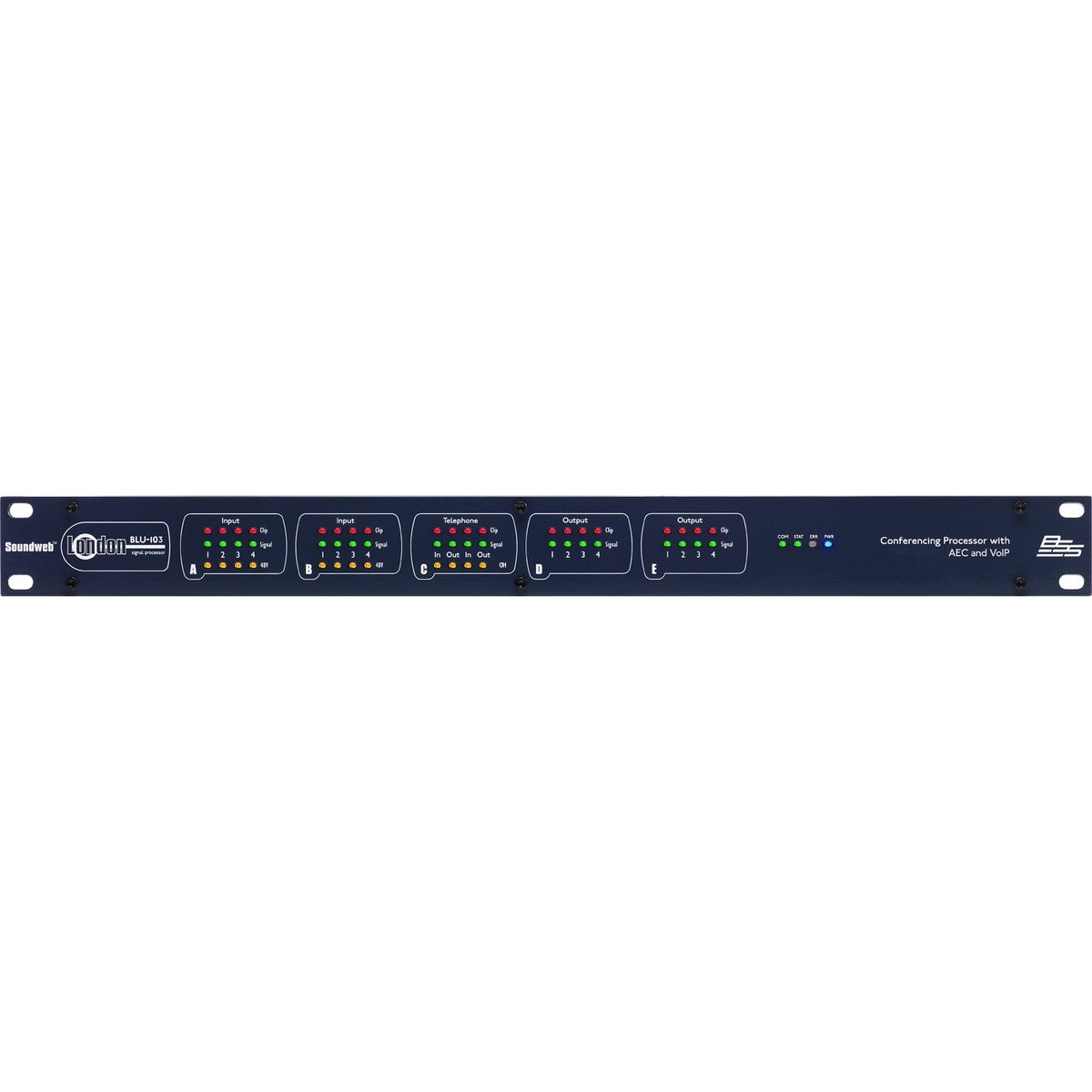
Figure 1: Rear panel of the BSS BLU-103 Conferencing Processor. From left to right: AC power inlet, RS232, Ethernet, BLU Link (IN/OUT), Control Inputs/Outputs, VoIP, Analog Outputs (D, C), Analog Inputs (B, A).
4.2. 電源接続
Connect the supplied IEC power cable to the AC inlet on the far left of the rear panel. Ensure the power source is within the 100-240V, 50/60Hz range. The unit consumes 50W. Always ensure the equipment is properly earthed.
4.3. BLU Link Connection
The BLU Link ports (IN and OUT) are used for connecting the BLU-103 to other Soundweb London devices, forming a high-bandwidth digital audio bus. Use standard CAT5e or higher Ethernet cables for these connections.
4.4. イーサネット接続
The Ethernet port provides network connectivity for control and configuration of the BLU-103 using the Soundweb London Architect software. Connect this port to your network switch or router using a standard Ethernet cable.
4.5. RS232接続
The RS232 serial port allows for integration with third-party control systems. Refer to the Soundweb London Interface Kit documentation for detailed protocol information.
4.6. Control Inputs and Logic Outputs
The Control section features terminals for external control inputs (1-12) and logic outputs (1-6). These can be configured within the Soundweb London Architect software to interface with various external devices and triggers.
4.7. VoIP Connection
The VoIP port allows the BLU-103 to connect to two Voice over IP (SIP v2.0 or later) lines, enabling direct integration into IP-based telephony systems for conferencing.
4.8.アナログ出力
The BLU-103 provides 8 analog outputs, labeled D (1-4) and C (1-4). These are balanced outputs, typically connected to amplifiers or other audio distribution equipment using appropriate cabling.
4.9.アナログ入力
The unit features 8 analog inputs, labeled B (1-4) and A (1-4). These inputs support 48V phantom power per channel, suitable for connecting condenser microphones. Ensure proper gain staging for optimal audio quality.
5. 操作手順
The BSS BLU-103 is primarily configured and controlled using the 音web London Architect software, which runs on a personal computer (Windows operating system). This software allows for:
- Designing and loading audio signal processing configurations.
- Setting up AEC algorithms for each input.
- Configuring VoIP lines and parameters.
- Monitoring system status and audio levels.
- Integrating with third-party control systems via RS232 or network commands.
Refer to the Soundweb London Architect software documentation for detailed instructions on creating and deploying configurations.
6. メンテナンス
The BSS BLU-103 is designed for reliable operation with minimal maintenance. Follow these guidelines:
- クリーニング: 本体の外装を清掃する際は、柔らかく乾いた布をご使用ください。研磨剤入りの洗剤や溶剤は使用しないでください。
- 換気: Periodically check that ventilation openings are clear of dust and debris.
- ファームウェアの更新: メーカーの web最適なパフォーマンスと新機能へのアクセスを確保するために、ファームウェアのアップデートを定期的にサイトで確認してください。
- 環境条件: Operate the unit within specified temperature and humidity ranges.
7。 トラブルシューティング
If you encounter issues with your BLU-103, consider the following basic troubleshooting steps:
- 電源なし: Ensure the power cable is securely connected and the power outlet is active. Check the power switch on the unit.
- ネットワーク接続なし: Verify Ethernet cable connections. Check network settings on the BLU-103 and your computer. Ensure the unit's IP address is correctly configured and accessible on the network.
- オーディオ入出力なし: Check all analog and digital audio cable connections. Verify gain settings and routing within the Soundweb London Architect software. Ensure phantom power is enabled for condenser microphones if required.
- VoIP Issues: Confirm network connectivity and correct SIP account settings within the software. Check firewall settings if applicable.
- System Lock-up: If the unit becomes unresponsive, power cycle the device by disconnecting and reconnecting the power cable.
For persistent issues, consult the Soundweb London Architect software documentation or contact BSS customer support.
8. 仕様
The following table details the technical specifications of the BSS BLU-103 Conferencing Processor:
| 仕様 | 価値 |
|---|---|
| 製品寸法 | 25 x 5.98 x 17.01インチ |
| アイテム重量 | 16ポンド |
| 商品型番 | BLU-103 |
| メーカー | BSSS について |
| 対応デバイス | パソコン |
| 接続技術 | Ethernet, USB (for service/firmware) |
| チャンネル数 | 8つのアナログ入力、8つのアナログ出力 |
| Operating System (for control software) | ウィンドウズ |
| 電力要件 | 100-240V, 50/60Hz, 50W |
| 初回利用可能日 | 12年2015月XNUMX日 |
9. 保証とサポート
9.1. 保証情報
This product is covered by a manufacturer's warranty. Please refer to the warranty card included with your product or visit the official BSS web保証の範囲と期間に関する詳細な条件については、サイトをご覧ください。
9.2. カスタマーサポート
For technical assistance, product inquiries, or service requests, please contact BSS customer support through their official website or authorized distributors. Ensure you have your product model number (BLU-103) and serial number available when contacting support.