1. はじめに
The Gingko Design Cube Alarm Clock (Model GK08W6) is a digital alarm clock featuring an LED display that can show time, date, and temperature. It incorporates a sound-activated display function for energy saving. This manual provides comprehensive instructions for setting up, operating, and maintaining your device.
パッケージ内容:
- Gingko Design Cube Alarm Clock (GK08W6)
- USB電源ケーブル
- 取扱説明書
2. セットアップ
2.1 デバイスへの電源供給
The clock can be powered by either 3x AAA batteries (not included) or via the supplied USB cable connected to a USB power adapter (not included) or a computer USB port.
- バッテリー電源: Open the battery compartment on the back of the clock and insert 3x AAA batteries, ensuring correct polarity.
- USB電源: Connect the small end of the USB cable to the DC 5V port on the back of the clock and the larger end to a USB power source.
For continuous display, USB power is recommended. Battery power is suitable for portable use or as a backup, but the display will typically turn off after a short period to conserve energy.

画像1:正面 view of the Gingko Design Cube Alarm Clock displaying the time.
3. 操作手順
The control buttons are located on the back of the clock. These typically include 'SET', 'UP', and 'DOWN' buttons.
3.1 時刻と日付の設定
- Press and hold the 'SET' button for 3 seconds to enter time setting mode. The display will flash.
- Use the 'UP' and 'DOWN' buttons to adjust the hour. Press 'SET' to confirm and move to minutes.
- Adjust minutes with 'UP'/'DOWN', then press 'SET'.
- Continue this process to set the year, month, and day.
- After setting the day, press 'SET' to exit the setting mode.
3.2アラームの設定
時計は最大 3 つの独立したアラーム (A1、A2、A3) をサポートします。
- Press the 'SET' button repeatedly until 'A1' (or A2, A3) appears on the display.
- Press and hold 'SET' for 3 seconds. The alarm hour will flash.
- Use 'UP'/'DOWN' to set the alarm hour, then press 'SET'.
- Use 'UP'/'DOWN' to set the alarm minute, then press 'SET'.
- The display will show 'ON:A1' or 'OFF:A1'. Use 'UP'/'DOWN' to toggle the alarm on or off. Press 'SET' to confirm.
- 必要に応じて、A2 と A3 を繰り返します。
3.3スヌーズ機能
When the alarm sounds, press any button (except 'SET' or 'DOWN' during alarm setting) to activate the snooze function. The alarm will sound again after approximately 5 minutes.
3.4表示モード
The clock offers various display modes. Press the 'UP' button to cycle through them:
- dp-1: Time, date, and temperature display alternately.
- dp-2: 時間表示のみ。
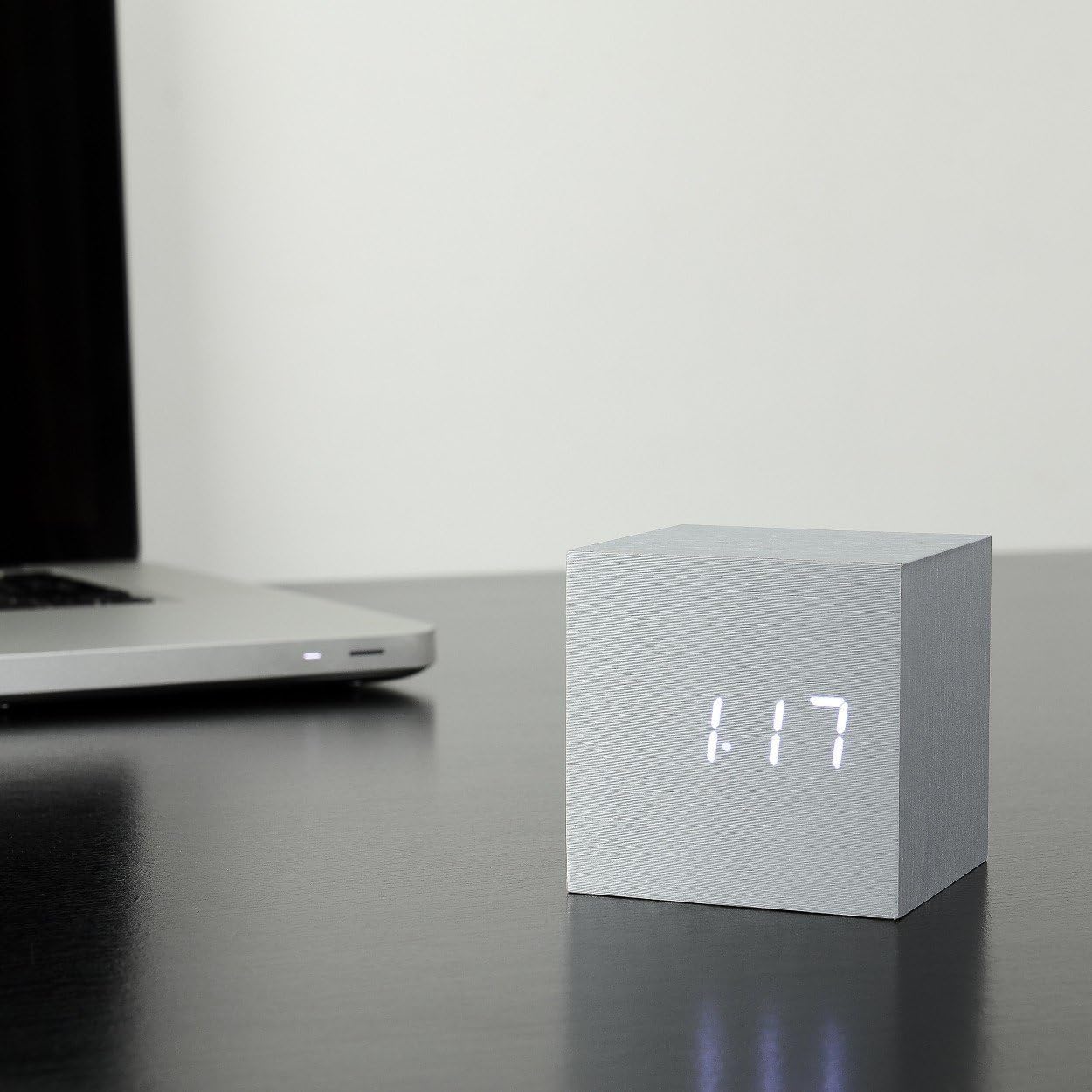
Image 2: The clock displaying the date (month and day).

Image 3: The clock displaying the temperature in Celsius.
3.5 サウンドアクティベーションモード
In sound activation mode, the display will turn off when the room is quiet to save power. It will light up again in response to a sound (e.g., a clap, finger snap, or gentle tap on the clock/surface).
- To activate/deactivate sound activation mode, press the 'DOWN' button.
- When 'ON:SD' is displayed, sound activation is active.
- When '--:SD' is displayed, sound activation is inactive, and the display will remain on (if USB powered).
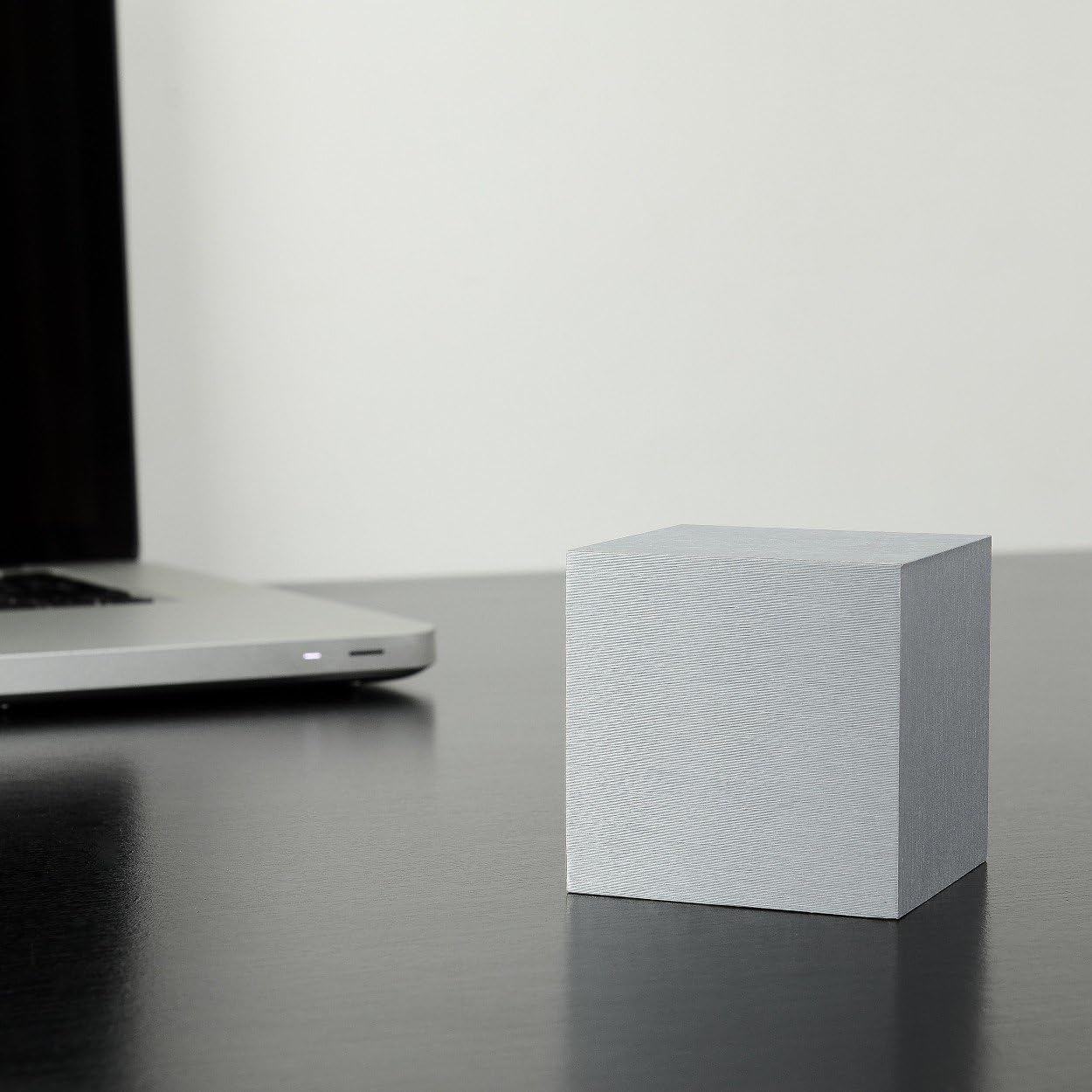
Image 4: The clock with its display off, indicating sound activation mode is active and the environment is quiet.
4. メンテナンス
4.1 クリーニング
To clean the clock, gently wipe the surface with a soft, dry cloth. Avoid using abrasive cleaners, solvents, or excessive moisture, as these can damage the finish or internal components.
4.2 電池の交換
If using battery power, replace the AAA batteries when the display dims or the clock functions become unreliable. Ensure the clock is powered off or disconnected from USB before replacing batteries. Dispose of old batteries responsibly.
5。 トラブルシューティング
- ディスプレイがオフまたは暗い:
- Check battery level and replace if necessary.
- Ensure USB power cable is securely connected.
- If in sound activation mode, make a sound to activate the display. - 時計が正確な時間を刻んでいない:
- Re-set the time following the instructions in Section 3.1.
- Ensure stable power supply (either fresh batteries or consistent USB power). - アラームが鳴らない:
- Verify that the alarm is set to 'ON' (e.g., 'ON:A1') in the alarm settings.
- Check the alarm time to ensure it is correctly set. - ボタンが反応しない:
- Disconnect power (both USB and batteries) for a few minutes, then reconnect to perform a soft reset.
6. 仕様
| ブランド | イチョウ |
| モデル番号 | GK08W6 |
| 色 | グレー |
| 材料 | 木材 |
| 表示タイプ | デジタルLED |
| 電源 | Battery Powered (3x AAA, not included) or USB (DC 5V) |
| 特集 | Alarm, Snooze, Sound Activation, Time/Date/Temperature Display |
| 製品寸法 | 2.68 x 2.68 x 2.68インチ |
| アイテム重量 | 6.3オンス(179.99グラム) |
7. 保証とサポート
For warranty information and customer support, please refer to the documentation included with your purchase or visit the official Gingko Design webサイトでご確認ください。保証請求に備えて購入証明書を保管してください。
Webサイト: www.gingkodesign.com