1. はじめに
This manual provides essential information for the proper installation, operation, and maintenance of your AMD FX-8370 Black Edition 8-Core CPU Processor. The AMD FX-8370 is an unlocked 8-core processor designed for the AM3+ platform, offering high performance for computing tasks. Please read this manual thoroughly before proceeding with installation.
2. パッケージ内容
以下にリストされているすべてのアイテムが製品パッケージに含まれていることを確認してください。
- AMD FX-8370 8-Core CPU Processor
- Heat Sink and Fan (Stock Cooler) with pre-applied thermal paste
- FX Bezel Sticker
- 真正性証明書
- インストール手順ガイド
- 3年保証情報
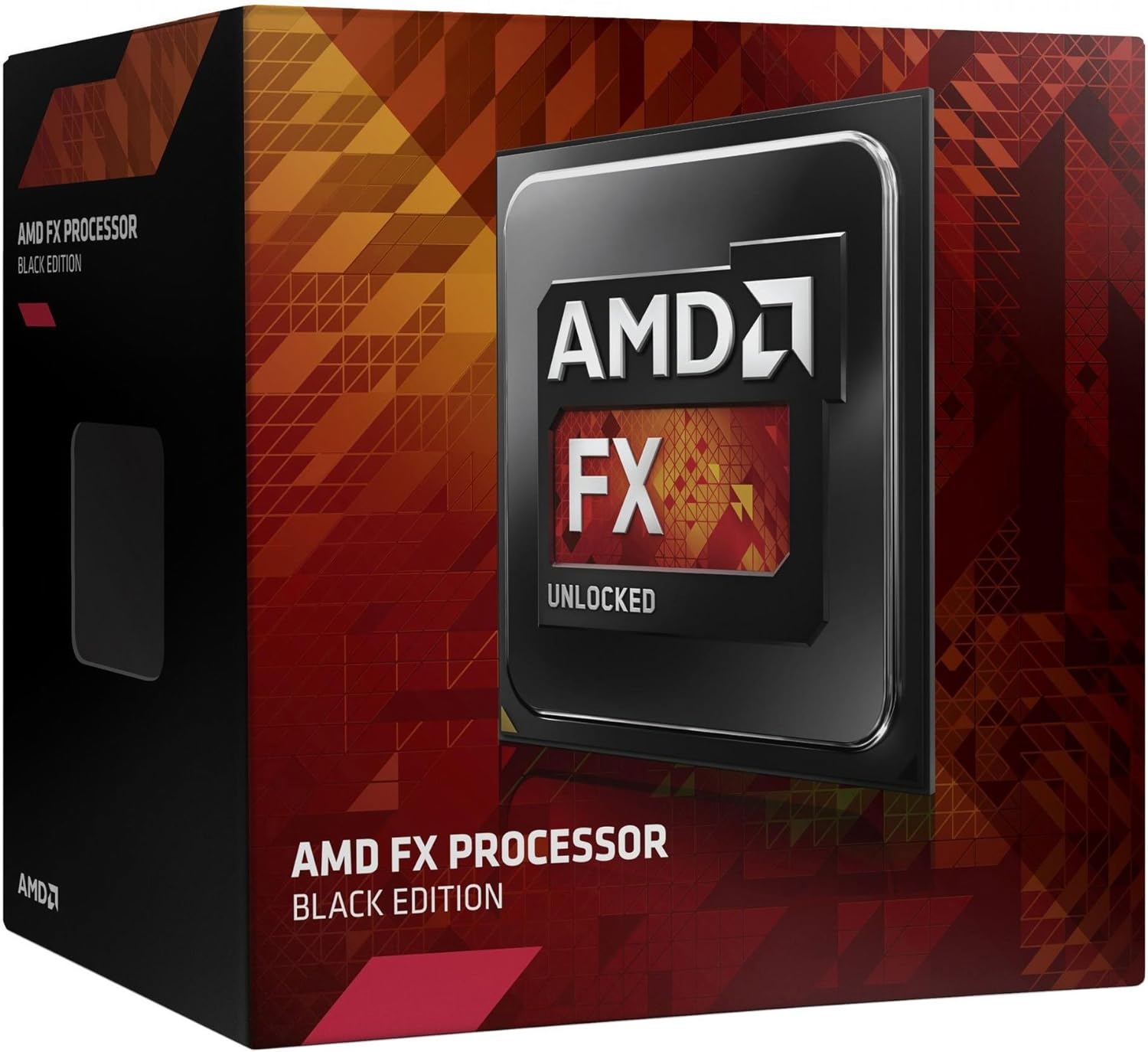
Image 1: AMD FX-8370 Black Edition Processor Retail Box. This image displays the packaging of the AMD FX-8370 processor, indicating its 'Black Edition' and 'Unlocked' status.
3.製品オーバーview
The AMD FX-8370 processor is engineered for demanding applications and gaming. Key features include:
- 8-Core Architecture: Designed for multi-threaded performance.
- 4.3 GHz Max Turbo Frequency: Delivers high clock speeds for responsive computing.
- AM3+ Socket Compatibility: Ensures broad compatibility with existing motherboards.
- 125W 熱設計電力 (TDP): Indicates power consumption and heat output.
- 16MB Cache: Provides fast access to frequently used data.
- ロック解除された乗数: Allows for overclocking (advanced users only).
4. 仕様
| 特徴 | 仕様 |
|---|---|
| プロセッサ・コア | 8 |
| ベースクロック速度 | 4.0GHz帯 |
| 最大ターボ周波数 | 4.3GHz帯 |
| ソケットタイプ | AM3+ |
| 熱設計電力 (TDP) | 125W |
| Total Cache (L2+L3) | 16MB |
| メモリタイプのサポート | DDR3 メモリ |
| モデル番号 | FD8370FRHKBOX |
| Product Dimensions (CPU only) | 1.57 x 1.57インチ(40 x 40 mm) |
5. セットアップとインストール
Proper installation is critical for the performance and longevity of your CPU. Always handle the processor by its edges to avoid touching the pins or the integrated heat spreader (IHS).
5.1 安全上の注意
- システムの電源がオフになっており、壁のコンセントからプラグが抜かれていることを確認してください。
- 部品を取り扱う前に、接地された金属物に触れて静電気を放電してください。
- Refer to your motherboard manual for specific CPU socket and cooler mounting instructions.
5.2 CPUのインストール手順
- マザーボードを準備します。 Locate the AM3+ CPU socket on your motherboard. Lift the small metal lever on the side of the socket to open it.
- CPU をインストールします。 Carefully align the triangular arrow on the corner of the AMD FX-8370 processor with the corresponding arrow on the CPU socket. Gently lower the processor straight down into the socket. Do not force it; if it doesn't seat easily, recheck the alignment.
- CPU を固定する: Once the CPU is fully seated, push the metal lever back down to lock the processor into place.

Image 2: AMD FX-8370 Black Edition Processor. This image shows a close-up of the AMD FX-8370 CPU, highlighting its design and the 'AMD FX Unlocked' branding.
5.3 Cooler Installation Steps
The included stock cooler has thermal paste pre-applied. If you are using an aftermarket cooler, follow its specific instructions for thermal paste application.
- クーラーの位置: Place the heat sink and fan assembly onto the CPU, ensuring the mounting clips align with the retention brackets on the motherboard.
- クーラーを固定する: Attach the cooler's clips to the motherboard retention brackets. Apply even pressure and secure both clips. Some coolers may require screwing down.
- ファン電源を接続: Connect the cooler's 4-pin fan cable to the CPU_FAN header on your motherboard. Refer to your motherboard manual for the exact location.
6. 操作手順
Once the CPU and cooler are installed, reassemble your computer and connect all peripherals. Upon first boot, access your motherboard's BIOS/UEFI settings to ensure the CPU is recognized correctly and that fan speeds are set appropriately. Install the latest chipset drivers from your motherboard manufacturer's web最適なパフォーマンスを得るにはサイトをご利用ください。
6.1 BIOS/UEFI設定
- Verify CPU temperature readings are within acceptable limits.
- Ensure RAM frequency and timings are correctly configured.
- For advanced users, the unlocked multiplier allows for overclocking. Proceed with caution and adequate cooling.
7. メンテナンス
Regular maintenance helps ensure stable performance and extends the lifespan of your CPU and cooling system.
- ほこりの除去: Periodically clean the CPU cooler's fan and heatsink fins to prevent dust buildup, which can impede airflow and lead to overheating. Use compressed air for this task.
- サーマルペースト: Over time, thermal paste can dry out. If you notice consistently high temperatures, consider reapplying fresh thermal paste. This requires removing the cooler, cleaning old paste from both the CPU and cooler base, and applying a new thin, even layer.
- システムのエアフロー: Ensure good airflow within your computer case by managing cables and keeping intake/exhaust vents clear.
8。 トラブルシューティング
If you encounter issues after installation, refer to the following common troubleshooting steps:
- システムが起動しない:
- Check all power connections, especially the 4/8-pin CPU power connector on the motherboard.
- Ensure the CPU is correctly seated in its socket and the lever is locked.
- Verify the CPU cooler is properly installed and its fan is spinning.
- Reset CMOS (refer to your motherboard manual).
- Overheating/High Temperatures:
- Confirm the CPU cooler is securely mounted and making good contact with the CPU.
- Check if the CPU fan is connected to the correct header (CPU_FAN) and is spinning.
- Ensure thermal paste was applied correctly (or is still effective if pre-applied).
- Clean dust from the heatsink fins.
- システムの不安定性/クラッシュ:
- Ensure your motherboard BIOS/UEFI is updated to the latest version.
- Check RAM stability and compatibility.
- If overclocking, revert to default CPU settings to test stability.
9. 保証とサポート
9.1 保証情報
The AMD FX-8370 Black Edition CPU Processor comes with a 3年間の限定保証 from the date of purchase. This warranty covers defects in materials and workmanship under normal use. For full terms and conditions, please refer to the warranty documentation included in your package or visit the official AMD webサイト。
9.2 テクニカルサポート
For technical assistance, driver downloads, or further product information, please visit the official AMD support webサイト:
You may also contact AMD customer service through the channels provided on their webサイト。