
導入
This manual provides comprehensive instructions for the HCDZ Replacement Remote Control, model HCDZ-X12042. This remote is designed to function as a direct replacement for various LG LCD, LED, and Plasma HDTV TV models, including 42LG50-UA, 42LG50-UG, and 42LG61-UA. No programming is required; simply insert batteries, and the remote will be ready for use.
重要な安全情報
- Do not expose the remote control to extremely hot or humid environments.
- Avoid mixing new and old batteries. Always replace all batteries with new ones simultaneously.
- Do not expose the remote control's infrared (IR) sensor to direct sunlight or strong lighting apparatuses, as this may cause malfunction.
- If the remote control will not be used for an extended period, remove the batteries to prevent potential damage from leakage and corrosion.
パッケージ内容
パッケージには以下が含まれます:
- 1 x HCDZ Replacement Remote Control (Model HCDZ-X12042)
注意: 電池および追加の説明書はパッケージに含まれていません。
設定
1. バッテリーの取り付け
- リモコンの背面にある電池収納部を見つけます。
- バッテリーコンパートメントカバーをスライドさせて開きます。
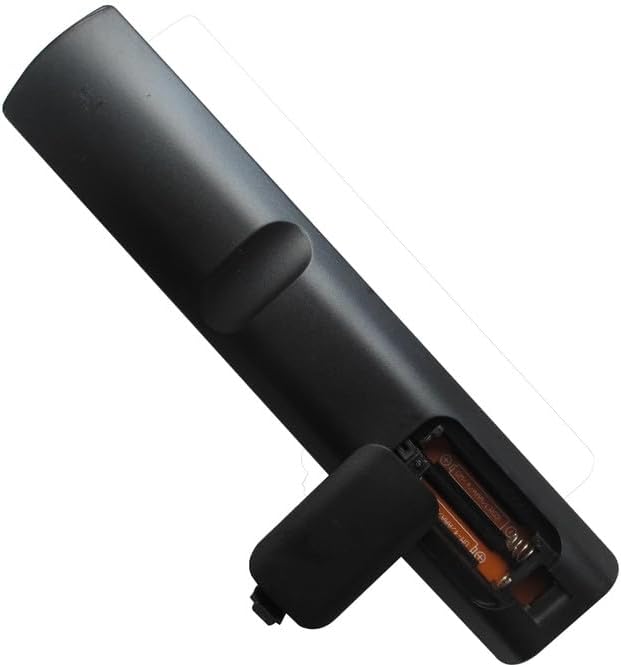
- 単4電池2本を挿入し、プラス(+)とマイナス(-)の端子がコンパートメント内のマークと正しく揃っていることを確認します。
- 電池カバーをしっかりと閉じてください。
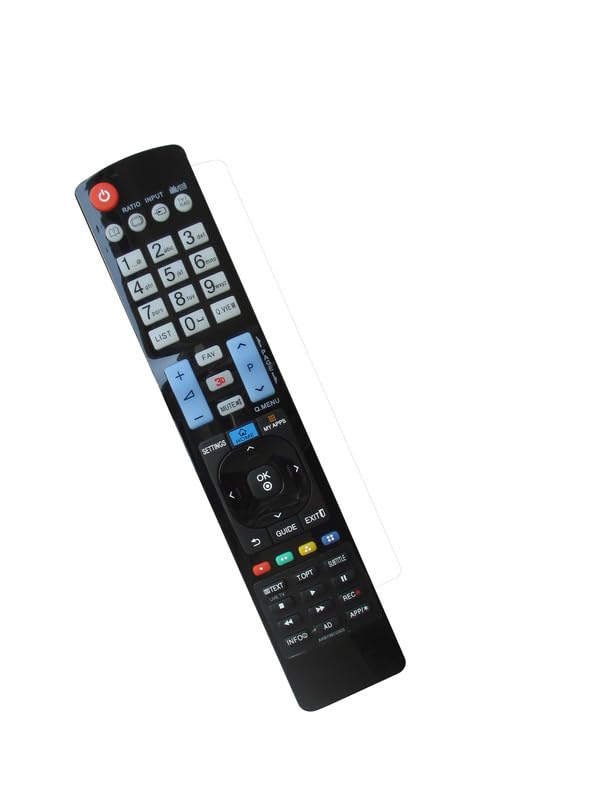
Image: Back of the HCDZ remote control with the battery compartment open, illustrating the correct insertion of two AAA batteries.
The remote control is designed to work immediately after fresh batteries are inserted, with no programming required.
操作手順
基本操作
- Point the remote control directly towards the infrared (IR) sensor on your LG TV.
- Press the desired function button (e.g., Power, Volume Up/Down, Channel Up/Down, Input, Menu) to control your television.
画像: 正面 view of the HCDZ replacement remote control, displaying its button layout for various TV functions.
動作範囲
The remote control has a maximum operating range of approximately 8 meters (26 feet). Ensure there are no obstructions between the remote control and the TV's IR sensor for optimal performance.
メンテナンス
バッテリーケア
- Replace batteries when the remote control's responsiveness decreases.
- 必ず AAA 電池 2 本を同時に交換してください。
- Remove batteries if the remote is stored for extended periods to prevent leakage.
クリーニング
リモコンは柔らかく乾いた布で拭いてください。液体クリーナーや研磨剤は使用しないでください。表面や内部部品を損傷する恐れがあります。
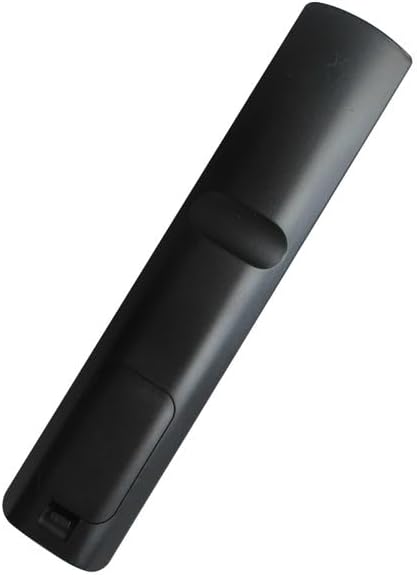
画像: 裏面 view of the HCDZ replacement remote control, showing the closed battery compartment.
トラブルシューティング
- リモコンが応答しない:
- リモコンの電池を新しいものと交換してください。
- Check the battery terminals inside the compartment to ensure they are clean and making proper contact.
- リモコン範囲の問題:
- テレビに近づいてください。
- Remove any physical obstructions between the remote control and the TV's IR sensor.
- TV not powering on/responding:
- Ensure the power cord to your television is securely plugged in and the TV is turned on.
仕様
| ブランド | HCDZ |
| モデル番号 | HCDZ-X12042 |
| 対応デバイス | LG Televisions (e.g., 42LG50-UA, 42LG50-UG, 42LG61-UA) |
| 接続技術 | 赤外線(IR) |
| コントローラータイプ | ボタンコントロール |
| 最大範囲 | 8メートル |
| 電池が必要 | 単2電池XNUMX本 |
| 特集 | No programming needed, works out of package |
保証とサポート
For information regarding warranty coverage or technical support, please refer to the retailer's policy or contact HCDZ customer service directly. Specific warranty details are not provided with this replacement remote control.