
1. はじめに
Thank you for choosing Koss KPH7-10 On-Ear Portable Stereo Headphones. These headphones are designed to provide clear audio for various portable devices. This manual provides instructions for proper setup, operation, maintenance, and troubleshooting to ensure optimal performance and longevity of your headphones.
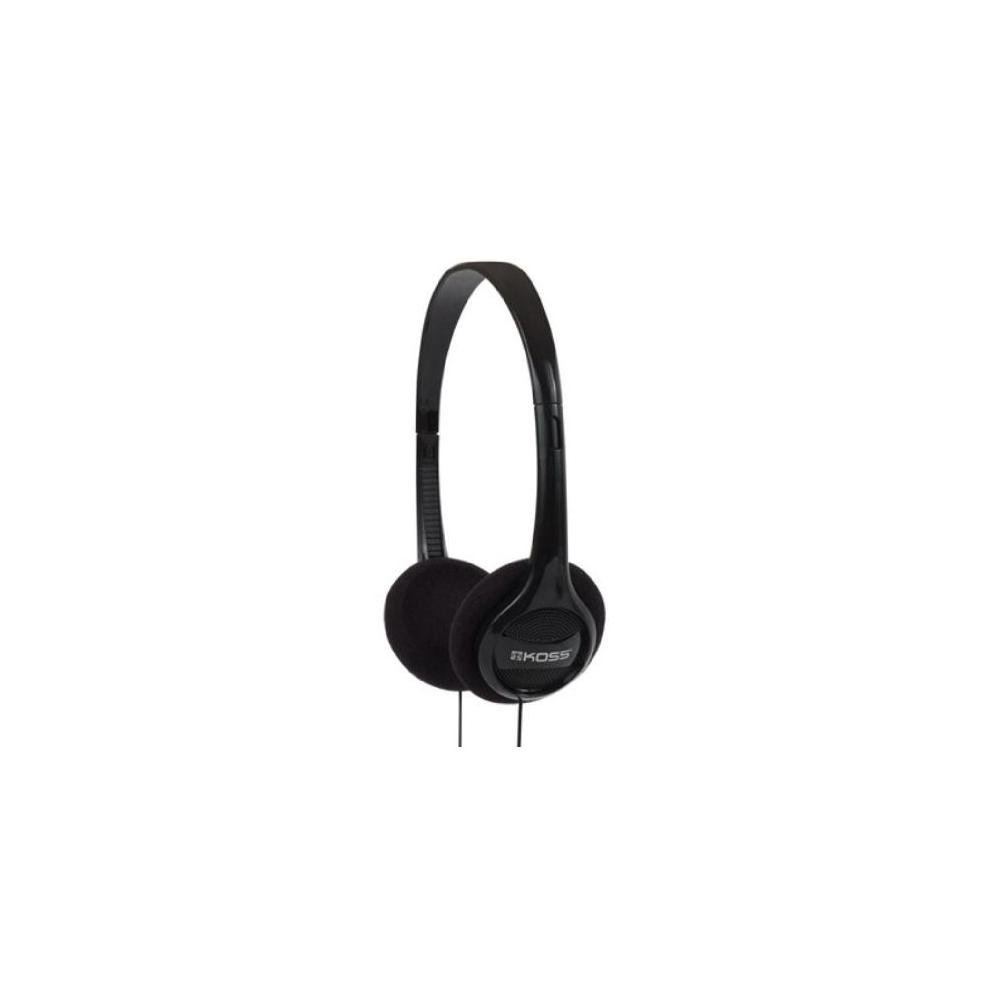
Image 1.1: Koss KPH7-10 On-Ear Portable Stereo Headphones. This image shows the compact, black on-ear headphones with a visible audio cable.
2. セットアップ
Follow these steps to set up your Koss KPH7-10 headphones:
- ヘッドフォンを開梱します。 ヘッドフォンをパッケージから慎重に取り出します。
- オーディオジャックを識別します。 Locate the 3.5 mm audio jack at the end of the headphone cable.
- デバイスに接続します: Insert the 3.5 mm audio jack into the corresponding audio output port on your audio device (e.g., smartphone, tablet, computer, MP3 player). Ensure the connection is secure.
- フィットを調整: Place the headphones on your ears. Adjust the headband to ensure a comfortable and secure fit. The earcups should rest gently over your ears.
3. 操作手順
Using your Koss KPH7-10 headphones is straightforward:
- デバイスの電源をオンにします: Ensure your audio source device is powered on.
- オーディオ再生を開始します: 接続されたデバイスからのオーディオの再生を開始します。
- 音量を調整: Control the audio volume directly from your connected device. These headphones do not feature integrated volume controls.
- 切断中: To disconnect, gently pull the 3.5 mm audio jack from your device's port. Avoid pulling the cable itself to prevent damage.
4. メンテナンス
Proper maintenance helps extend the life of your headphones:
- クリーニング:
- 柔らかく乾いた布を使用して、ヘッドフォンの外側の表面を拭いてください。
- イヤークッションは、軽く湿らせた布で優しく拭いてください。amp 必要に応じて布で拭き、すぐに乾かしてください。過度の湿気を避けてください。
- 強力な化学薬品、溶剤、研磨剤入りの洗剤は使用しないでください。
- ストレージ:
- 使用しないときは、ヘッドフォンを直射日光や極端な温度を避け、清潔で乾燥した場所に保管してください。
- Avoid tangling the cable. Gently coil the cable for storage.
- ケーブルのお手入れ:
- Do not pull, twist, or bend the cable excessively, especially near the connectors.
- Ensure the cable is not pinched or caught in objects.
5。 トラブルシューティング
ヘッドフォンで問題が発生した場合は、次の一般的な問題と解決策を参照してください。
| 問題 | 考えられる原因 | 解決 |
|---|---|---|
| 音が出ない |
|
|
| 音質が悪い(歪み、雑音) |
|
|
| ヘッドホンは不快 |
|
|
If the problem persists after trying these solutions, please contact Koss customer support for further assistance.
6. 仕様
Key technical specifications for the Koss KPH7-10 On-Ear Portable Stereo Headphones:
- ブランド: コス
- モデル: KPH7-10
- 耳の配置: 耳に
- 接続技術: 有線
- ヘッドフォンジャック: 3.5ミリジャック
- 周波数範囲: 80Hz-18kHz
- オーディオ ドライバーの種類: ダイナミックドライバ
- ケーブルの特徴: リトラクタブル
- ケーブル長さ: 約4フィート
- 色: 黒
- 材料: プラスチック
- アイテム数: 6 (referring to the pack quantity)
- 追加機能: 軽量
- 対応デバイス: Devices with 3.5mm Audio Jack
7. 保証とサポート
Koss products are manufactured to high-quality standards. For specific warranty information, please refer to the warranty card included with your purchase or visit the official Koss webサイトでご確認ください。保証請求に備えて購入証明書を保管してください。
For technical support, troubleshooting assistance beyond this manual, or warranty inquiries, please contact Koss customer service through their official webサイト: