
1. はじめに
Thank you for choosing the Pro-Ject Debut Carbon DC Turntable. This manual provides essential information for the proper setup, operation, and maintenance of your turntable. Please read these instructions carefully before using the device to ensure optimal performance and longevity.
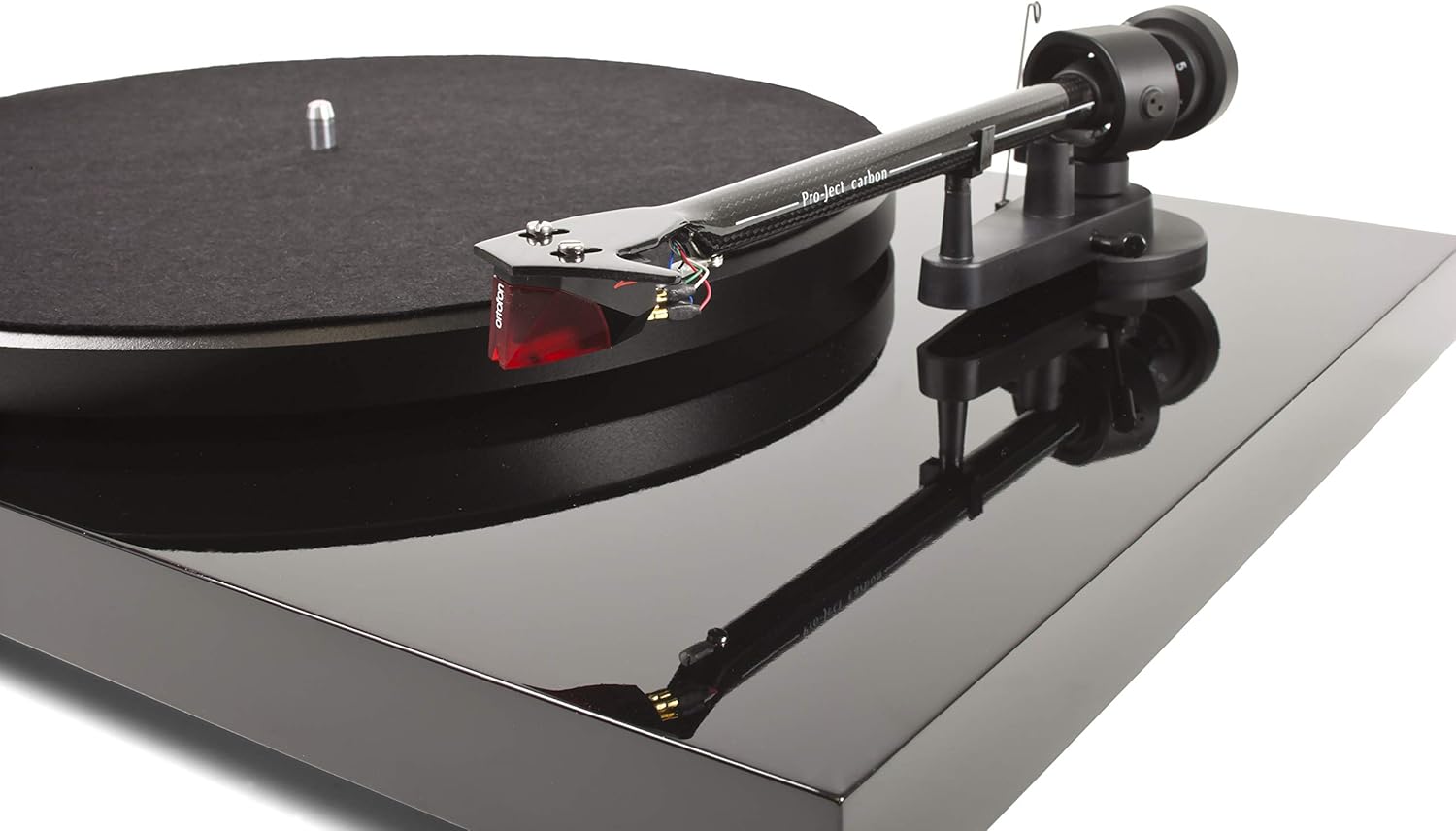
The Pro-Ject Debut Carbon DC is a high-fidelity turntable designed for exceptional audio reproduction, featuring an 8.6-inch carbon fiber tonearm and a pre-mounted Ortofon 2M Red cartridge.
2. 安全に関する注意事項
- 清掃やメンテナンスを行う前に、必ずターンテーブルの電源を外してください。
- Keep the turntable away from water, moisture, and direct sunlight.
- 振動を防ぎ、適切な動作を確保するために、ターンテーブルを安定した水平な面に置いてください。
- ユニットをご自身で修理しようとしないでください。すべての修理は資格のある専門家にご依頼ください。
- Avoid touching the stylus with your fingers to prevent damage.
3. パッケージ内容
以下にリストされているすべてのアイテムがパッケージに含まれていることを確認してください。
- Pro-Ject Debut Carbon DC Turntable with pre-mounted Ortofon 2M Red Cartridge
- Connect-It E RCA Cable
- Removable Power Supply
- フェルトプラッターマット
- ダストカバー
- カウンターウェイト
- アンチスケートウェイト
4. セットアップ
4.1開梱と配置
すべての部品をパッケージから慎重に取り出してください。ターンテーブルは、直射日光や強い振動を避け、しっかりとした平らな場所に置き、周囲に十分な換気を確保してください。
4.2 プラッターとベルトの取り付け
- Place the main platter onto the turntable spindle.
- Locate the drive belt. Carefully stretch the belt around the inner rim of the platter and around the motor pulley. Ensure the belt is not twisted.
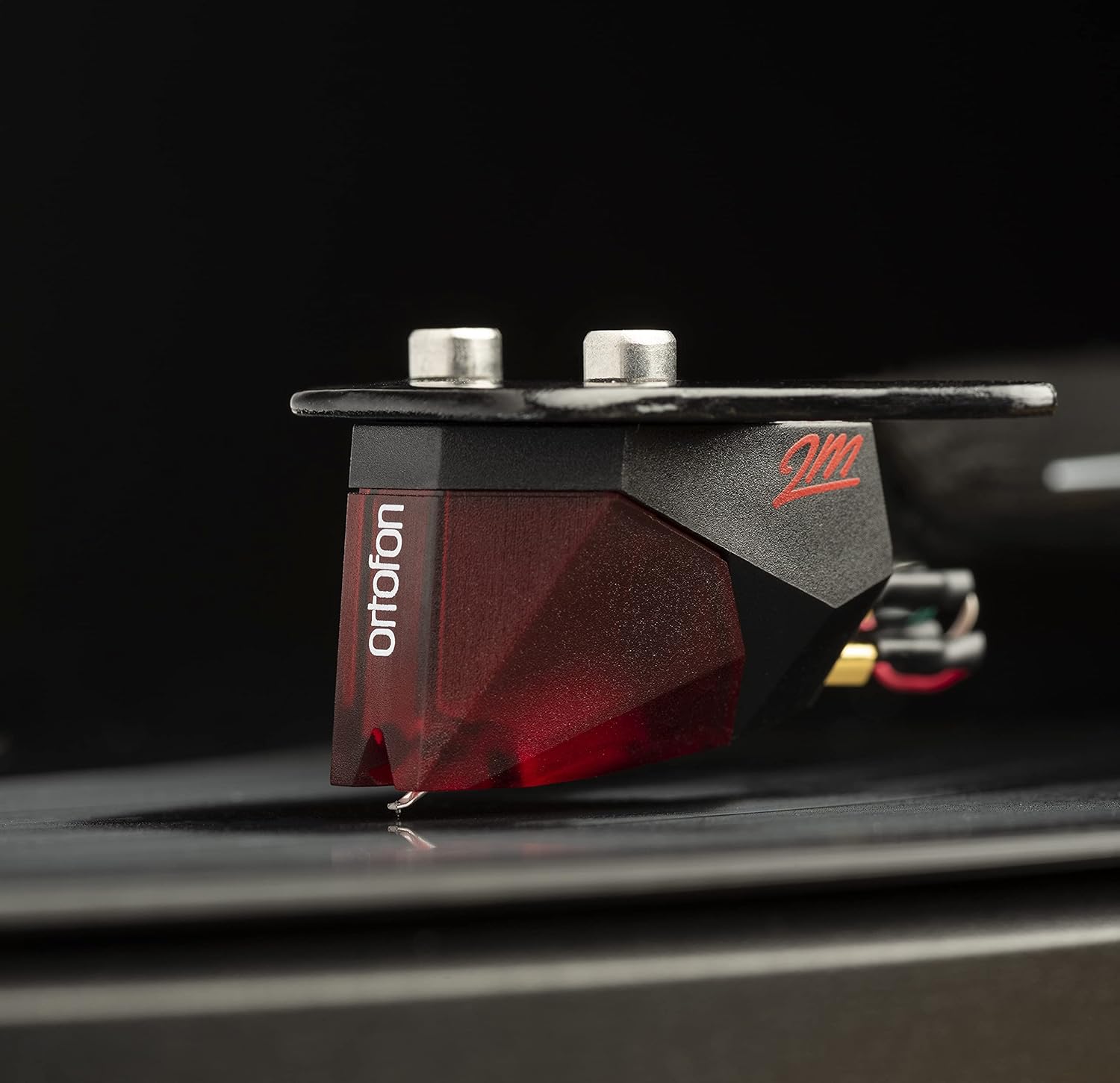
Image: The Pro-Ject Debut Carbon DC Turntable fully assembled, showing the platter, tonearm, and Ortofon 2M Red cartridge. This image illustrates the overall appearance of the turntable after initial setup.
4.3 Tonearm Balance and Tracking Force
The Ortofon 2M Red cartridge is pre-mounted. However, proper tonearm balance and tracking force adjustment are crucial for optimal sound and record preservation.
- With the anti-skate weight removed, carefully unclip the tonearm and move it away from the tonearm rest.
- Rotate the counterweight on the rear of the tonearm until the tonearm floats freely and is perfectly balanced horizontally.
- Once balanced, return the tonearm to its rest. Hold the counterweight steady and rotate the numbered ring until '0' aligns with the line on the tonearm.
- Rotate the entire counterweight counter-clockwise until the desired tracking force is set. For the Ortofon 2M Red, the recommended tracking force is typically 1.8 grams.
画像: クローズアップ view of the Ortofon 2M Red cartridge mounted on the carbon fiber tonearm of the Pro-Ject Debut Carbon DC turntable. This highlights the stylus and cartridge assembly.
4.4 アンチスケート調整
The anti-skate mechanism prevents the tonearm from being pulled inwards towards the center of the record. Attach the small loop of the anti-skate weight's thread to the second groove of the anti-skate stub on the tonearm support.
4.5 接続 Ampリファイアー
Connect the supplied RCA cable from the turntable's output jacks to the 'Phono' input on your amplifier or a dedicated phono pre-amplifier。 もしあなたの amplifier does not have a 'Phono' input, you will need an external phono pre-amplifier. Connect the ground wire from the turntable to the ground terminal on your amplifier or phono pre-ampハムを最小限に抑えるリファイア。

画像:側面 view of the Pro-Ject Debut Carbon DC Turntable, illustrating the rear panel with RCA output jacks and the power input. This shows where to connect audio cables and the power supply.
4.6電源接続
Connect the power supply to the turntable's power input and then plug it into a suitable wall outlet.
4.7ダストカバー
Carefully attach the dust cover to the hinges on the rear of the turntable. The dust cover protects the turntable from dust when not in use.
5. 操作手順
5.1 電源のオン/オフ
The power switch is located on the underside of the turntable, near the front left corner. Flip the switch to the 'ON' position to start the platter rotation. Flip it to 'OFF' to stop.
5.2 レコードの再生
- レコードをプラッターの中央に置きます。
- 電源スイッチを使用してターンテーブルの電源をオンにします。
- キューイングレバーを使用してトーンアームを慎重に持ち上げます。
- トーンアームをレコードの希望する開始溝の上に配置します。
- Gently lower the tonearm using the cueing lever. The stylus will make contact with the record and playback will begin.
- At the end of the record, lift the tonearm using the cueing lever and return it to the tonearm rest.
5.3 Changing Playback Speed (33/45 RPM)
The Pro-Ject Debut Carbon DC requires manual adjustment to change playback speed between 33 and 45 RPM.
- ターンテーブルをオフにします。
- Carefully remove the felt mat and lift the platter off the spindle.
- Locate the motor pulley. It has two different diameter steps.
- For 33 RPM, place the drive belt around the smaller diameter step of the motor pulley.
- For 45 RPM, place the drive belt around the larger diameter step of the motor pulley.
- Replace the platter and felt mat.
6. メンテナンス
6.1 ターンテーブルのクリーニング
Use a soft, lint-free cloth to gently wipe the turntable chassis and dust cover. Avoid using abrasive cleaners or solvents. For the platter, use a slightly damp cloth if necessary, ensuring it is dry before use.
6.2 スタイラスのお手入れ
The stylus is delicate. Use a soft stylus brush, brushing gently from back to front, to remove dust and debris. Never use your fingers to clean the stylus. A dirty stylus can damage your records and degrade sound quality.
6.3 Drive Belt Inspection
Periodically inspect the drive belt for signs of wear or stretching. A worn belt can lead to inconsistent playback speed. Replace the belt if it appears damaged or loose.
7。 トラブルシューティング
| 問題 | 考えられる原因 | 解決 |
|---|---|---|
| 電源なし | 電源ケーブルが接続されていない、電源コンセントに障害がある、電源スイッチがオフになっている。 | 電源接続を確認し、別のコンセントを試し、電源スイッチがオンになっていることを確認します。 |
| 一方または両方のチャンネルから音が出ない | RCA cables not connected correctly; phono input not selected; damaged stylus; ampライフラインの問題。 | RCA接続を確認し、正しい入力を選択してください amplifier; inspect stylus; test amplifier with another source. |
| ハミング音 | Ground wire not connected; proximity to other electronic devices; faulty cables. | Connect ground wire; move turntable away from other electronics; try different RCA cables. |
| 再生速度が正しくありません | Drive belt incorrectly positioned; worn drive belt. | Adjust drive belt to correct motor pulley step; replace drive belt if worn. |
| 歪んだ音 | Dirty or damaged stylus; incorrect tracking force; worn record. | Clean or replace stylus; re-adjust tracking force; try a different record. |
If you encounter problems not listed here or if the suggested solutions do not resolve the issue, please contact your dealer or Pro-Ject customer support for assistance.
8. 仕様
| 特徴 | 詳細 |
|---|---|
| モデル名 | Debut Carbon DC |
| 商品型番 | 9120050435933 |
| 製品寸法 | 12.6 x 16.34 x 4.65インチ |
| アイテム重量 | 12.35 ポンド (5600 グラム) |
| ブランド | プロジェクト |
| 最高回転数 | 45 RPM (also supports 33 RPM) |
| 含まれるコンポーネント | Turntable with pre-mounted Ortofon 2M Red Cartridge, Connect-It E RCA Cable, removable Power Supply, felt platter mat, and dust cover |
| 特集 | Carbon Tube Tone-Arm, Balanced Steel Platter, Decoupled Motor, Pre-Mounted Ortofon 2M Red Cartridge |
| 材料 | エンジニアリングウッド、プラスチック |
| 色 | ピアノブラック |
| 対応デバイス | Speaker, Personal Computer, Desktop, Smartphone, Tablet, Laptop (via appropriate audio interfaces/pre-amps) |
9. 保証とサポート
Specific warranty information for the Pro-Ject Debut Carbon DC Turntable is typically provided with the product packaging or available from your authorized dealer. Please retain your proof of purchase for warranty claims.
For technical support, service, or further inquiries, please contact your local Pro-Ject dealer or visit the official Pro-Ject Audio Systems webサイト。