
1. はじめに
The EPOS Sennheiser IMPACT SC 660 USB ML is a premium, wired, double-sided USB headset designed for professionals. It is optimized for Unified Communications (UC) and certified for Skype for Business, offering outstanding sound performance, convenient call handling, durability, and all-day comfort. This headset features HD sound, an ultra noise-cancelling microphone, and a USB connector for seamless integration with various devices and platforms.

図1: 前面 view of the EPOS Sennheiser IMPACT SC 660 USB ML Headset.
2. 箱の中身
Carefully unpack your EPOS Sennheiser IMPACT SC 660 USB ML headset and ensure all components are present:
- IMPACT SC 660 USB ML Headset
- 保護ケース
- Cable clip mounted on headset
- Leatherette ear pad/s (spare)
- マグネットホルダー
- クイックガイド
- 安全ガイド
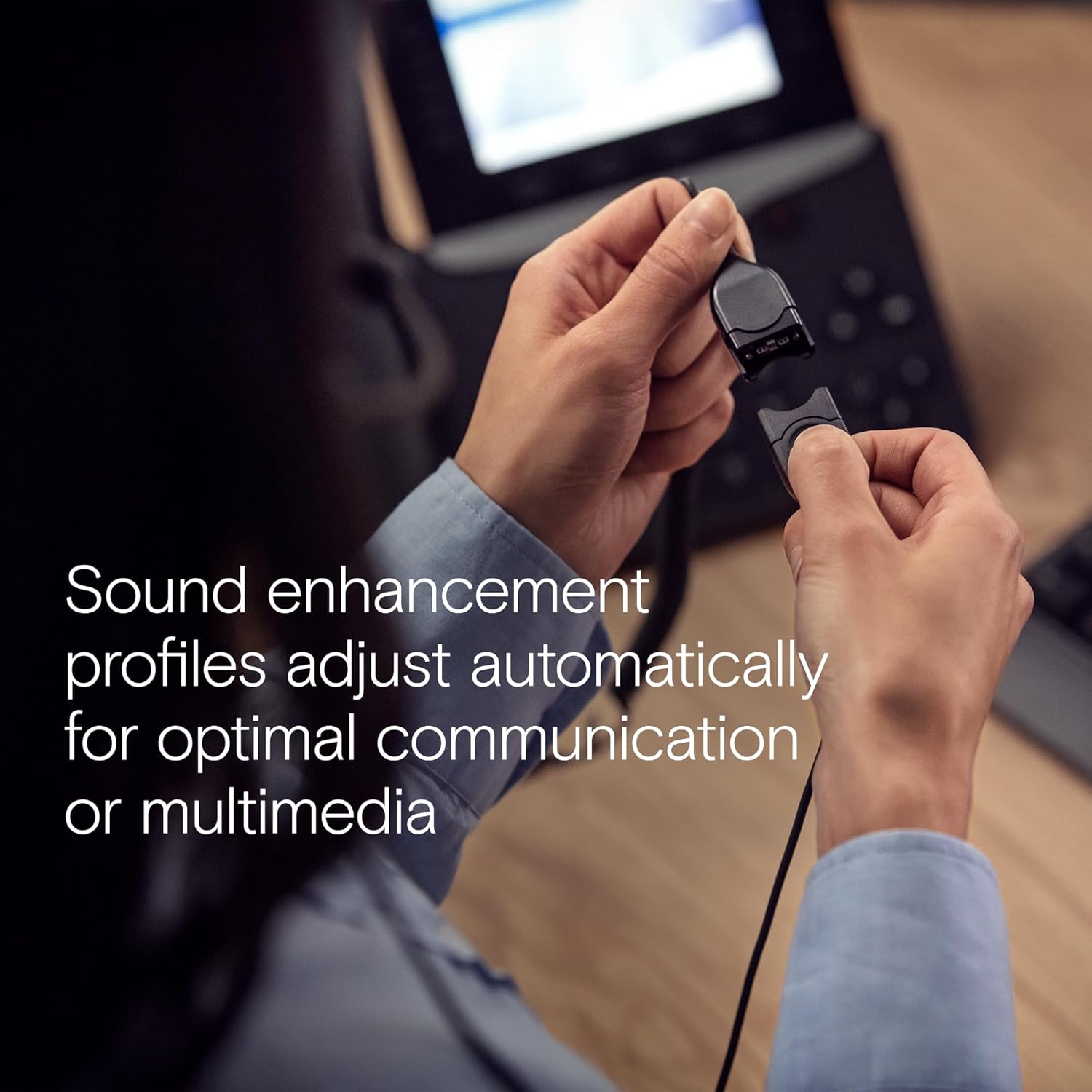
Figure 2: All included components: headset, carry pouch, in-line call control, clothing clip, USB connector, leatherette ear pads, ear pad holders, safety guide, and quick guide.
3. セットアップ
The IMPACT SC 660 USB ML headset is designed for simple plug-and-play setup.
3.1 ヘッドセットの接続
- コンピューターまたは互換性のあるデバイスで使用可能な USB ポートを見つけます。
- ヘッドセットのUSBコネクタをUSBポートに差し込みます。
- The headset will be automatically recognized by your operating system. No additional drivers are typically required for basic functionality.
3.2 ソフトウェアの互換性
This headset is optimized for Unified Communications (UC) and certified for various platforms, ensuring seamless integration and optimal performance:
- ビジネス向けSkype
- マイクロソフトチーム
- Google ミート
- アルカテル・ルーセント・エンタープライズ
- Webシスコによる元
- アバイア
- Chromebookで動作します

Figure 3: The headset is optimized for various Unified Communications platforms, including Microsoft Teams, Google Meet, Alcatel-Lucent Enterprise, Webex by Cisco, Avaya, and Chromebook.
3.3 ヘッドセットの装着
Adjust the headband and microphone boom for a comfortable and secure fit. The microphone boom is flexible to allow for optimal positioning near your mouth.

Figure 4: A person wearing the headset, demonstrating proper microphone positioning for natural, clear conversations with EPOS Voice and noise-cancelling microphone technology.
Video 1: Official product description video for the EPOS Sennheiser IMPACT SC 600 Series, highlighting key features and benefits for business communication.
4. 操作手順
The IMPACT SC 660 USB ML headset provides intuitive controls for managing your calls and audio.
4.1 In-Line Call Control Unit
The headset features an in-line call control unit for easy management of calls and audio settings:
- 通話の応答/終了: Press the dedicated call button to answer or end a call.
- 音量コントロール: 「+」ボタンと「-」ボタンを使用して、音量を調整します。
- マイクをミュート: Press the microphone mute button to mute or unmute your microphone.
- リダイヤル: Some applications may support redialing directly from the control unit.
4.2 マイクの使用
The ultra noise-cancelling microphone filters out unwanted background noise, ensuring crystal-clear conversations. Position the microphone approximately two fingers' width from the corner of your mouth for optimal voice pickup.
4.3 サウンド機能
- HDサウンド: Powered by a neodymium speaker, the headset delivers clear and natural voice and audio experiences.
- ActiveGard Technology: This technology protects users against acoustic injury caused by sudden sound bursts on the line.
- Sound Enhancement Profiles: The headset automatically adjusts sound enhancement profiles for optimal communication or multimedia listening.

図5:側面 view of the headset, highlighting the in-line call control unit and USB connector.
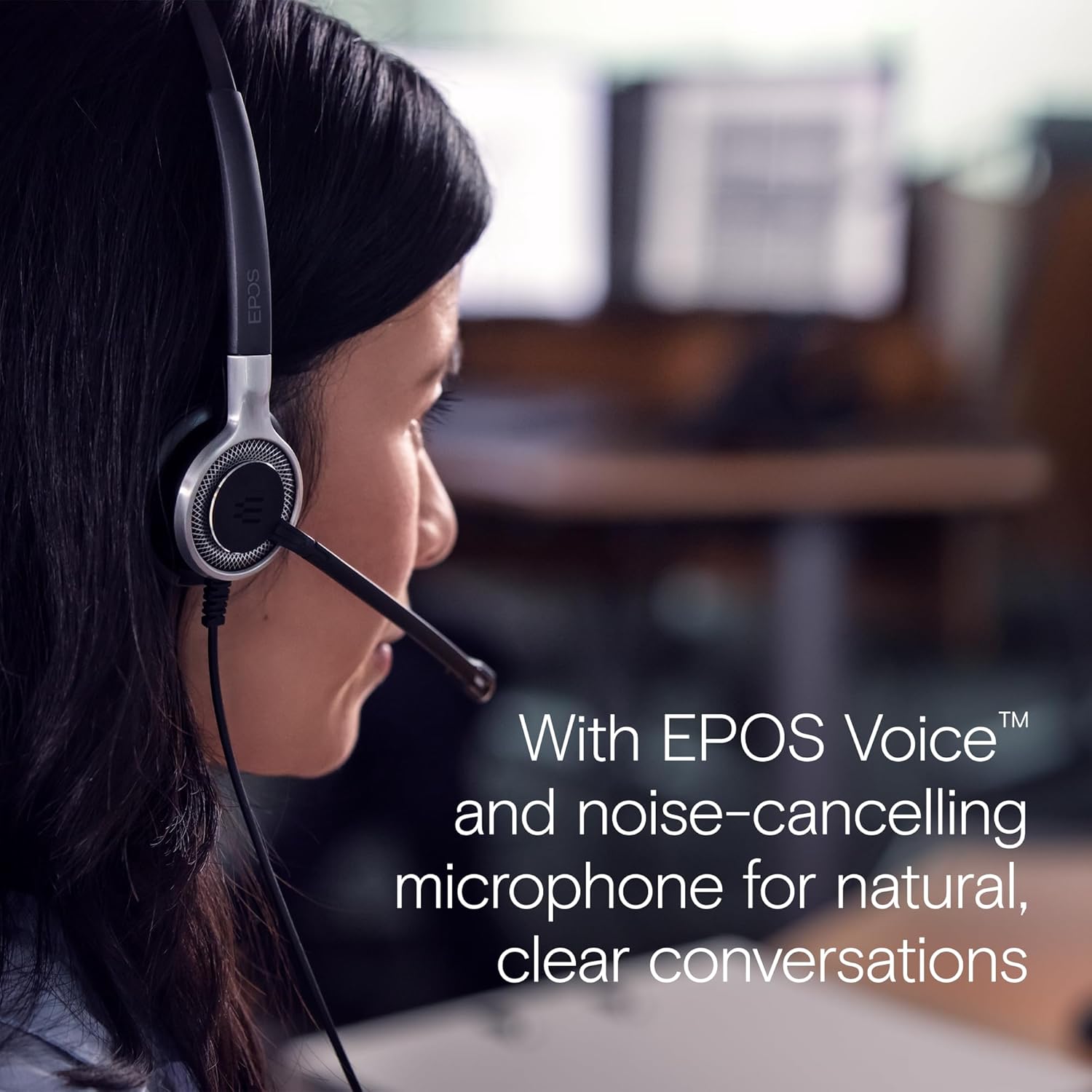
Figure 6: Image illustrating how sound enhancement profiles adjust automatically for optimal communication or multimedia experiences.
5. メンテナンス
Proper care and maintenance will extend the life and performance of your headset.
5.1 クリーニング
- イヤーパッド: The soft leatherette ear pads can be gently wiped with a damp 布で拭いてください。使用する前に完全に乾いていることを確認してください。
- ヘッドセット本体: Use a soft, dry cloth to clean the headset body. Avoid using harsh chemicals or abrasive materials.
5.2 ストレージ
When not in use, store the headset in its protective case. The ear cups can be folded flat for easy transportation and storage, protecting the headset from damage.
5.3 ケーブルのケア
The headset features Vectran reinforced cables for enhanced durability. Avoid sharp bends or excessive pulling on the cable to prevent damage.
6。 トラブルシューティング
If you encounter issues with your headset, try the following basic troubleshooting steps:
- 音が出ない/マイクが機能しない:
- USB コネクタがポートに完全に挿入されていることを確認します。
- Check your computer's audio settings to ensure the headset is selected as the default playback and recording device.
- Verify that the microphone is not muted using the in-line control unit.
- Try plugging the headset into a different USB port or another computer to rule out port or system-specific issues.
- 音質が悪い:
- Adjust the volume using the in-line control or your computer's settings.
- Ensure the microphone is positioned correctly near your mouth for clear voice pickup.
- ケーブルまたはコネクタに物理的な損傷がないか確認します。
- Headset Not Recognized:
- コンピュータを再起動します。
- オペレーティング システムが最新であることを確認してください。
For more complex issues, refer to the detailed Safety Guide or Quick Guide included in the box, or contact EPOS customer support.
7. 仕様
| モデル名 | IMPACT SC 660 USB ML |
| ブランド | EPOS |
| 接続技術 | USB |
| ヘッドフォンジャック | USB |
| 耳の位置 | 耳に |
| フォームファクター | 耳に |
| 色 | 黒 |
| 材料 | プラスチック |
| アイテム重量 | 7.9オンス(224グラム) |
| 製品寸法 | 13 x 2.44 x 2.44インチ |
| 周波数応答(マイク) | 150 – 6,800 Hz (Wideband) |
| Frequency Response (Speaker) | 50 – 18,000 Hz |
| インピーダンス | 200オーム |
| 騒音制御 | ノイズキャンセル(マイク) |
| 特集 | 軽量 |
| 対応デバイス | Laptops, Tablets (via USB) |
| ケーブル機能 | Retractable, Vectran reinforced |
| コントロールタイプ | Call Control (in-line remote) |
8.保証とサポート
8.1 保証情報
The EPOS Sennheiser IMPACT SC 660 USB ML headset comes with a 3年間の国際保証. This warranty covers manufacturing defects and ensures peace of mind regarding the quality and durability of your headset. Please retain your proof of purchase for warranty claims.
8.2 カスタマーサポート
For technical assistance, warranty claims, or further inquiries, please visit the official EPOS website or contact their customer support directly. Refer to the contact information provided in your Safety Guide or on the EPOS webサイト。