
1. はじめに
This manual provides instructions for the safe and efficient use of your Samsung Type C to C Cable, Model EP-DA705BWEGIN. This cable is designed for universal compatibility with USB Type-C devices, offering high-speed data transfer and charging capabilities.
Key features include a 1-meter length, a reversible design for easy connection, and support for USB 2.0 data transfer speeds.

Image 1: Samsung Type C to C Cable packaging.
2. セットアップ
The Samsung Type C to C Cable is designed for simple plug-and-play functionality. No special software or drivers are required for basic operation.
2.1 ケーブルの接続
- Identify the USB Type-C port on your device (e.g., smartphone, tablet, laptop).
- Insert one end of the USB Type-C connector into your device's port. The reversible design allows for connection in either orientation.
- Insert the other end of the USB Type-C connector into a compatible power adapter for charging, or into another device for data transfer.

Image 2: Samsung Type C to C Cable showing both connectors.
3. 操作手順
3.1 デバイスの充電
To charge your device, connect one end of the cable to your USB Type-C device and the other end to a compatible USB Type-C power adapter. Ensure the power adapter provides sufficient wattage for your device's charging requirements. The cable supports a maximum current of 3 Amps.
3.2データ転送
For transferring data between two devices, connect the cable between their respective USB Type-C ports. Once connected, your devices should recognize each other, allowing you to initiate data transfer. The cable supports data transfer rates up to 480 Megabits Per Second (USB 2.0 standard).
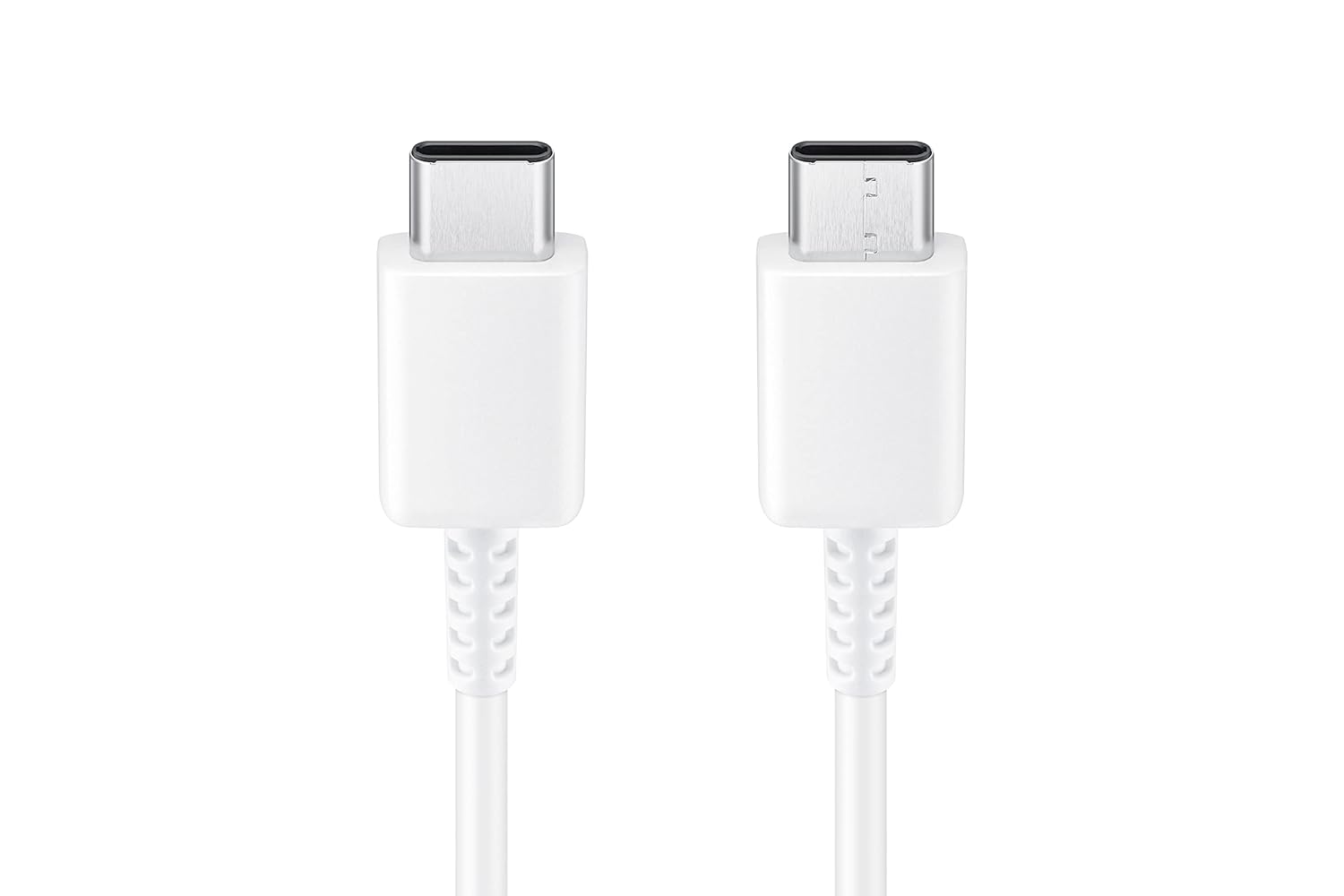
画像3: 詳細 view of the reversible USB Type-C connectors.
4. メンテナンス
Proper care and maintenance will extend the life of your Samsung Type C to C Cable.
- 急カーブを避ける: Do not bend the cable sharply, especially near the connectors, as this can damage internal wires.
- ストレージ: ケーブルは、直射日光や極端な温度を避け、清潔で乾燥した環境に保管してください。
- クリーニング: If the connectors become dirty, gently wipe them with a dry, soft, lint-free cloth. Do not use liquids or abrasive cleaners.
- 取り扱い: ケーブルを抜き差しするときは、ケーブル自体を引っ張るのではなく、必ずコネクタのヘッドをつかんでください。
5。 トラブルシューティング
If you encounter issues with your cable, refer to the following common troubleshooting steps:
- デバイスが充電されない:
- Ensure both ends of the cable are securely connected to your device and the power adapter.
- Verify that the power adapter is functioning correctly and is compatible with your device.
- Check the cable and connectors for any visible damage, such as fraying or bent pins.
- 別の電源コンセントまたは電源アダプターを使用してみてください。
- 遅い充電:
- Confirm that your power adapter supports fast charging if your device is capable of it.
- Ensure the cable is not damaged. A damaged cable can reduce charging efficiency.
- Some devices may limit charging speed based on battery level, device temperature, or background activity.
- データ転送の問題:
- Ensure both connected devices support data transfer via USB Type-C.
- Check the device settings for data transfer mode (e.g., "File Transfer," "PTP," or "USB Debugging").
- Try reconnecting the cable or restarting both devices.
- Ensure the cable is not connected to a charging-only port.
6. 仕様
| ブランド | サムスン |
| モデル番号 | EP-DA705BWEGIN |
| コネクタタイプ | USBタイプC |
| ケーブルタイプ | USB |
| コネクタの性別 | 男性から男性へ |
| 長さ | 1メートル(3.28フィート) |
| 対応デバイス | Smartphones, Tablets, Laptops with USB Type-C ports |
| 特集 | Data Transfer, Durable, Reversible Design |
| データ転送速度 | 480メガビット/秒(USB 2.0) |
| 最大電流 | 3 Amps |
| 色 | 白 |
| アイテム重量 | 22.2グラム |
7. 保証情報
This Samsung Type C to C Cable (Model EP-DA705BWEGIN) is covered by a 6ヶ月のメーカー保証 ご購入日から有効です。この保証は、通常の使用条件下での製造上の欠陥を対象としています。
To make a warranty claim, please retain your original proof of purchase (receipt or invoice). The warranty does not cover damage caused by misuse, accident, unauthorized modification, or external causes.
8. カスタマーサポート
For technical assistance, product inquiries, or warranty support, please contact Samsung customer service:
- メールアドレス: support.india@samsung.com
- フリーダイヤル番号: 1800 40 7267864
- 製造元住所: Samsung India Electronics Pvt ltd, 6th Floor, DLF Centre, Sansad Marg, New Delhi - 110001, India.
Please have your product model number (EP-DA705BWEGIN) and proof of purchase ready when contacting support.