
1. はじめに
This manual provides essential information for the safe and effective installation, operation, and maintenance of the Gewiss GW10002 1-module 1-pole 16A illuminated switch. Please read these instructions carefully before proceeding with installation or use, and retain them for future reference.
The Gewiss GW10002 is designed for controlling electrical circuits, featuring a single pole and a 16A current rating, with an integrated illumination for status indication. It is suitable for various domestic and industrial applications.
2. 安全情報
WARNING: Electrical installation should only be performed by a qualified electrician. Failure to follow these safety guidelines may result in electric shock, fire, or serious injury.
- Always disconnect the main power supply at the circuit breaker or fuse box before attempting any installation, wiring, or maintenance.
- ボリュームを使用して電源がオフになっていることを確認しますtag配線に触れる前に必ずテスターで点検してください。
- Ensure that the product's voltage and current ratings (16A) are compatible with your electrical system.
- 濡れた場所や湿気の多い場所に設置しないでくださいamp 製品がそのような環境向けに特別に評価されていない限り、そのような場所には設置しないでください。
- すべての配線接続が安全かつ適切に絶縁されていることを確認してください。
- いかなる場合も製品を改造しないでください。
3. セットアップとインストール
The Gewiss GW10002 switch is designed for flush mounting in standard electrical boxes or enclosures.
- 電源を切る: Turn off the main power supply to the circuit where the switch will be installed.
- 配線の準備: Carefully strip approximately 10-12mm of insulation from the ends of the live (L), neutral (N), and load wires.
- ワイヤーを接続する: Connect the wires to the appropriate terminals on the back of the GW10002 switch. Typically, the live wire connects to the input terminal, and the load wire connects to the output terminal. If the switch has an illuminated indicator, a neutral connection may also be required for the indicator light to function. Refer to the wiring diagram on the product if available.
- マウントスイッチ: Carefully place the switch into the electrical box or enclosure. Secure it using the provided screws, ensuring it is flush with the wall surface.
- 電力を回復する: Once the switch is securely mounted and all connections are verified, restore power to the circuit.
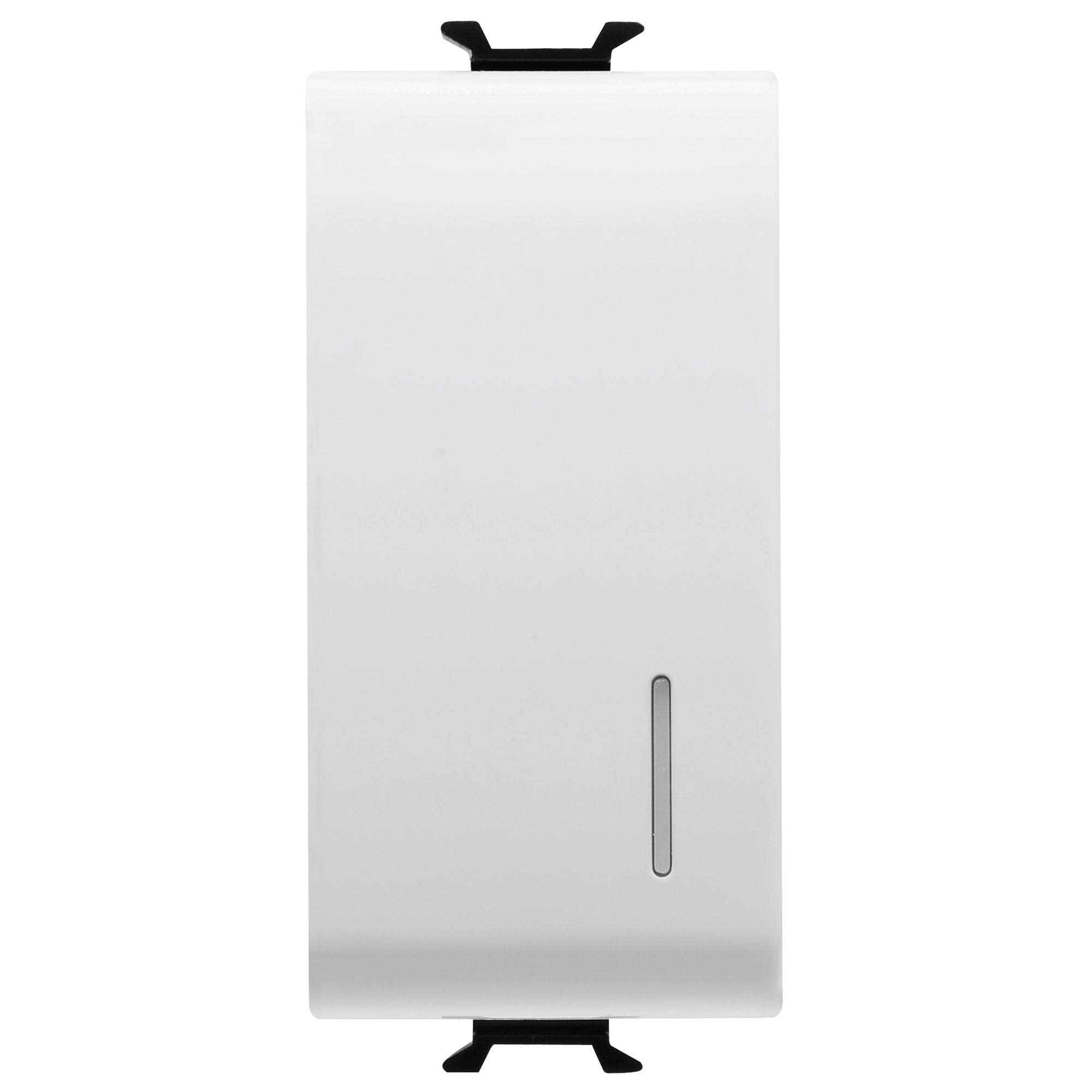
図1: 前面 view of the Gewiss GW10002 1-module 1-pole 16A illuminated switch.
4. 操作手順
The Gewiss GW10002 switch operates with a simple push mechanism:
- スイッチをつける: Press the switch button. The connected appliance or light will receive power, and the integrated illumination will light up (if wired correctly).
- 電源を切るために: Press the switch button again. The power to the connected appliance or light will be cut, and the illumination will turn off.
5. メンテナンス
The Gewiss GW10002 switch requires minimal maintenance to ensure long-term performance.
- クリーニング: Disconnect power before cleaning. Use a soft, dry cloth to wipe the surface of the switch. Do not use abrasive cleaners, solvents, or excessive moisture, as these can damage the plastic material or internal components.
- 検査: Periodically inspect the switch for any signs of damage, loose connections, or discoloration. If any issues are observed, disconnect power and consult a qualified electrician for inspection and repair or replacement.
6。 トラブルシューティング
If you encounter issues with your Gewiss GW10002 switch, refer to the following table:
| 問題 | 考えられる原因 | 解決 |
|---|---|---|
| Switch does not turn ON/OFF power. | 回路に電力が供給されていない、配線の接続が緩んでいる、スイッチに障害がある。 | Check main circuit breaker/fuse. Verify all wiring connections are secure (with power off). Replace switch if faulty. |
| Illumination does not light up. | No neutral connection for the indicator; Faulty indicator light; No power to the circuit. | Ensure neutral wire is connected if required. Check power supply. Replace switch if indicator is faulty. |
| スイッチが壁の中で緩んでいるように感じます。 | 取り付けネジが緩んでいます。 | Tighten mounting screws (with power off). |
7. 技術仕様
| 特徴 | 仕様 |
|---|---|
| メーカー | Gewiss |
| モデル番号 | GW10002 |
| 製品寸法(長さ x 幅 x 高さ) | 4.5 x 2.01 x 3 cm |
| 重さ | 40グラム |
| 材料 | プラスチック |
| Number of Poles | 1 |
| 定格電流 | 16A |
| モジュールサイズ | 1モジュール |
| 色 | 白 |
| 電池が必要 | いいえ |
| 電池付属 | いいえ |
8. 保証とサポート
Specific warranty information for the Gewiss GW10002 is not available in the provided product data. For warranty details, technical support, or spare parts availability, please contact Gewiss directly or refer to their official website. Always ensure you have your product model number (GW10002) when contacting support.