
導入
This manual provides detailed instructions for the setup, operation, and maintenance of your La Crosse Technology Atomic Wall/Table Clock, Model 513-1211. This digital clock features a large LCD display, automatic time setting via atomic signal, indoor temperature monitoring, and a perpetual calendar. It is designed for easy viewing and can be used as a wall-mounted or tabletop device.
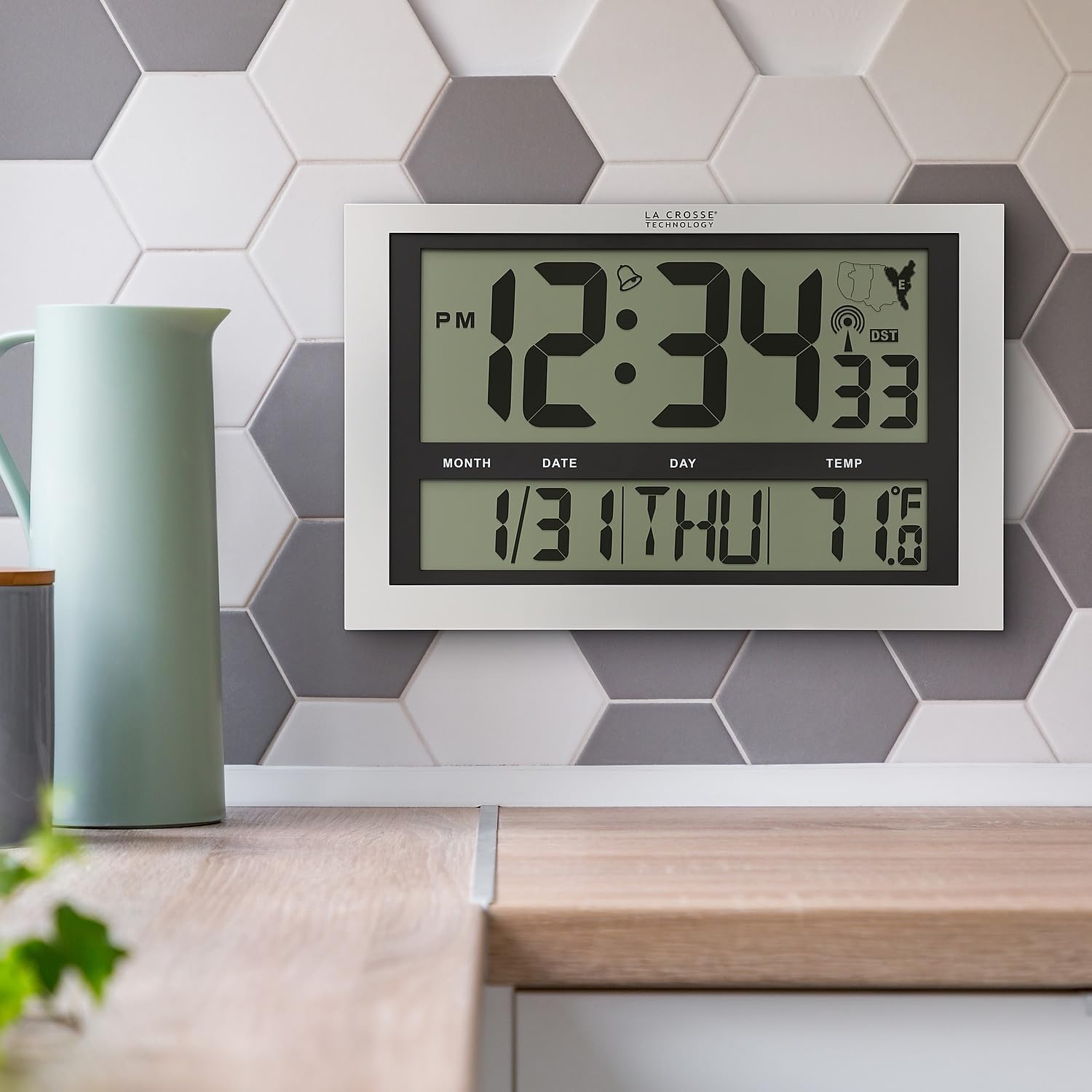
Image: La Crosse Technology Atomic Wall/Table Clock (Model 513-1211) mounted on a kitchen wall, showing the large digital display with time, date, and indoor temperature.
安全情報
Please read and understand the following safety precautions before using your clock:
- 指定された電池タイプ(単3アルカリ電池 3 本)のみを使用してください。
- 古い電池と新しい電池、または異なる種類の電池を混ぜないでください。
- 電池が正しい極性 (+/-) で挿入されていることを確認してください。
- 液漏れを防ぐため、使い切った電池はすぐに取り出してください。
- Do not expose the clock to extreme temperatures, direct sunlight, or moisture.
- 時計を強い磁場から遠ざけてください。
パッケージ内容
パッケージにすべてのアイテムが含まれていることを確認します。
- La Crosse Technology Atomic Wall/Table Clock (Model 513-1211)
- 取扱説明書(本書)
設定
1. バッテリーの取り付け
The clock requires 3 AA alkaline batteries (not included).
- 時計の裏側にある電池収納部を見つけます。
- Slide up and pull out the battery cover.
- Insert 3 new AA alkaline batteries according to the polarity markings (+ and -).
- 電池カバーをしっかりと取り付けてください。

画像: 背面 view of the clock, highlighting the battery compartment, control buttons (SET, WAVE/+, DST/-, SNOOZE), and time zone switch.
2. Initial Setup and Atomic Signal Reception
After battery installation, the clock will automatically begin searching for the atomic time signal (WWVB). This process may take several minutes to several hours, depending on your location and environmental conditions. For best reception, place the clock near a window, facing generally towards Fort Collins, Colorado (USA).
- タイムゾーンの選択: Use the time zone selector switch (PST, MST, CST, EST) on the back of the clock to choose your desired time zone.
- The clock will attempt to synchronize with the atomic signal. A signal strength indicator will appear on the display.
- 手動時間設定(オプション): If the atomic signal is not received, or if you prefer to set the time manually, press and hold the セット button for 3 seconds to enter settings. Use the WAVE/+ そして DST/- buttons to adjust values, and セット 確認します。
3. 取り付けオプション
The clock can be displayed on a flat surface or mounted on a wall.
- 卓上使用: Extend the foldout legs located on the back of the clock to stand it upright on a desk or shelf.
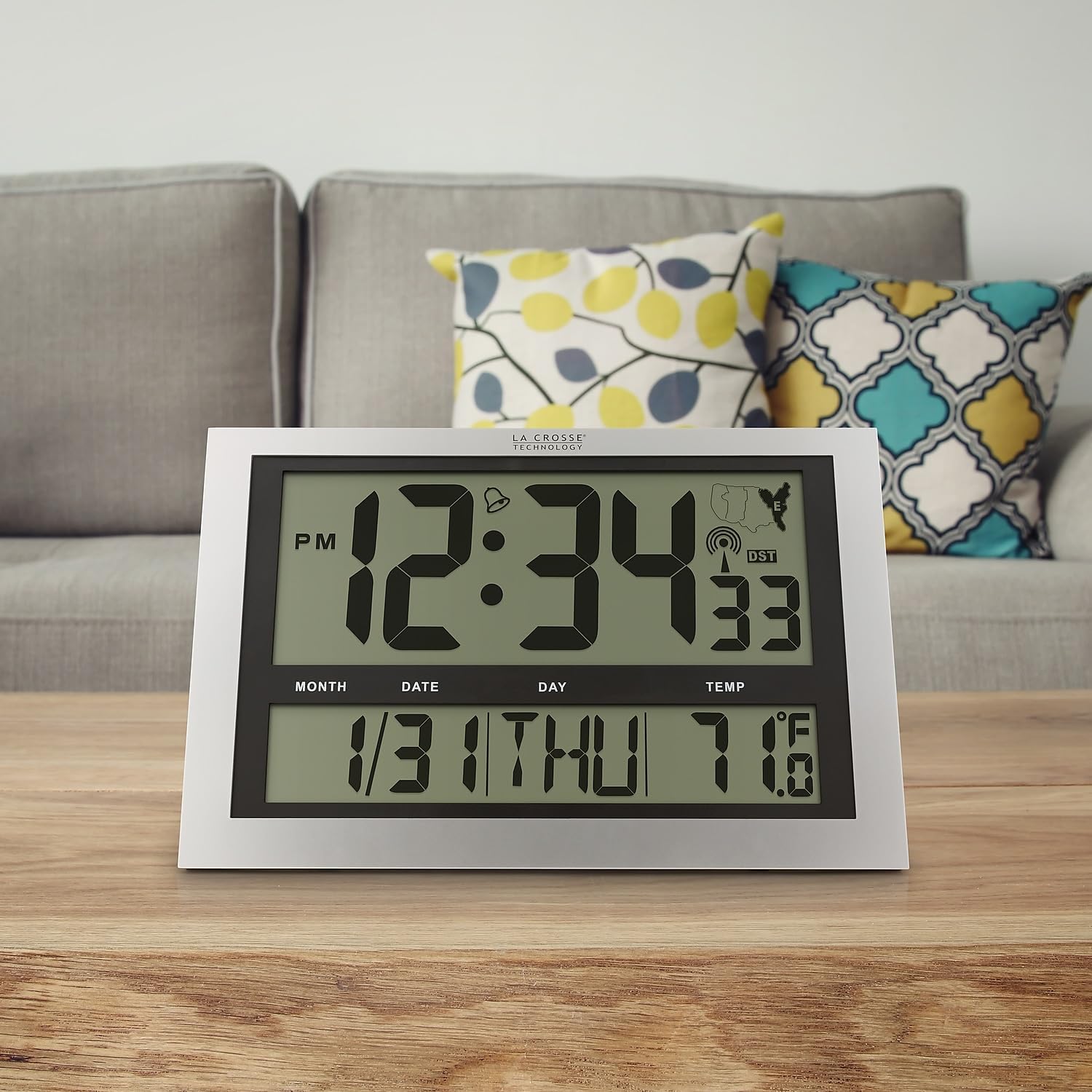
Image: La Crosse Technology Atomic Wall/Table Clock (Model 513-1211) standing on a wooden table, showcasing its use as a tabletop clock.
- 壁掛け: Collapse the foldout legs. Use the integrated hanging hole on the back of the clock to mount it securely on a wall using a screw (not included).
操作手順
1. 時刻と日付の表示
The large LCD display shows the current time, date, and day of the week.
- Time Digits: The main time digits are approximately 4.25 inches tall for easy readability.
- 12/24時間形式: を押す セット button briefly to toggle between 12-hour (AM/PM) and 24-hour (military) time formats.
- パーペチュアルカレンダー: The clock automatically displays the month, date, and weekday (English only).
2.温度表示
時計は室内温度を監視して表示します。
- 華氏/摂氏: を押し続けます °C /°F button for 3 seconds to switch between Fahrenheit (°F) and Celsius (°C) temperature units.
- 温度範囲: 室内温度の範囲は-10℃~50℃(14°F~122°F)です。
3. アラーム機能
The clock includes an alarm with a snooze feature.
- 目覚ましを設定する: 押して離す セット button to switch from TIME MODE to ALARM MODE. In ALARM MODE, press and hold セット to adjust the alarm time using the WAVE/+ そして DST/- ボタン。 プレス セット 確認します。
- アラームのアクティブ化/非アクティブ化: In ALARM MODE, press the WAVE/+ button to turn the alarm ON or OFF. An alarm icon will appear on the display when activated.
- スヌーズ: アラームが鳴ったら、を押します スヌーズ ボタンを押すとアラームが 5 分間停止します。
4. 夏時間(DST)
The clock can automatically adjust for Daylight Saving Time.
- DST On/Off: を押す DST/- button to enable or disable the automatic DST adjustment. The DST indicator will show on the display when enabled.
5. Manual Signal Search
You can initiate a manual search for the atomic time signal.
- WAVEボタン: を押し続けます WAVE/+ button to start a manual signal search. The signal strength icon will flash during the search.
メンテナンス
1. バッテリーの交換
When the low battery indicator appears on the display, replace all 3 AA alkaline batteries promptly to ensure continuous operation and accurate timekeeping. Refer to the "Battery Installation" section for detailed steps.
2. 清掃
時計を掃除するには、柔らかくてamp 布で拭いてください。研磨剤入りの洗剤や化学薬品はディスプレイやコンピューターにダメージを与える可能性があるため、使用しないでください。asing.
トラブルシューティング
| 問題 | 解決 |
|---|---|
| 画面が表示されない、または画面が暗い | Check battery polarity. Replace with fresh AA alkaline batteries. |
| Clock not receiving atomic signal | Ensure correct time zone is selected. Place the clock near a window, away from electronic interference. Initiate a manual signal search using the WAVE button. Allow up to 24 hours for signal acquisition. |
| 時刻または日付が正しくありません | Verify time zone setting. Perform a manual signal search. If issues persist, manually set the time and date. |
| 温度の読み取りが不正確であるようです | Ensure the clock is not exposed to direct sunlight or heat sources, which can affect temperature readings. |
仕様
| 特徴 | 詳細 |
|---|---|
| モデル番号 | 513-1211 |
| 寸法(幅×高さ×奥行き) | 幅16.75インチ x 高さ10.75インチ x 奥行き1.38インチ(おおよそ) |
| 時間表示 | Digital, 12/24 Hour selectable |
| タイムゾーン | PST, MST, CST, EST |
| 温度範囲 | 14°F ~ 122°F (-10°C ~ 50°C) |
| 温度単位 | Fahrenheit (°F) / Celsius (°C) selectable |
| 電源 | 単3形アルカリ電池XNUMX本(別売り) |
| 材料 | プラスチック |
| 取り付けオプション | 壁掛けまたは卓上 |

Image: Display dimensions of the clock, showing the 4.25-inch height of the main time digits and 1.88-inch height of other display segments.
保証
This La Crosse Technology product is backed by a 1年間のメーカー限定保証 from the date of purchase. This warranty covers manufacturing defects in materials and workmanship. It does not cover damage caused by misuse, accident, unauthorized modifications, or improper installation. For warranty claims, please retain your proof of purchase and contact La Crosse Technology customer support.
サポート
For additional assistance, troubleshooting tips, or to contact customer support, please visit the official La Crosse Technology webサイトをご覧いただくか、製品パッケージに記載されている連絡先情報を参照してください。
You can also visit the La Crosse Technology store on Amazon for more products and information: ラクロステクノロジーストア