
導入
ロジクールHD Webcam C310 is designed to provide clear and reliable video communication. Featuring HD 720p video calling and 5-megapixel snapshot capabilities, it's ideal for various applications. This manual provides essential information for setting up, operating, maintaining, and troubleshooting your webカム。
設定
Follow these steps to set up your Logitech HD Webcam C310:
- 開梱 Webカム: 慎重に取り外します web梱包から取り出してください。すべての部品(本体を含む)を確認してください。 webcam unit and its integrated USB cable, are present.
- 配置する Webカム: The C310 features a flexible clip/stand designed to securely attach to the top of your monitor or laptop screen. It can also be placed on a flat surface. Adjust the clip to fit snugly without obstructing your screen.
- コンピューターに接続します: 内蔵USBケーブルを webカムをコンピュータのUSBポートに差し込みます。 webcam is plug-and-play, meaning your operating system should automatically detect and install the necessary drivers.
- ソフトウェアのインストール(オプション): 一方、 webcam functions with standard drivers, for enhanced features like advanced settings and photo/video capture software, you may visit the official Logitech support website to download and install the latest software for your C310.
- インストールの確認: Open a video conferencing application (e.g., Skype, Zoom, Google Meet) or your computer's camera application to confirm the webカメラが認識され、ビデオが表示されています。

図1: 前面 view of the Logitech HD WebカムC310。

Figure 2: The C310 webcam positioned on a computer monitor for video calls.

Figure 3: Operating system compatibility for the Logitech C310 webカム。
操作 Webカム
The Logitech C310 is designed for ease of use with various communication platforms. Here are its key operational features:
- HD 720p Video Calls: Enjoy high-definition video calls on most major instant messaging applications and Logitech Vid HD. The webcam provides fluid, widescreen HD 720p video for clear communication.
- 5-Megapixel Snapshots: Capture high-resolution still images at up to 5 megapixels (software enhanced).
- One-Click Upload to Social Media: Easily capture HD video (720p) and upload it to platforms like Facebook or YouTube with a single click (requires Logitech software).
- Built-in Microphone with RightSound™: The integrated microphone ensures clear conversations by reducing background noise.
- RightLight™ 2 Technology: This feature intelligently adjusts the camera's settings to produce the best possible image, even in dim or poorly backlit environments.
- Logitech Video Effects: Add fun and creativity to your video calls with various video effects, including neon splashes and fish-eye distortions (requires Logitech software).
- IM Compatibility: の webcam is compatible with popular instant messaging applications such as Skype, Windows Live Messenger, Yahoo! Messenger, and AOL Instant Messenger (AIM®).
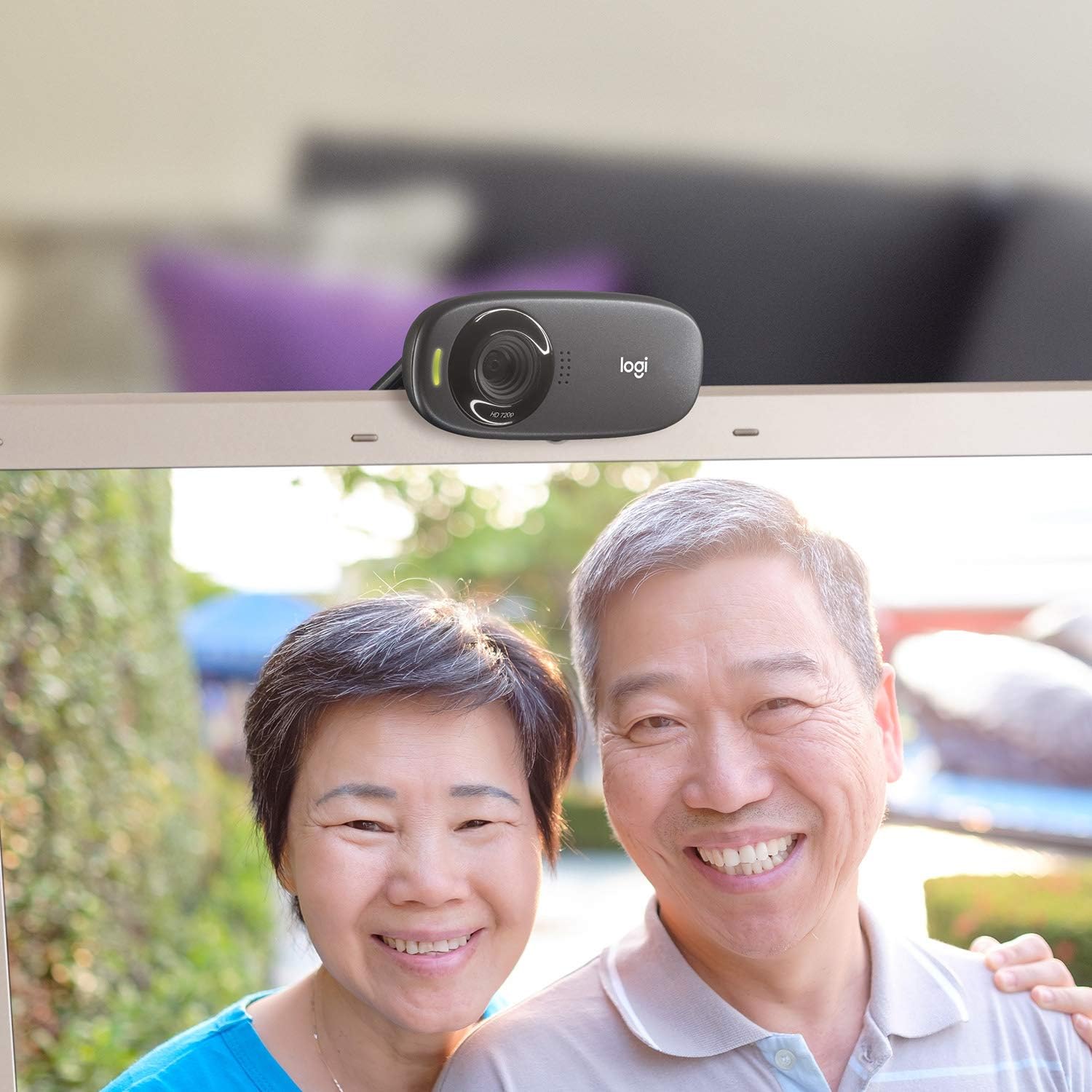
図4:例ample of a clear video call using the C310 webカム。
メンテナンス
適切なメンテナンスは、あなたの車の寿命と最適なパフォーマンスを保証します。 webカム:
- クリーニング: Use a soft, lint-free cloth to gently wipe the webカメラのレンズと本体。表面を傷つける可能性のある研磨剤入りの洗剤や溶剤は使用しないでください。
- ストレージ: 使用しないときは、 web直射日光や極端な温度を避け、清潔で乾燥した場所に保管してください。
- ケーブルのお手入れ: Do not excessively bend or pull the USB cable. This can damage the internal wires and affect connectivity.
トラブルシューティング
If you encounter issues with your Logitech HD Webcam C310, try the following solutions:
- Webカメラが検出されません:
- USBケーブルが動作しているUSBポートにしっかりと差し込まれていることを確認してください。別のUSBポートでお試しください。
- コンピュータを再起動します。
- コンピュータのデバイスマネージャー(Windows)またはシステム情報(Mac)で、 webcam がリストされ、認識されます。
- コンピュータの USB ドライバーを更新します。
- ビデオ品質が悪い:
- Ensure adequate lighting in your environment. RightLight™ 2 technology helps, but sufficient ambient light is crucial.
- 掃除する webカメラのレンズを柔らかい布で拭いてください。
- Check your internet connection speed, especially during video calls, as a slow connection can degrade video quality.
- Close other applications that might be using significant bandwidth or system resources.
- マイクの問題:
- Verify that the Logitech C310 microphone is selected as the default input device in your operating system's sound settings and in your video conferencing application.
- システム設定でマイクの音量レベルを確認してください。
- Ensure no physical obstructions are blocking the microphone holes on the webカム。
仕様
| 製品寸法 | 8.27 x 2.99 x 5.98インチ |
| アイテム重量 | 8オンス |
| 商品型番 | 960-000637 |
| ビデオキャプチャ解像度 | 720p |
| フォトセンサー技術 | シーモス |
| 接続技術 | USB |
| 内蔵マイク | Yes, with RightSound™ noise reduction |
| Automatic Light Correction | Yes, with RightLight™ 2 technology |
| 静止画キャプチャ | Up to 5 megapixels (software enhanced) |
| メーカー | ロジテック |
| 初回利用可能日 | 12年2010月XNUMX日 |
保証とサポート
ロジクールHD Webcam C310 typically comes with a 2-year limited hardware warranty. For detailed warranty information, technical support, or to access additional resources, please visit the official Logitech support webサイトを参照するか、製品に付属のドキュメントを参照してください。
購入を検討することもできますasin追加の補償のための拡張保護プラン:
- 2年間の保護プラン
- 3年間の保護プラン
- 完全保護: 1 つのプランで、対象となる過去および将来のすべての購入をカバーします (月次請求オプションも利用可能)。
For further assistance, contact Logitech Customer Service.