
Logitech B100
Logitech B100 Wired Mouse User Manual
モデル: B100
導入
The Logitech B100 Wired Mouse is a reliable and essential peripheral designed for comfortable and efficient computer use. This optical mouse features an ambidextrous design, making it suitable for both right and left-handed users. With its 800 DPI sensitivity, it provides precise cursor control for various tasks, from document editing to web navigation. Its plug-and-play functionality ensures immediate usability without complex setup.
This manual provides detailed instructions for setting up, operating, maintaining, and troubleshooting your Logitech B100 mouse.
パッケージ内容
始める前に、パッケージにすべてのアイテムが揃っていることを確認してください。
- Logitech B100 Wired Mouse
- Quick Start User Guide (this document)
設定
The Logitech B100 mouse is designed for simple plug-and-play installation. No additional software or drivers are typically required for basic functionality.
マウスの接続
- コンピューターまたはラップトップで利用可能な USB ポートを見つけます。
- Insert the USB connector of the Logitech B100 mouse firmly into the USB port.
- Your operating system should automatically detect and install the necessary drivers. This process usually takes a few seconds.
- Once installed, the mouse cursor should appear on your screen and respond to movement.

Image: The Logitech B100 mouse showing its USB connector, ready for plug-and-play setup.
マウスの操作
The B100 mouse offers standard three-button functionality with a scroll wheel for intuitive navigation.
基本機能
- 左クリック: アイテムの選択、開くために使用 files、およびリンクをアクティブ化します。
- 右クリック: コンテキスト メニューを開き、選択した項目の追加オプションを提供します。
- スクロールホイール: Used to scroll up and down through documents and web ページ。
- 中クリック(スクロールホイールボタン): Can be pressed to open links in new tabs or activate auto-scrolling in some applications.
両手利きのデザイン
The symmetrical design of the Logitech B100 allows for comfortable use by both right-handed and left-handed individuals. Simply position the mouse as preferred for your dominant hand.

Image: A hand demonstrating comfortable use of the Logitech B100 mouse, highlighting its ergonomic design.
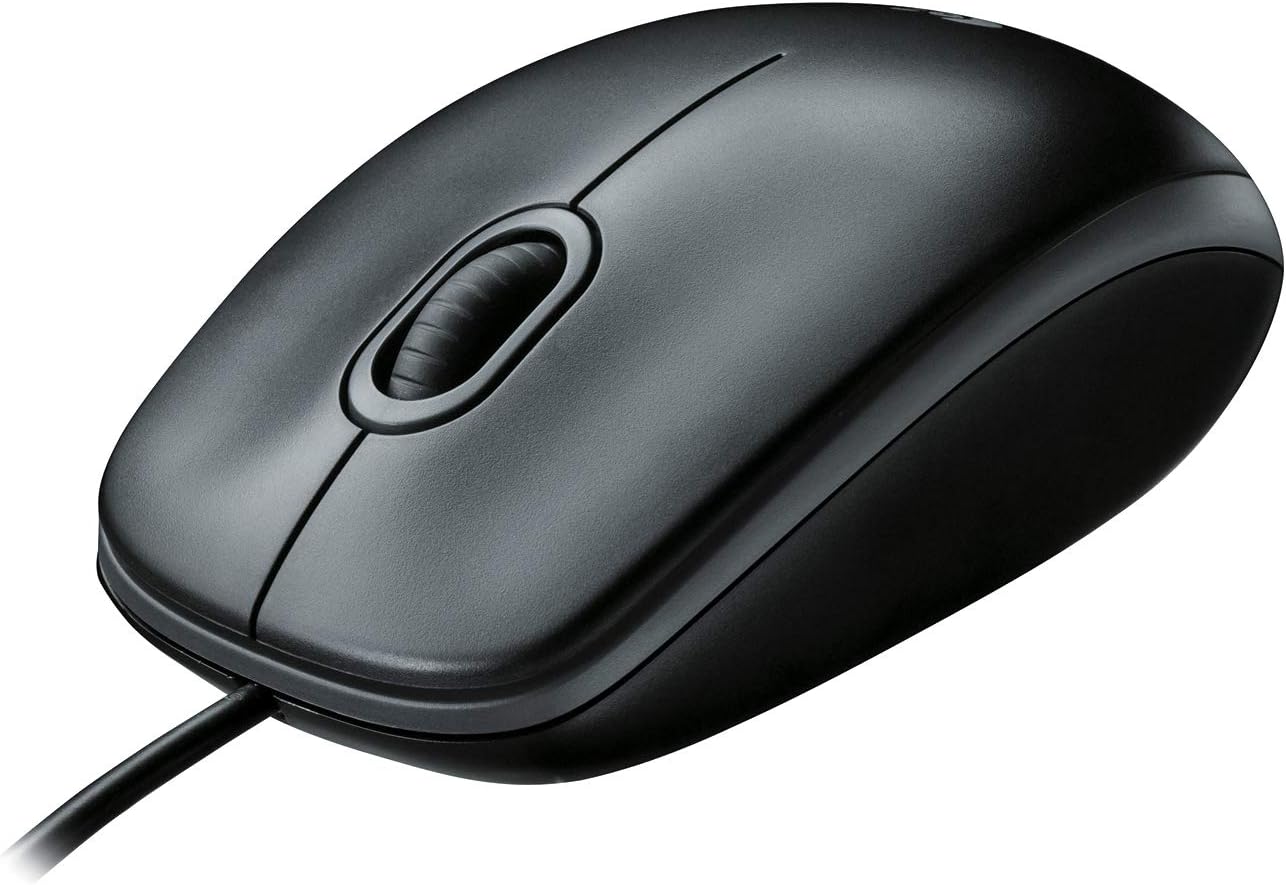
画像: 明確なトップダウン view of the Logitech B100 wired mouse, showcasinクラシックなデザインです。
メンテナンス
To ensure optimal performance and longevity of your Logitech B100 mouse, follow these simple maintenance guidelines:
- クリーニング: 柔らかく糸くずの出ない布で軽く拭き取ってください。ampマウスの表面を拭く際は、水または中性洗剤を使用してください。刺激の強い化学薬品や研磨剤は使用しないでください。
- 光学センサー: Periodically check the optical sensor on the bottom of the mouse for dust or debris. Gently clean it with a cotton swab if necessary.
- ケーブルのお手入れ: 損傷を防ぐため、USB ケーブルを急激に曲げたり、過度に引っ張ったりしないでください。
- ストレージ: 使用していないときは、マウスを極端な温度を避け、清潔で乾燥した環境に保管してください。

Image: The underside of the Logitech B100 mouse, showing the optical sensor and product labeling.
トラブルシューティング
If you encounter issues with your Logitech B100 mouse, try the following troubleshooting steps:
- マウスが反応しない:
- USBケーブルが動作しているUSBポートにしっかりと差し込まれていることを確認してください。別のUSBポートでお試しください。
- コンピュータを再起動します。
- Check if the optical sensor on the bottom of the mouse is clean and unobstructed.
- カーソルの動きが不規則:
- 光学センサーを清掃してください。
- マウスは清潔で反射がなく、均一な表面で使用してください。マウスパッドの使用をお勧めします。
- ボタンまたはスクロールホイールが機能しない:
- コンピュータを再起動します。
- Try connecting the mouse to a different computer to determine if the issue is with the mouse or the computer's software/drivers.
より詳細なトラブルシューティングについては、公式の トラブルシューティングガイド(PDF) ロジクールが提供。
仕様
| 特徴 | 詳細 |
|---|---|
| モデル番号 | 910-001439 |
| 接続性 | USB (有線) |
| 動き検出技術 | 光学 |
| DPI感度 | 800DPI |
| 色 | 黒 |
| 寸法(長さx幅x高さ) | 1.49 x 2.44 x 4.44 インチ (37.8 x 62 x 112.8 mm) |
| 重さ | 3.84オンス(108.86グラム) |
| ケーブル長さ | 指定されていない |
| オペレーティングシステムの互換性 | Windows 10、11以降、Linux、Chrome OS、macOS 10.5以降 |
| 特集 | Ambidextrous design, Plug-and-Play |

Image: A diagram illustrating the physical dimensions (length, width, height) of the Logitech B100 mouse.
保証とサポート
The Logitech B100 Wired Mouse is engineered by Logitech, a leader in computer peripherals. This product is serviced and supported exclusively by Logitech in accordance with their terms and conditions.
For warranty information, technical support, or customer service, please contact Logitech directly through their official support channels. You can typically find support contact details on the Logitech webサイトまたは製品パッケージ内に記載されています。
For general information about Logitech products, you can visit the Amazonのロジクールストア.
Ask a question about this manual
Ask about setup, troubleshooting, compatibility, parts, safety, or missing instructions. Manuals+ will review the question and use this page’s manual context to help answer it.