
1. はじめに
This manual provides instructions for the Verbatim 47418 4GB Micro USB Drive. This compact and lightweight USB flash drive is designed for portable data storage and transfer. It features a 4GB capacity, suitable for documents, photos, and other digital files.
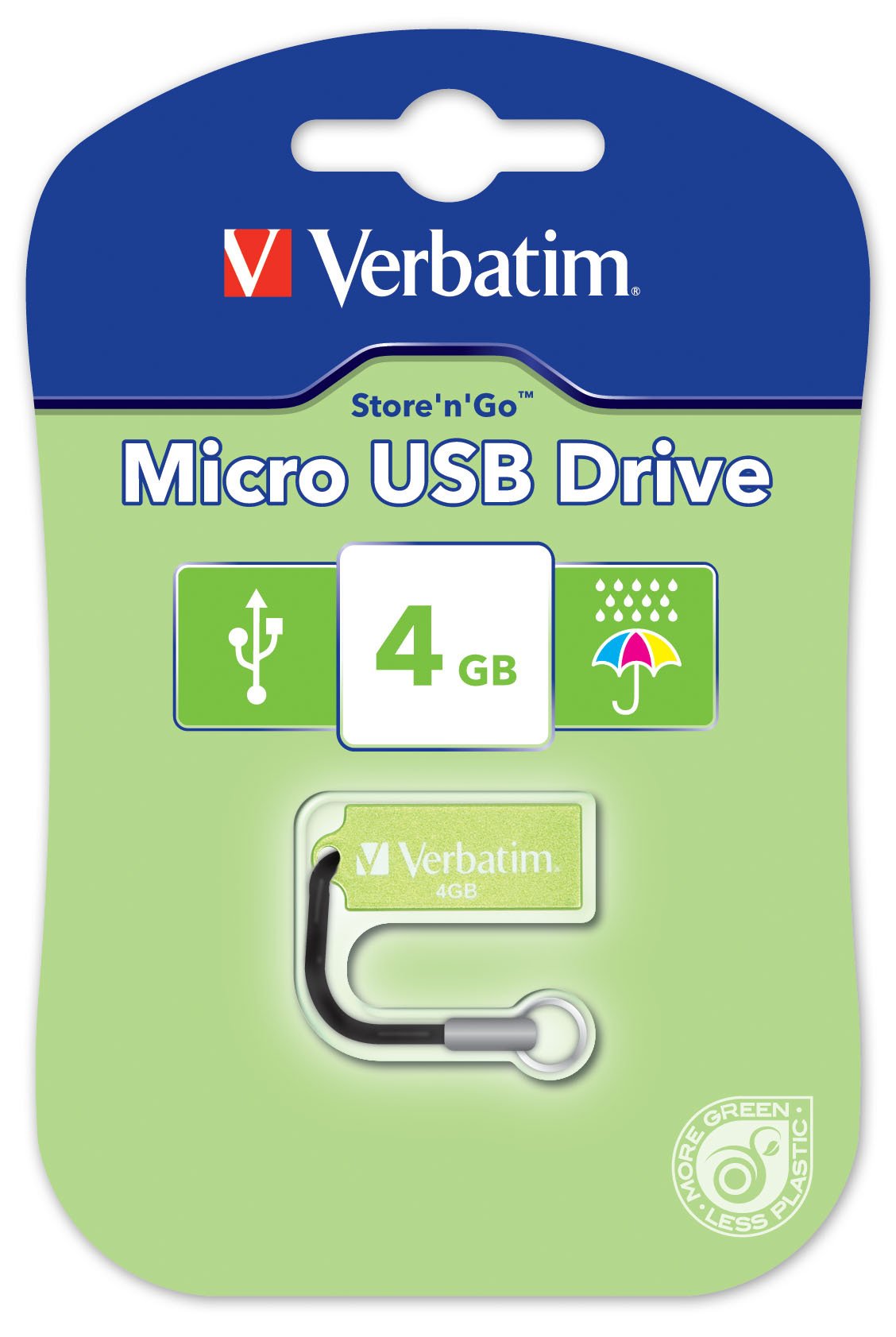
Image 1.1: The Verbatim 47418 4GB Micro USB Drive, shown in its green color.
The drive is equipped with a small loop for attaching a lanyard, enhancing portability and reducing the risk of loss. A lanyard is included with the product.

Image 1.2: The Verbatim 4GB Micro USB Drive with its included lanyard, ready for attachment to keychains or bags.
2. セットアップ
The Verbatim 47418 Micro USB Drive is designed for plug-and-play functionality with most operating systems. No special drivers are typically required for basic operation.
2.1 ドライブの接続
- コンピューターで使用可能なUSBポートを見つけます。
- Insert the Verbatim Micro USB Drive firmly into the USB port.
- Your operating system should automatically detect the new hardware and install any necessary generic drivers. A notification may appear indicating the drive is ready for use.

Image 2.1: The Verbatim Micro USB Drive correctly inserted into a laptop's USB port, ready for data transfer.
2.2 Password Protection Software
This product includes free password protection software. For instructions on how to download, install, and use this software, please refer to the Verbatim official website or the documentation provided with the software itself. This software allows you to secure your data on the drive.
3. 操作
Once the drive is connected and recognized by your computer, it will appear as a removable storage device (e.g., "Removable Disk" or "Verbatim USB Drive") in your file エクスプローラーまたはデスクトップ。
3.1 転送 Files
- コピーするには files to the drive: を含むフォルダを開きます files you wish to transfer. Drag and drop the files or folders into the Verbatim USB Drive window. Alternatively, right-click the files, select "Copy," then navigate to the USB drive, right-click, and select "Paste."
- コピーするには files from the drive: Open the Verbatim USB Drive. Drag and drop the files or folders from the drive to your desired location on your computer. Alternatively, right-click the files on the drive, select "Copy," then navigate to your desired location, right-click, and select "Paste."
3.2 安全な取り外し
To prevent data corruption, always safely remove the USB drive before physically disconnecting it from your computer.
- ウィンドウズ: Click the "Safely Remove Hardware and Eject Media" icon in the system tray (usually near the clock). Select the Verbatim USB Drive from the list and wait for the "Safe to Remove Hardware" message.
- MacOSの: Drag the USB drive icon from your desktop to the Trash icon, or right-click the drive icon and select "Eject."
- Once the safe removal notification appears, you can safely unplug the drive.
4. メンテナンス
Proper care of your Verbatim Micro USB Drive ensures its longevity and the safety of your data.
4.1 身体的ケア
- クリーニング: Use a soft, dry, lint-free cloth to clean the exterior of the drive. Avoid liquid cleaners or solvents.
- 保護: While the drive is designed to be durable, avoid exposing it to extreme temperatures, direct sunlight, or strong magnetic fields. Keep the USB connector free from dust and debris.
- 耐水性: The Verbatim Micro USB Drive is designed with some resistance to water splashes, as shown in Image 4.1. However, it is not fully waterproof. Avoid submerging the drive in liquids. If it gets wet, ensure it is completely dry before connecting it to a computer.
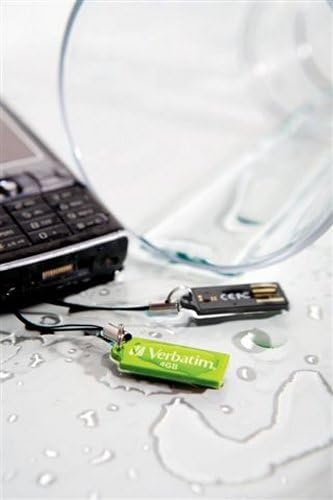
Image 4.1: The Verbatim Micro USB Drive positioned near spilled water, illustrating its design for splash resistance. It is important to note that the drive is not fully waterproof and should not be submerged.
4.2 データ管理
- Regularly back up important data stored on the USB drive to another storage medium (e.g., your computer's hard drive, cloud storage) to prevent data loss in case of drive malfunction or damage.
- Periodically check the drive for errors using your operating system's disk utility tools.
5。 トラブルシューティング
If you encounter issues with your Verbatim Micro USB Drive, try the following solutions:
5.1 ドライブが認識されない
- USBポートを確認してください: Try plugging the drive into a different USB port on your computer. Ensure the port is functioning correctly by testing it with another USB device.
- コンピューターを再起動: 場合によっては、単純に再起動するだけで検出の問題が解決することがあります。
- デバイスマネージャー (Windows) / システム情報 (macOS) を確認します。 Verify if the drive is listed, even if it doesn't appear in File Explorer/Finder. This can indicate a driver issue or a problem with drive letter assignment.
- ドライバーの更新: Although typically plug-and-play, ensure your computer's USB drivers are up to date.
5.2 転送速度が遅い
- USBポートタイプ: Ensure you are using a USB 2.0 port for optimal performance, as this drive is a USB 2.0 device. Using older USB 1.1 ports will result in slower speeds.
- File Size/Quantity: 多くの小さな filesは、いくつかの大きなデータを転送するよりも遅くなることがあります file合計サイズが同じです。
- バックグラウンドプロセス: システム リソースを消費している可能性のある不要なアプリケーションやバックグラウンド プロセスを閉じます。
- ドライブの断片化: While less common for flash drives, defragmenting the drive (Windows) or ensuring it's not excessively full can sometimes help.
5.3 データ破損
- 安全な取り外し Always use the "Safely Remove Hardware" option before unplugging the drive to prevent data corruption.
- Disk Check: Run a disk check utility (e.g., "Error Checking" in Windows properties for the drive) to scan for and attempt to repair bad sectors.
- 再フォーマット: As a last resort, if data is not critical or has been backed up, reformatting the drive can resolve persistent corruption issues. 警告: これにより、ドライブ上のすべてのデータが消去されます。
6. 仕様
The following are the technical specifications for the Verbatim 47418 4GB Micro USB Drive:
| 特徴 | 詳細 |
|---|---|
| ブランド | 逐語的 |
| モデル番号 | 47418 |
| メモリストレージ容量 | 4ギガバイト |
| ハードウェアインターフェイス | USB2.0 について |
| 接続技術 | USB |
| 特集 | コンパクト |
| フラッシュメモリタイプ | ナンド |
| 色 | 緑 |
| アイテム重量 | 0.01 ポンド |
| 欧州連合 | 023942474180 |
7. 保証とサポート
7.1 限定保証
The Verbatim 47418 4GB Micro USB Drive is covered by a Verbatim 2 Year Limited Warranty. This warranty covers defects in materials and workmanship under normal use. For full details regarding warranty terms, conditions, and limitations, please refer to the official warranty statement available on the Verbatim webサイトに掲載されているか、製品パッケージに同梱されています。
7.2 テクニカルサポート
For technical assistance, product inquiries, or warranty claims, please contact Verbatim customer support. Support contact information, including phone numbers and online resources, can typically be found on the official Verbatim web地点 (www.verbatim.com) or in the product packaging.
サポートにお問い合わせいただく際は、製品のモデル番号 (47418) と関連する購入情報をご用意ください。