
製品終了view
The La Crosse Technology WS-8035U-IT-SAL is a wireless weather station designed to monitor indoor and outdoor environmental conditions. It provides real-time temperature and humidity readings, barometric pressure, moon phase, and weather forecasts. The unit features an atomic clock for precise timekeeping and an alarm function.
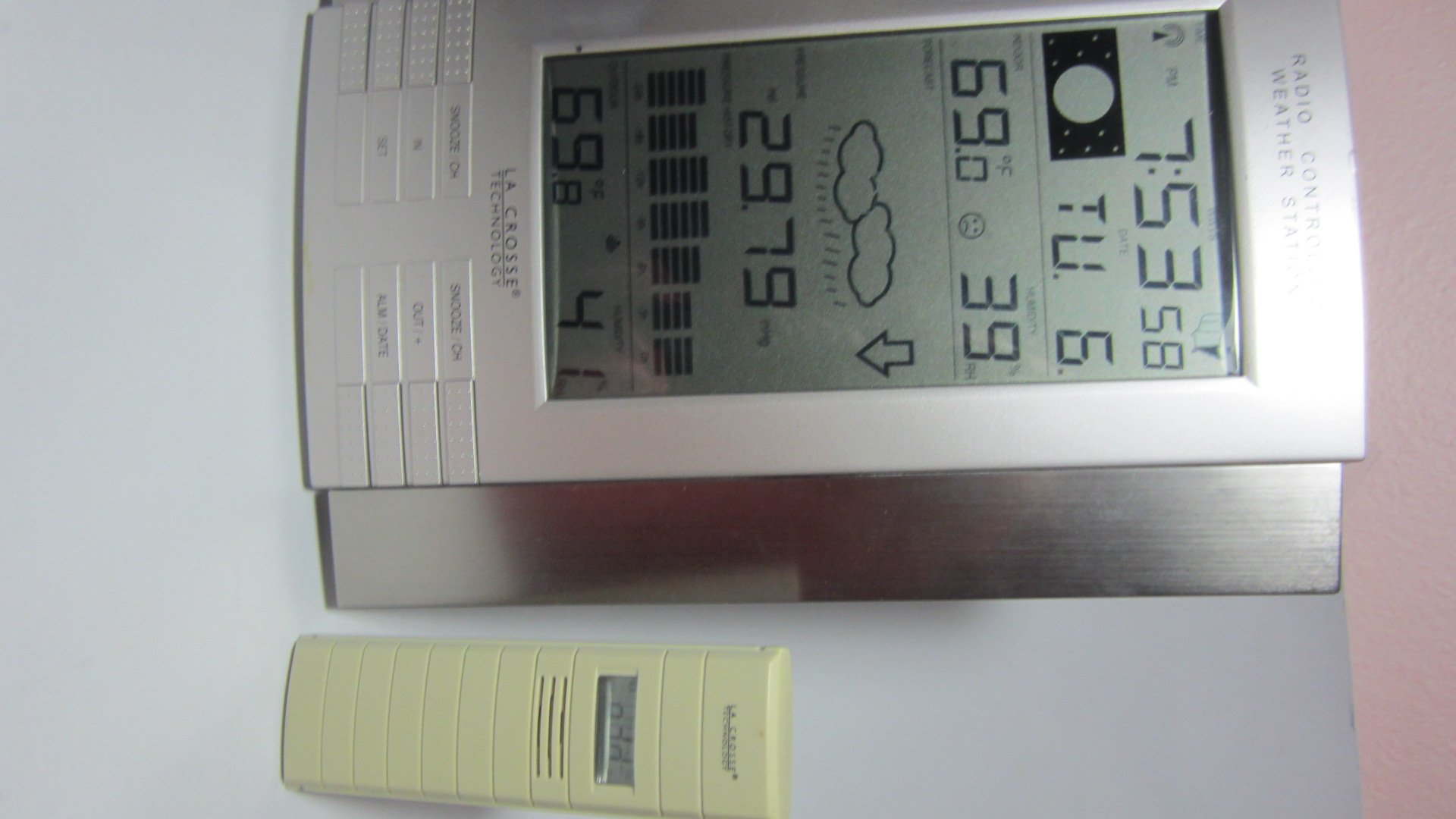
図1: Main display unit of the La Crosse Technology WS-8035U-IT-SAL Wireless Weather Station.
主な特徴:
- Records minimum and maximum indoor/outdoor temperature and humidity with time and date stamps.
- Displays barometric tendency with an arrow indicator.
- Includes an indoor comfort level icon and moon phase display.
- Features a barometric pressure display with a 24-hour history graph.
- Capable of receiving data from up to three remote sensors (one included).
- Atomic time and date automatically updates, with an option to disable Daylight Saving Time adjustments.
- Designed for both wall-mount and free-standing use with an integrated stand.
- Main display unit dimensions: 10 x 7.5 x 1 inches.
セットアップガイド
1. バッテリーの取り付け
The weather station requires a total of 5 AA alkaline batteries (not included): 3 for the remote sensor and 2 for the main display unit. Ensure batteries are inserted with correct polarity.
- リモートトランスミッター: First, insert 3 AA batteries into the remote outdoor temperature and humidity sensor.
- Main Receiver: Next, insert 2 AA batteries into the main display unit.
- 同期: Allow time for the main unit to receive the outdoor temperature data from the remote sensor. This synchronization process is crucial before proceeding to set the time.
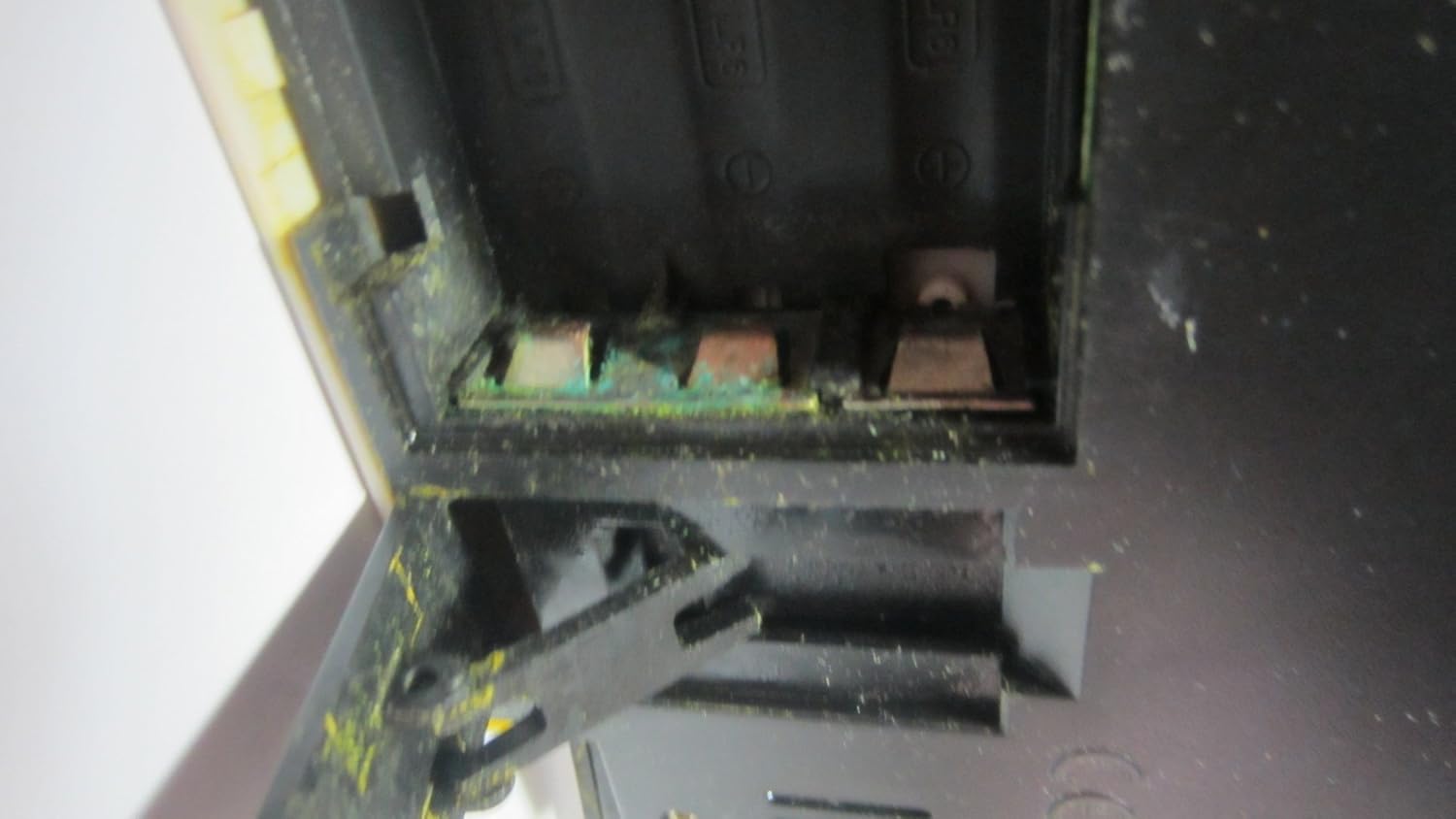
図2: Open battery compartment, showing where batteries are inserted.

図3: Product label on the back of the unit, detailing battery installation order and model information.
2. Remote Sensor Placement
Place the wireless remote sensor in a location that provides accurate readings and is within 330 feet (100 meters) of the main display unit. Ideal locations include a shaded area outdoors, a greenhouse, garage, wine cellar, or a baby's room, where temperature and humidity monitoring is critical. Avoid direct sunlight exposure to prevent inaccurate temperature readings.
3. 原子時刻同期
After battery installation and sensor synchronization, the unit will automatically attempt to synchronize with the U.S. atomic clock signal. This process may take several minutes or up to 24 hours depending on signal strength. Ensure the unit is placed away from electronic interference for best reception. The time can also be set manually if atomic synchronization is not desired or available.
操作手順
メインディスプレイユニットは、包括的なオーバーヘッドを提供しますview of weather data and time information. Familiarize yourself with the display layout and control buttons.
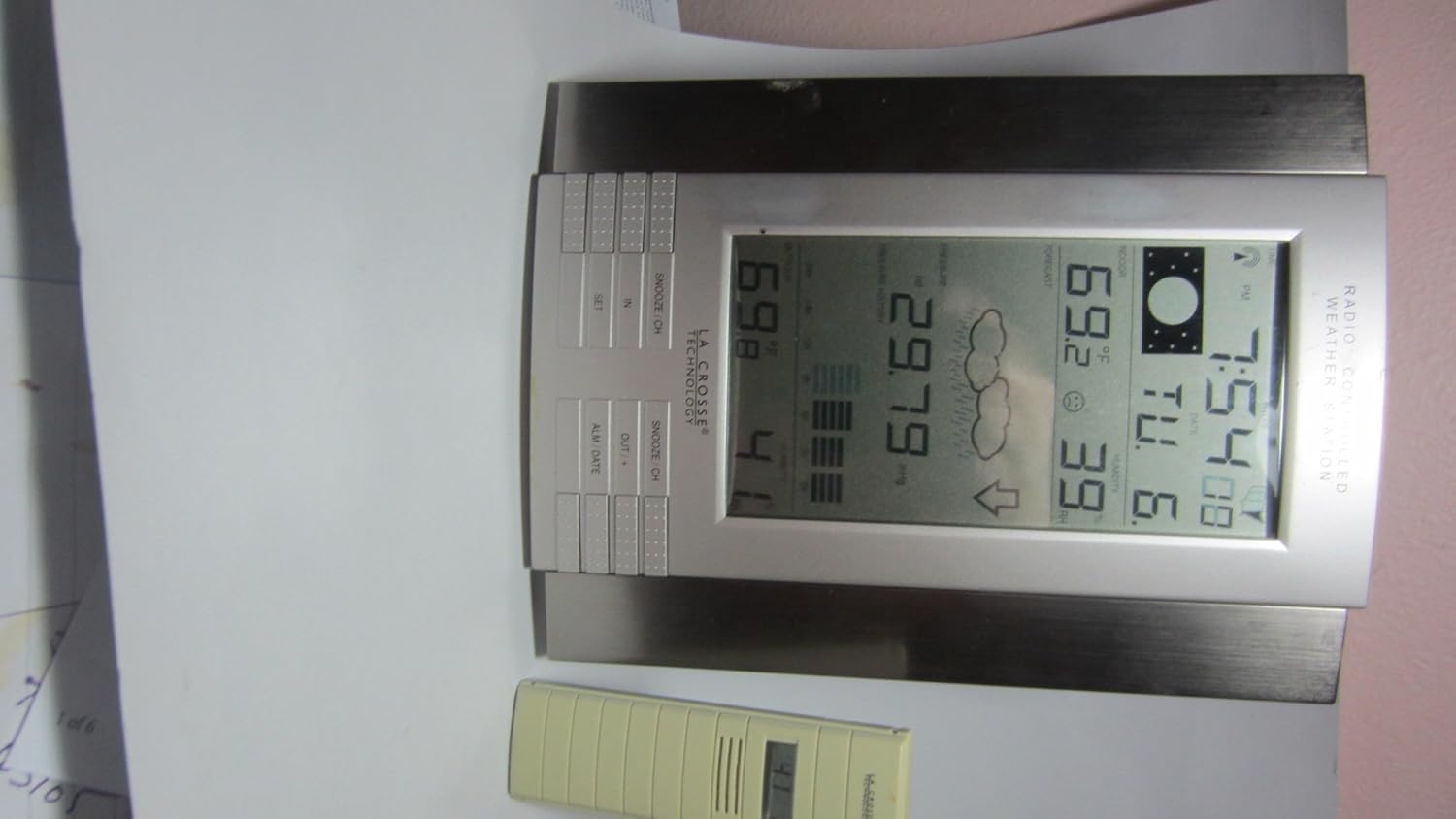
図4: Close-up of the main display unit, highlighting various data points and control buttons.
情報を表示します。
- 室内/屋外温度: Current temperature readings for both inside and outside environments.
- 屋内/屋外の湿度: Current humidity levels for both inside and outside environments.
- 大気圧: Current atmospheric pressure, often accompanied by a 24-hour history graph.
- 天気予報: 予測される気象状況を示すアイコン (例: 晴れ、曇り、雨)。
- 月相: Graphical representation of the current lunar phase.
- Atomic Time and Date: Automatically updated time and calendar.
- 最小/最大記録: Displays the highest and lowest recorded temperatures and humidity levels.
コントロールボタン:
The unit features several buttons for setting and viewing information. While specific functions may vary slightly, common buttons include:
- セット: 設定モードに入り、選択内容を確認するために使用します。
- IN / OUT / +: Typically used to switch between indoor and outdoor display data, or to increase values during settings.
- SNOOZE / CH: Activates the snooze function for the alarm or cycles through remote sensor channels (if multiple sensors are used).
- ALM / DATE: Used to set the alarm or view/set the date.
アラームの設定:
を押す ALM / DATE ボタンを押す view アラーム時刻。長押し ALM / DATE to enter alarm setting mode. Use the + or - buttons (often combined with IN/OUT) to adjust the hour and minute. Press セット 各設定を確認します。
メンテナンス
バッテリー交換:
Replace batteries in both the main unit and the remote sensor when the low battery indicator appears on the display. Always replace all batteries in a unit at the same time. Refer to the "Setup Guide" for the correct battery installation order to ensure proper synchronization.
クリーニング:
ディスプレイとユニットを拭きますasingを柔らかく、damp cloth. Do not use abrasive cleaners or solvents, as these can damage the plastic and electronic components. Ensure no moisture enters the battery compartments or other openings.
センサーのケア:
Periodically check the remote sensor for any debris or obstructions that might affect its readings. Ensure it remains in a shaded location to maintain temperature accuracy, especially during daytime hours.
トラブルシューティング
| 問題 | 考えられる原因 / 解決策 |
|---|---|
| 屋外の温度/湿度の読み取りがありません。 |
|
| Inaccurate outdoor temperature readings. |
|
| 原子時間が同期されていません。 |
|
| ディスプレイが暗いか空白です。 |
|
製品仕様
| モデル番号 | WS-8035U-IT-SAL |
| ブランド | ラクロステクノロジー |
| 電源 | Main Unit: 2 x AA Alkaline Batteries (not included); Remote Sensor: 3 x AA Alkaline Batteries (not included) |
| 特集 | Alarm, Atomic Clock, Temperature/Humidity Monitoring, Barometric Pressure, Moon Phase, Weather Forecast |
| 材料 | プラスチック |
| 色 | 銀 |
| アイテム重量 | 1.3ポンド(約0.59kg) |
| 表示タイプ | 液晶 |
| 外形寸法図(本体) | 10 x 7.5 x 1インチ(約25.4 x 19.05 x 2.54 cm) |
| ワイヤレス範囲 | 屋外では最大330フィート(100メートル) |
| 頻度 | 915 MHz (IT+ Instant Transmission) |
| 欧州連合 | 757456994161 |
保証情報
La Crosse Technology products typically come with a limited warranty covering manufacturing defects. For specific warranty terms, duration, and claim procedures, please refer to the documentation included with your product or visit the official La Crosse Technology webサイトでご確認ください。保証請求の際は購入証明として領収書を保管してください。
カスタマーサポート
さらに詳しいサポート、技術サポート、または view frequently asked questions, please visit the official La Crosse Technology support website. You can find product-specific information and contact details for customer service.
オンラインサポート: www.lacrossetechnology.com/8035it
Please have your model number (WS-8035U-IT-SAL) ready when contacting support.