
導入
ご購入ありがとうございますasing the Optimus F-1230 12-Inch Oscillating 3-Speed Table Fan. This manual provides essential information for the safe and efficient operation, maintenance, and care of your new fan. Please read these instructions thoroughly before use and retain them for future reference.

Figure 1: Optimus F-1230 12-Inch Oscillating 3-Speed Table Fan, White.
重要な安全上の注意事項
- このファンを使用する前に、すべての手順をお読みください。
- コードやプラグが損傷しているファンは使用しないでください。ファンを廃棄するか、検査や修理のために認定サービス施設に返却してください。
- コードをカーペットの下に敷かないでください。コードをラグやランナーなどのカバーで覆わないでください。コードは通行エリアから離れた場所、つまずくことのない場所に設置してください。
- ファンを移動する場合、掃除する場合、または使用していないときは、必ずファンのプラグを抜いてください。
- Do not insert fingers or any foreign objects into the grille openings.
- Do not use this fan near windows, in wet areas, or where it may come into contact with water.
- ファンが倒れないように、安定した平らな面に置いてください。
パッケージ内容
Upon opening the package, ensure all components are present and undamaged. The Optimus F-1230 fan typically includes the following parts:
- Fan Motor Unit with Base and Control Panel
- フロントグリル
- リヤグリル
- ファンブレード
- Grille Retaining Nut
- ブレード保持キャップ

Figure 2: Components of the Optimus F-1230 Table Fan.
組み立て手順
The Optimus F-1230 fan is designed for no-tool assembly. Follow these steps to set up your fan:
- リアグリルの取り付け: Align the rear grille with the motor housing, ensuring the alignment pins on the motor housing fit into the corresponding holes on the rear grille. Secure it with the grille retaining nut by turning clockwise.
- ファンブレードの取り付け: Slide the fan blade onto the motor shaft, making sure the notch on the blade aligns with the pin on the shaft. Secure it with the blade retaining cap by turning counter-clockwise.
- フロントグリルを取り付ける: Place the front grille over the rear grille, aligning the clips. Snap the front grille into place, ensuring it is securely fastened around the entire circumference.
- ファンの位置: 組み立てたファンを安定した平らな面に置きます。
操作手順
Once assembled, your Optimus F-1230 fan is ready for use. Ensure the fan is plugged into a standard 120V AC electrical outlet.
パワーとスピードの設定
The fan features a 4-position push button switch located on the base for controlling power and speed:
- Press the appropriate button to select one of the 3段階のスピード設定 (Low, Medium, High).
- 「OFF」ボタンを押すとファンがオフになります。
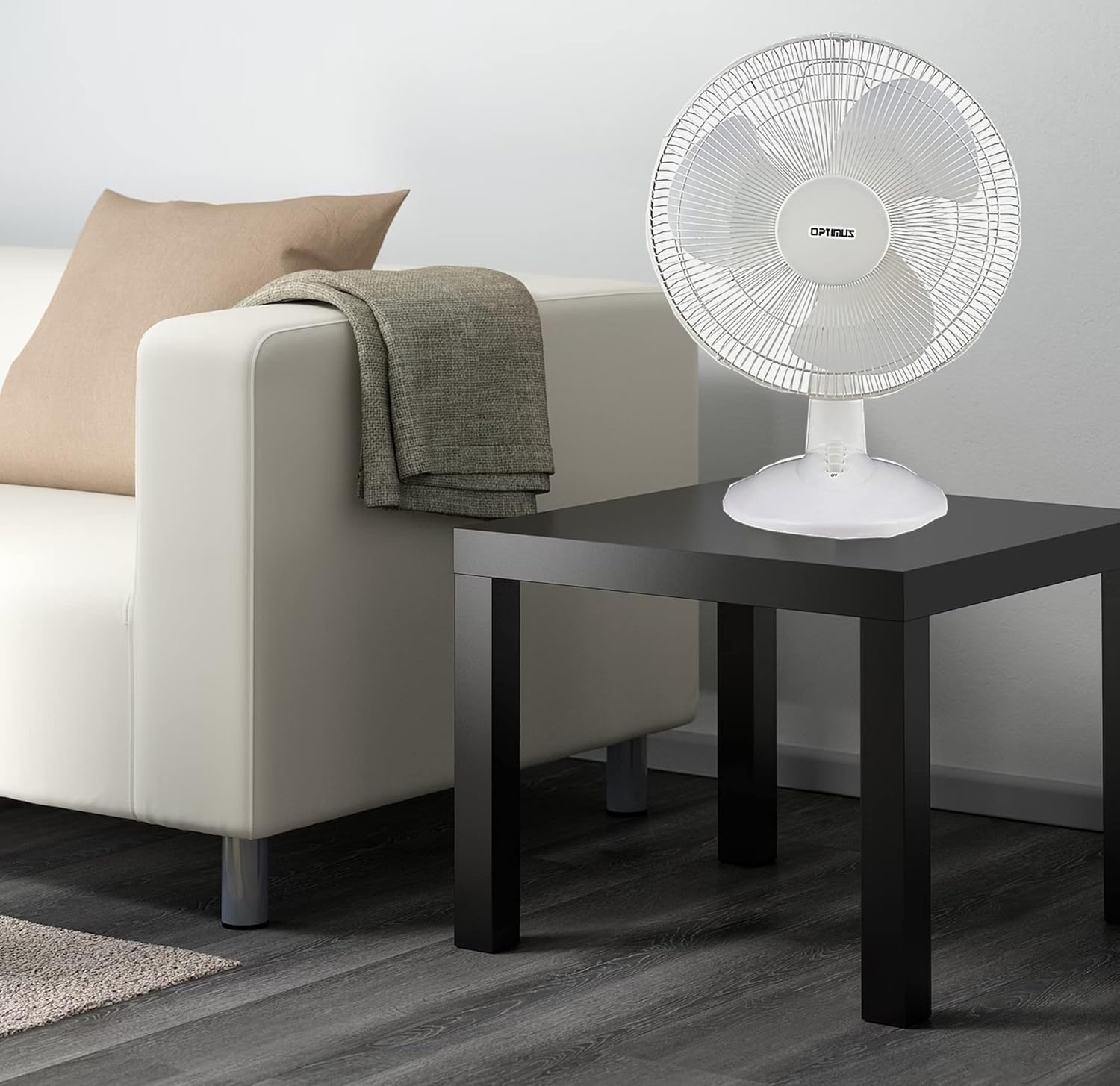
Figure 3: 4-Position Push Button Switch for speed control.
発振機能
The fan offers a full room of directional 90-degree oscillation to distribute air across a wider area:
- To start oscillation, push down the oscillation knob located on top of the motor housing.
- To stop oscillation and direct airflow in a fixed position, pull up the oscillation knob.
Adjustable Tilt/Angle Head
The fan head can be adjusted vertically to direct airflow precisely where needed:
- To adjust the tilt, gently push the fan head up or down to the desired angle. The fan head will remain in the selected position.

Figure 4: Adjustable tilt/angle head for vertical airflow adjustment.
メンテナンスと清掃
Regular cleaning and maintenance will ensure optimal performance and extend the life of your fan.
クリーニング
- 清掃する前に必ずファンを電源コンセントから抜いてください。
- 柔らかくてamp ファンの外側を布で拭いてください。研磨剤入りの洗剤や溶剤は使用しないでください。
- To clean the fan blades, you may need to carefully remove the front grille. Refer to the assembly instructions in reverse order for safe removal and reattachment.
- ファンを再び差し込む前に、すべての部品が完全に乾いていることを確認してください。
ストレージ
長期間使用しない場合は、ほこりや損傷からファンを保護するために、できれば元の梱包のまま、涼しく乾燥した場所に保管してください。
トラブルシューティング
ファンが正しく動作しない場合は、次の一般的な問題と解決策を参照してください。
- ファンがオンにならない:
- 電源コードが機能しているコンセントにしっかりと差し込まれていることを確認してください。
- Check if the outlet is receiving power by plugging in another appliance.
- Verify that the speed control button is pressed to an 'ON' setting (1, 2, or 3).
- ファンはうるさいです:
- ファンが安定した水平な面に設置されていることを確認してください。
- Check for any loose parts or obstructions within the fan grilles or around the blades.
- Clean the fan blades and grilles to remove any dust buildup that might cause imbalance.
- Fan does not oscillate:
- Ensure the oscillation knob on top of the motor housing is pushed down.
これらの解決策を試しても問題が解決しない場合は、カスタマー サポートにお問い合わせください。
仕様
| ブランド | オプティマス |
| モデル番号 | F-1230 |
| 電動ファンの設計 | テーブルファン |
| 色 | 白 |
| 電源 | コード式電気 |
| 速度の数 | 3 |
| 特集 | 発振 |
| 取り付けタイプ | 卓上マウント |
| コントローラータイプ | ボタンコントロール |
| ワットtage | 50ワット |
| 巻tage | 120ボルト |
| アイテム重量 | 4.95 ポンド |
| 材質タイプ | プラスチック |
| 屋内/屋外での使用 | 屋内 |
保証とカスタマーサポート
保証情報
This Optimus F-1230 fan comes with a 1年間の部品および作業 warranty. Please retain your proof of purchase for any warranty claims.
カスタマーサポート
For technical assistance, troubleshooting not covered in this manual, or warranty service, please contact Optimus Enterprises. The manufacturer's contact information is: SEATTLE, WA, 98109 US.
You may also visit the official Optimus web追加のサポート リソースのサイト。