
Pinnacle Pinnacle Studio 26
Pinnacle Studio 26 公開 - 取扱説明書
Comprehensive Guide to Unleashing the Power of Pinnacle Studio 26
導入
このマニュアルは、 ピナクルスタジオ26, a powerful video editing software. It is designed to help users, from beginners to advanced editors, understand and utilize the full range of features available in the software. The content is structured to provide practical examples and detailed explanations, enabling you to master video production with Pinnacle Studio 26.
Whether you are starting from scratch or looking to deepen your knowledge, this guide offers tutorials and insights into various aspects of video editing, including basic principles, advanced techniques, and troubleshooting.
ソフトウェアオーバーview: Pinnacle Studio 26
Pinnacle Studio 26 is a robust video editing application developed by Corel. It offers a wide array of tools for creating professional-quality videos, from simple home movies to complex cinematic projects. Key features include multi-track editing, special effects, audio tools, and disc authoring capabilities.

Figure 1: Front cover of the "Pinnacle Studio 26 Revealed" manual, illustrating the user interface of Pinnacle Studio 26 software with various editing elements like the media library, preview window, and timeline.
インストールと初期設定
Before you can begin editing, Pinnacle Studio 26 must be properly installed on your system. This section outlines the general steps for installation and initial configuration.
システム要件
Ensure your computer meets the minimum specifications for optimal performance:
- オペレーティング·システム: Windows 10 (64-bit) or higher recommended.
- プロセッサ: Intel Core i3 or AMD A4 series for standard video; Intel Core i7 or AMD Ryzen for HD/4K.
- ラム: 4 GB for standard video; 8 GB or more for HD/4K.
- グラフィックカード: DirectX 9 (or higher) compatible graphics card with at least 128 MB VRAM.
- サウンドカード: Windows 互換のサウンド カード。
- ハードドライブの空き容量: 完全インストールには最低 8 GB が必要です。
- インターネット接続: インストール、登録、更新に必要です。
インストールプロセス
- メディアのダウンロード/挿入: Obtain the Pinnacle Studio 26 installer from the official website or insert the installation disc.
- インストーラーを実行します: インストーラーをダブルクリックします file 画面の指示に従います。
- Accept License Agreement: エンドユーザー使用許諾契約書を読んで同意します。
- インストール タイプを選択します: Select "Typical" for standard installation or "Custom" for specific component selection.
- アクティベーション: Enter your product key when prompted to activate the software. An internet connection is required for activation.
- インストール完了: Allow the installation process to finish. Restart your computer if prompted.
Core Functionality and Usage
This section delves into the primary features and workflows within Pinnacle Studio 26, guiding you through essential video editing tasks.
Basic Principles of Editing
- Importing Media: Learn how to import video, audio, and image files into your project library.
- タイムライン編集: Understand the multi-track timeline for arranging and sequencing your clips.
- トリミングとカット: Techniques for precise editing of clip duration and removal of unwanted segments.
- Adding Transitions: Applying visual effects between clips for smooth scene changes.
- オーディオミキシング: Adjusting volume levels, adding background music, and applying audio effects.
Advanced Editing Techniques
- Motion Titles: Creating dynamic text overlays with animation and effects.
- マスキング: Using masks to selectively apply effects or reveal parts of clips.
- モーショントラッキング: Tracking objects in your video to attach text, graphics, or effects.
- Multi-Cam Editing: Synchronizing and switching between multiple camera angles for a single event.
- 分割画面テンプレート: Utilizing pre-designed layouts to display multiple videos simultaneously.
Output and Sharing
- Exporting Projects: Rendering your finished video in various formats (e.g., MP4, AVI, MOV).
- Working with MyDVD: Creating interactive DVD and Blu-ray discs with menus.
- Legacy Disc Authoring: Understanding older disc authoring functionalities.
一般的な問題のトラブルシューティング
This section addresses frequently encountered problems and provides solutions to help you resolve them efficiently.
| 問題 | 考えられる原因 | 解決 |
|---|---|---|
| ソフトウェアがクラッシュまたはフリーズします。 | Outdated drivers, insufficient system resources, corrupted project files. | Update graphics drivers, close other applications, try opening a backup of your project, reinstall software. |
| ビデオの再生が途切れる。 | Low system RAM, slow hard drive, high-resolution media. | 前を減らすview quality, use proxy files, upgrade RAM, use an SSD. |
| Exported video has poor quality. | Incorrect export settings, source media quality. | Increase bitrate, select appropriate resolution and frame rate, ensure source media is high quality. |
| Audio is out of sync with video. | Variable frame rate footage, incorrect project settings. | Convert variable frame rate footage to constant frame rate before importing, check project frame rate settings. |
Software Maintenance and Updates
Keeping your Pinnacle Studio 26 software updated is crucial for performance, stability, and access to new features. Regularly check for updates and apply them as recommended.
- アップデートの確認: Access the "Help" menu within Pinnacle Studio and select "Check for Updates."
- Applying Patches: Install any available patches or hotfixes, such as the 26.2.298 patch mentioned in the book's description, to address specific issues or improve functionality.
- ドライバーの更新: Ensure your graphics card and audio drivers are always up-to-date from the manufacturer's webサイト。
- システム最適化: 定期的に一時的な files and defragment your hard drive (for HDDs) to maintain system performance.
Specifications (Manual Details)
This section provides details about the "Pinnacle Studio 26 Revealed" manual itself.
- 出版社: DTVProパブリッシング
- 発行日: 11年2022月XNUMX日
- 言語: 英語
- 印刷長さ: 748ページ
- ISBN-10: 0993487181
- ISBN-13: 978-0993487187
- 商品の重量: 2.31ポンド
- 寸法: 7.5 x 1.69 x 9.25インチ
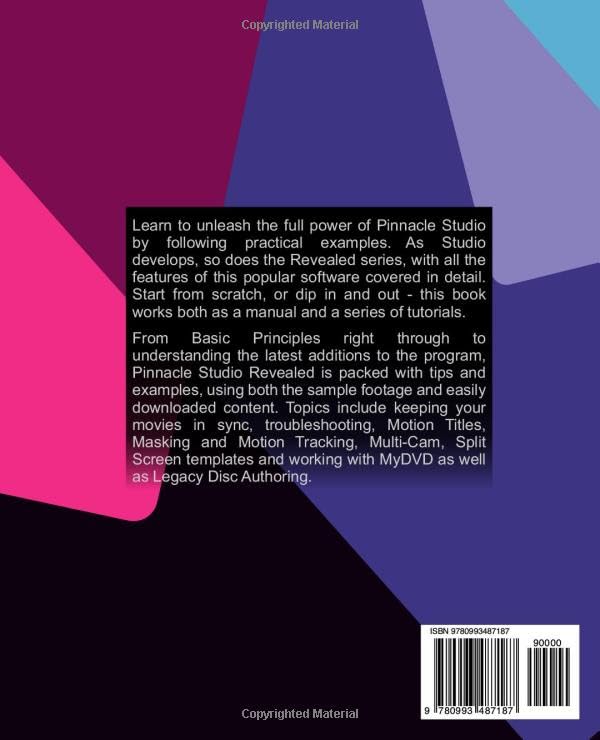
Figure 2: Back cover of the "Pinnacle Studio 26 Revealed" manual, displaying the book's description and publication details.
サポートとリソース
For further assistance with Pinnacle Studio 26, refer to the following resources:
- Official Corel Support: Corelの公式ウェブサイトをご覧ください website for Pinnacle Studio support, FAQs, and knowledge base articles.
- オンラインフォーラム: Participate in user forums and communities dedicated to Pinnacle Studio for peer-to-peer support and tips.
- In-Software Help: Utilize the built-in help documentation within Pinnacle Studio 26 for quick reference.
- Author's Webサイト: Check for any supplementary materials or updates provided by the author, Jeff Naylor.